MonitorControl 4.3.3
Whether you're using a Mac mini or Mac Pro, or you've just connected an external display to your iMac or MacBook for additional screen space, being able to control their brightness using the dedicated keys on your Apple keyboard would be awesome. Unfortunately, this isn't normally possible with third-party monitors.
MonitorControl is an open-source app that could provide a solution in this scenario. It supports a wide range of monitors, provided they can be controlled via DDC, and it also allows you to manage their contrast and volume, all from the menu bar or with your keyboard.
Once you've installed the app, you should find its icon in the menu bar. If your external display is supported, you will see it here, along with sliders for brightness, contrast, and volume. These can be used if you don't have an Apple keyboard, but the native OSD will only be displayed when using the designated keys.
From the app's preferences, you can specify which of your monitors should be controlled (in case you have more than one), hide the contrast slider, and even adjust some advanced settings for each display. You can change the polling mode, enable a longer delay, or disable the OSD entirely.
What's New:
Version 4.3.3
- Fixed: "Dead pixel(s)" at the left bottom of the external screen appears when app is running - @waydabber
- Fixed: App menu in the menu bar is showing icons when text is selected — and vice versa - @waydabber
- Fixed: Menu Bar Panel overflowing in Spanish - @waydabber
- Renamed all occurenses of Preferences to Settings + update to the latest version of sindresorhus/Settings - @waydabber
Screenshots:
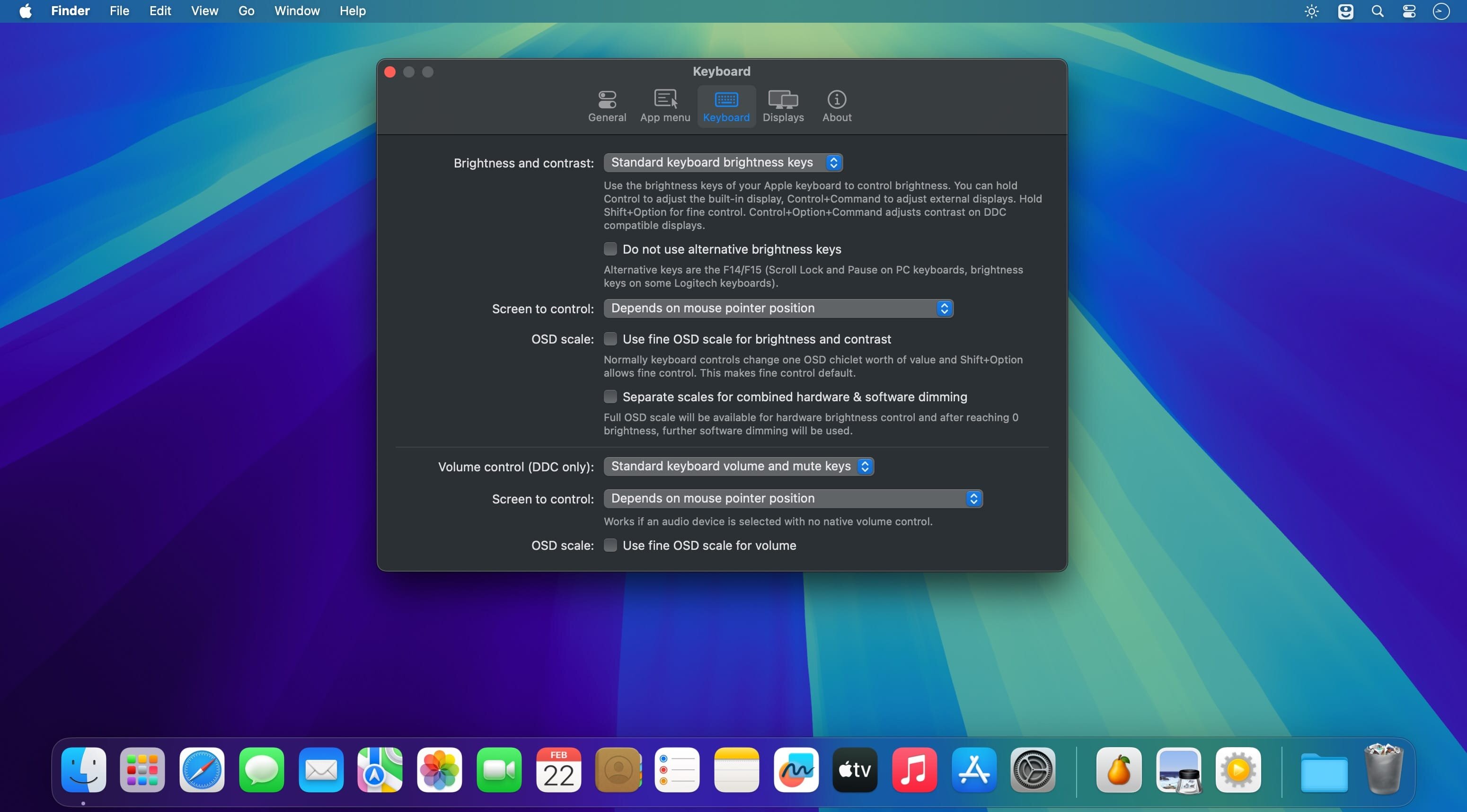
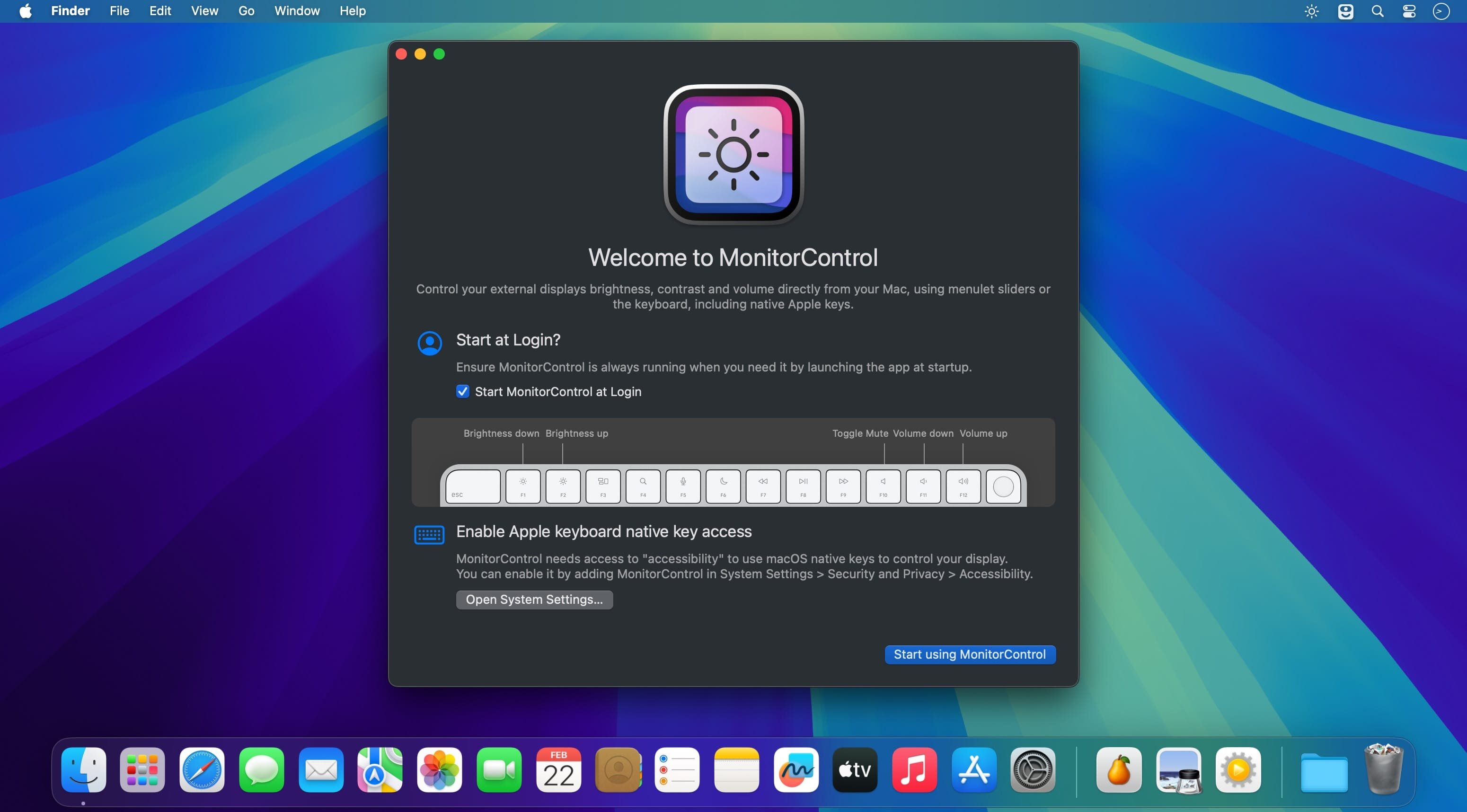
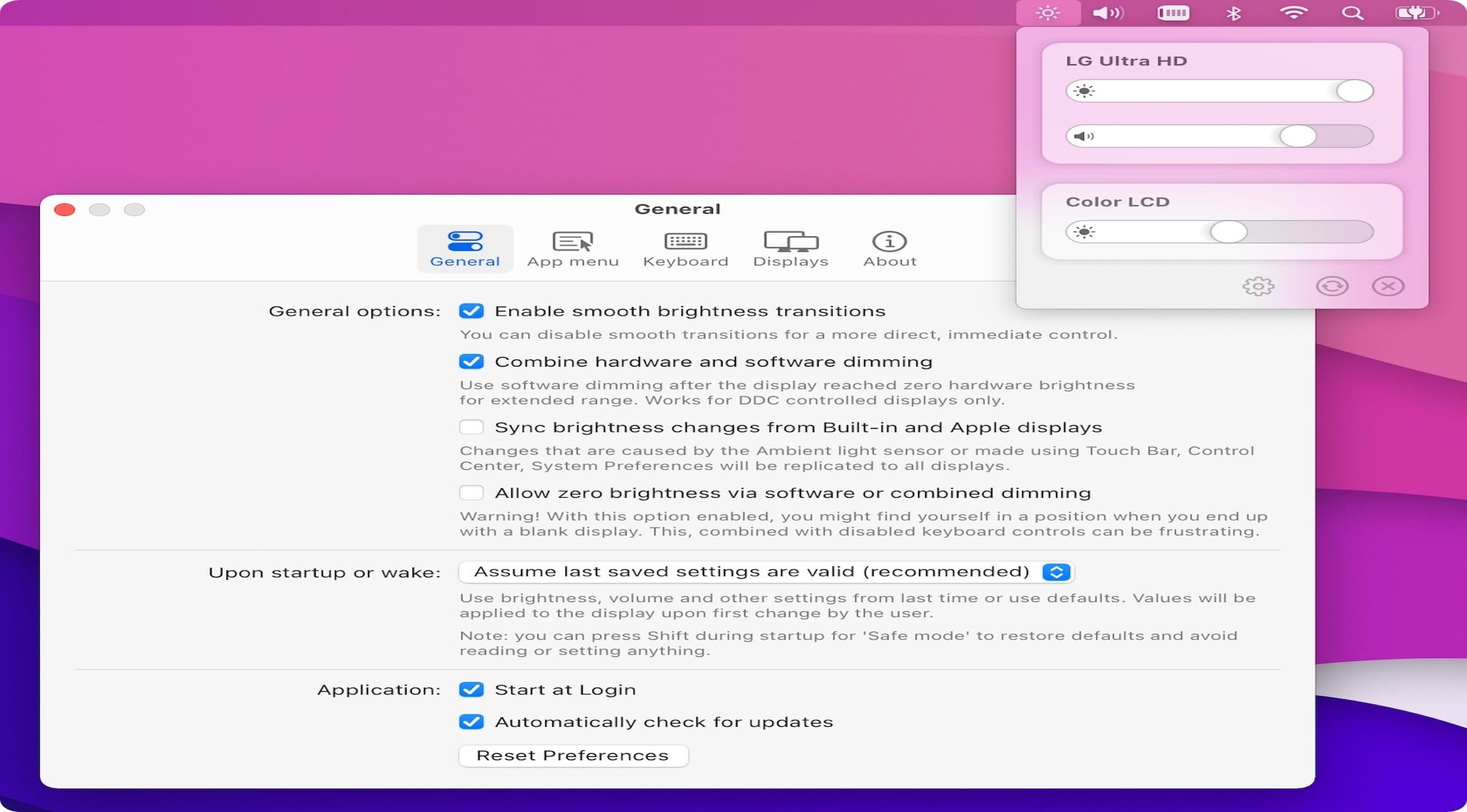
- Title: MonitorControl 4.3.3
- Developer: MonitorControl
- Compatibility: macOS 10.14 or later
- Language: English
- Includes: Free
- Size: 19.83 MB
- visit official website
Users of Guests are not allowed to comment this publication.