
Nova 14.1
Nova native Mac code editor with smart autocomplete and tasks
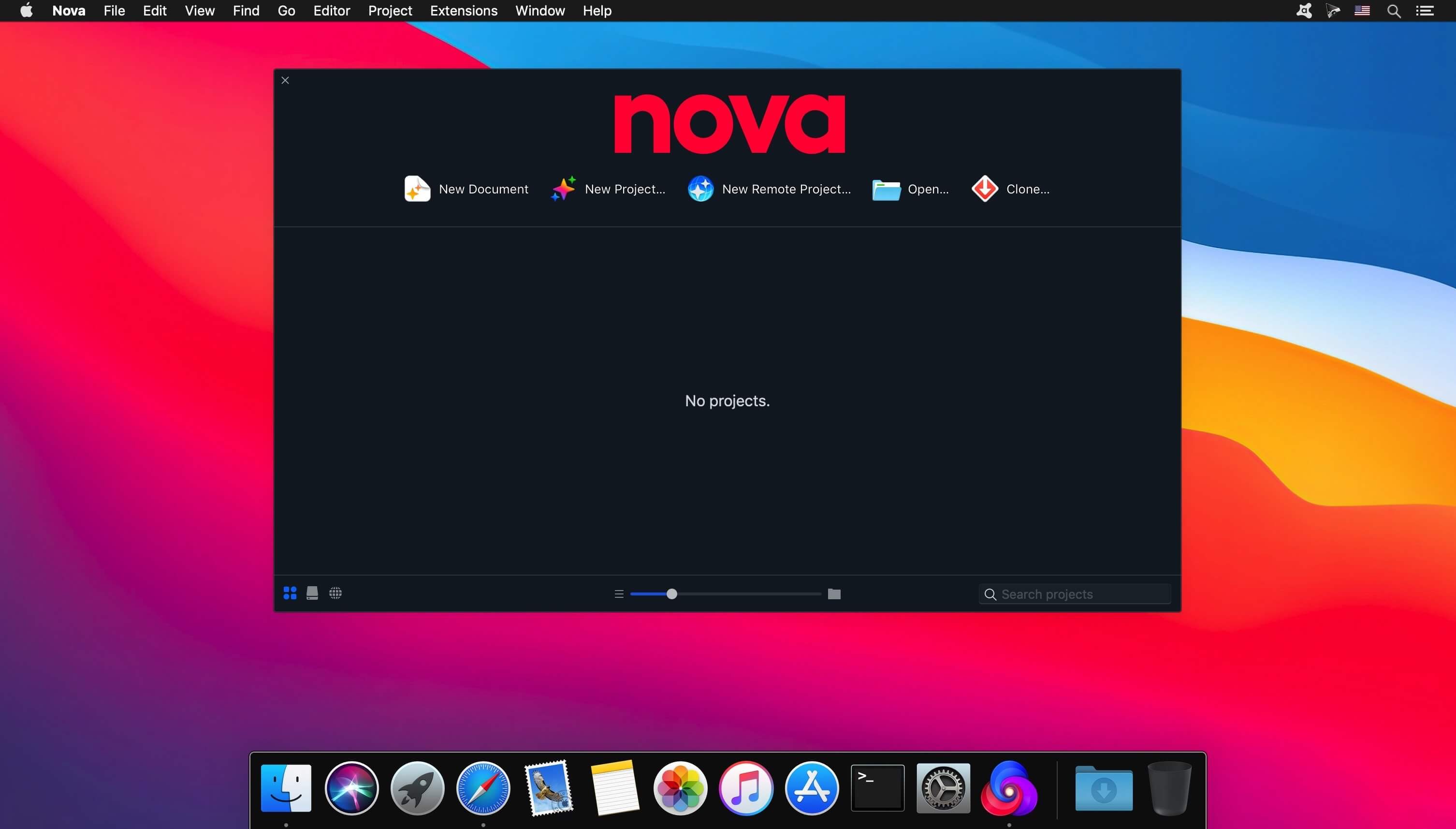
Can a native Mac code editor really be that much better? Find out.
The Editor.
It all starts with our first-class text-editor.
It's new, hyper-fast, and flexible, with all the features you want: smart autocomplete, multiple cursors, a Minimap, editor overscroll, tag pairs and brackets, and way, way more.
The Interface.
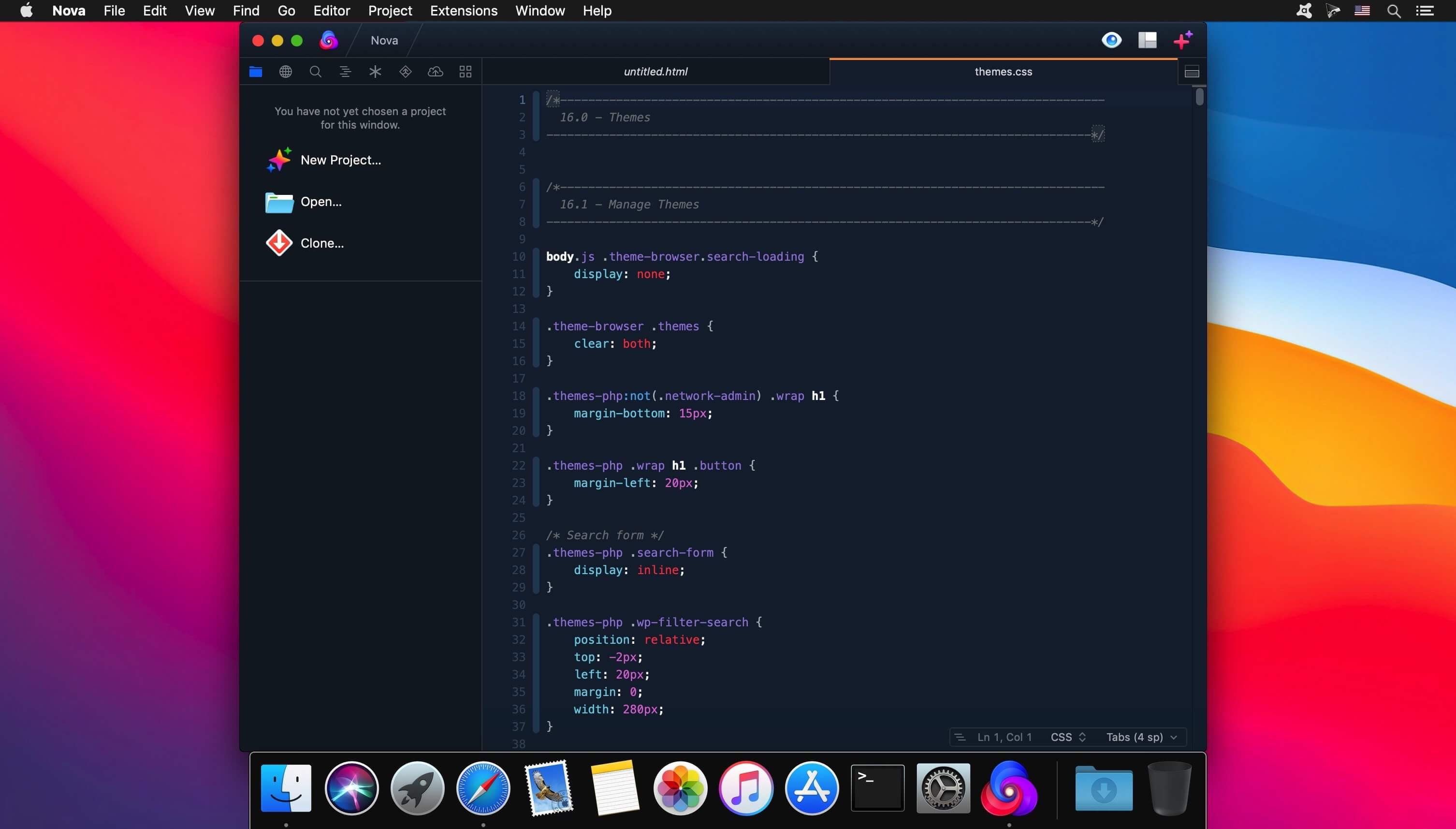
It's beautiful. And clean. And fun.
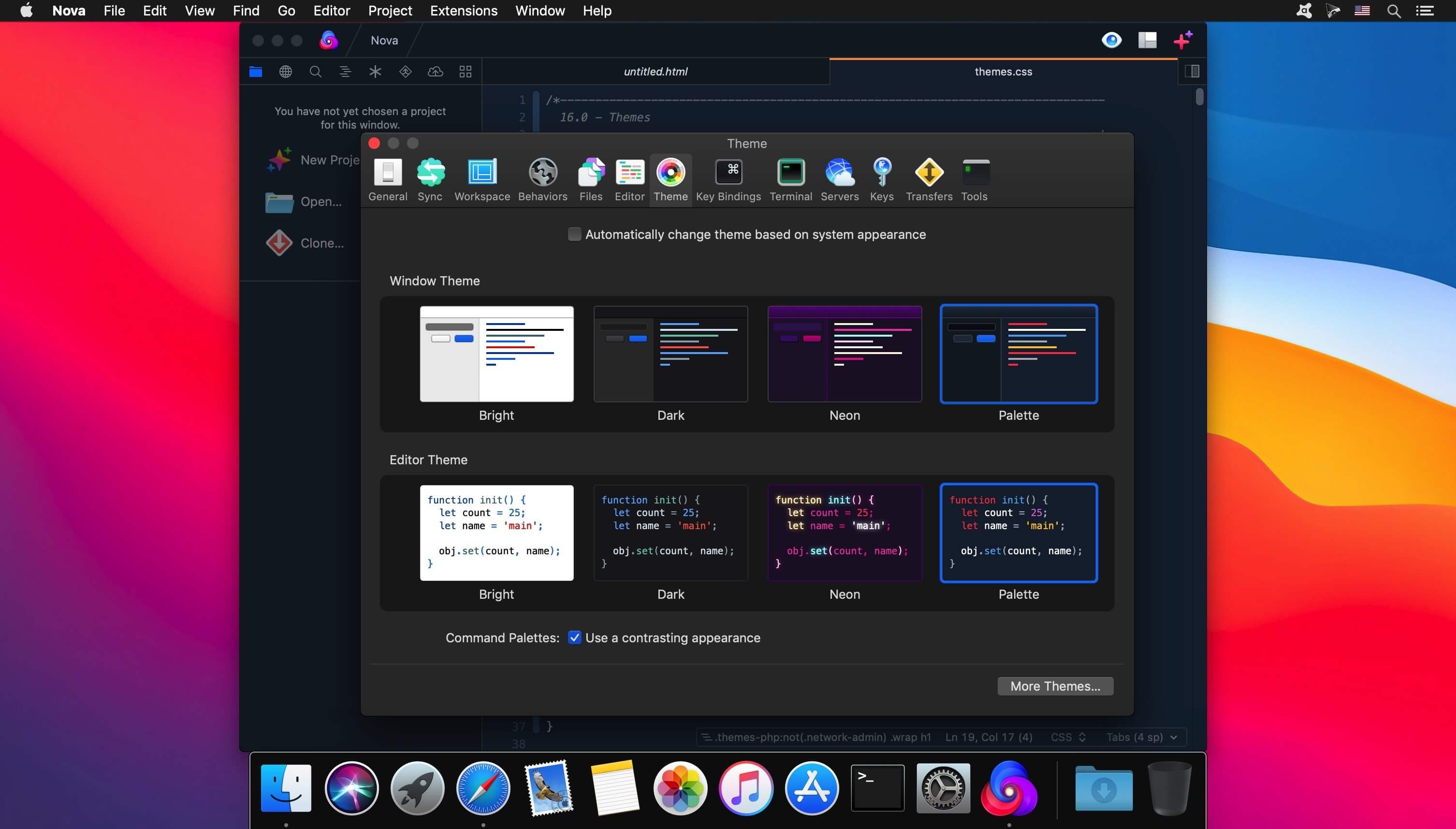
You can make Nova look exactly the way you want, while still feeling Mac-like. Bright, dark, cyberpunk, it's all you. Plus, themes are CSS-like and easy to write. Nova can even automatically change your theme when your Mac switches from light to dark mode.
The Workflows.
Nova doesn't just help you code. It helps your code run.
You can easily create build and run tasks for your projects. We didn't have them in Coda, but boy do we have them now. They're custom scripts that can be triggered at any time by toolbar buttons or keyboard shortcuts.
Imagine building content, and with the single click of a button watching as Nova fires up your local server, grabs the appropriate URL, and opens a browser for you, instantly. Just think of the time you'll save.
Nova supports separate Build, Run, and Clean tasks. It can open a report when run. And the scripts can be written in a variety of languages.
Version 14
New
- Integrated management of language servers
- Nova will automatically detect many well-known tools already installed on your system, including Python, PHP, Ruby, and TypeScript
- Install tools directly from Nova in Settings → Languages, and updates will be handled for you
- It’s simple to connect up tools that aren’t yet detected, and easy to submit requests for inclusion in Nova’s registry
- Built-in language and debugging support for C, C++, C#, Swift, and Rust
- Integration with clangd, SourceKit-LSP, and rust-analyzer
- Added per-language Display, Indentation, and Linewrapping settings in Settings → Languages
- Transform editor text using CLI tools from the Editor menu “Filter Through Command”
- Use the “Languages” panel in Settings to configure language servers and per-syntax options
Improved
- Improved interaction around many common language server quirks
- Updated the underlying Tree-sitter parsing engine to the latest version
- Pulled in improvements for all built-in language grammars from their upstream projects
- The minimap, invisibles, and line wrap can now be toggled on a per-document basis without modifying global settings
- Improved UI metrics and appearance on macOS Tahoe
Fixed
- Addressed a crash when LSPs return an invalid range for “Jump To Definition”
- Fixed a potential crash after closing a project
- Vim Mode:
rcan now be used to replace the last character of a file - Xdebug / DBGp Debug Adapter: Fixed a an issue with the
setFunctionBreakpointsrequest not working - Extensions: Addressed an issue that could prevent some extension-provided language servers from initializing
- Gitea: Resolved a problem with filtering available remote repositories
- Fixed an issue with “Open With” options being unavailable in the Files Sidebar contextual menu
- Resolved an issue with installation of the privileged helper tool
- Sidebar: Project-wide searches now display results within SVG files
- Addressed an issue with Task / Pipeline error messages not displaying their localized variants
- Vim mode: The
*command now correctly jumps to next occurrence of word, instead of the previous - YAML: Fixed a possible issue with auto-detection of file indentation
- Terminal: Fixed an issue that may cause the cursor to become invisible when over whitespace
- Terminal: Fixed an issue where selecting and copying certain characters may put the wrong text in the clipboard
Frequently asked questions
How do I install the app?
Mount the image, drag the app into the "Applications" folder and launch it. If the system blocks the launch, allow it in "System Settings → Privacy & Security".
The app is damaged or won't launch
Reinstalling from a fresh image usually helps. Make sure your macOS version matches the one listed in the compatibility specs.
How do I update?
Download the new version from the site and install it over the current one — your settings will be preserved.
The download link doesn't work
Try a mirror or a download manager. For large files the browser often drops the connection.
How do I completely remove the app?
Use an uninstaller utility — it cleans up the service files that remain after moving the app to the trash.




Choose a download source
Nova 14.1 · 66.99 MB
Previous versions
Nova 14.1
Previous versions are available to registered users.
Comments 1