Path Finder 26.1.7
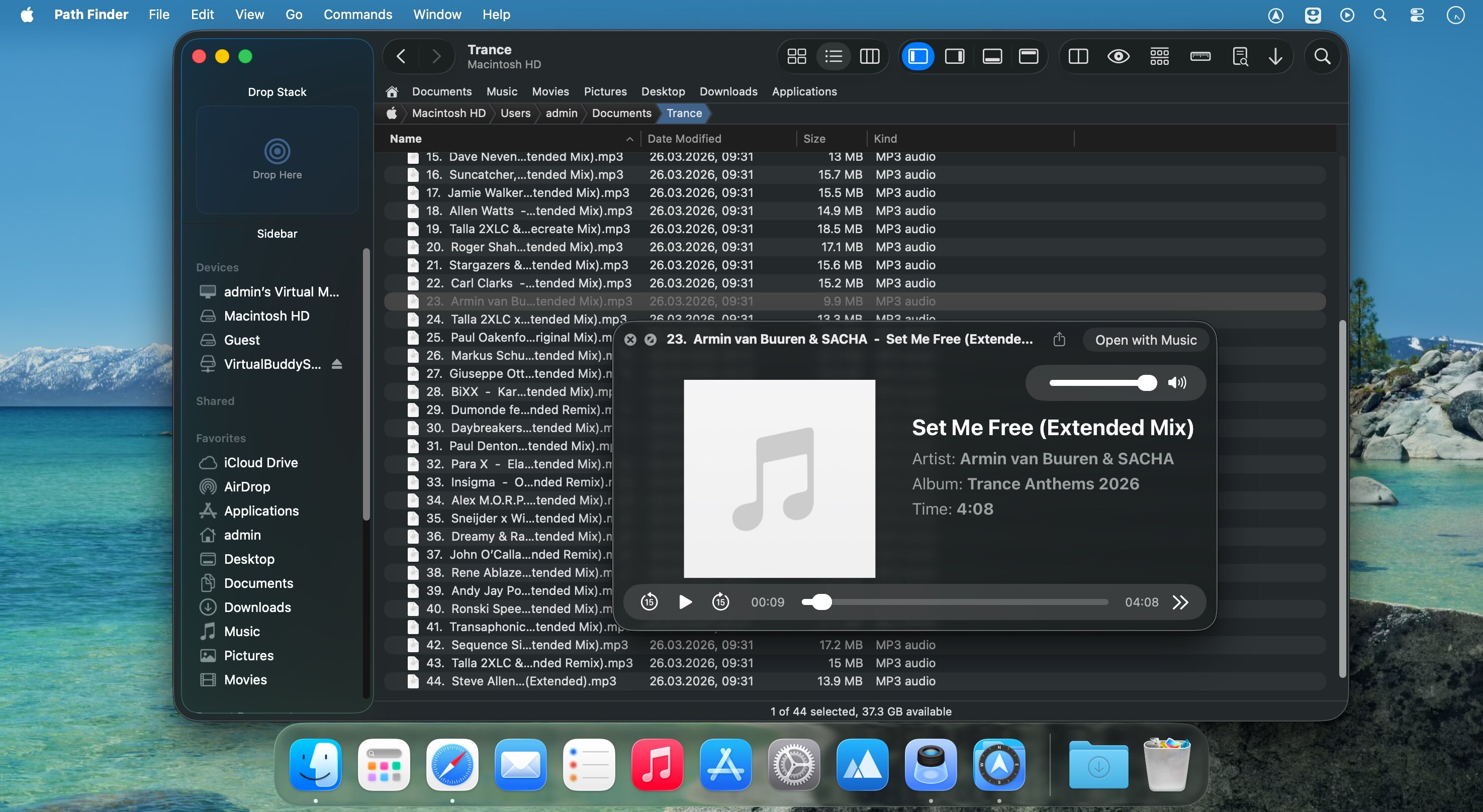
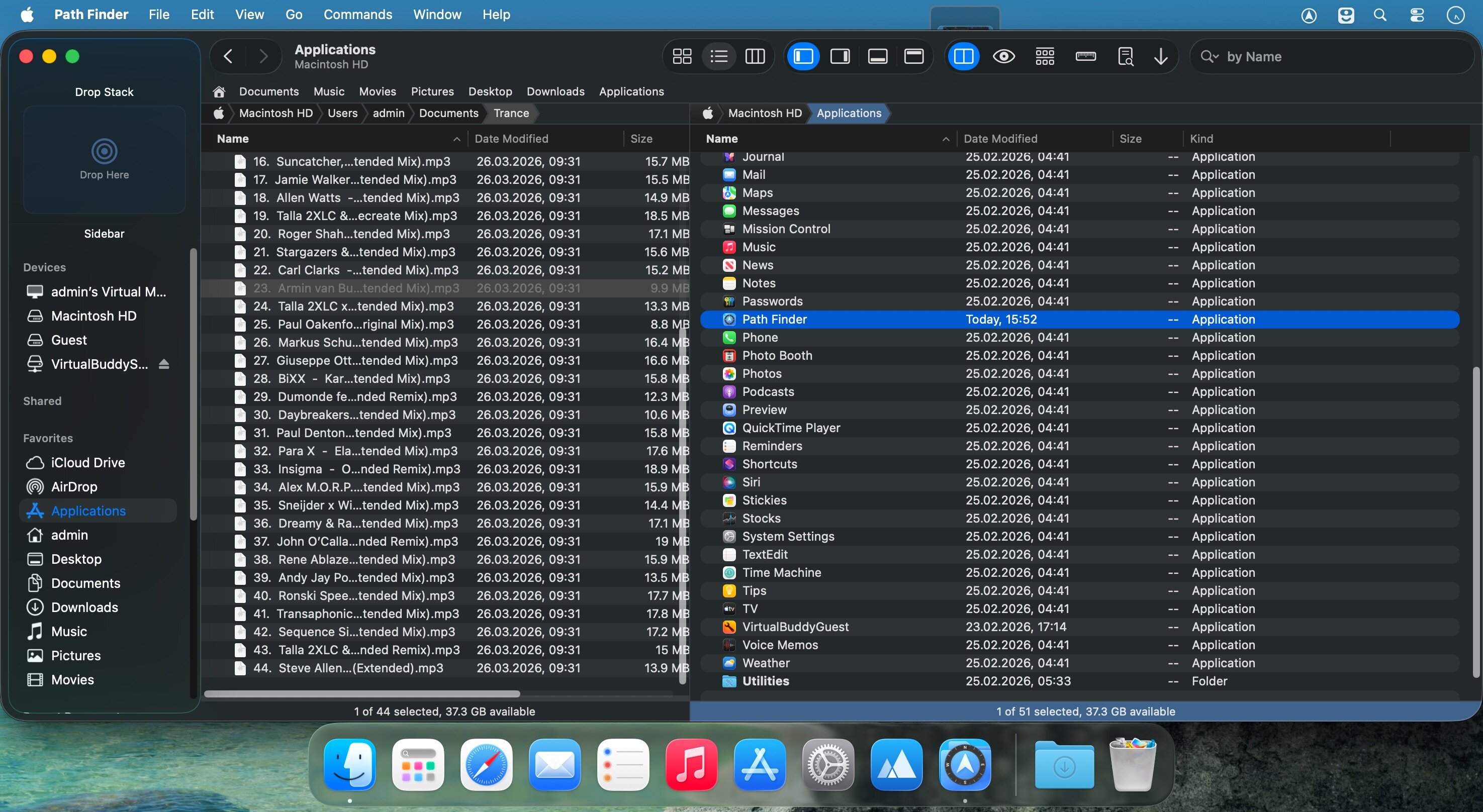
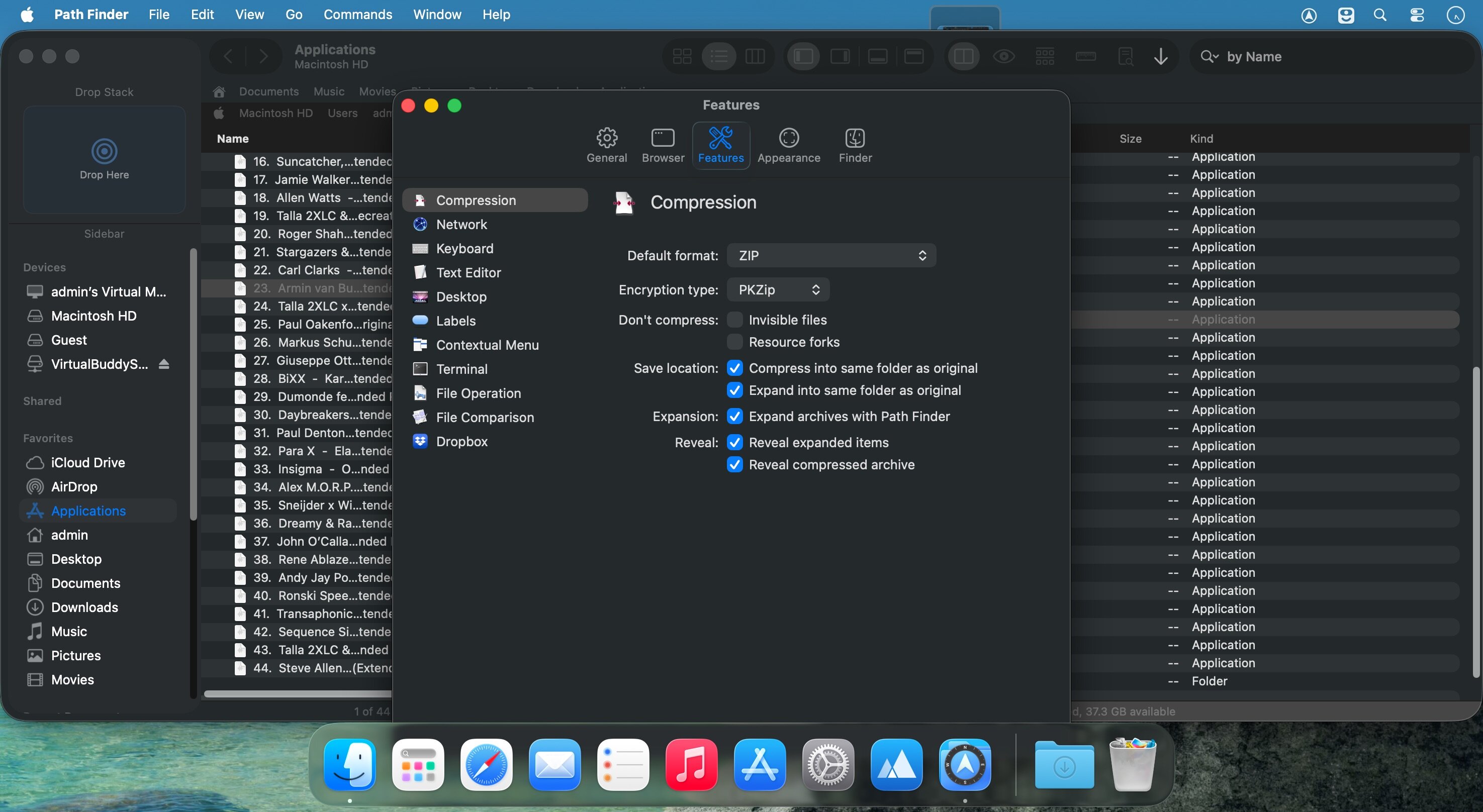
Path Finder makes you a master of file management. Take full control over your file system. Save your time: compare and synchronize folders, view hidden files, use Dual Pane and full keyboard navigation to browse your file system.
Work how you want: extreme customization allows you to access most tools in many different ways to suit your workflow. Work seamlessly with other platforms: don't leave any hidden .DS_Store files on non-Mac volumes, delete files securely and completely with the powerful delete feature from any volume type, search any network volume.
Features
- View and manipulate hidden files
- Dual Pane View
- Full keyboard navigation
- Folder comparison and synchronization
- Folder merging
- Batch renaming
- Powerful file filtering
- One-click dual-pane copy
- Bookmarks and Tab Presets
- ACL editor
- File tagging
- Editable Path Navigator
- Powerful low-level search
- Smart sorting
- Advanced selection
- Integrated terminal
- Integrated text and image editors
Version 26.1.6:
- Fixed potential error showing contextual menu in the Icons View.
- Fixed Icons View navigation using "home", "end", "pageup" and "pagedown" keys.
- Fixed Sidebar potential error with Sidebar items saving and preservation.
- Fixed Attributes module UI layout and flicker.
- Fixed Dual Pane position restoration on launch.
- Fixed Right Shelf position restoration on launch.
- Fixed drag'n'drop cancel and potential crash in the Sidebar.
- Fixed Sidebar items arrangement when remove or network volumes are unmounted.
- Improved localization for some languages.
Frequently asked questions
How do I install the app?
Mount the image, drag the app into the "Applications" folder and launch it. If the system blocks the launch, allow it in "System Settings → Privacy & Security".
The app is damaged or won't launch
Reinstalling from a fresh image usually helps. Make sure your macOS version matches the one listed in the compatibility specs.
How do I update?
Download the new version from the site and install it over the current one — your settings will be preserved.
The download link doesn't work
Try a mirror or a download manager. For large files the browser often drops the connection.
How do I completely remove the app?
Use an uninstaller utility — it cleans up the service files that remain after moving the app to the trash.
Choose a download source
Path Finder 26.1.7 · 26.4 MB
Previous versions
Path Finder 26.1.7
Previous versions are available to registered users.
Comments 5