
Bartender 4.2.25
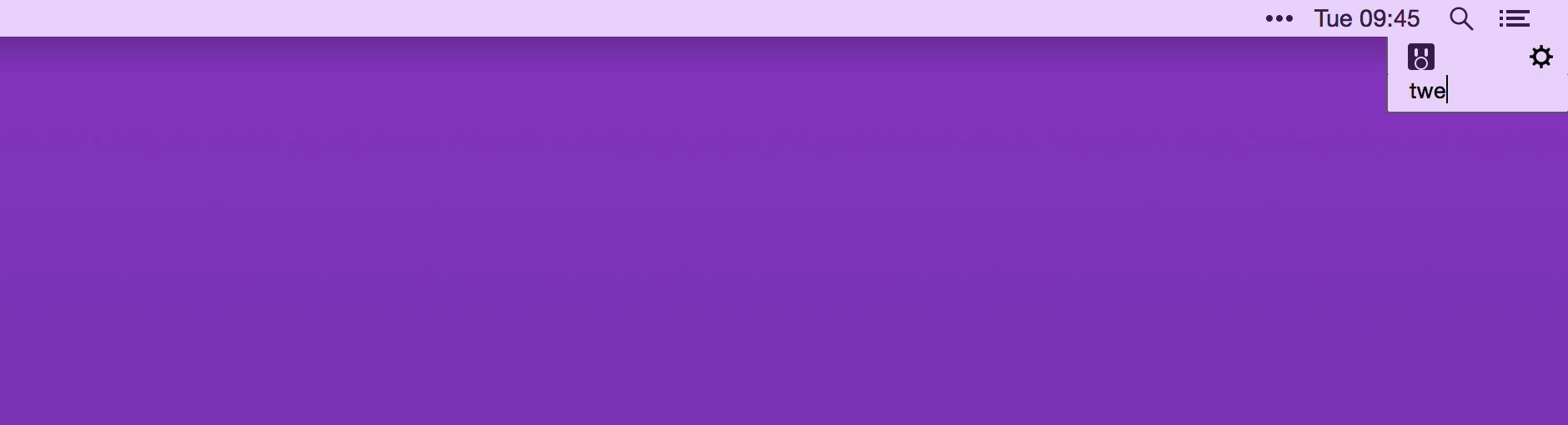
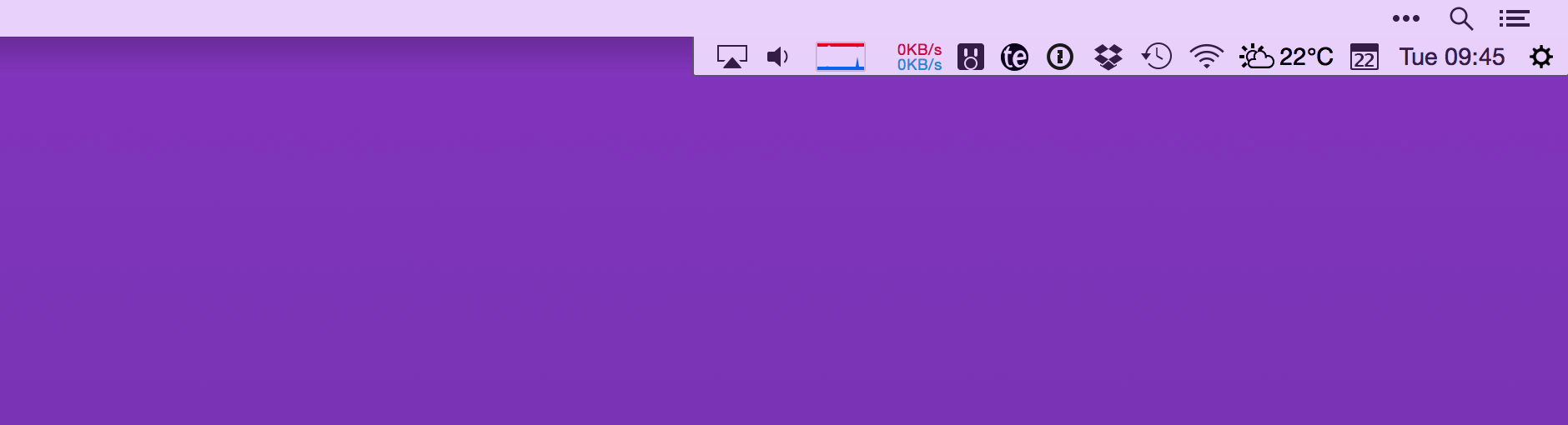
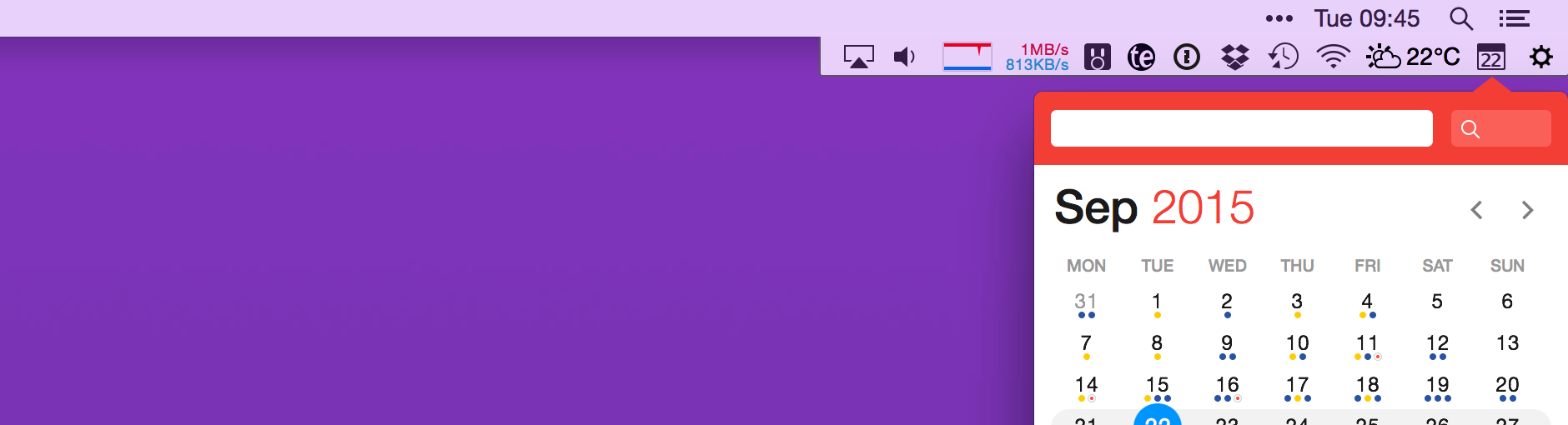
Bartender lets you organize your menu-bar apps by hiding them, rearranging them, or moving them to Bartender's Bar. You can display the full menu bar, set options to have menu-bar items show in the menu bar when they have updated, or have them always visible in Bartender's Bar.
Features
- Lets you tidy your menu bar apps how you want.
- See your menu bar apps when you want.
- Hide the apps you need to run, but do not need to see.
- Have the clean looking menu bar you want.
- Rearrange your menu bar items as you wish.
Version 4.2.25:
Bug Fixes
macOS Sonoma compatibility improvements
- I have made Bartender 4 as compatible with macOS Sonoma as possible. Including re-introducing Show for Updates, NOTE: the macOS purple "Bartender is capturing your screen" menu bar item will show for any image comparison Show for Updates.
Also there are some deeper macOS changes Bartender 4 cannot take into account, which could cause odd behaviour sometimes.
Show for update image comparison trigger false positive
- When changing between light and dark menu bar some menu bar items icons/emoji would have their opacity changed, this could be enough for the image comparison to trigger a change, this is now taken into account.
Mouse cursor not changing after changing spaces over a text field.
- When changing spaces with the mouse cursor sitting over a text field, the cursor would not change from the default pointer to the caret cursor. This has been fixed.
Frequently asked questions
How do I install the app?
Mount the image, drag the app into the "Applications" folder and launch it. If the system blocks the launch, allow it in "System Settings → Privacy & Security".
The app is damaged or won't launch
Reinstalling from a fresh image usually helps. Make sure your macOS version matches the one listed in the compatibility specs.
How do I update?
Download the new version from the site and install it over the current one — your settings will be preserved.
The download link doesn't work
Try a mirror or a download manager. For large files the browser often drops the connection.
How do I completely remove the app?
Use an uninstaller utility — it cleans up the service files that remain after moving the app to the trash.





Choose a download source
Bartender 4.2.25 · 12.05 MB
Previous versions
Bartender 4.2.25
Previous versions are available to registered users.