Tower 17.0

Tower is a powerful yet intuitive Git client for macOS that transforms how you work with version control. Whether you're a beginner overwhelmed by Git's command line or an advanced developer looking to work faster, Tower's elegant interface and thoughtful feature set help you harness Git's full potential without the friction.
Why Choose Tower?
Simplicity meets power. Tower strips away Git's complexity through an approachable visual interface where common workflows—like merging, rebasing, and pushing changes—are just a drag-and-drop away. Undo mistakes instantly, stage changes line-by-line for precision commits, and explore your project's history without ever touching the terminal.
Advanced users gain serious productivity wins with features like cherry-picking, submodule management, git-flow support, and git-lfs integration. Single-line staging lets you craft perfectly crafted commits. The blame view and file history give you complete visibility into how your code evolved.
Comprehensive Integration & Support
Tower connects seamlessly with GitHub, Bitbucket, GitLab, GitSwarm, Beanstalk, Visual Studio Team Services, Team Foundation Server, and Rhodecode—so your workflow fits your platform, not the other way around. It even handles legacy workflows with git-svn support, and scales beautifully across Retina displays and full-screen modes.
Key Features at a Glance
- Drag-and-drop merge, rebase, and branch management
- Line-by-line staging and committing for surgical precision
- Cherry-picking, stashing, and discard chunks/lines
- Submodule and git-lfs support
- Git-flow and git-svn integration
- File history and blame view
- Direct integration with major Git hosting platforms
- Bitbucket team account support
What's New:
Version 17.0
New
- Fully Merged Detection: Tower now matches your local branches against merged pull requests from your hosting service — reliably catching squash and rebase merges that plain Git can never see! PR detection is available as a free Preview and will become part of Tower Pro in an upcoming release.
- Fully Merged Detection: Three further checks complete the picture: Git's own merge detection, merge commit analysis (branch name and matching timestamps), and deleted remote tracking branches.
- Fully Merged Hint: The redesigned hint shows exactly which checks matched, with direct links to the merge commit or pull request — so you can verify before deleting. Prefer to keep a branch around? Hide the hint for that branch via “Don't Show Again”.
- Branch Cleanup: Branch cleanup hints now include an Archive action.
Improved
- Submodules: Updating submodules is now significantly faster — Tower gathers each submodule's Git data concurrently instead of one at a time, especially noticeable in repositories with many submodules.
Fixed
- Services: Fixed GitHub, GitLab, Bitbucket, and Azure DevOps accounts possibly sending API requests to an outdated server address.
- Worktrees: Fixed the "Skip Hooks" option being hidden when committing from a linked worktree that had configured hooks.
- Diff View: Fixed a freeze when rendering large, interleaved diffs.
- History: Fixed the Compare Branch toggle not switching the history list.
- Worktrees: Fixed spurious warnings when deleting a locked worktree.
- Worktrees: Fixed a worktree unnecessarily re-opening when double-clicking the current HEAD branch.
- AI Agents: Tower no longer runs AI agent binary validation while the feature is disabled.
Screenshots:
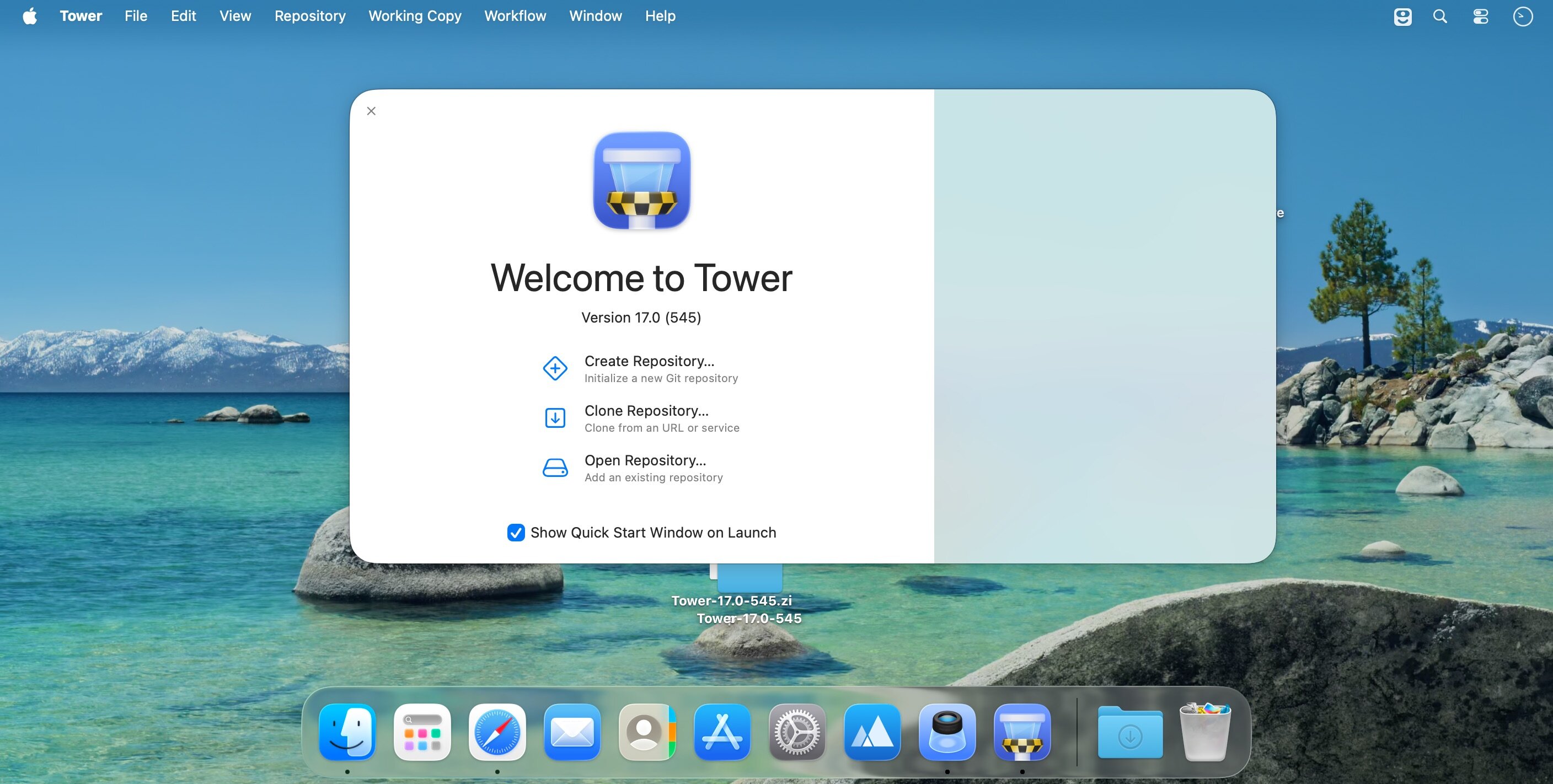
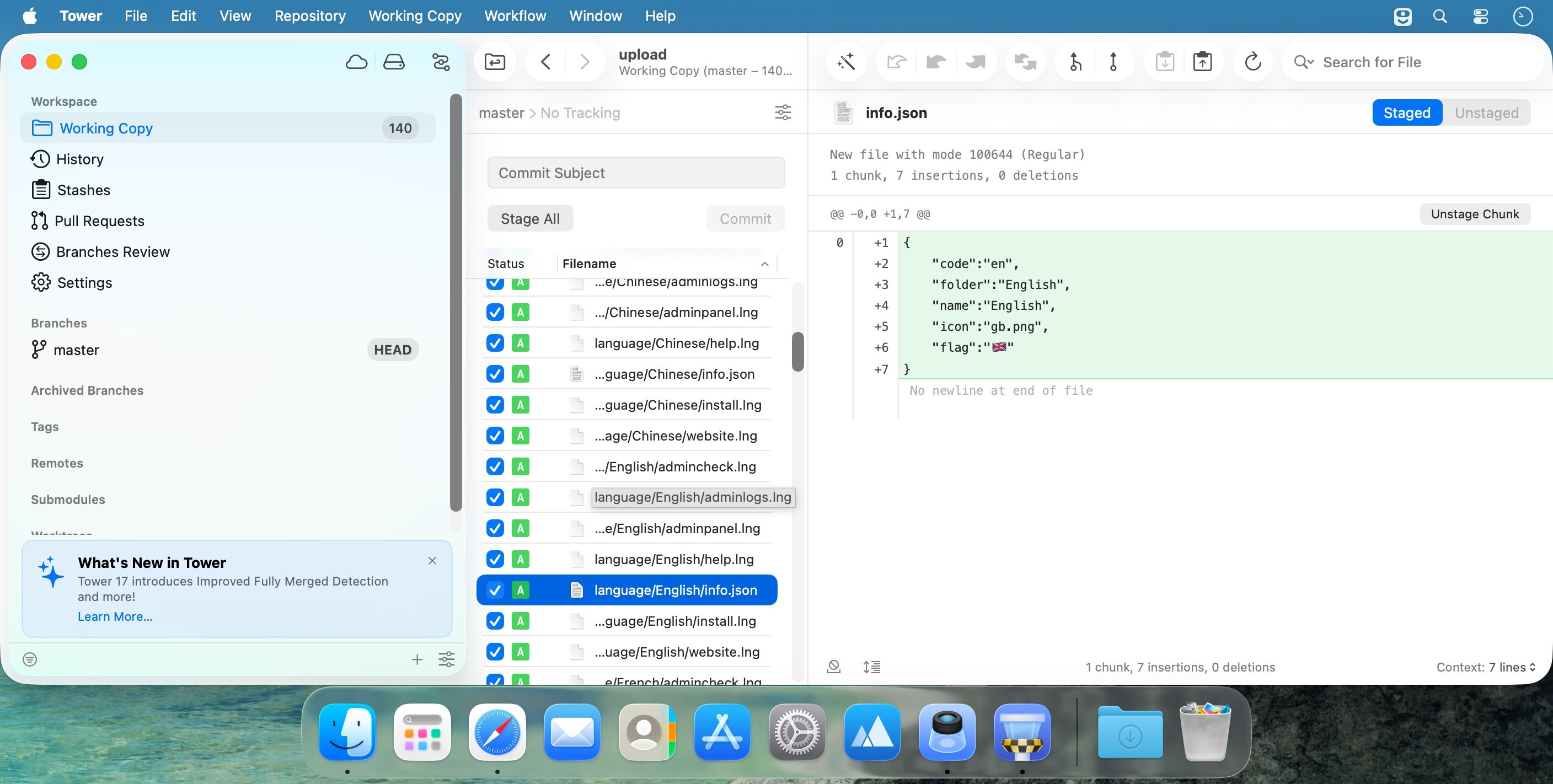
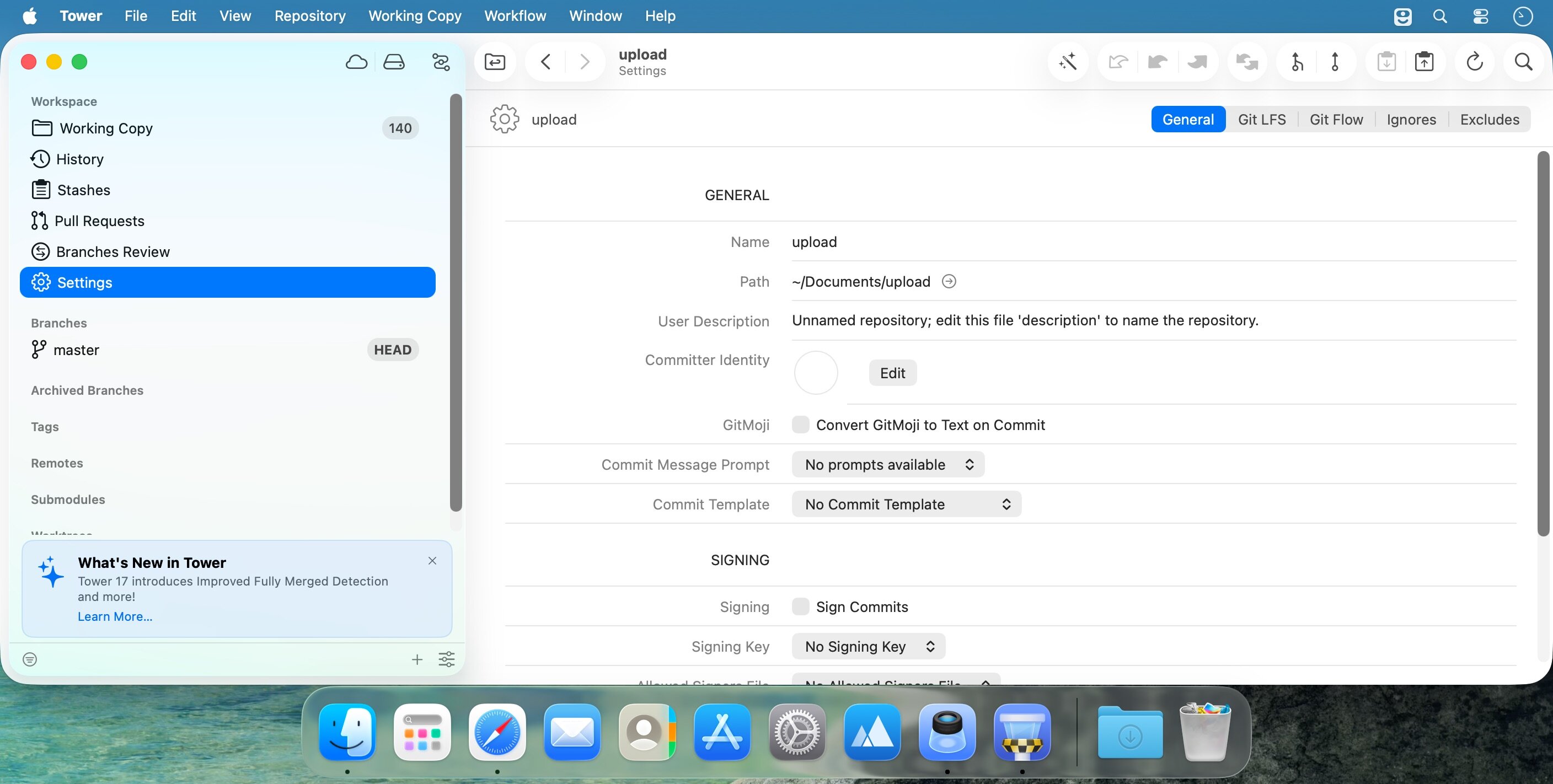
- Title: Tower 17.0
- Developer: Fournova GmbH
- Compatibility: macOS 10.15.0 or later
- Language: English
- Includes: K
- Size: 82.67 MB
- visit official website
Users of Guests are not allowed to comment this publication.