Camo Studio 2.7.2

Camo — Turn any camera into pro video
Camo lets the camera you already own deliver stunning video for meetings, streams, and recordings — fast. Use simple templates and automatic enhancements for great results immediately, or dive into the full toolset for precise creative control.
Why Camo
- Professional quality, accessible to everyone — from casual creators to pros.
- Works with phones, built-in webcams, DSLRs, action cams and Continuity Camera.
- Flexible for many use cases: tutorials, sales calls, live streams, recorded videos — even surgical workflow capture.
Quick start, deep control
- One-click profiles: pick the optimal resolution, framing and aspect ratio and you’re ready to go.
- Instant scenes: choose a default scene or create a custom setup in seconds.
- Fine-tune everything: exposure, color, LUTs, framing and more when you want granular control.
Powerful scene tools
- Add lower-thirds, overlays, text and logos to inform and engage viewers.
- Replace or soften backgrounds and correct lighting with AI-assisted adjustments.
- Frames that follow you: smart tracking and framing keep your subject centered.
Flexible capture options
- Wired or wireless connections for iOS and Android devices.
- Multi-angle setups — top-down, overhead, side shots — use any mount or rig.
- Manage and reuse assets from the Gallery; discover ready-made content in Explore.
Built-in editor
- Compose and edit scenes in-app: combine text, images and overlays, then save them for future use.
Start creating great video — with the camera you already have.
What's New:
Version 2.7.2:
- Improved reliability of long YouTube live streaming sessions.
- Fixed Studio crashing when an active Camo Camera device disconnects while the source dropdown is open.
- Fixed a UI glitch where the sidebar would appear squished after switching between a video layer and a camera layer.
Screenshots:
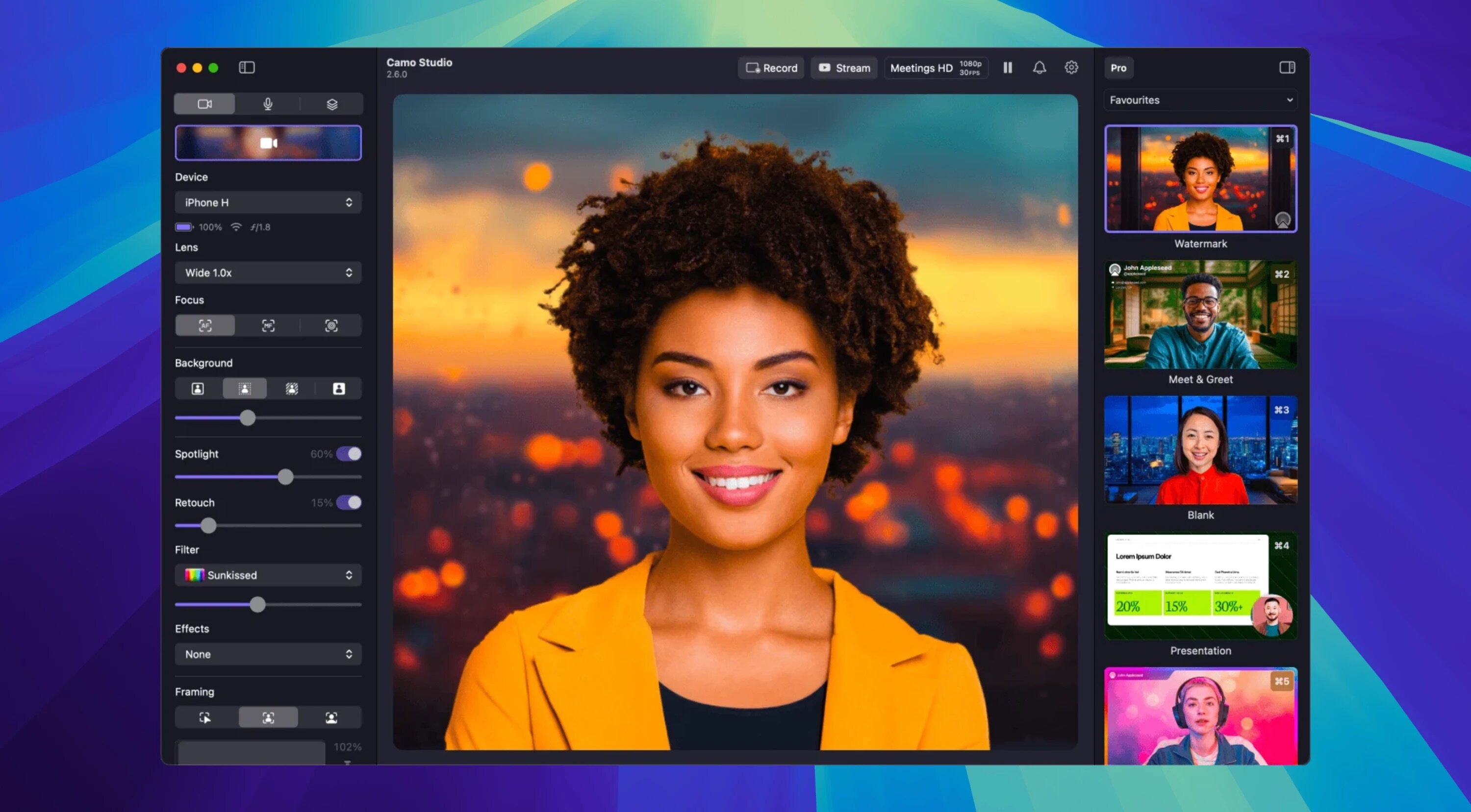
- Title: Camo Studio 2.7.2
- Developer: Reincubate Ltd.
- Compatibility: macOS 12.3 or later
- Language: English
- Includes: K'ed by EDiSO
- Size: 96.23 MB
- visit official website
Users of Guests are not allowed to comment this publication.