Unite Pro 1.5

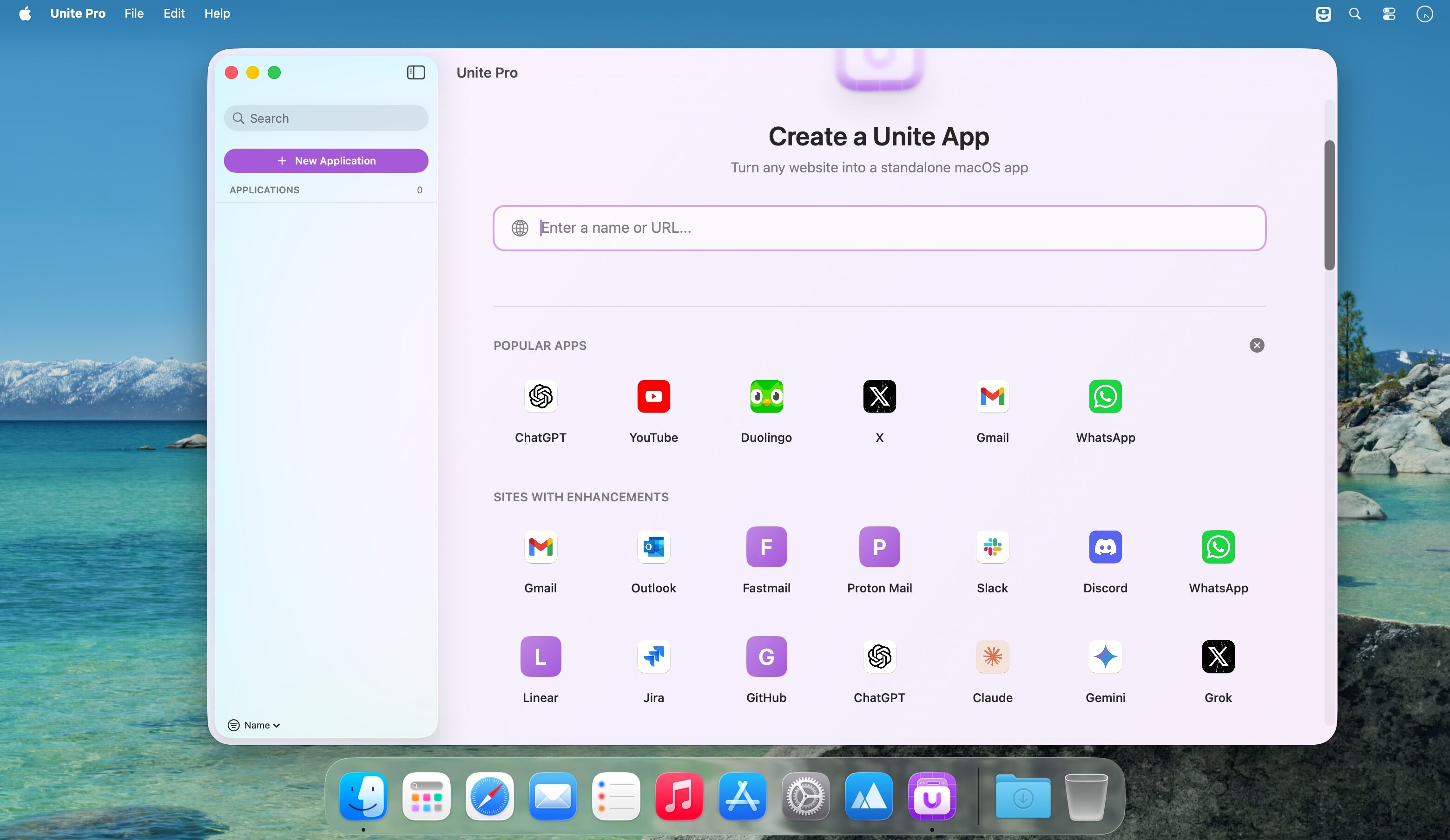
Unite for macOS transforms any website into a native Mac app-fast, customizable, and tightly integrated with macOS. Instead of juggling browser tabs, create standalone apps that live in your Dock, use native window controls, and behave like regular Mac software.
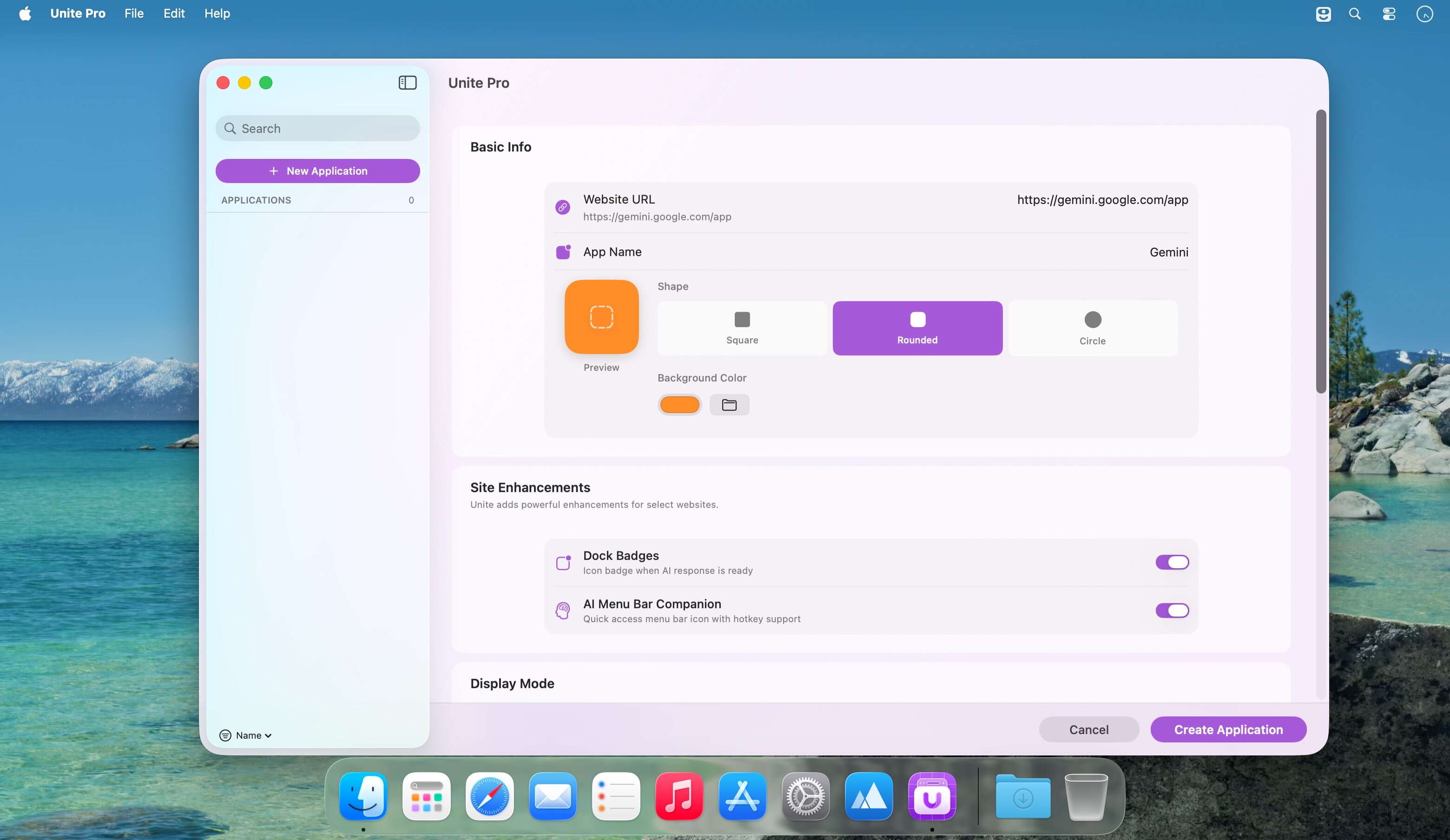
Make an app in seconds: enter a URL, pick an icon, and customize appearance and behavior. Each app runs in its own lightweight, WebKit-based environment, offering a more integrated and efficient experience than browser web apps or Electron alternatives.
Unite apps are highly configurable: show or hide title bars, match colors to site branding, tweak window styles, and manage tabs with features like pinning and locking. Choose how links open, enable per-app notifications and Focus Mode behavior to minimize distractions, and use built-in modes-standard windows, sidebars, floating or compact views, and menu bar utilities-to suit any workflow.
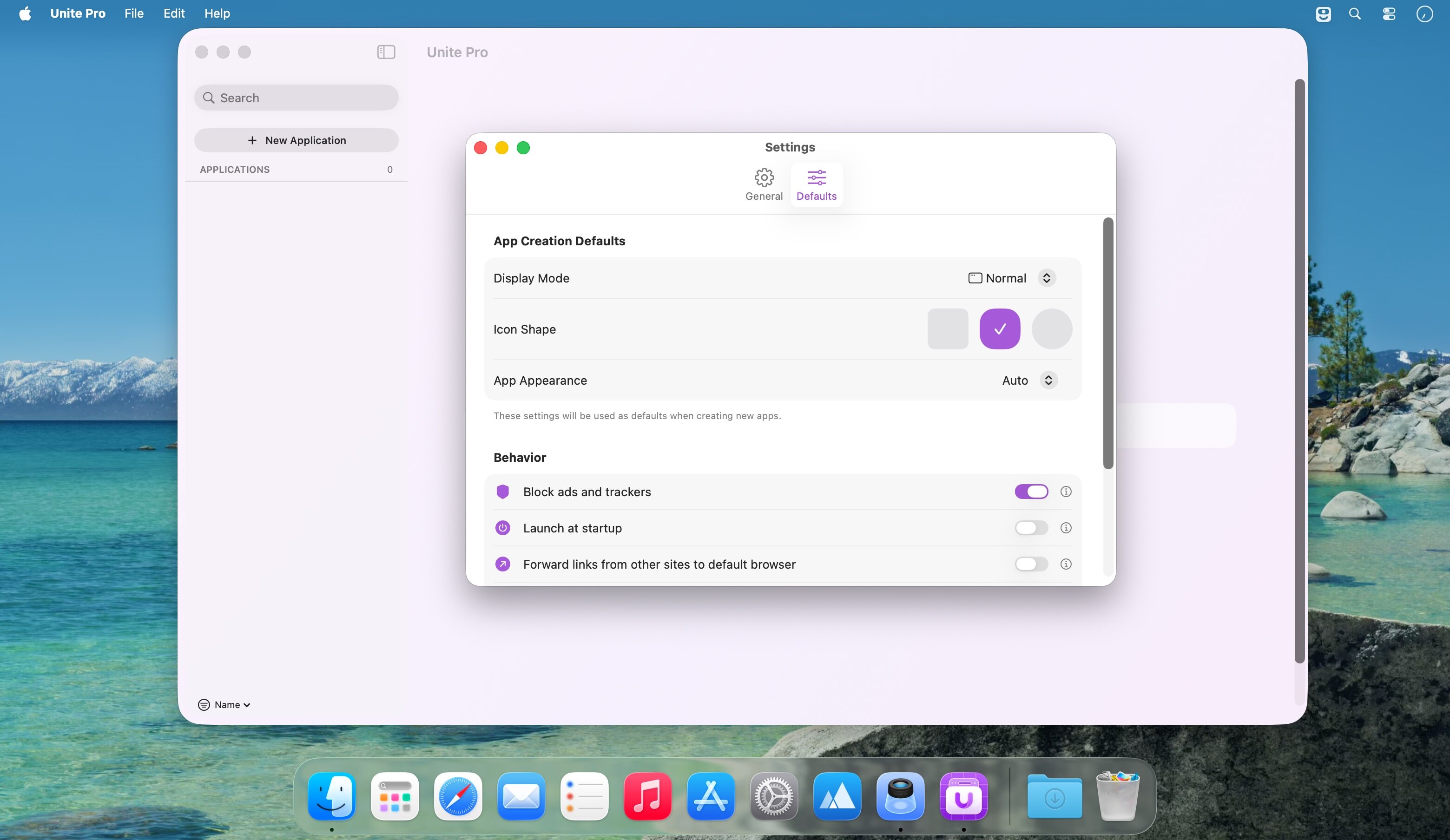
Additional conveniences include an integrated ad blocker and customizable keyboard shortcuts for faster navigation and daily use.
What's New:
Version 1.5:
- Improved Media Key Support: Media controls now continue working on many more websites, even when the page is hidden or running in the background.
- Improved Fullscreen Video Playback: Fixed issues where fullscreen playback was not working correctly in YouTube playlists and Netflix.
- External App Link Improvements: Improved support for links that open native apps through custom URL schemes, including tools like Obsidian, Things, and remote-control utilities.
- Safer External App Prompts: Unite now uses clearer confirmation behavior for external app links, with remembered choices and protection against repeated background launch attempts.
- Window Titles in Dock Menus: Window titles now update correctly in the Dock icon right-click menu, making it easier to identify and switch between open windows.
- Window Title Visibility Fixes: Fixed issues where window title visibility settings could become out of sync, including when toggling the title from the View menu.
- NotebookLM Compatibility Fix: Fixed an issue where NotebookLM modules would fail to load correctly inside Unite apps.
- Improved Anti-Bot Compatibility: Improved behavior on websites with anti-bot detection and security checks.
- Updated User Agents: Updated built-in user agents for better compatibility with modern websites.
- User Agent Preset Persistence: Fixed an issue where selected user agent presets could reset unexpectedly after Safari or macOS updates.
- Default Zoom Persistence: Fixed an issue where the default zoom level could reset to 100% on launch when cross-app zoom sync was disabled.
- Native Reload Improvements: Improved reload behavior so Unite apps reload pages more cleanly without leaving old background page contexts running.
- Improved WebView Cleanup: Strengthened WebView teardown behavior to improve memory usage and reliability during reloads, mode changes, and app updates.
- Bundle Restoration Fix: Fixed an issue with bundle restoration after Unite app updates.
- Improved App Update Behavior: Fixed an issue where some tools could warn about Unite apps after an app update.
- Text Editing Shortcut Improvements: Fixed issues where Cmd+Left and Cmd+Right could interfere with text editing in web fields, including apps like Google Chat.
- Alternate Back and Forward Shortcut Fixes: Improved the Alternate Back/Forward shortcut setting so Cmd+Arrow navigation respects your preference while preserving expected text editing behavior.
- Improved Delete Key Behavior: Improved delete key behavior while using media and interactive website controls.
- Sidebar New Window Fix: Fixed an issue where creating a new window from a link context menu did not work correctly in Sidebar Mode.
- Dock New Window Fix: Creating a new window from the Dock icon now works correctly in Sidebar Mode.
- Tab Window Fixes: Fixed an issue where tabs could sometimes appear associated with the wrong window.
- User Script Improvements: Improved user script persistence and reliability across sessions and websites.
- Creation Tool Name Safety: Improved the creation tool so app names that could cause path issues are cleaned up automatically before creating an app.
- Improved Overwrite Prompts: Improved the prompt shown when creating or saving an app that would overwrite an existing app.
- License Validator Improvements: Improved warnings and behavior in the license validator.
- License Info in аbout: License information now appears in the About box for easier reference.
Screenshots:
- Title: Unite Pro 1.5
- Developer: BZG Apps
- Compatibility: macOS 15 or later
- Language: English
- Includes: K'ed by EDiSO
- visit official website
Users of Guests are not allowed to comment this publication.