Dropover 5.2.0

Finder could definitely use some improvements when it comes to moving files from one location to another, as it's not uncommon to find yourself juggling several windows just to keep items from different folders close at hand.
Dropover was designed to help with this, and much more. It's a fairly simple app that allows you to create "shelves" where you can place files, folders, images, and even text. These can then be moved to other locations with drag and drop, or just uploaded or shared with others.
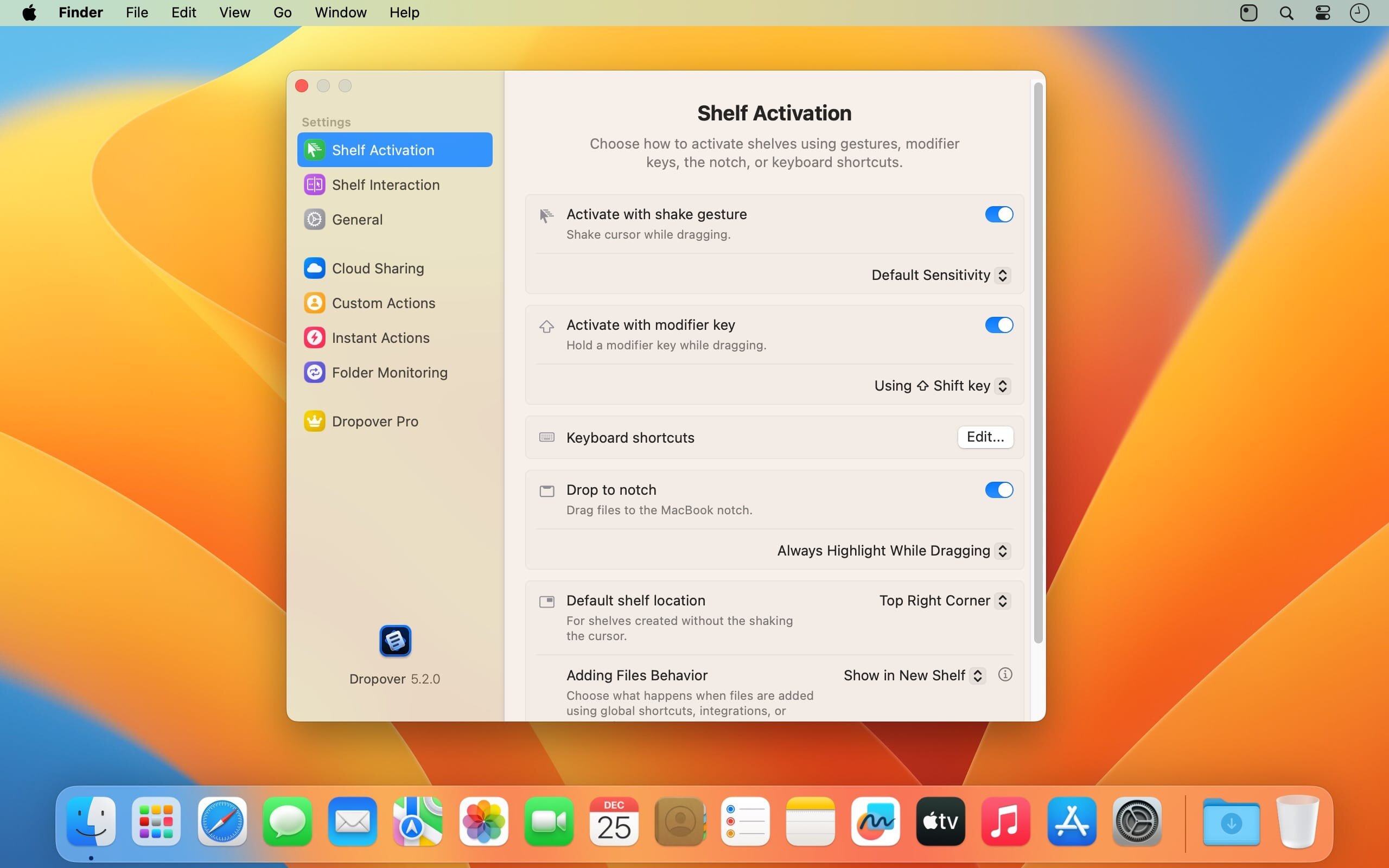
Just shake the mouse cursor to create a shelf
When you want to save something, just shake the mouse cursor while dragging the item and drop it in the shelf that appears. All files and folders are supported, as well as text snippets and images from the web. You can load multiple items at once or even add more later.
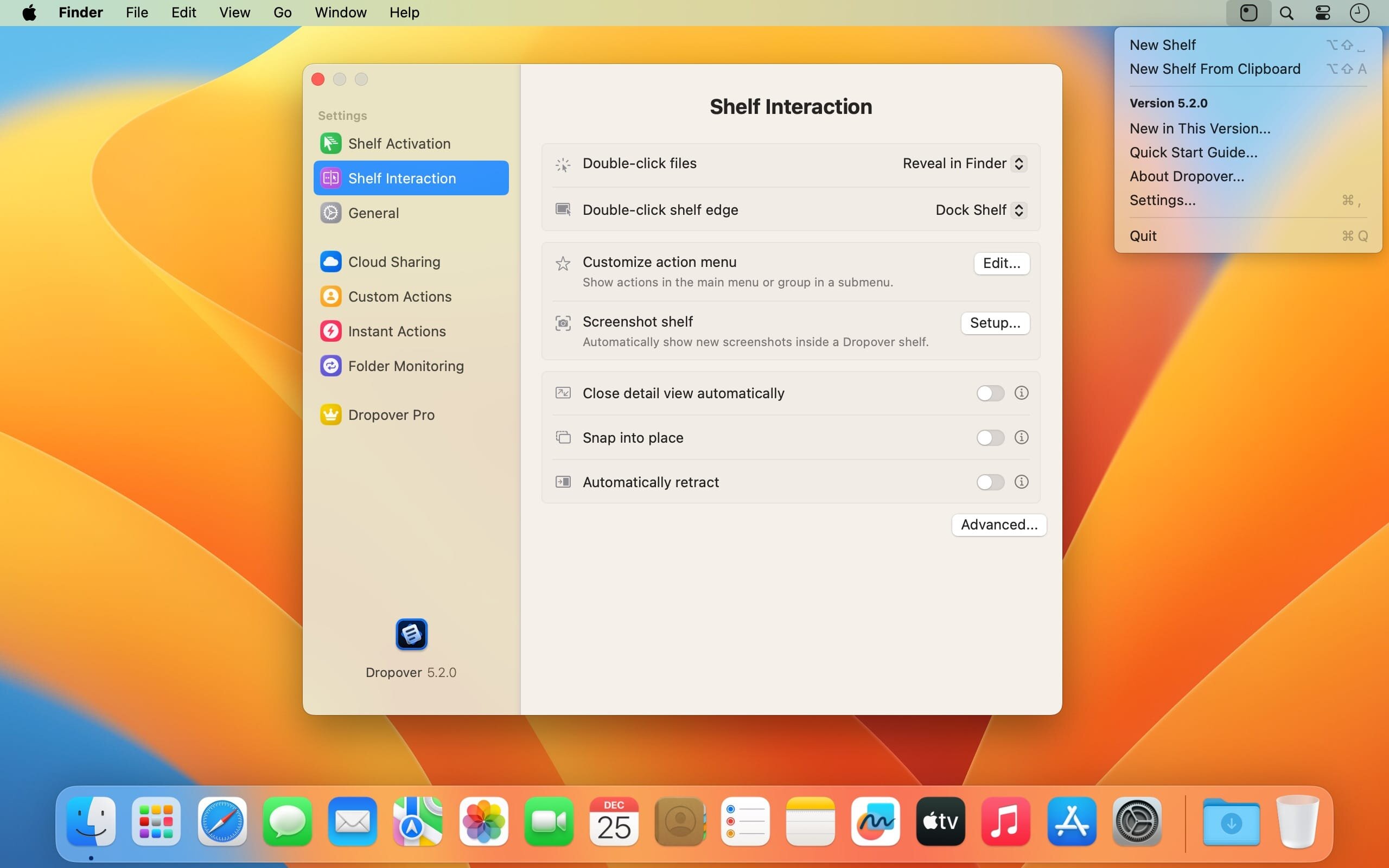
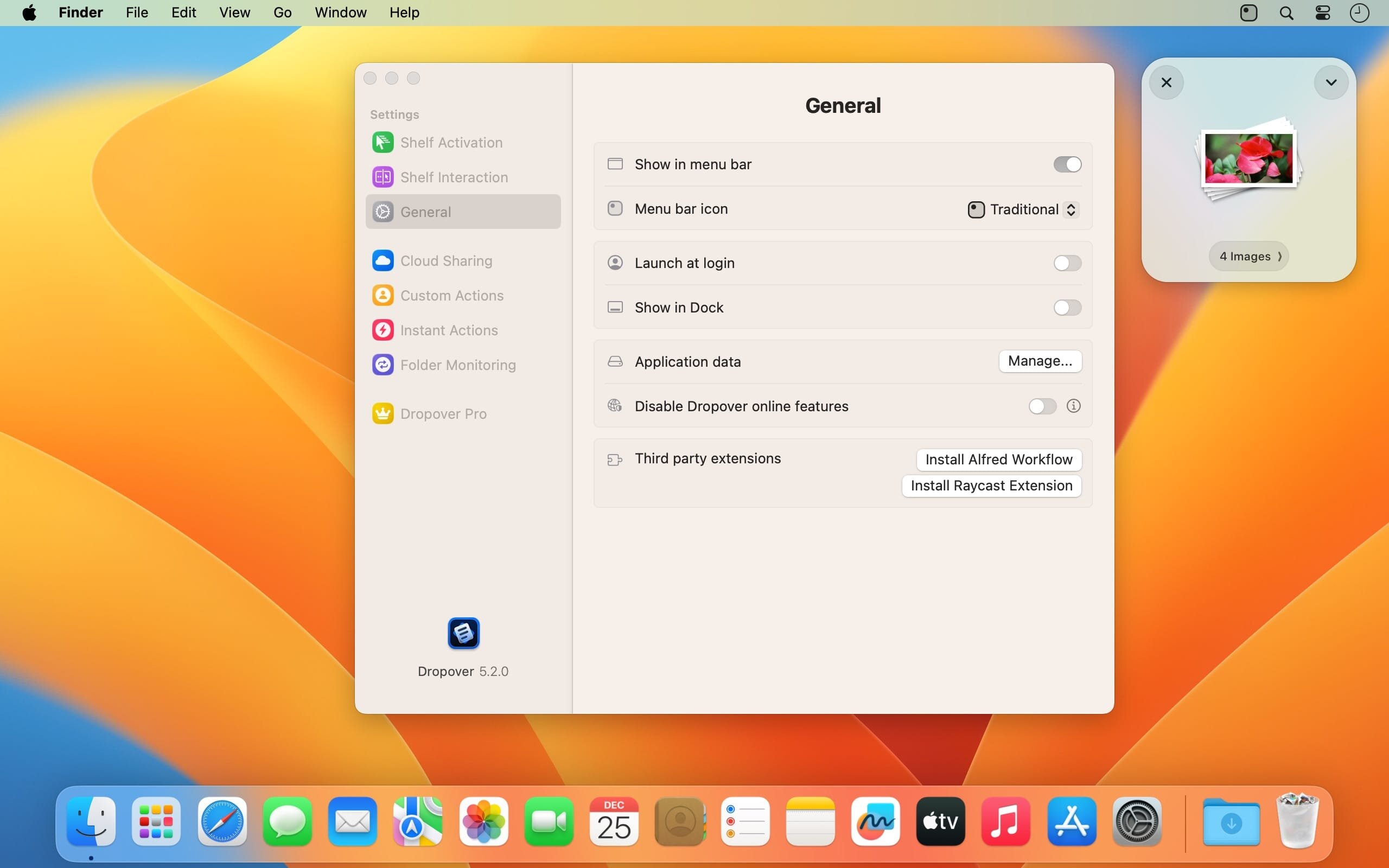
The app allows you to create multiple shelves, which remain on top of all other windows for easy access. They can also be created with a hotkey or from the menu bar. To move something from the shelf, just drag the item to a different location on your Mac.
Upload and share content
From the new workspace, you can send files via Mail or Messages, as well as add images to Photos. If you use iCloud Drive or log in to your Dropbox account, Dropover can generate shareable links for anything you place in a shelf.
Accessible workspace for managing files and web content
This app can make a number of tasks easier, and it's ideal for users who find it hard to manage multiple files, web images or text snippets that need to be shared or moved. Essentially, it provides you with a convenient place to store items temporarily until you need them for something else. It is very intuitive, and it has a multitude of potential uses.
What's New:
Version 5.2.0
NEW:
- Control Center widgets for common shelf actions, including creating a shelf, opening the Clipboard Shelf, reopening the last shelf, closing all shelves, and docking shelves.
- Redesigned Instant Actions for a faster, more fluid experience.
- Updated app icon for macOS Tahoe, with dark mode and clear/tinted variants.
IMPROVEMENTS:
- Dropover Cloud uploads now support up to 100 files as individual uploads; larger uploads are automatically zipped first. File size limits still apply.
- Added a global shortcut to select a shelf, with numbered selection when multiple shelves are visible.
Shelf keyboard shortcuts now have fewer restrictions during assignment. - Added "Dock to Nearest Edge" and "Open Detail View" shelf keyboard shortcuts.
- Updated Quick Start guide.
- New option for where newly added files from shortcuts, integrations, or automations are added (new shelf or previous shelf).
Improved the Instant Actions settings screen. - The active shelf now shows a pulsing grabber when it’s ready to receive local keyboard shortcuts.
- Smoother animations when a shelf appears or when files are dropped onto it.
- Improved handling when dropping asynchronous files onto a shelf.
- More responsive animations when dragging files out of a shelf.
- Refreshed Settings sidebar icons, including automatic appearance matching.
- Two additional menu bar icon options.
- Improved animations when opening the shelf detail view.
- Improved the legibility and appearance of shelf buttons.
- Refined the Recent Windows widget with minor UI updates.
- Updated the “Drop files here” state.
- Subtle interactive animations for navigation controls.
- Directory picker buttons are now correctly aligned in forms.
FIXES:
- Fixed a crash when deleting files in Detail View.
- Fixed several rare stability issues.
- Fixed issues that could cause shelves to stop responding to local keyboard shortcuts in certain cases.
- Fixed a crash that could occur when showing the context menu in shelf detail view.
- Fixed an issue where presented modals might not be focused when they appear.
- Fixed an issue where starting a drag from a shelf could sometimes fail, depending on the initial cursor position.
- Fixed an issue where double-click actions could fail when using tap-to-click on a trackpad.
- Fixed an issue where dragging files out of a shelf could be unavailable when a shelf contained an alias.
- Fixed an issue where some modals wouldn’t close when clicking outside of them.
- Fixed an issue where asynchronous drags for Instant Actions could fail.
- Fixed an issue where asynchronous drops didn’t show a loading indicator on the dropped item.
- Fixed an issue where the Dropover Cloud shortcut could fail when uploading folders.
- Fixed an issue where the Dropover Cloud configuration dialog could trigger autocomplete immediately on appearance.
- Global shortcuts that open a new shelf now use the default shelf location set in Settings.
- Fixed incorrect window padding when using the bottom screen position.
- Fixed an issue where the Recent Windows widget might not load correctly.
- Fixed an issue where some labels wouldn’t update correctly when switching appearance.
- Fixed an issue where certain keyboard shortcuts could accidentally run, or stop working, while you were using another app and the mouse was intersecting with a Dropover shelf.
CHANGES:
- Shelves no longer take focus when shown, so your current app stays active. A setting is available to restore the previous focus behavior.
- Shelf keyboard shortcuts now require the Dropover window to be focused to prevent accidental activation while using other apps.
- Single-click on files no longer opens Detail View. Use the button below the shelf to open Detail View.
Screenshots:
- Title: Dropover 5.2.0
- Developer: Damir Tursunovic
- Compatibility: macOS 13.0 or later
- Language: English, Dutch, German, Simplified Chinese
- Includes: K'ed by EDiSO
- Size: 47.58 MB
- visit official website
Users of Guests are not allowed to comment this publication.