Yate 10.0
Full tagging control in a music tag editor for Mac
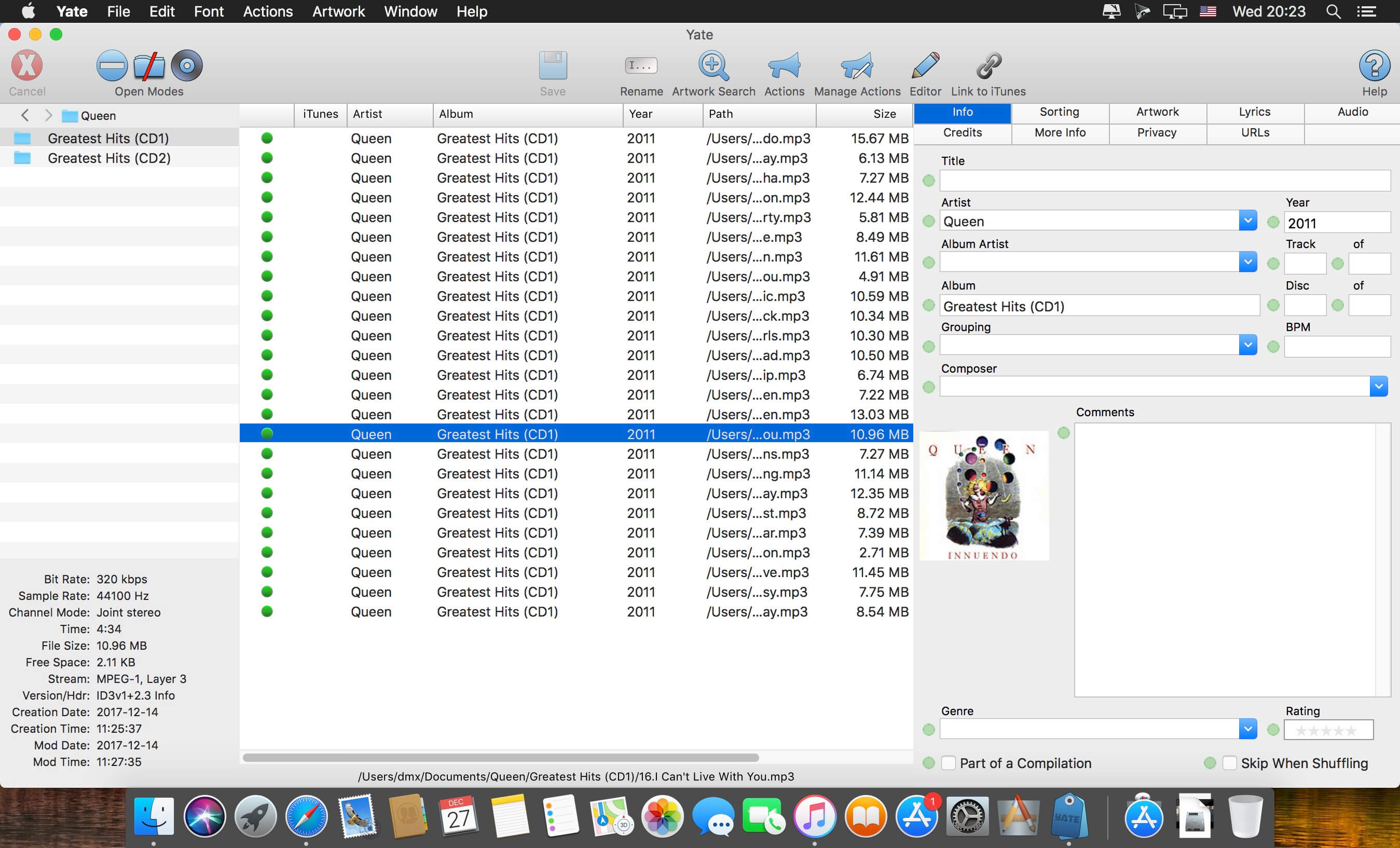
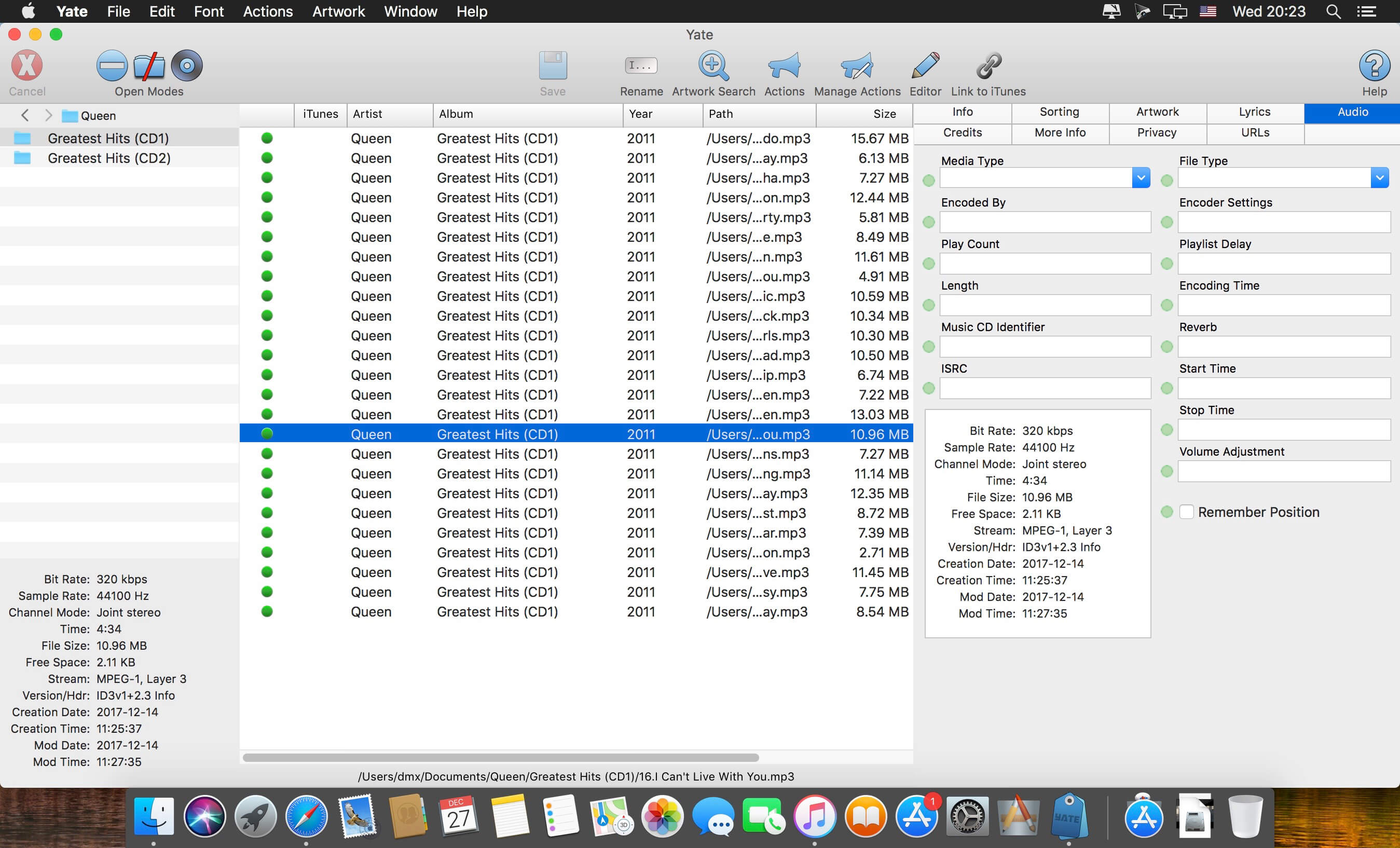
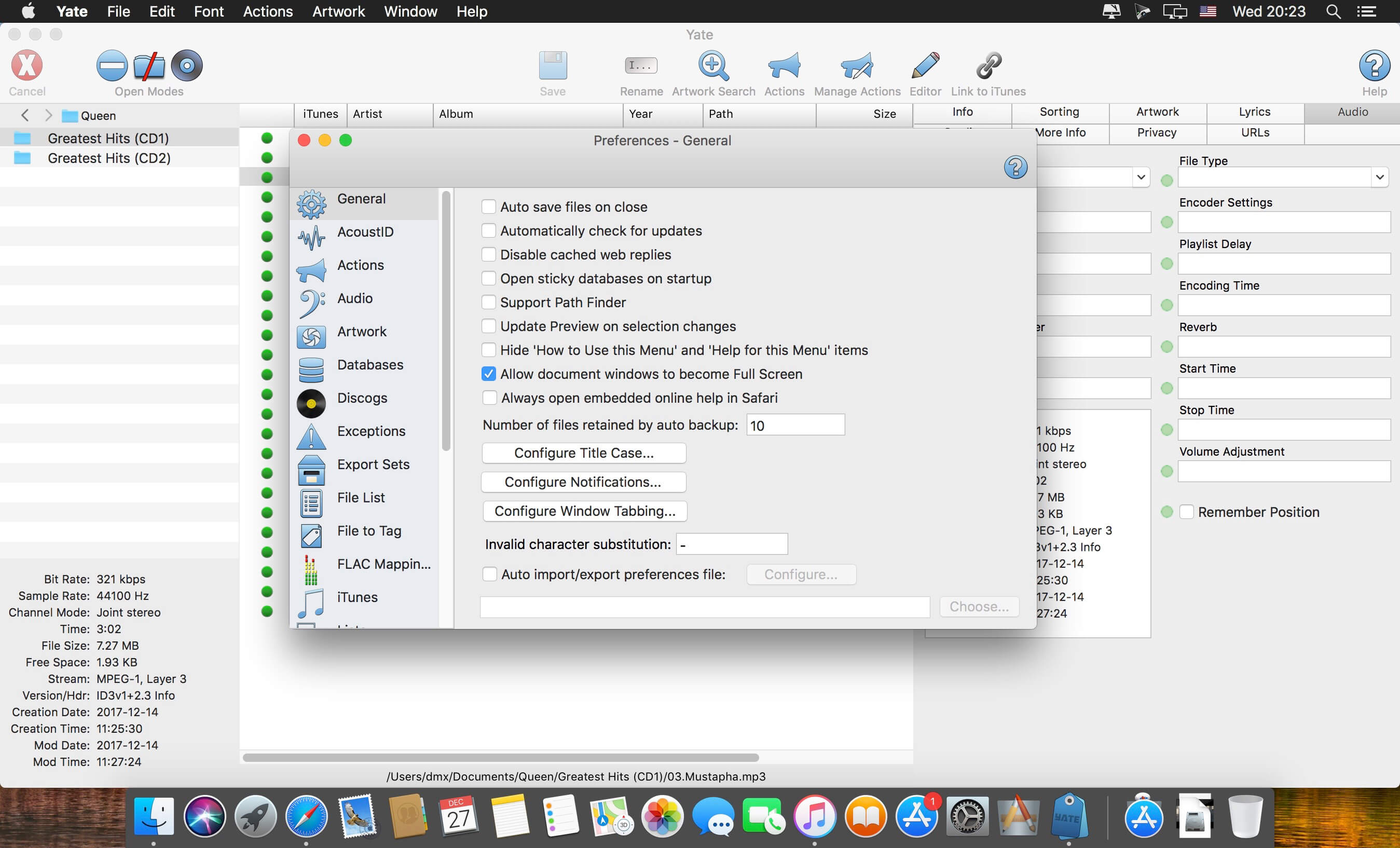
If you care how every file in your collection is tagged, you want to decide each field yourself. Yate is a music tag editor for Mac built for that kind of control. It runs on its own tagging library.
- One app for nearly every format you'll run into: MP3 (and MP2), M4A and MP4 with AAC or ALAC, M4B, M4V, FLAC, AIFF, WAV, APE, WavPack, DFF, DSF, and single stream Vorbis or Opus OGG.
- Actions are Yate's scripting system. Build your own tagging steps once and use them again on the next batch.
- Tag data comes from MusicBrainz, Discogs, Beatport and last.fm, so you're not typing album details by hand.
- AcousticID and AcousticBrainz are supported too, which gives you more sources to check a release against.
- Video files get their info from The Movie Database (TMDb).
- Works with your iTunes, Music and TV libraries.
Plenty of other integrations are available through actions.
Frequently asked questions
How do I install the app?
Mount the image, drag the app into the "Applications" folder and launch it. If the system blocks the launch, allow it in "System Settings → Privacy & Security".
The app is damaged or won't launch
Reinstalling from a fresh image usually helps. Make sure your macOS version matches the one listed in the compatibility specs.
How do I update?
Download the new version from the site and install it over the current one — your settings will be preserved.
The download link doesn't work
Try a mirror or a download manager. For large files the browser often drops the connection.
How do I completely remove the app?
Use an uninstaller utility — it cleans up the service files that remain after moving the app to the trash.


Choose a download source
Yate 10.0 · 16.29 MB
Previous versions
Yate 10.0
Previous versions are available to registered users.