Dropzone Pro 5.1.0
Dropzone is a menu bar productivity app that keeps your most-used apps, folders, and actions instantly within reach. Launch, navigate, and move files faster with a customizable drag-and-drop grid built for everyday speed.
Dropzone 5 brings a full redesign, with optimizations and full support for macOS Tahoe and Liquid Glass.
What’s new in Dropzone 5
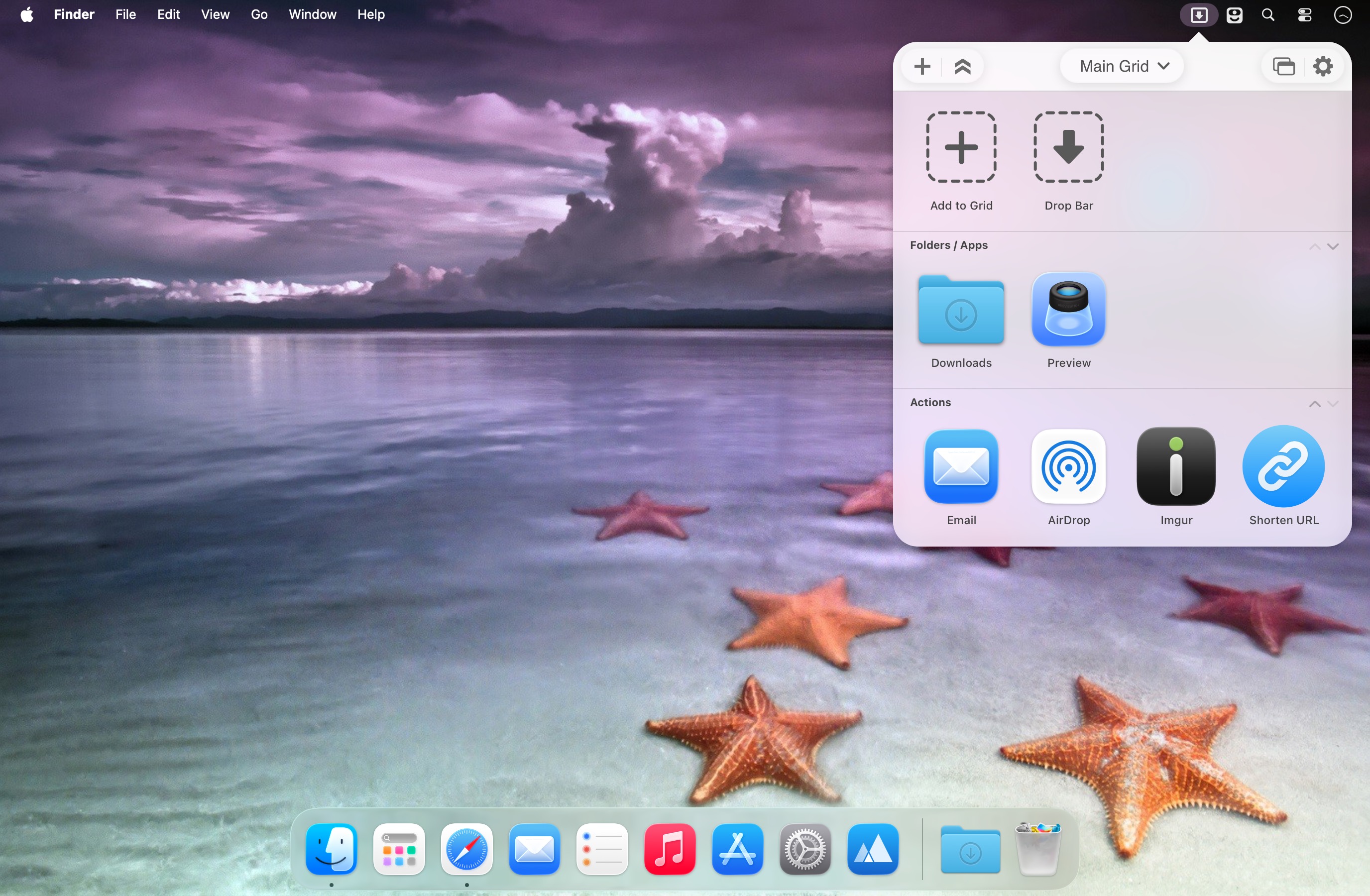
Multi-grid support: Create multiple grids for different workflows—apps, folders, and actions—then switch between them effortlessly.
Drop Bar: Stash files you’ll need later by dropping them onto the Drop Bar in the grid. Files stay there until you’re ready to use them, and with multi-grids you can create separate Drop Bars for organized collections.
Key features
- Tahoe-optimized and redesigned for Liquid Glass
- Custom folder icons with Tahoe’s new icon style (colors, symbols, or emojis)
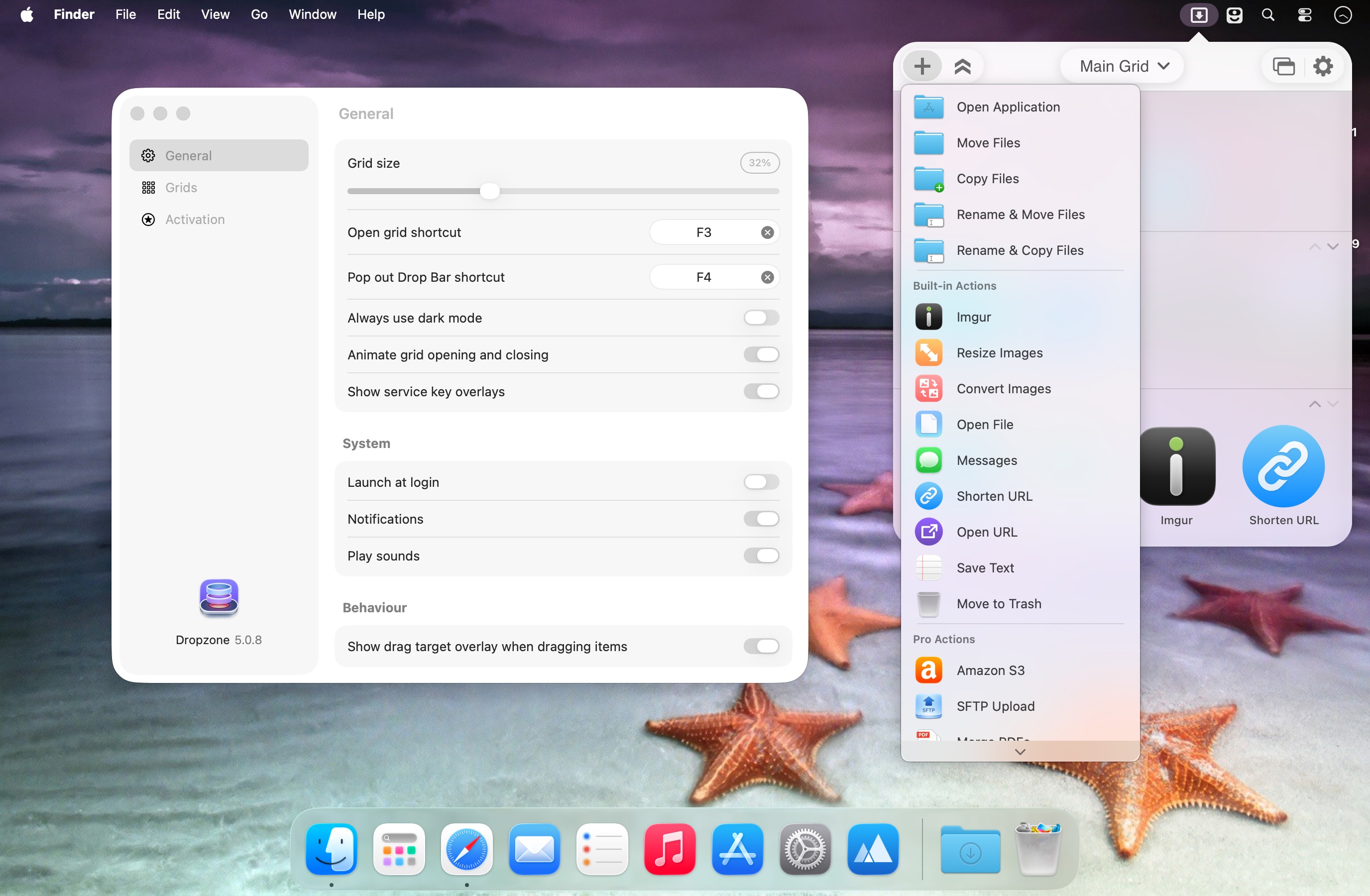
- Pop-out Drop Bar as a floating, always-on-top shelf for quick drag-and-drop
- Faster app launching and file handling (open, move, and copy)
- TinyURL integration to shorten selected URLs instantly and copy them to your clipboard
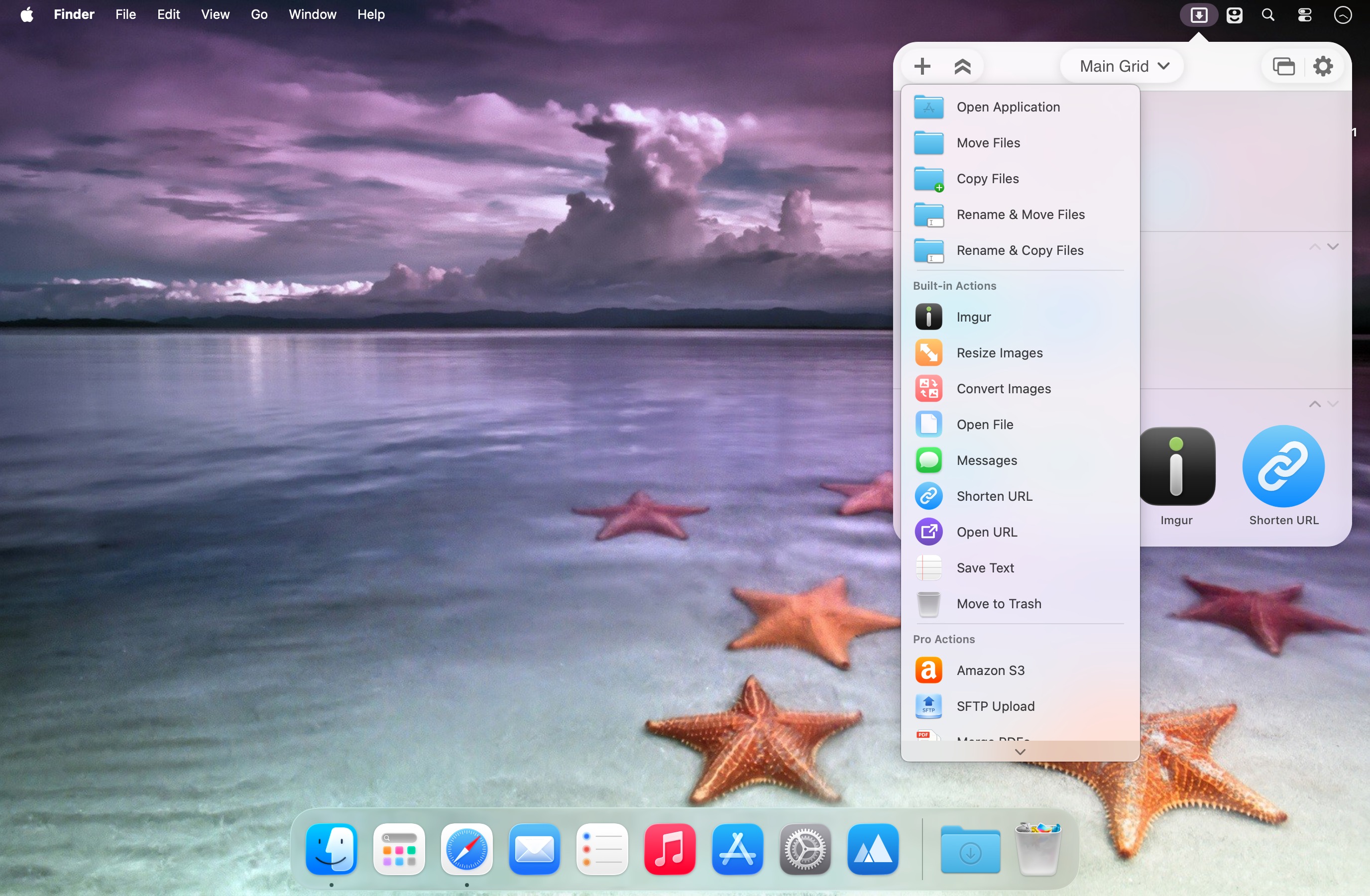
- Built-in AirDrop support to send files and folders to nearby Macs
- Imgur uploads for instant shareable links
- Image conversion between formats like PNG, JPEG, TIFF, and more
- One-drop image resizing using preset dimensions
- Pro features (optional): upload to Amazon S3 and SFTP, plus simultaneous tasks, keyboard shortcuts for actions, and progress tracking via an animated menu bar icon
- Add to Grid by dragging apps, folders, or actions directly into the grid area
Use Dropzone to streamline your workflow—everything you need, where you need it.
What's New:
Version 5.1.0:
- New: Added section in Settings for Drop Bar specific options
- New: Added an option to automatically add new screenshots to Drop Bar
- New: Added an option to run a chosen action on new screenshots
- New: Added an option to automatically close the popped out Drop Bar when the last item is removed
- Fixed issue where the Drop Bar filename tooltip would remain visible while an item's right-click menu was open
- Fixed issue where Edit and Remove buttons were enabled before a grid was selected in Settings
Screenshots:
- Title: Dropzone Pro 5.1.0
- Developer: Aptonic Limited
- Compatibility: macOS 13.0 or later
- Language: English, French, German, Korean, Polish, Simplified Chinese, Thai
- Includes: K'ed by TNT
- Size: 66.26 MB
- View in Mac App Store
Users of Guests are not allowed to comment this publication.