Compresto 1.28.1

Compress videos, images & PDFs.
Videos, screenshots, and PDFs can quickly pile up on your Mac, filling up your storage and making you delete things you’d rather keep. Compresto shrinks your files by up to 90%, so you can reclaim that space without losing anything. And when you need to send something, it just goes — no more files too large to attach or uploads that take forever.
- Compress videos without losing quality
- Shrink images, GIFs, and PDFs in seconds
- Process hundreds of files at once
- Automate compression with folder monitoring
What's New:
Version 1.28:
New Features
- Per-File Compression Overrides — Override compression settings for individual files in a batch, so you can tune quality or format per item without splitting jobs
- Auto-Compress from Clipboard — Files copied to the clipboard can be compressed automatically as soon as they're detected
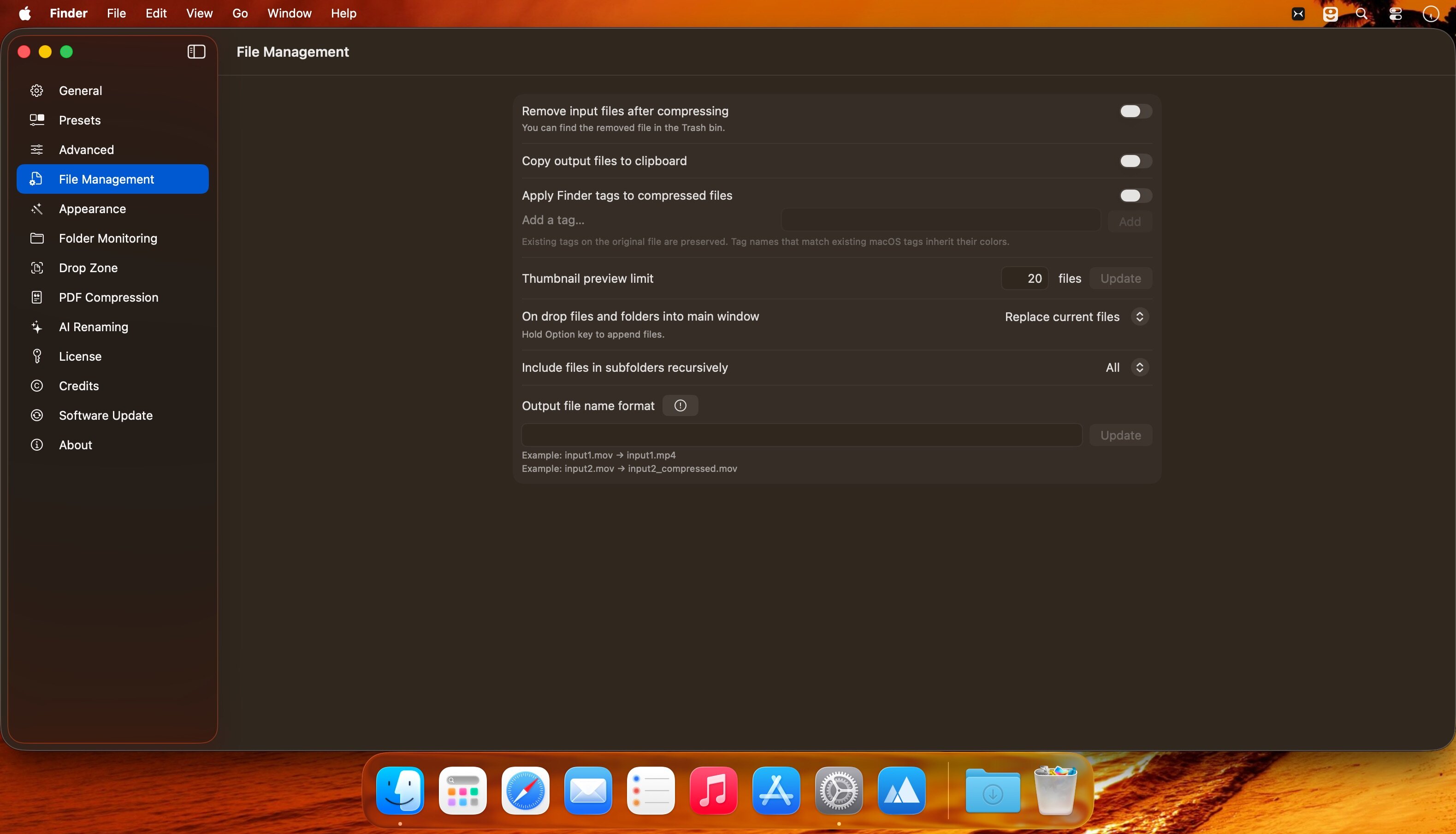
- Finder Tags Preserved — Finder tags on source files are now applied to compressed outputs so your tag-based workflows keep working
Folder Monitoring Settle Time — Add a settle time delay before compressing newly detected files, giving downloads and exports time to finish writing - Retain Modification Date — New option to preserve the original file's modification date on the compressed output
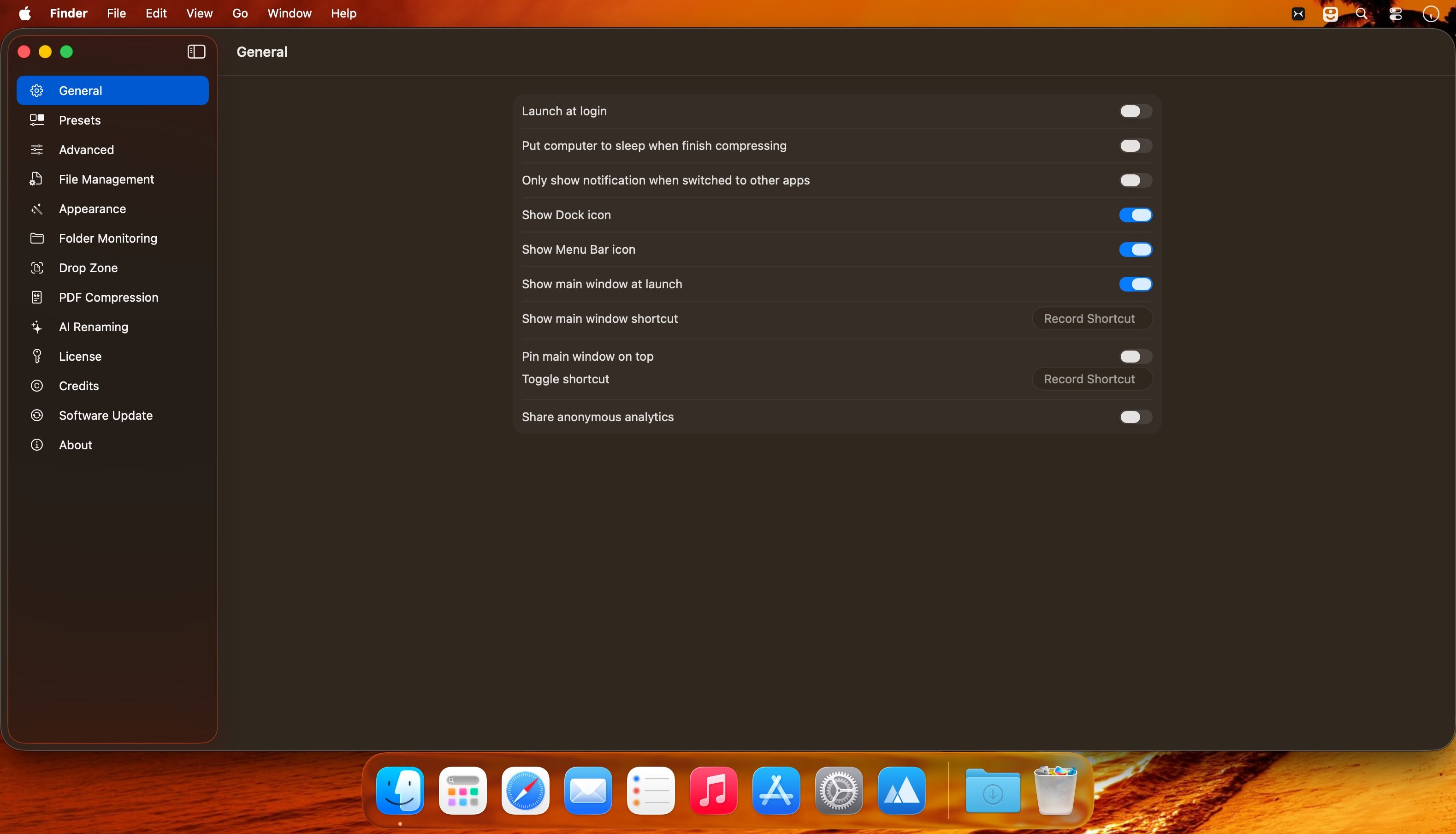
- Background-Only Notifications — Option to only show compression notifications when Compresto is in the background
Improvements
- Trash button added to single-file previews for quick removal
- Feedback board cards now show developer responses inline
Bug Fixes
- Fixed an issue where the main window stayed behind other windows when dropping files in "Open in App" mode
Screenshots:
- Title: Compresto 1.28.1
- Developer: Dinh Quang Hieu
- Compatibility: macOS 13.0 or later
- Language: English
- Includes: K'ed by EDiSO
- Size: 9.83 MB
- visit official website
Users of Guests are not allowed to comment this publication.