BoltAI 2.13.7

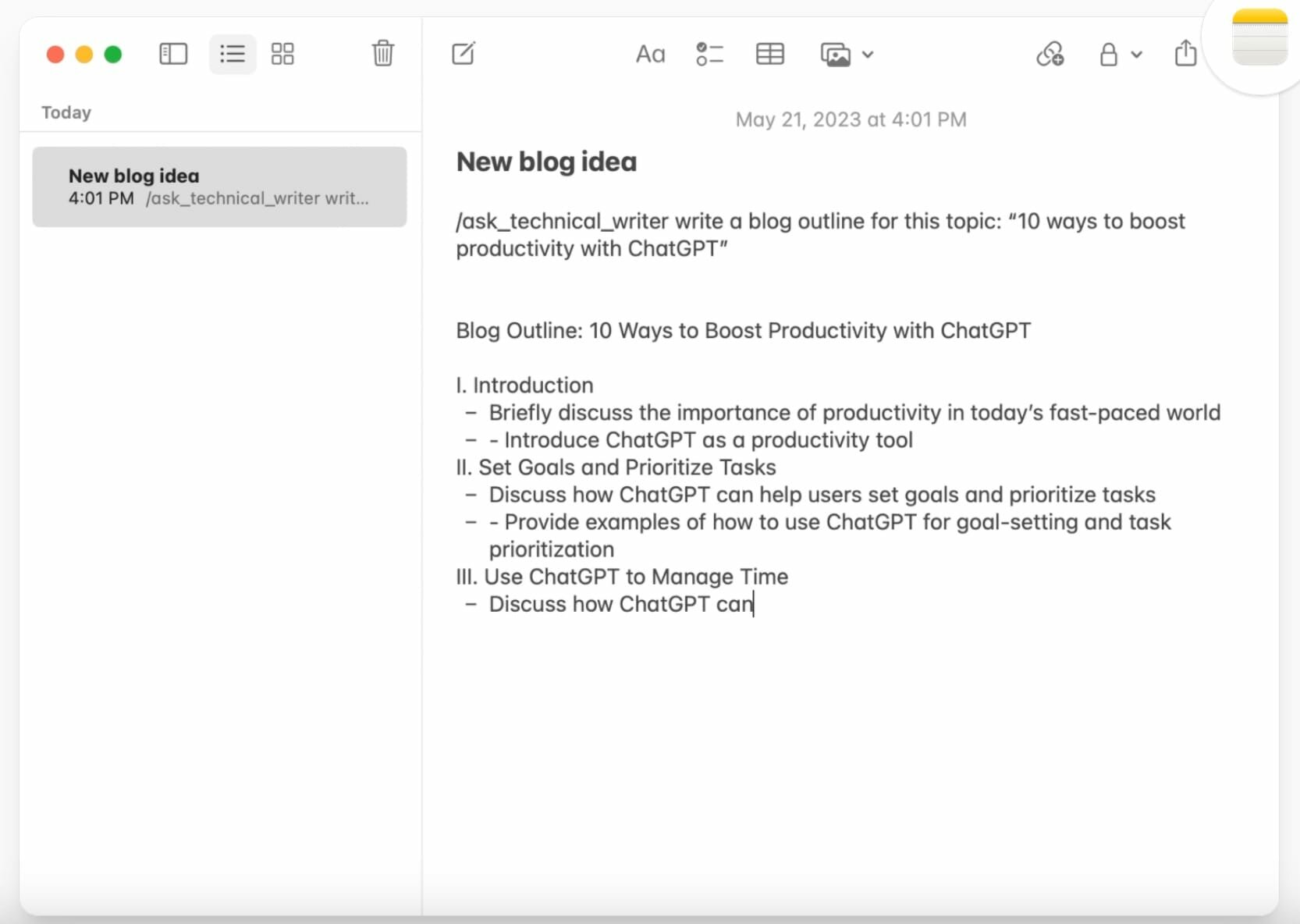
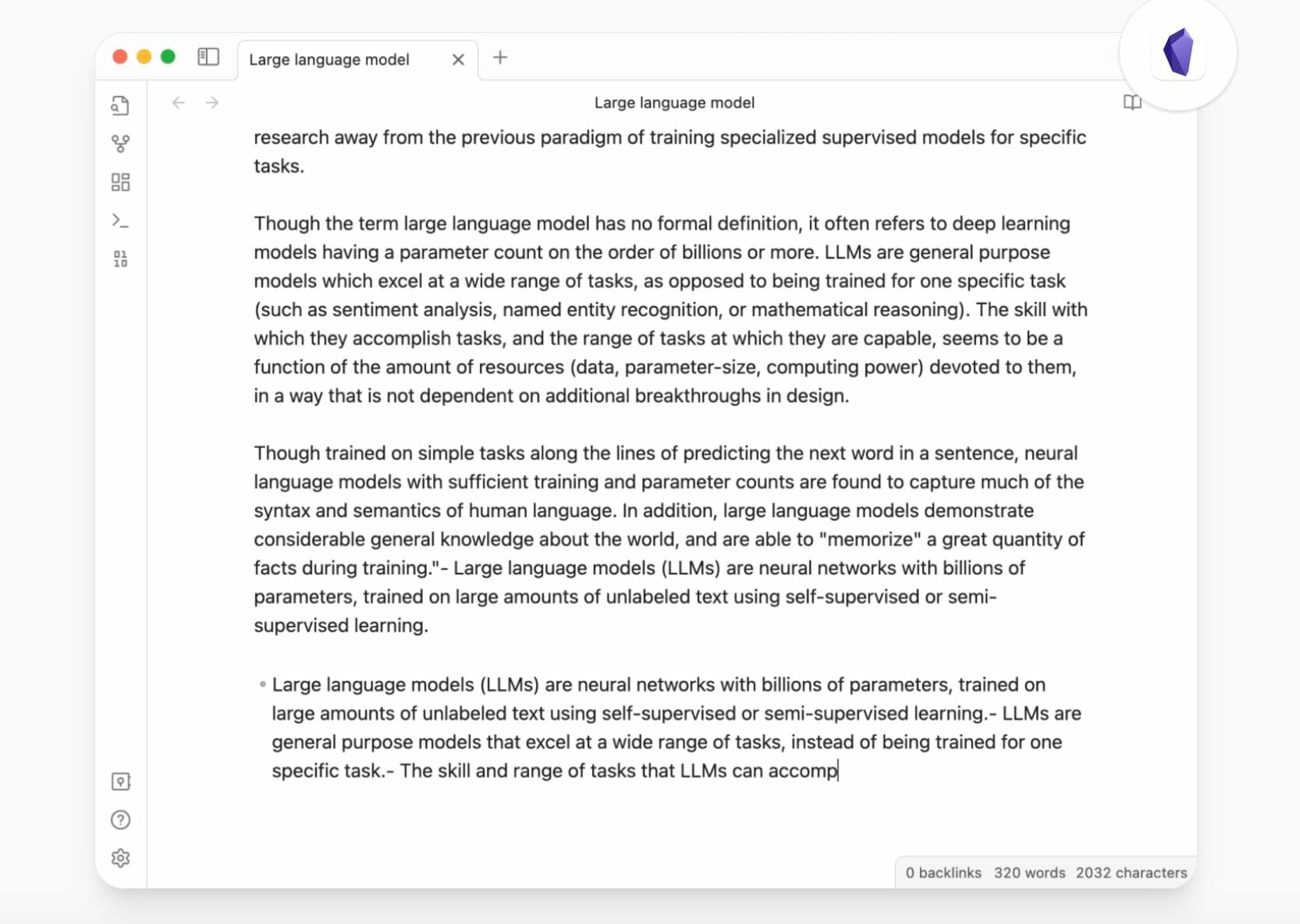
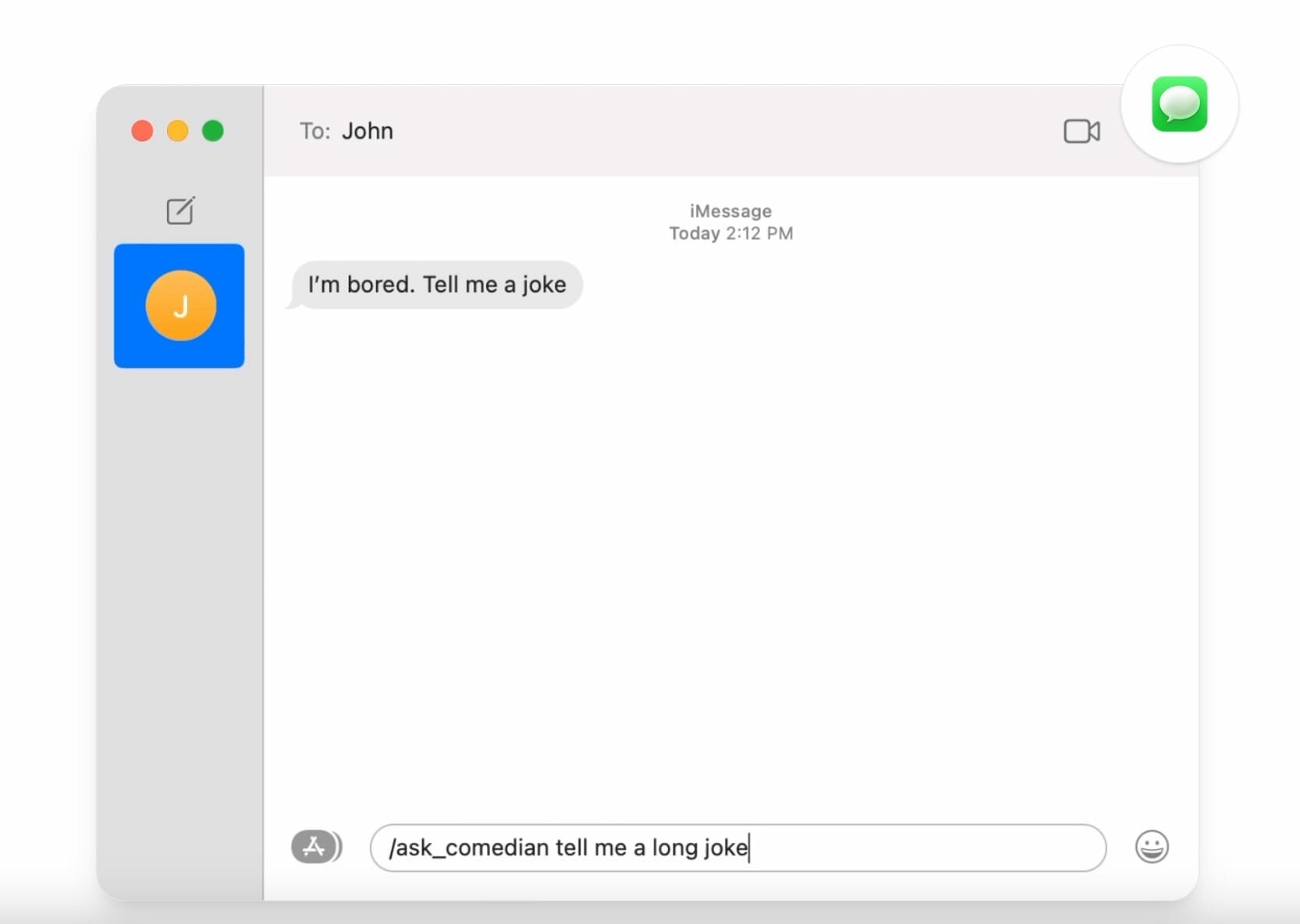
BoltAI is a powerful AI assistant designed for macOS users. It uses OpenAI GPT technology to provide AI assistance within macOS applications. It features a library of prompts, custom AI assistants, Stable Diffusion support, secure data storage, and automatic redaction of sensitive data to enhance security. BoltAI is a versatile tool that boosts productivity across a wide range of professions, from writing and development to management and entrepreneurship.
The era of artificial intelligence has arrived
Artificial intelligence will not replace humans. But those who know how to use it effectively will be more productive than those who don’t.
Integrate artificial intelligence into your workflow with BoltAI today.
Features:
- Native, fast, and powerful
No more 200 MB apps. Seamlessly integrated with your favorite apps. - Custom AI assistants
With BoltAI, you can create custom AI assistants by tailoring the AI’s behavior to specific tasks or roles. - Prompt library
BoltAI offers a library of prompts that you can use to get the most out of AI assistance. - Easily Customizable
Easily customize your preferred keyboard shortcuts for seamless integration into your workflow. - Secure
BoltAI securely stores your key in Apple Keychain and automatically redacts sensitive data, ensuring your privacy and peace of mind. - Respect Your Privacy
No analytics in the app. No intermediary servers. Your requests will be sent directly to OpenAI.
What's New:
Version 2.13.6:
New
- Added passkey sign-in for BoltAI cloud accounts. You can set up your passkey in BoltAI Admin or in BoltAI Web App.
Improved
- Improved OpenAI model setup by hiding non-chat models such as image, realtime, embedding, speech, and moderation models from chat model pickers.
- Improved Claude reasoning support for newer Claude Opus models, including adaptive thinking support where available.
- Improved reasoning setup for Claude models routed through OpenRouter and Bedrock.
Fixed
- Fixed chat settings changes that could take one send too long to apply after changing provider, model, tools, context, agent, or LLM parameters.
- Fixed inspector and compose toolbar changes so the active chat uses the latest saved configuration more reliably.
- Fixed newer Claude Opus requests that could include unsupported sampling parameters when reasoning is enabled.
- Fixed Kagi Search setup and tool requests so they work with Kagi's current Search API.
Screenshots:
- Title: BoltAI 2.13.7
- Developer: Daniel Nguyen
- Compatibility: macOS 12.0 or later
- Language: English
- Includes: K'ed by EDiSO
- Size: 37.46 MB
- visit official website
Users of Guests are not allowed to comment this publication.