AudiBar 2.3.0
AudiBar — Simple Menu-Bar Audio Playback & Streaming
Quickly play local audio or tune into internet radio straight from your menu bar. No libraries, no syncing, no subscriptions — just drag, drop, and listen.
What it does
- Instant playback of dropped files from the menu bar
- Add and play internet radio stations with one click
- Minimal, distraction-free interface with native macOS controls
Premium (one-time purchase)
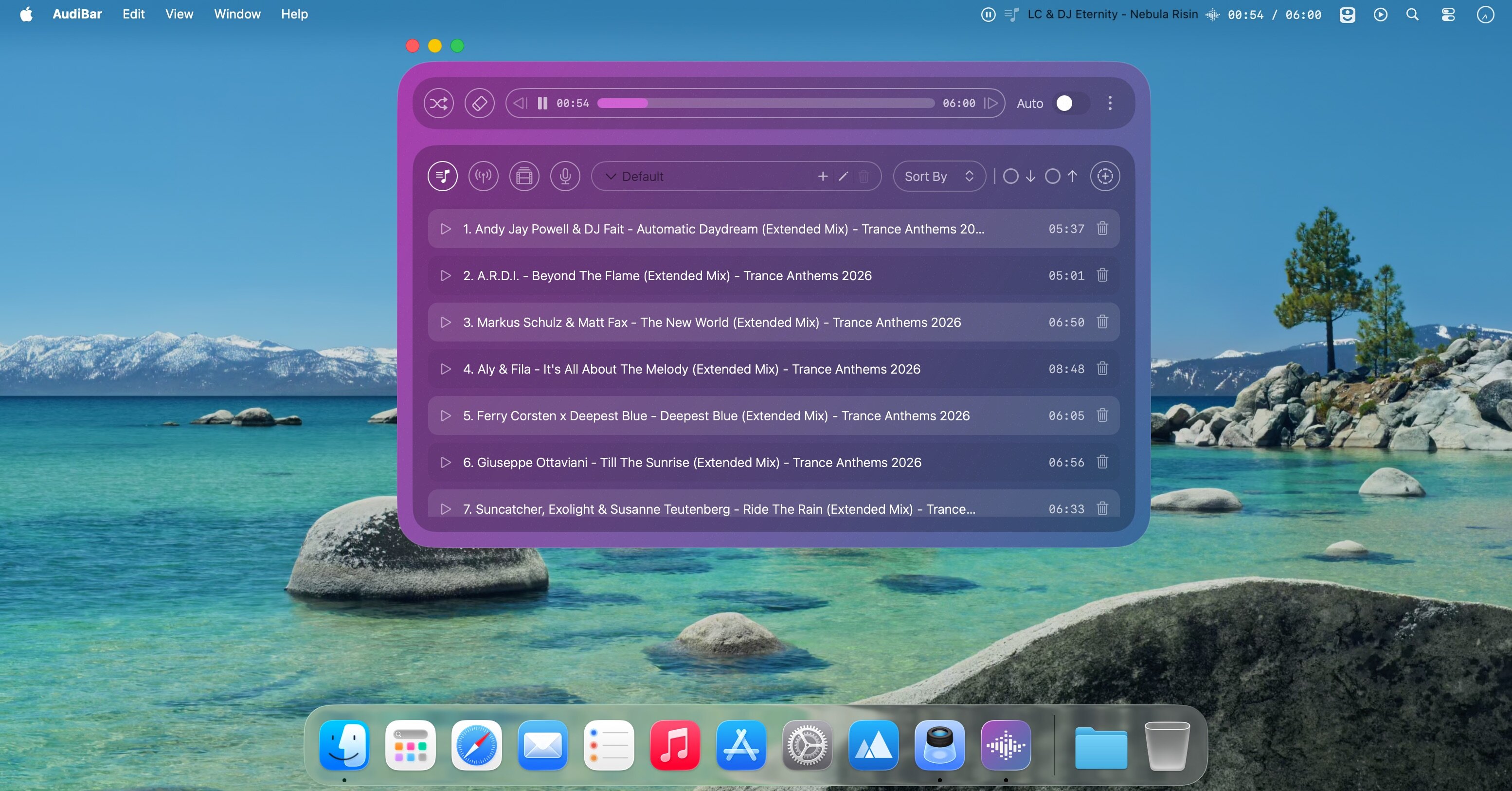
- Playlist management with visual track list and playback controls
- Seek slider, previous/next buttons, and elapsed/total time display
- Sort playlists by title or duration; drag folders to create playlists instantly
- Auto-play next track with seamless transitions; shuffle mode; unlimited tracks
- Add currently playing track to any playlist; persistent playlists across restarts
- Visual highlight for the playing track; smart track naming from metadata or filename
- Internet radio with saved stations and stream list management
- Supports M3U/M3U8, PLS, XSPF, ASX/WAX, RSS/XML and direct stream URLs
- Configurable settings panel and tooltips for all controls
Free
- Instant menu-bar playback with drag-and-drop file loading
- Play/pause and real-time progress; time display and file picker
- Supports all major audio formats; iCloud Drive smart loading
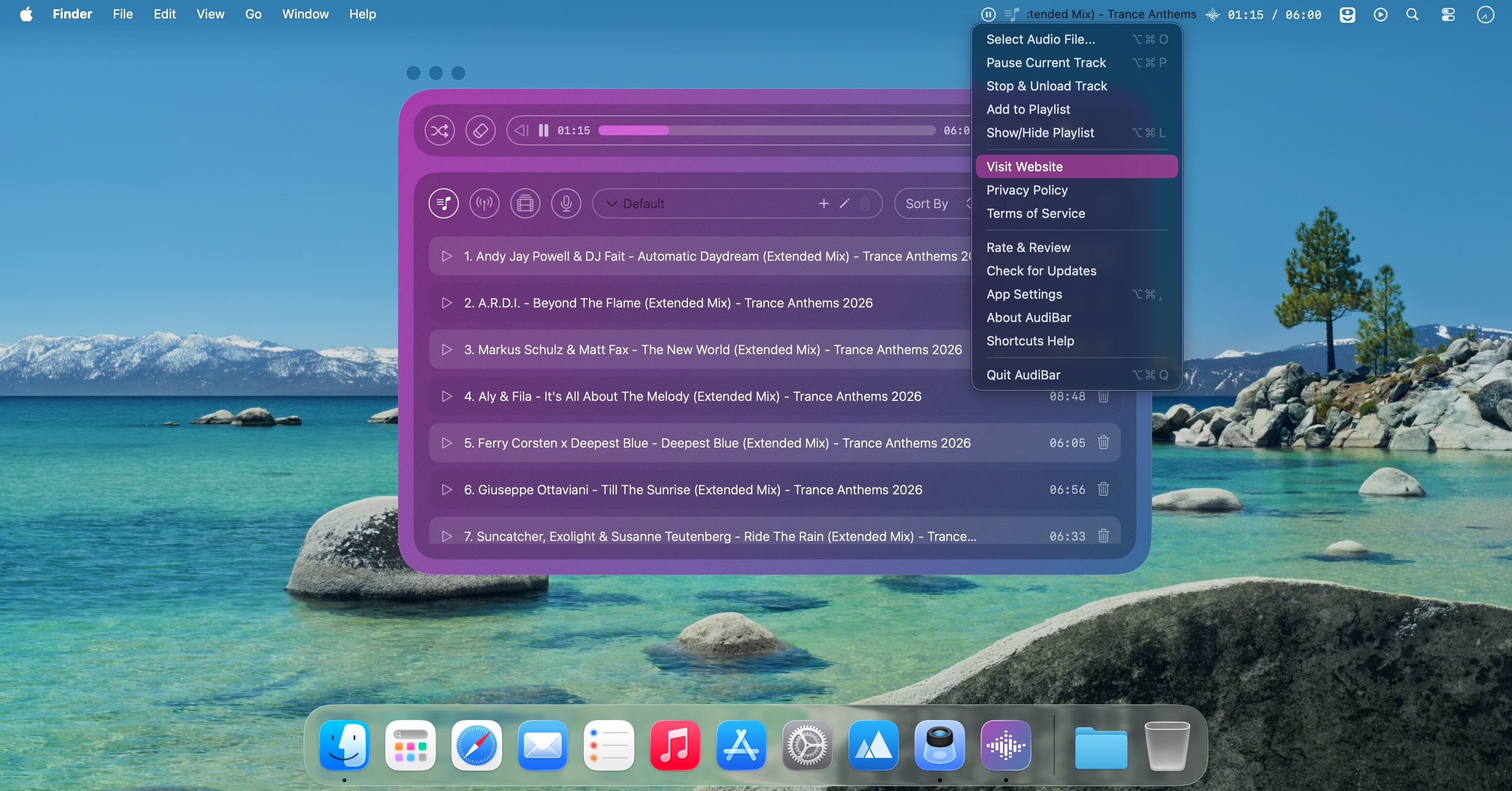
- Scrolling display for long filenames; context menu for quick actions
- Remembers last played track or stream; clean native macOS look
- Tagline: Fast, focused audio — right from your menu bar.
What's New:
Version 2.0:
Playlist Access for Free Users
Free users now have a default track playlist with unlimited tracks. Stream, YouTube, podcast, and multi-playlist support remain premium.
YouTube Playlists
Add, paste, or drag any YouTube URL to play its audio. Queue multiple videos for continuous playback. A carousel shows the current video and upcoming tracks with thumbnails.
Podcast Playlists
Add feeds, browse episodes, and play with full controls and variable speed. Position is saved per episode. Feeds auto-refresh on a configurable schedule. Artwork cached and shown alongside feed info.
Multi-Playlist Support
Create multiple playlists for tracks, streams, and YouTube videos with individual names and sort preferences. Existing content moves to a Default playlist automatically.
Playback Speed Control
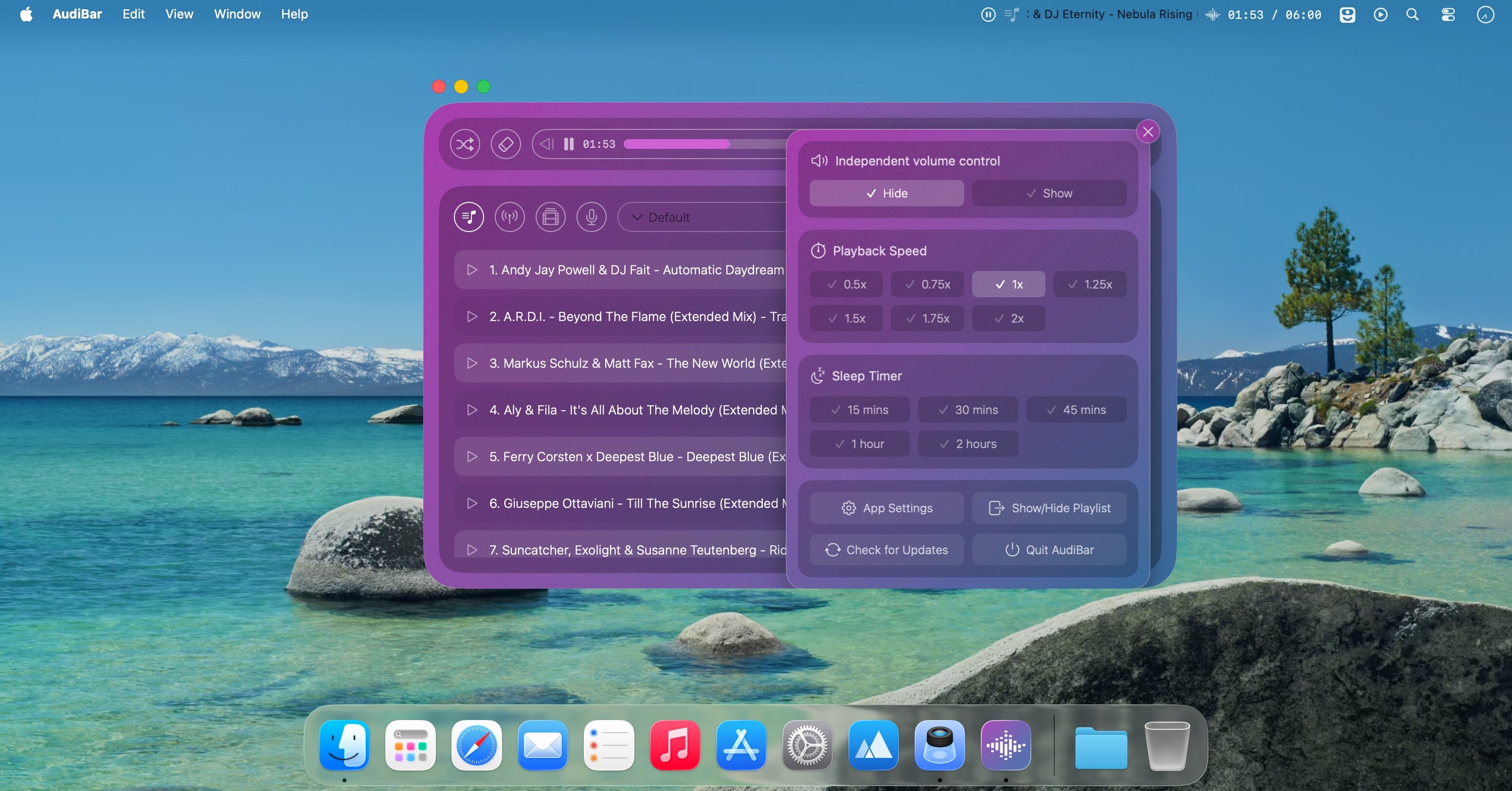
Adjust speed from 0.5x to 2x with pitch correction across 7 presets. Persists across tracks, resets on relaunch, and shows in the menu bar when not at normal rate.
Sleep Timer
Stop playback after 15, 30, or 45 minutes, or 1 or 2 hours with a smooth fade out.
Cancels automatically if you stop manually.
Media Key Support
Control playback with keyboard media keys even when AudiBar is not in focus.
Control Center Integration
Track and stream info now appears in macOS Control Center with native playback contros.
Screenshots:
- Title: AudiBar 2.3.0
- Developer: Clive Hawkins
- Compatibility: macOS 14.6 or later
- Language: Multilingual
- Includes: K'ed by EDiSO
- Size: 6.4 MB
- View in Mac App Store
Users of Guests are not allowed to comment this publication.