MacWhisper Pro 14.0
Whisper Transcription converts audio files into text using the Whisper machine learning model for speech recognition and transcription — making it easy to transcribe meetings, lectures, and other recordings.
Key Features
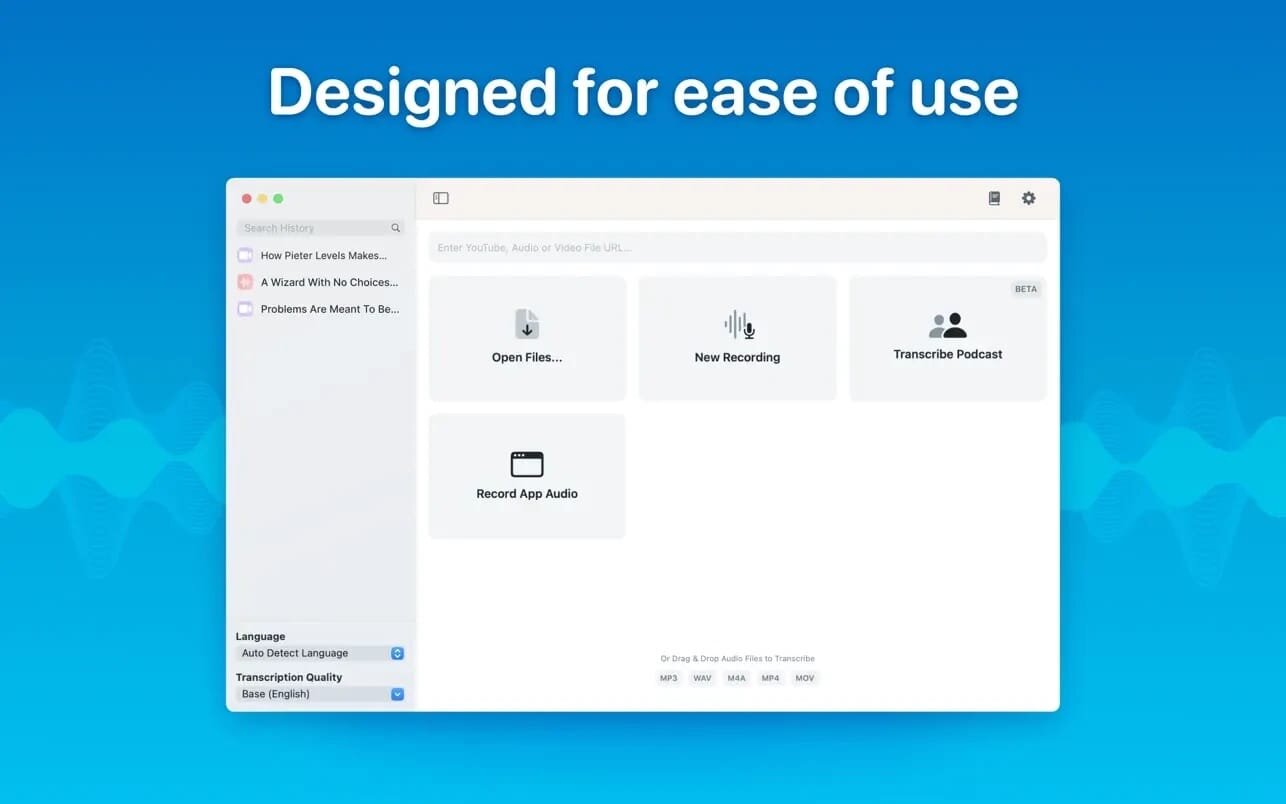
- Easy Transcription: Drag and drop audio files for instant conversion.
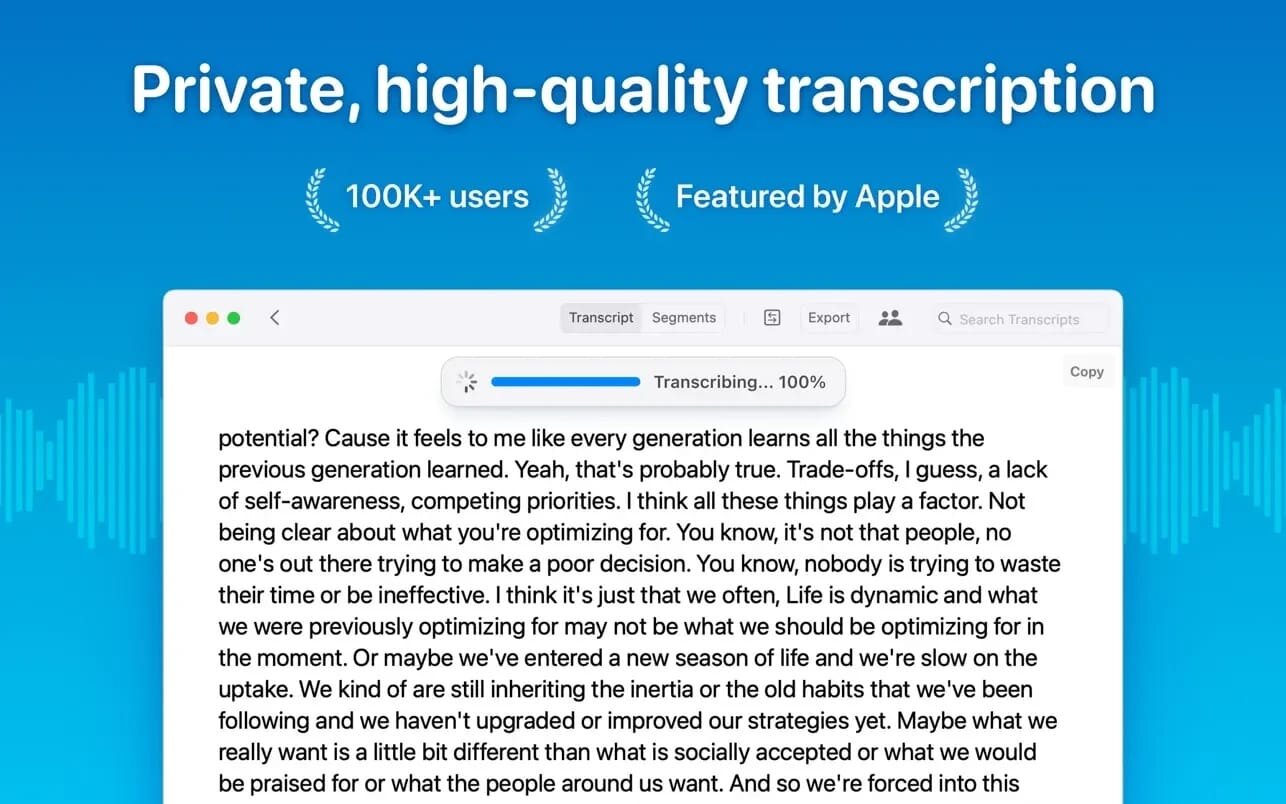
- On-Device Processing: 100% local transcription—no data leaves your machine.
- Fast & Accurate: Get text multiple times faster than real-time with Metal & GPU acceleration (depending on the system).
- Search & Edit: Highlight, edit, and delete transcript sections.
- Audio Playback: Sync playback with the transcript for easy review.
- Multi-Language Support: Transcribes in 100+ languages (fastest in English).
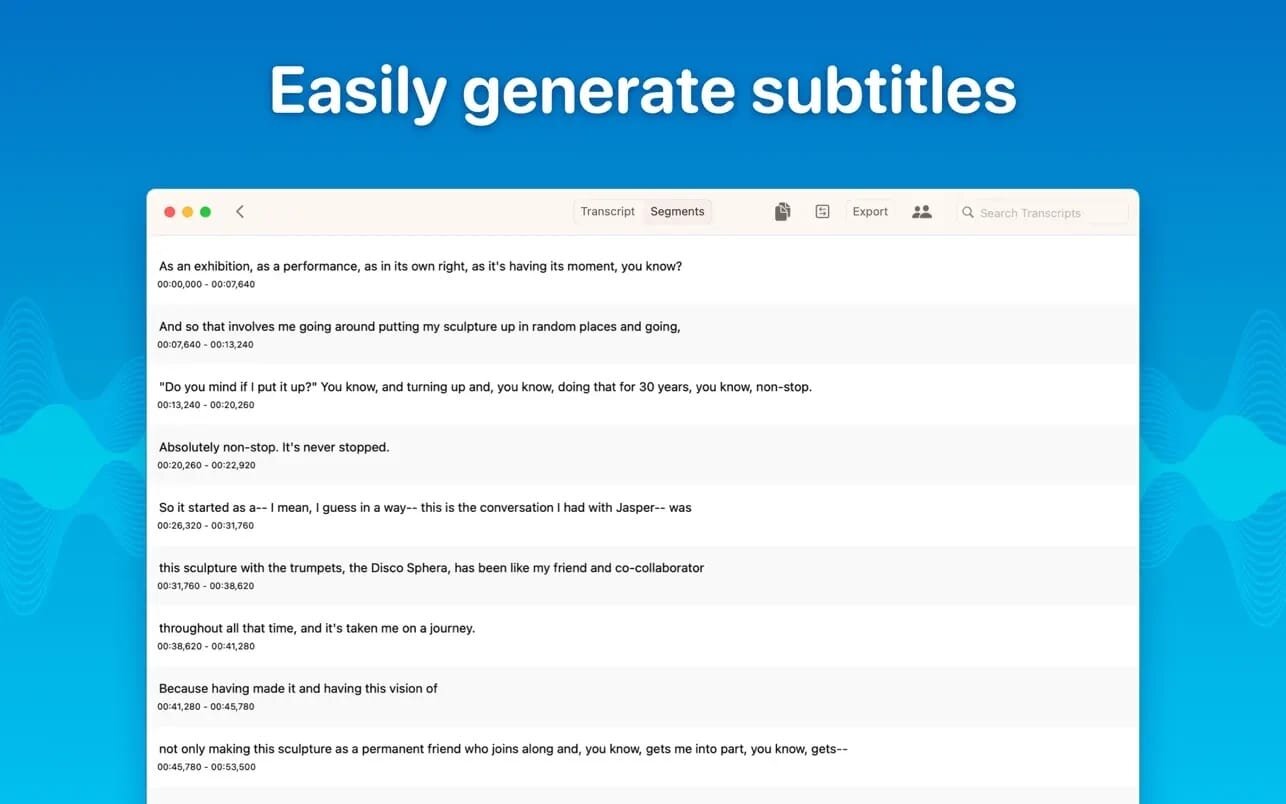
- Subtitle Export: Save transcripts as .srt & .vtt files.
- Batch Processing & System Audio Capture: Transcribe multiple files simultaneously and capture system audio (Zoom calls, podcasts, etc.).
- Flexible Output: Export transcripts to Word, PDF, HTML, and subtitles.
- Speaker Separation: Detect and split transcripts by speaker.
- Reader Mode: Focused reading experience.
- Advanced Model Support: Choose from various models for different accuracy and speed levels.
- Supported Formats: Works with mp3, wav, m4a, mp4, mov, ogg, opus and more.
- Pro Unlock: Upgrade for industry-leading transcription quality with Medium & Large models, batch processing, system audio recording, podcast transcription, and more.
What's New:
Version 14.0:
- Release notes were unavailable when this listing was updated.
Screenshots:
- Title: MacWhisper Pro 14.0
- Developer: Good Snooze
- Compatibility: macOS 14.0 or later
- Language: Multilingual
- Includes: K'ed by Antibiotics
- Size: 46.84 MB
- View in Mac App Store
Users of Guests are not allowed to comment this publication.