Folder Preview Pro 2.11.1

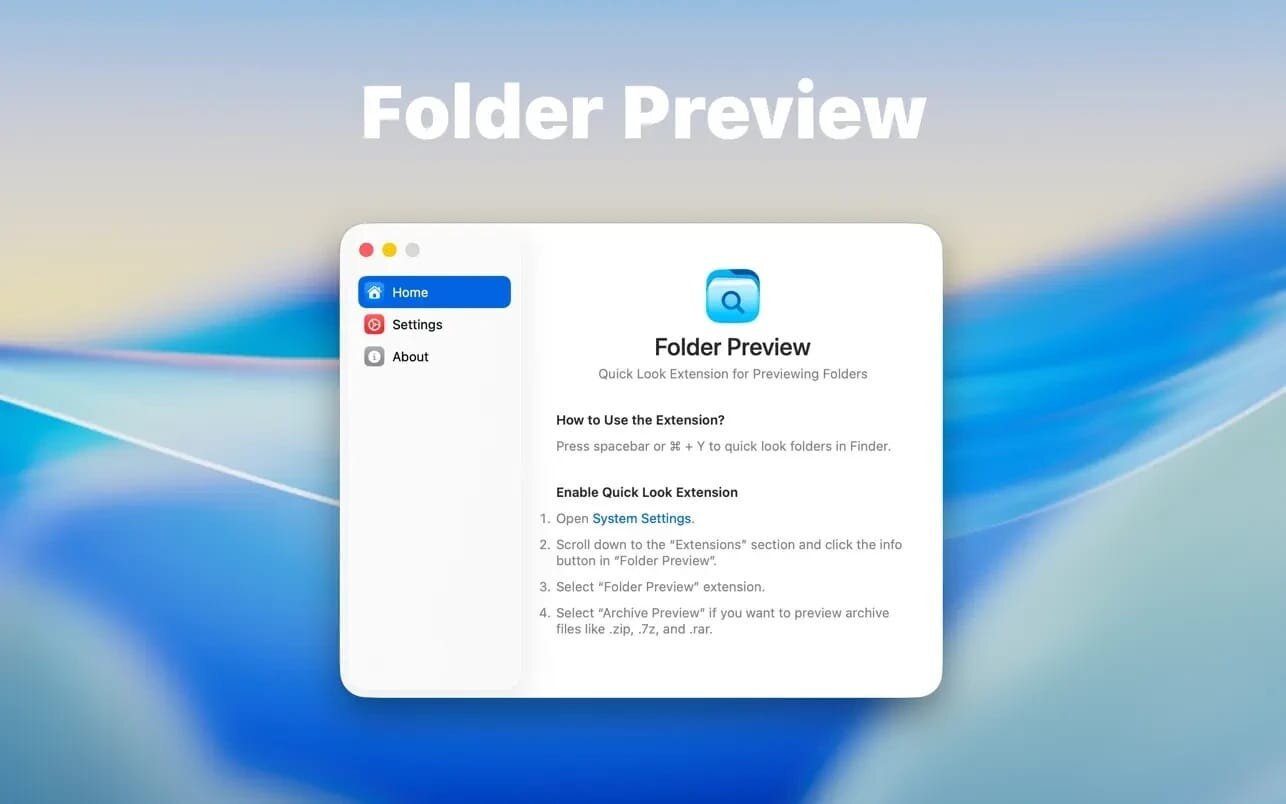
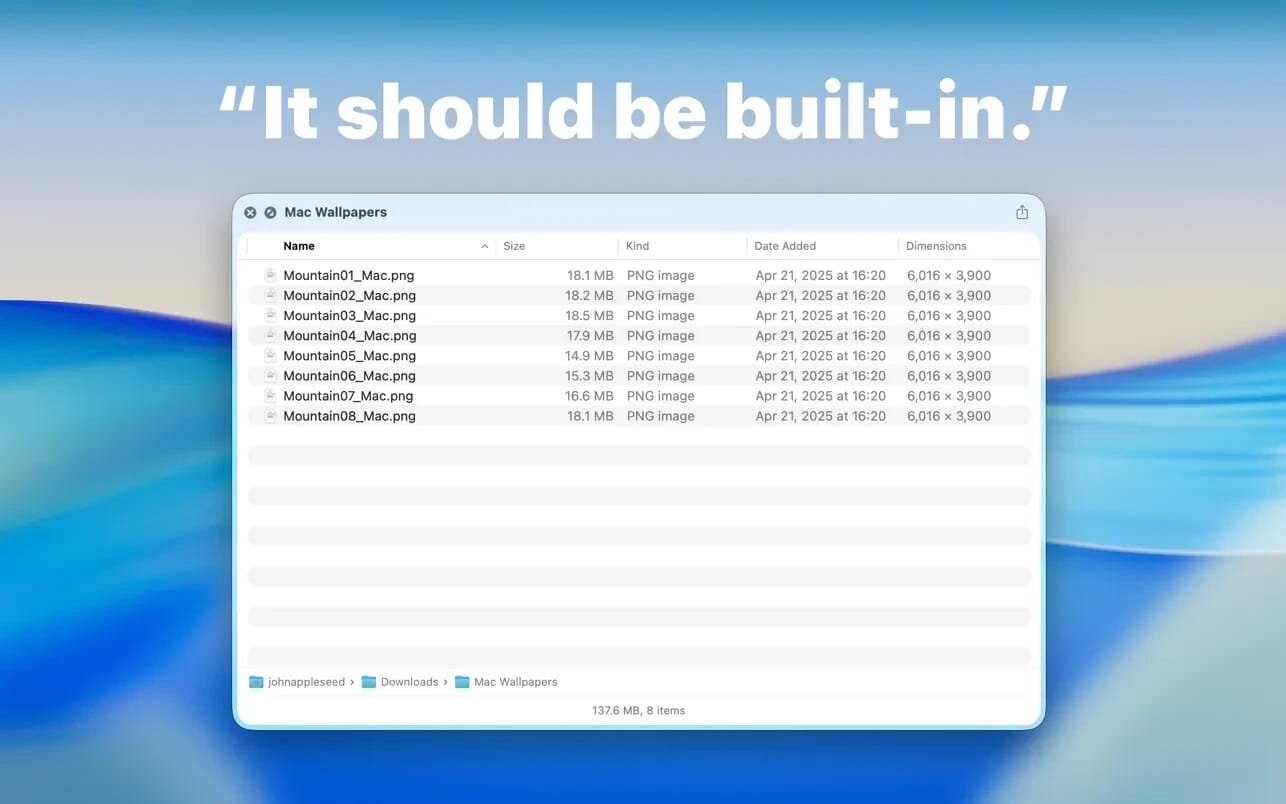
Folder Preview provides a Quick Look extension for previewing content in the Finder.
Before you start, you need to enable the Quick Look extension in the system settings.
Then you can press the space bar or ⌘ + Y to quickly browse the folders in the Finder.
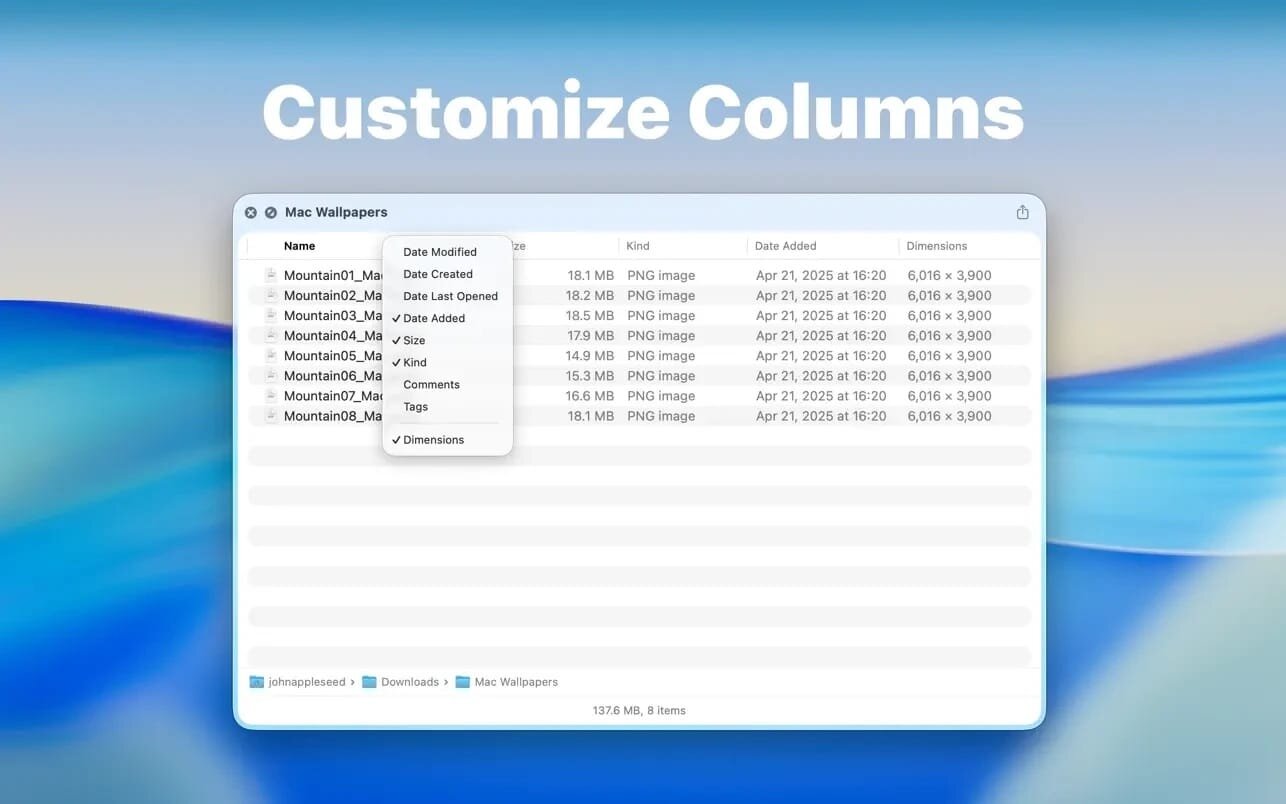
You can also right-click on the column header to show or hide the columns.
Supported archive file extensions:
- zip
- tar
- gz
- 7z
- rar
What's New:
Version 2.10
- Add text size setting.
- Replace Settings pane with Appearance pane and Behaviors pane.
Screenshots:
- Title: Folder Preview Pro 2.11.1
- Developer: Anybox LTD
- Compatibility: macOS 12.0 or later
- Language: Multilangual
- Includes: K'ed by TEAM EDiSO
- Size: 8.93 MB
- visit official website
Users of Guests are not allowed to comment this publication.