Peakto 2.7.10 – AI Media Organizer

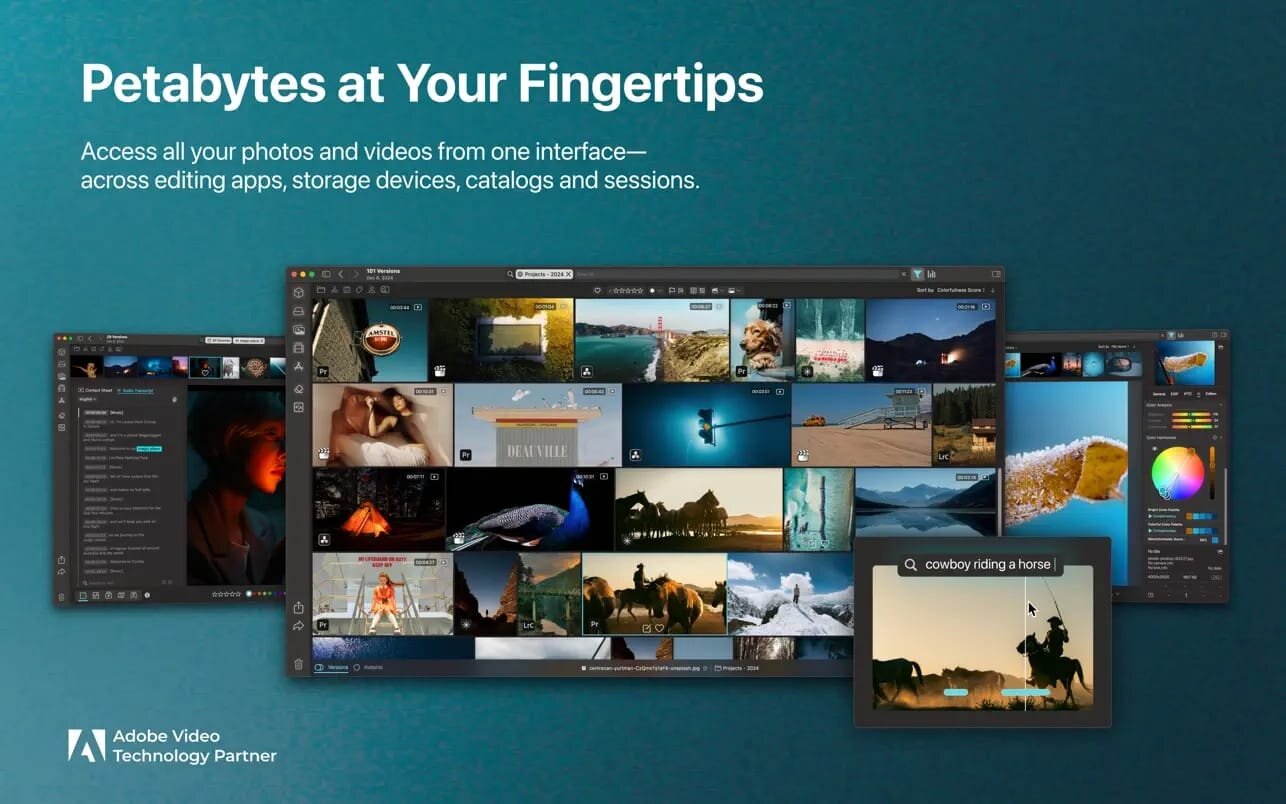
Peakto brings all your photos and videos together with AI—so you can spend less time searching and more time creating.
ALL YOUR ASSETS, ONE PLACE. ORGANIZED LIKE MAGIC.
Your photos and videos live across multiple devices, folders, and apps—making it frustrating to find what you need, when you need it. Peakto solves this by unifying your entire library into a single, powerful interface. Enhanced with AI, Peakto centralizes thousands of files and reveals your work through unique, intuitive perspectives.
FIND YOUR BEST PHOTOS AND VIDEOS IN SECONDS
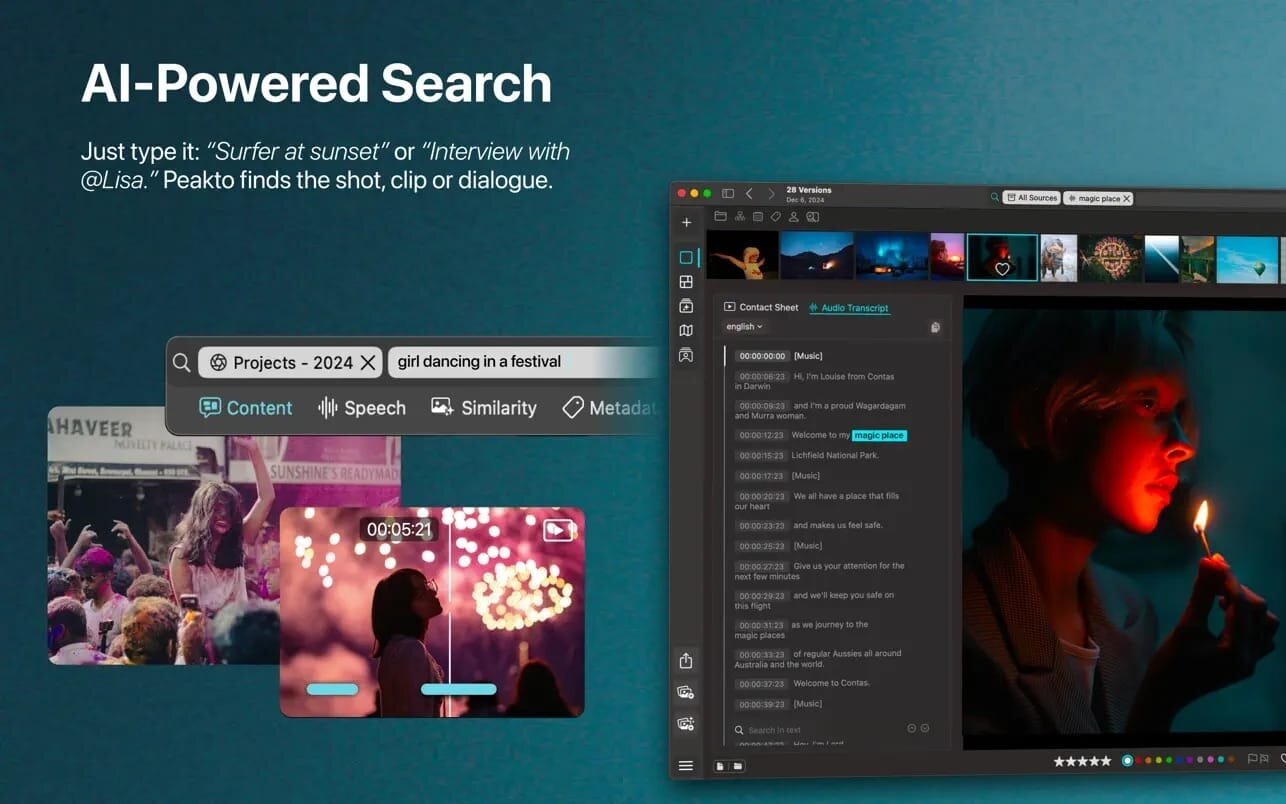
With AI-powered tagging and advanced search tools, Peakto helps you locate exactly the content you’re looking for—fast. Search by description, similar images, faces, or visual elements across both photos and videos. In version 2, prompt-based search now applies to video as well, allowing you to retrieve a precise scene within a film.
REDISCOVER YOUR WORK FROM NEW ANGLES
Never overlook the strongest moments of your work again. Peakto offers innovative views to inspire creativity and guide your editing process: automatically organized categories, interactive map views, and—new in version 2.0—a Timeline view that lets you navigate your archive chronologically and sort images by date.
CENTRALIZED ORGANIZATION, MADE EFFORTLESS
Peakto’s unified workspace makes managing your library simple and efficient. Easily identify duplicates, select photos to delete, and free up valuable storage. Recognize individuals across images from multiple sources, build selections from different folders or catalogs, and launch edits in your favorite software with a single click. Always synchronized, Peakto reflects every change made to your files in real time.
POWERFUL SHARING AND EXPORT TOOLS
Browse photos and videos in full resolution and create albums from multiple sources—folders, catalogs, sessions, or libraries. Export images in batches at full or reduced resolution for seamless sharing, all without creating unnecessary duplicates. Peakto gives you complete control over your digital assets.
SYSTEM REQUIREMENTS
Optimized for Apple Silicon (M1, M2, M3), Peakto also runs on Intel-based Macs equipped with a powerful GPU. Requires macOS 12 (Monterey) and is fully compatible with macOS 15 (Sequoia).
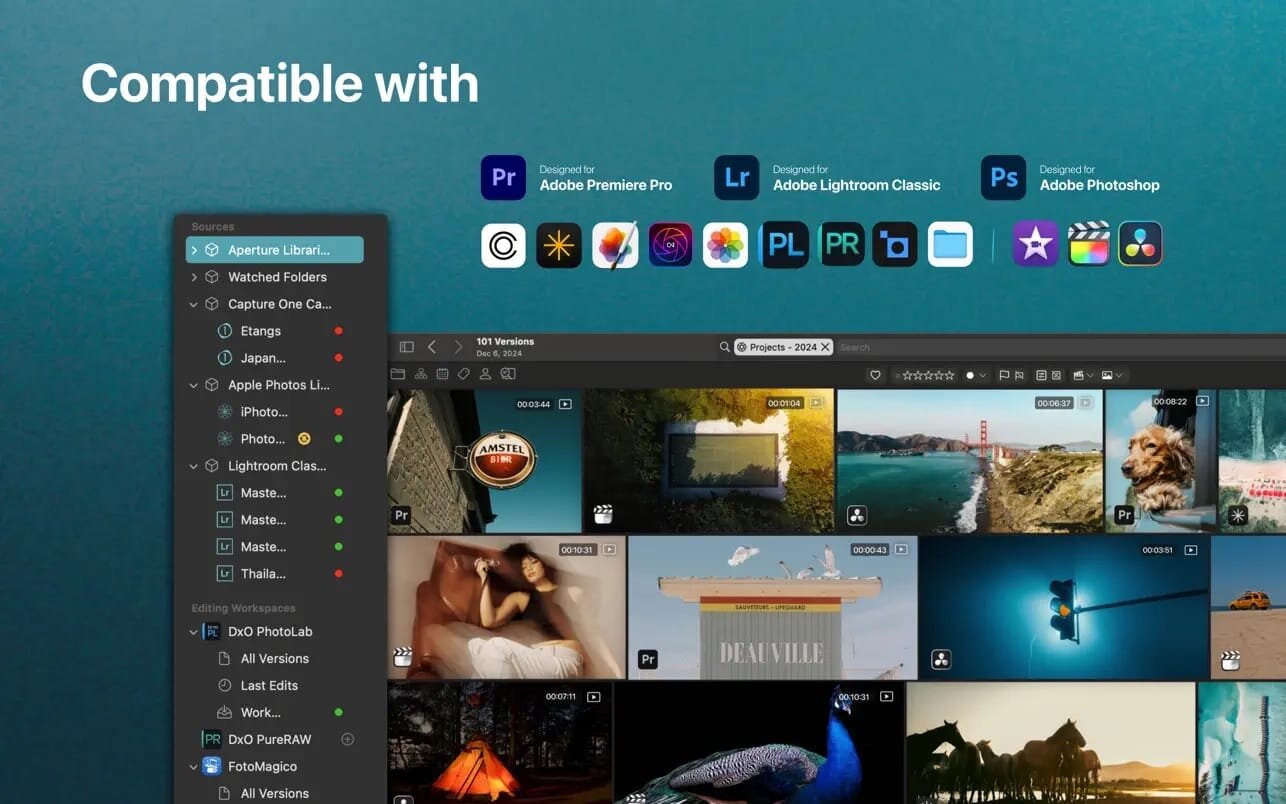
Peakto is compatible with:
- Aperture catalogs from version 3.1
- Lightroom Classic catalogs from version 5
- Lightroom Creative Cloud (current version)
- Luminar Neo catalogs from version 1.0
- Capture One catalogs from version 20 (v13.x)
- Apple Photos catalogs from version 6 (Big Sur)
- iView Media Pro catalogs from version 3
- Pixelmator Pro documents from version 3
- DXO PhotoLab v5-8 & PureRAW 2-3
- ON1 Photo RAW 2023 and 2022
- TOPAZ Photo AI version 3
- All Video formats natively supported by MacOS (mov, mp4….)
What's New:
What's New in Version 2.7
Screenshots:
- Title: Peakto 2.7.10 – AI Media Organizer
- Developer: CYME
- Compatibility: macOS 12.4 or later
- Language: English, French, German, Japanese, Spanish
- Includes: K'ed by EDiSO
- Size: 360.96 MB
- View in Mac App Store
Users of Guests are not allowed to comment this publication.