Bloom 1.5.36

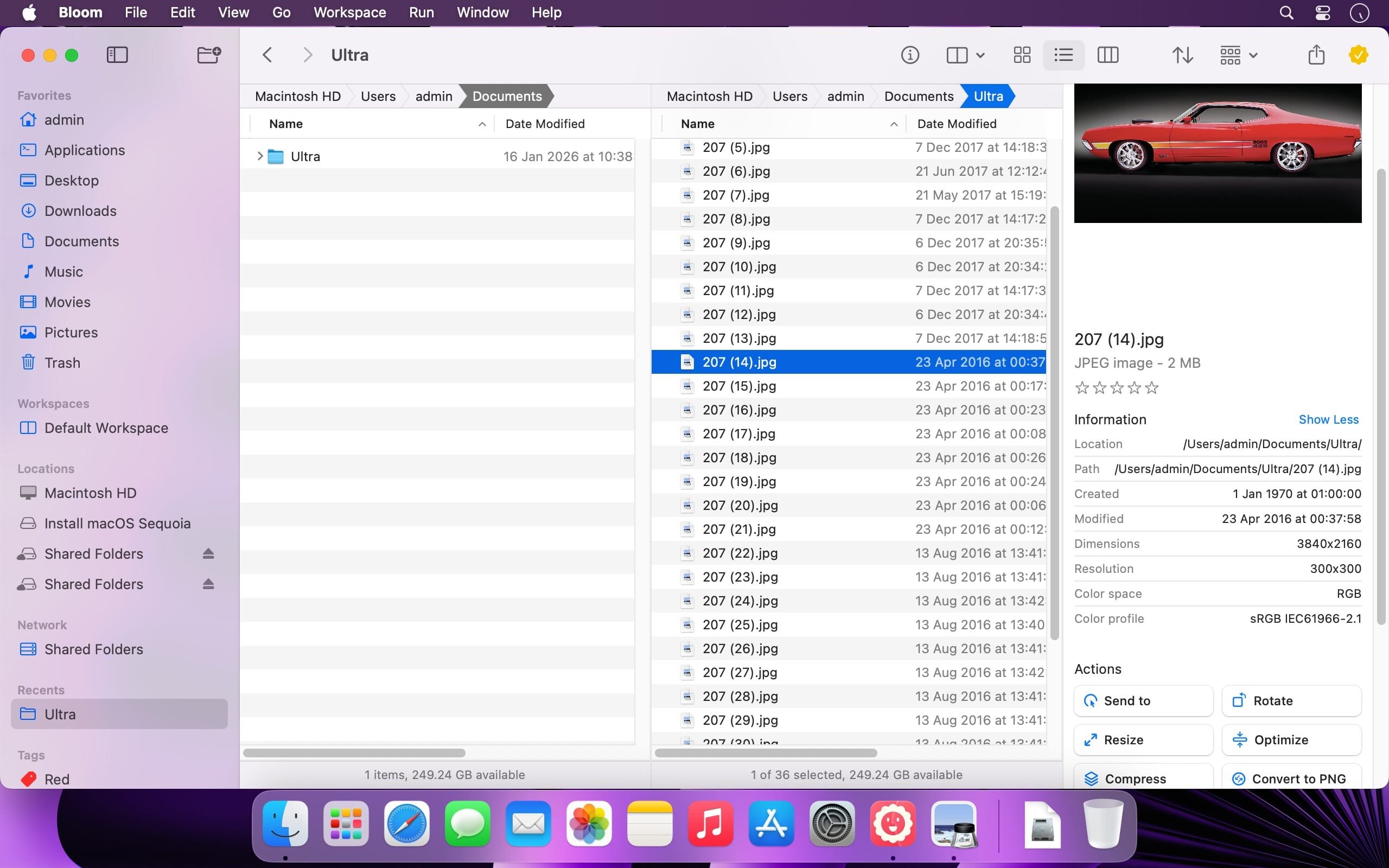
Bloom is a high-performance file manager for macOS. It replaces Finder with faster navigation, precise search, and professional-grade file control.
Jump to any location system-wide instantly with ⌘⇧⏎.
Core Capabilities
- Fast, Scoped Search
Search tens of thousands of files in seconds across predefined locations. Filter by keyword, search within any folder using ⌘F, and refresh results with ⌘R—no indexing delays, no friction. - Portal Mode
A compact, keyboard-driven window with no sidebar or preview. Pin it above all windows or collapse it to the screen edge for immediate access. - Archive Inspection
Browse compressed archives without extracting them. Preview text files, images, and PDFs (≤10MB) directly. - Advanced File Operations
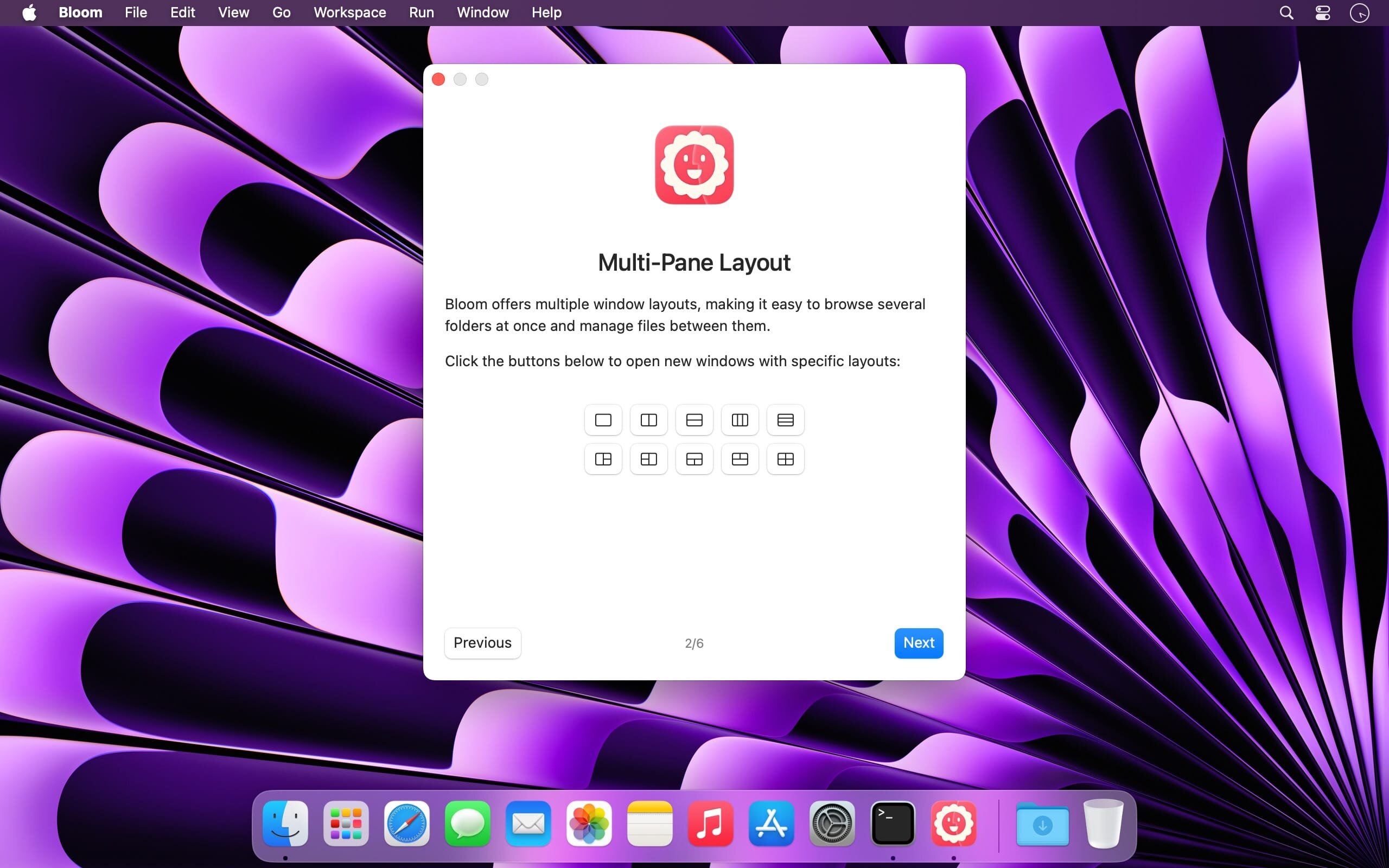
Auto-resizing columns, batch renaming with regex, workspace layouts, iCloud Drive integration, and full tag management. - Media & Automation Tools
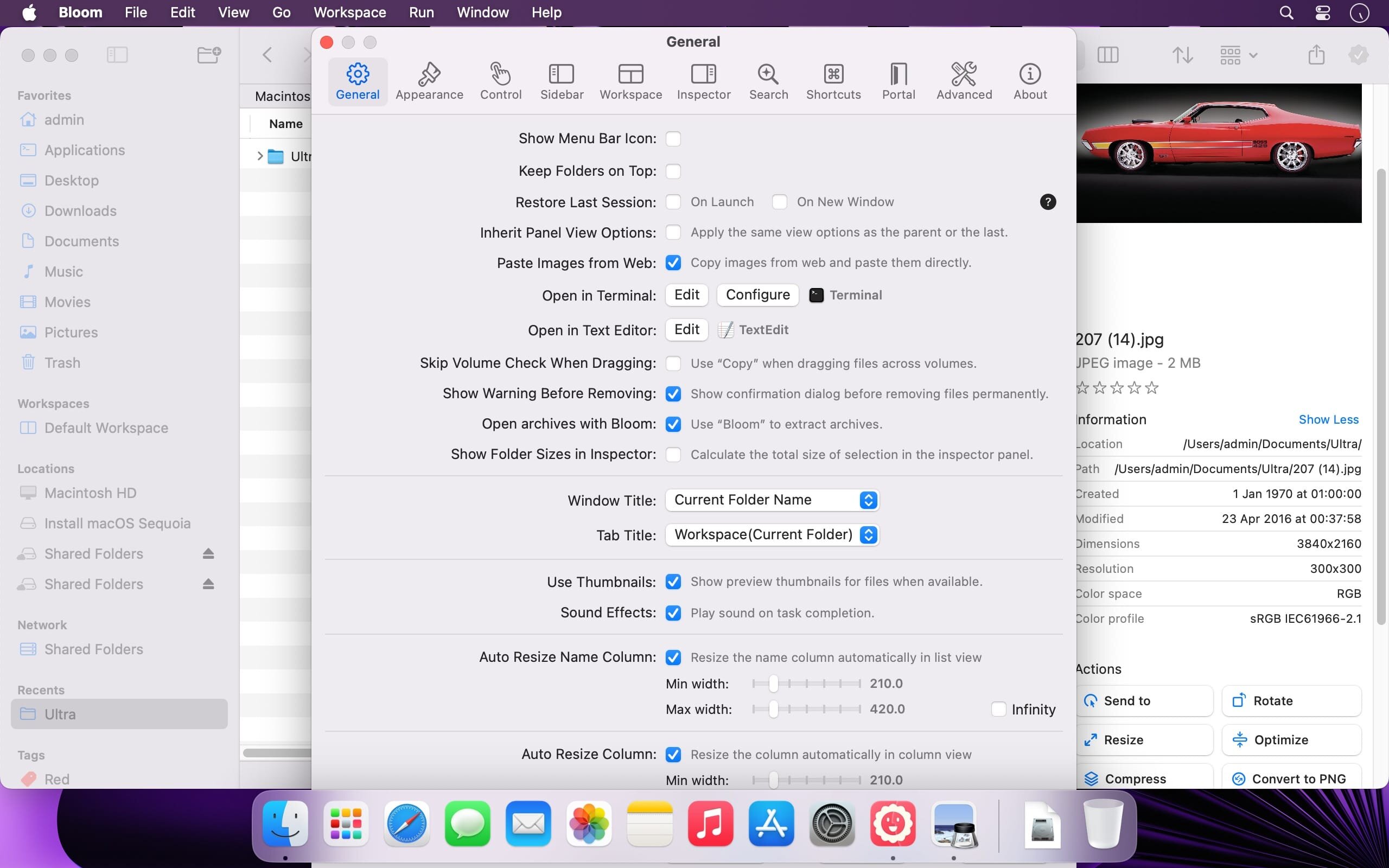
Convert and optimize images, generate common file types, paste images directly from the web, and organize files by kind or date. Every operation is logged and reversible. Launch Terminal sessions from any folder. - Disk & Task Control
Analyze disk usage with an interactive treemap using Folder Scan. Track file operations in real time with the Task Scheduler.
What's New:
Version 1.5.36:
Features
- Add workspace list, rootPath property, and activate command in AppleScript
- Add support for Default Folder X
- Add support for creating date folders
- Add an option to confirm drag-and-drop operations
- Add a case-sensitivity toggle for search
- Add basic Vim mode
- Improve QuickLook extension support for video files
- Improve arrow-key navigation
- Allow drag and drop to be temporarily disabled by holding Command-Option when dragging begins
Fixes
- Fix sidebar background color persistence issue
- Fix a path bar issue with backup drives
Screenshots:
- Title: Bloom 1.5.36
- Developer: INCHMAN1900
- Compatibility: macOS 15.6 or later
- Language: English
- Includes: K'ed by EDiSO
- Size: 14.94 MB
- visit official website
Users of Guests are not allowed to comment this publication.