Mimestream 1.10.0

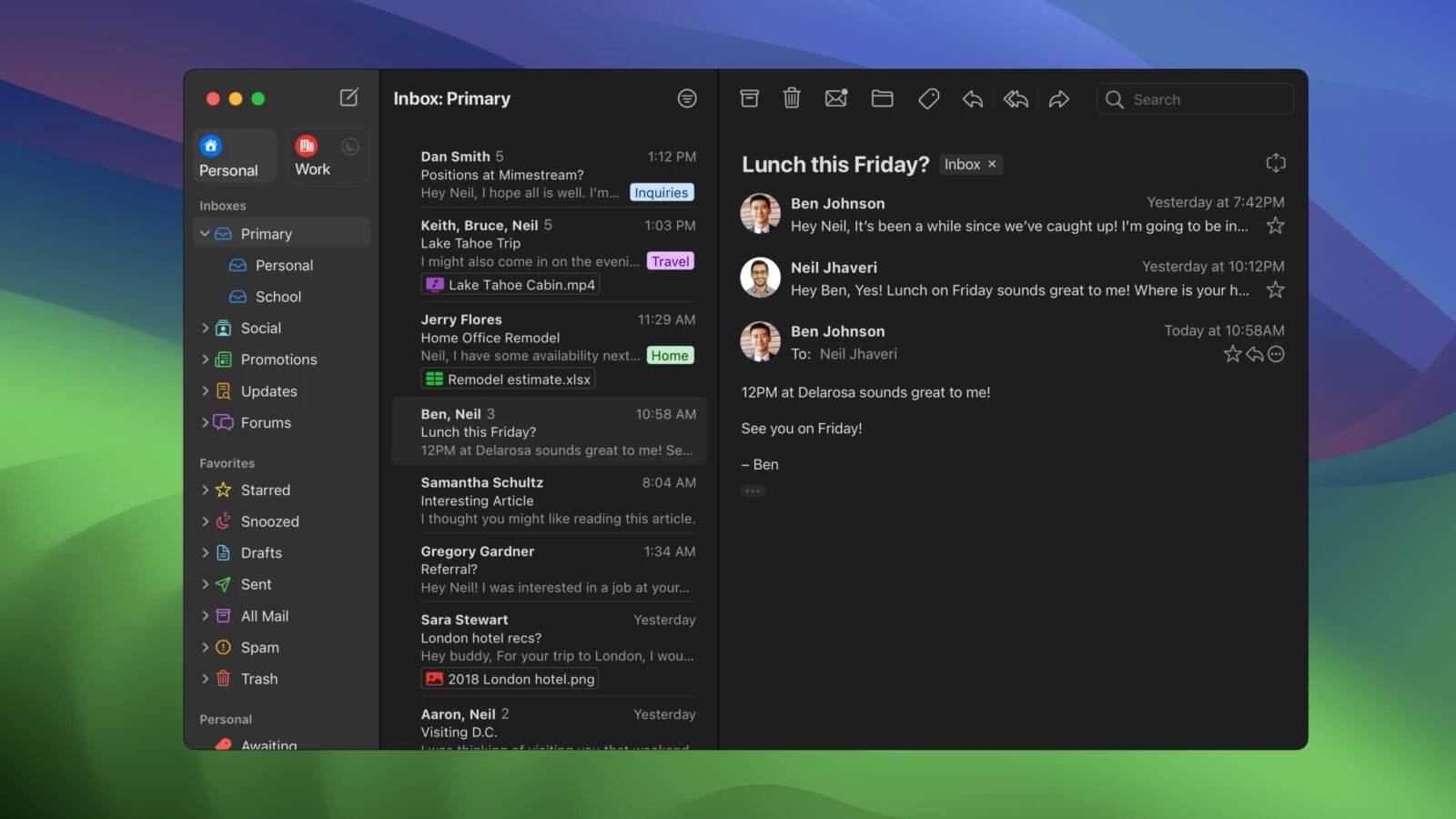
Email clients that support Gmail aren't exactly rare, but the vast majority of them use the IMAP protocol to retrieve and manage your messages, which means they can't take advantage of Gmail-specific features such as inbox categorization, labels, and synchronized signatures.
Mimestream goes about it differently — it uses the Gmail API, allowing it to provide most, though not quite all, of the features you are familiar with from Google's mail client. It's also worth noting that the app is written in Swift, so it will integrate very well with macOS and provide a much smoother experience than, for instance, an Electron-based app.
Most of the well-known Gmail features on your desktop
Whenever I try to manage my Google Mail account with anything other than Gmail, the one thing I miss the most is email categorization. Without it, my Inbox is flooded with promotional and social-media-related messages that I'm very much not interested in.
With Mimestream, you get all of this functionality and a lot more. Your aliases are also synced automatically, as are your signatures, and you can take full advantage of Gmail's labeling system.
Of course, not all Google Mail features are available using Gmail's API. For instance, you cannot snooze emails, but given everything else that the app can do, this is a very minor issue.
A very swift Swift-based app
You've probably used an Electron app before, and it's difficult not to notice how sluggish most of them are, while also not integrating well with the OS, and sometimes even looking out of place.
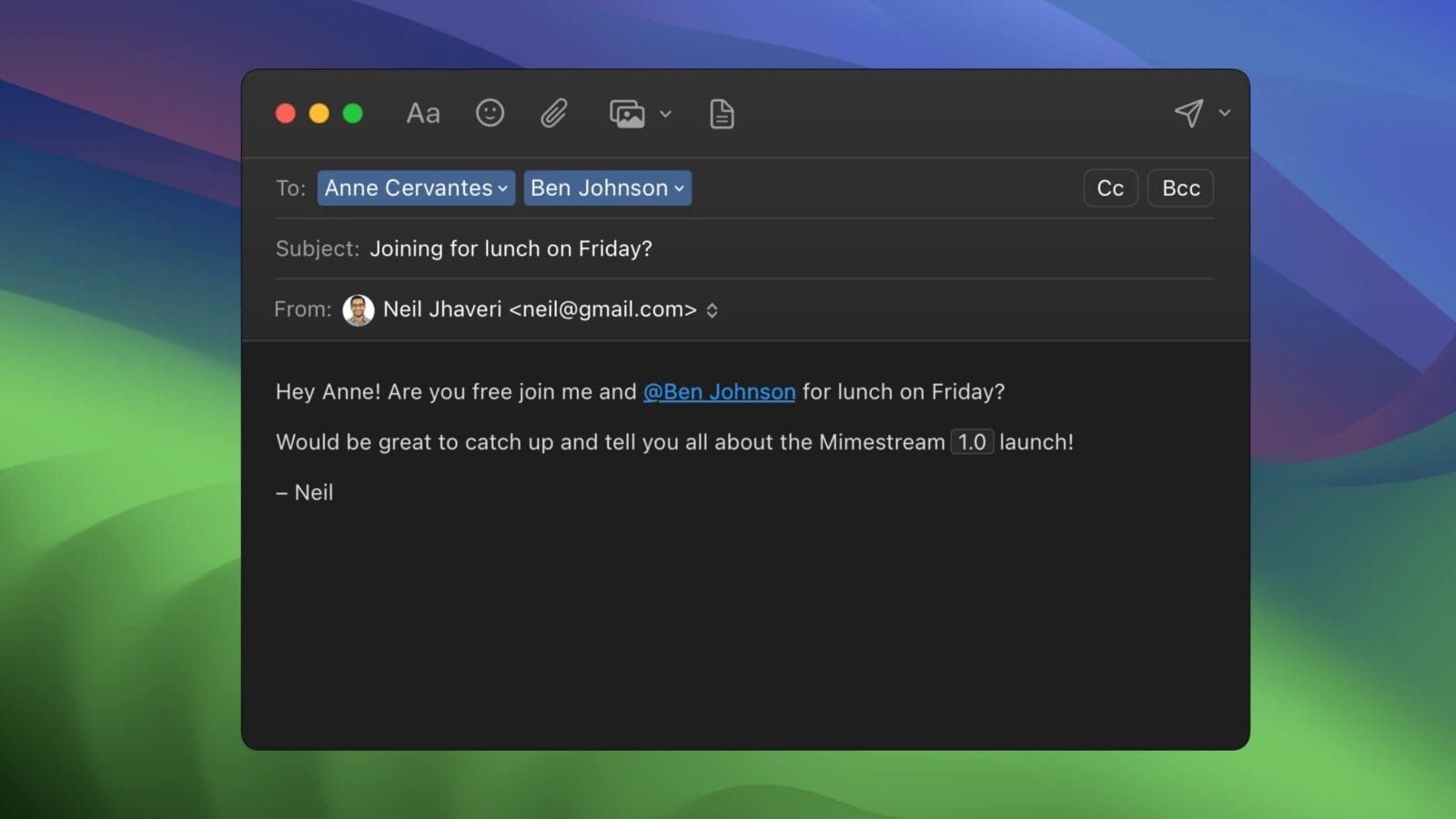
There are no such issues with Mimestream. It is written in Swift, making it much more resource-friendly and fast, in addition to integrating perfectly with macOS and supporting a wide range of keyboard shortcuts for managing your mails.
In short, if you use Gmail and happen to own a Mac, you have absolutely no reason not to grab Mimestream. It is infinitely better than using Apple Mail to connect to your Google account since it uses the Gmail API, and it integrates perfectly with the OS thanks to being written in Swift.
What's New:
Version 1.10:
New
- Mimestream Private Push is now on by default for users on macOS 26+. Upgrade your account in settings, if needed.
- Unknown senders now display their full email address
- A new "All" profile that can be enabled to view all accounts unified together
- Setting for "Notification Action" -- choose options like Archive, Trash, or a Menu.
- Added a "What's New" sheet to inform users about improvements
Improved
- New top-level settings tab for Notifications
- New top-level settings tab for Profiles
- The text size setting can now go larger than before
- Tracking prevention improved to pass all emailprivacytester.com tests
- Accounts can now have "None" as a profile selection
- Each label now maintains a separate sync window, solving longstanding message list consistency issues (when "Adaptive Cache Management" is enabled in Advanced settings)
Fixed
- High CPU utilization when refreshing the message list with a large cache
- High CPU utilization when doing a Select-all in the message list
- The "Insert before quoted text" setting doesn't work correctly
- Disabled account services get automatically enabled after relaunch
- Unnecessary padding above the profile tabs in full screen
- Replying to a sent message should omit account aliases from the To recipient list
- Can't add new recipients to new templates after changing selection
- Automatic saving of account details runs one keystroke behind
- Accounts aren't shown in the Account list if they don't have a linked profile
- Invalid characters like "^" should not be allowed in label names
- Search does not initially fetch enough messages
- The settings window's button to subscribe is missing after the trial expires
- Left/right arrow keys sometimes stop working to move between split view panes
- Settings shows that a Trial on its last day is already expired, even though it still has a few hours of validity left
- Rare 100% CPU Utilization loop in background when Adaptive Cache Management is enabled
- Rare crash after choosing "Add to Contacts"
- The "Insert from Photos" sheet doesn't show videos
- The "Insert from Photos" sheet doesn't insert with the original filename intact
- Replying to a message sent to a plus-aliased identity doesn't preselect the correct reply identity
- Single-character searches trigger categorized inbox count updates
- Search results temporarily show non-sequential results after switching scope
- (macOS 26) Layout issues in the "Create Filter" screen
Cleanup
- Skip syncing of categorized inbox unread counts if categorized inbox isnt enabled
- Layout tweaks to the Account-added view
- Clean up expired licenses for returning users eligible to restart a trial.
- Improved chevron in message header address tokens
- Preserve constant conversation view margins at larger text sizes
- Cleaned up alignment issues in the sidebar profile tabs
- The Profile settings view now has an improved account list view
- Mimestream now uses provisional notification permissions to always appear in the system notification settings list
- Eliminate the Mimestream-level notification sound preference in favor of the system-level one
Screenshots:
- Title: Mimestream 1.10.0
- Developer: Mimestream
- Compatibility: macOS 10.15.0 or later
- Language: Multilingual
- Includes: K'ed by EDiSO
- Size: 11.64 MB
- visit official website
Users of Guests are not allowed to comment this publication.