MouseBoost Pro 5.2.5

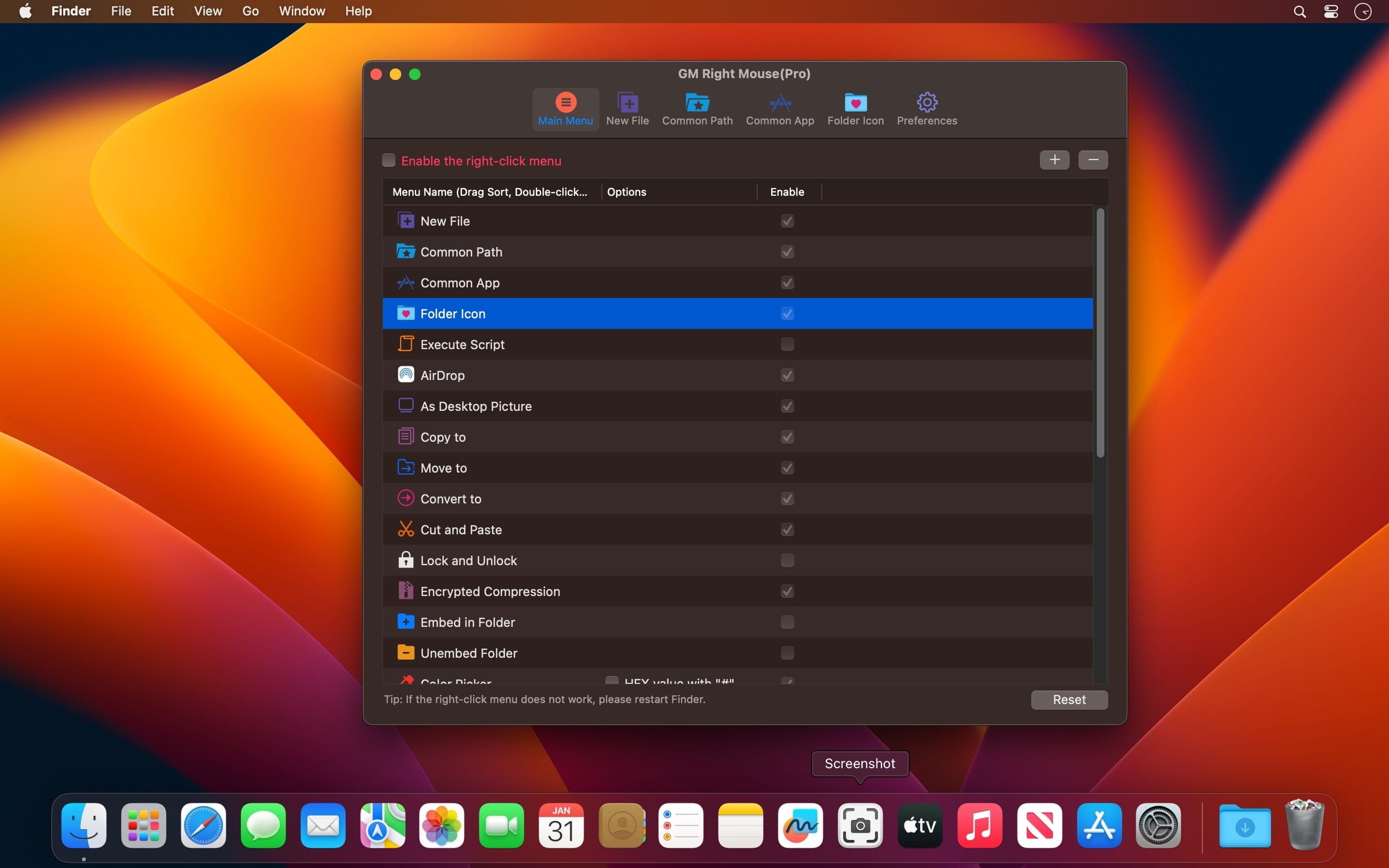
MouseBoost Pro integrates more than 30 kinds of small tools, and the operation way is very simple, as long as you click the right mouse button, you can activate all kinds of functions you want, so that your work efficiency is greatly improved.
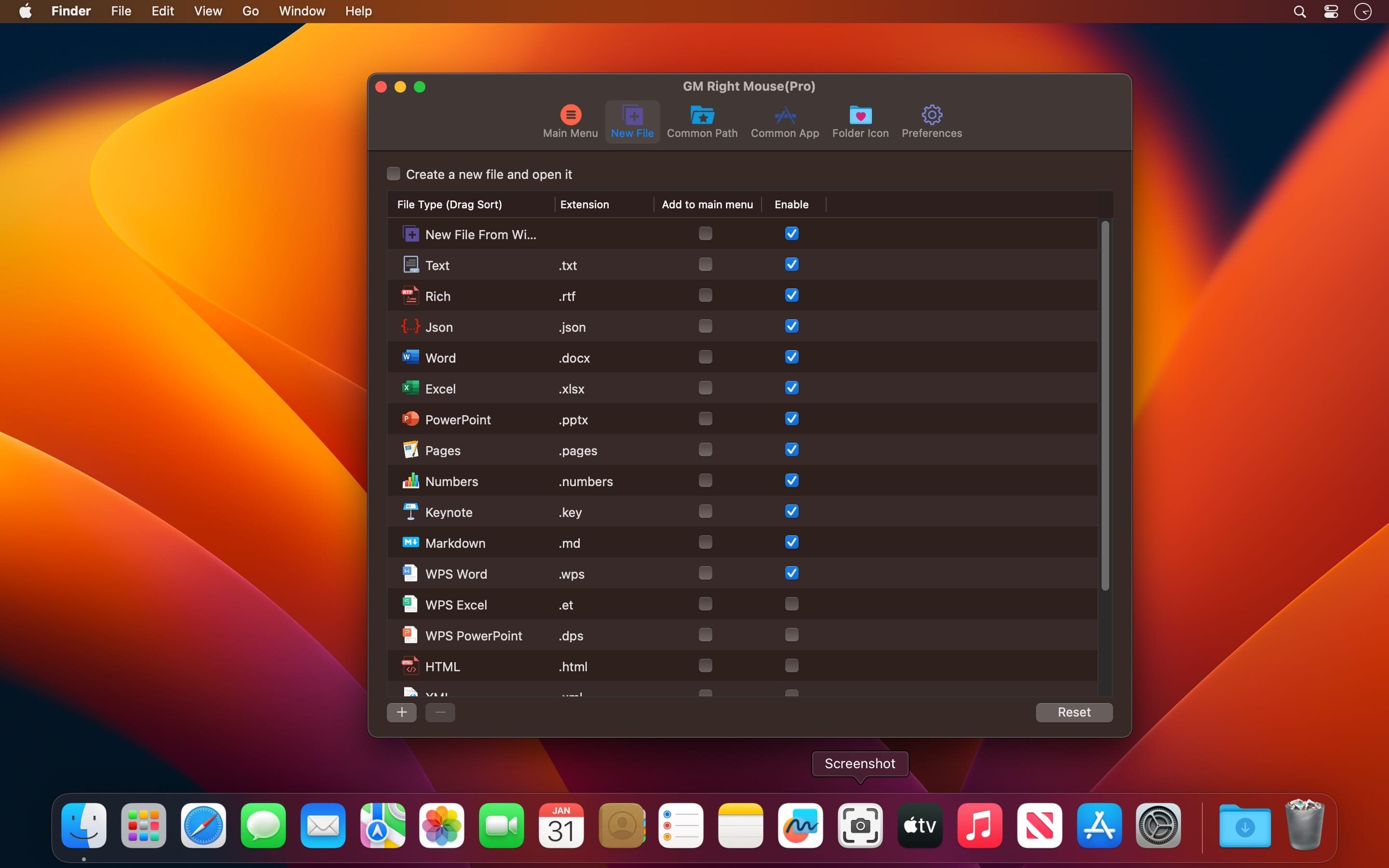
You can create any file type you want, open any APP you want, self-sorting, fully customized!
Main Features
- All menus support custom sorting.
- Quickly create all kinds of commonly used files, and supports custom creation of various file types you want.
- Quickly open your terminal, iTerm2, and go to the directory you want.
- Quickly open VSCode, Sublime Text and Emacs, and customize the various apps you want to open.
- Quickly copy the current path power.
- Complete files deletion is supported.
- Supports files moving, copying and cutting.
- Supports files encrypted compression.
- Quickly open your favorite directory.
- Quickly get file MD5,SHA1,SHA256 and other information.
- Supports hiding and displaying of specified files.
- Supports modify folder icon.
What's New:
Version 5.2.5:
- Added image editing.
- Fixed known issues and improved performance and stability.
Screenshots:
- Title: MouseBoost Pro 5.2.5
- Developer: shrek
- Compatibility: macOS 10.11 or later
- Language: Multilingual
- Includes: K'ed by TNT
- Size: 20.45 MB
- View in Mac App Store
Users of Guests are not allowed to comment this publication.