
Prizmo 5.0.2
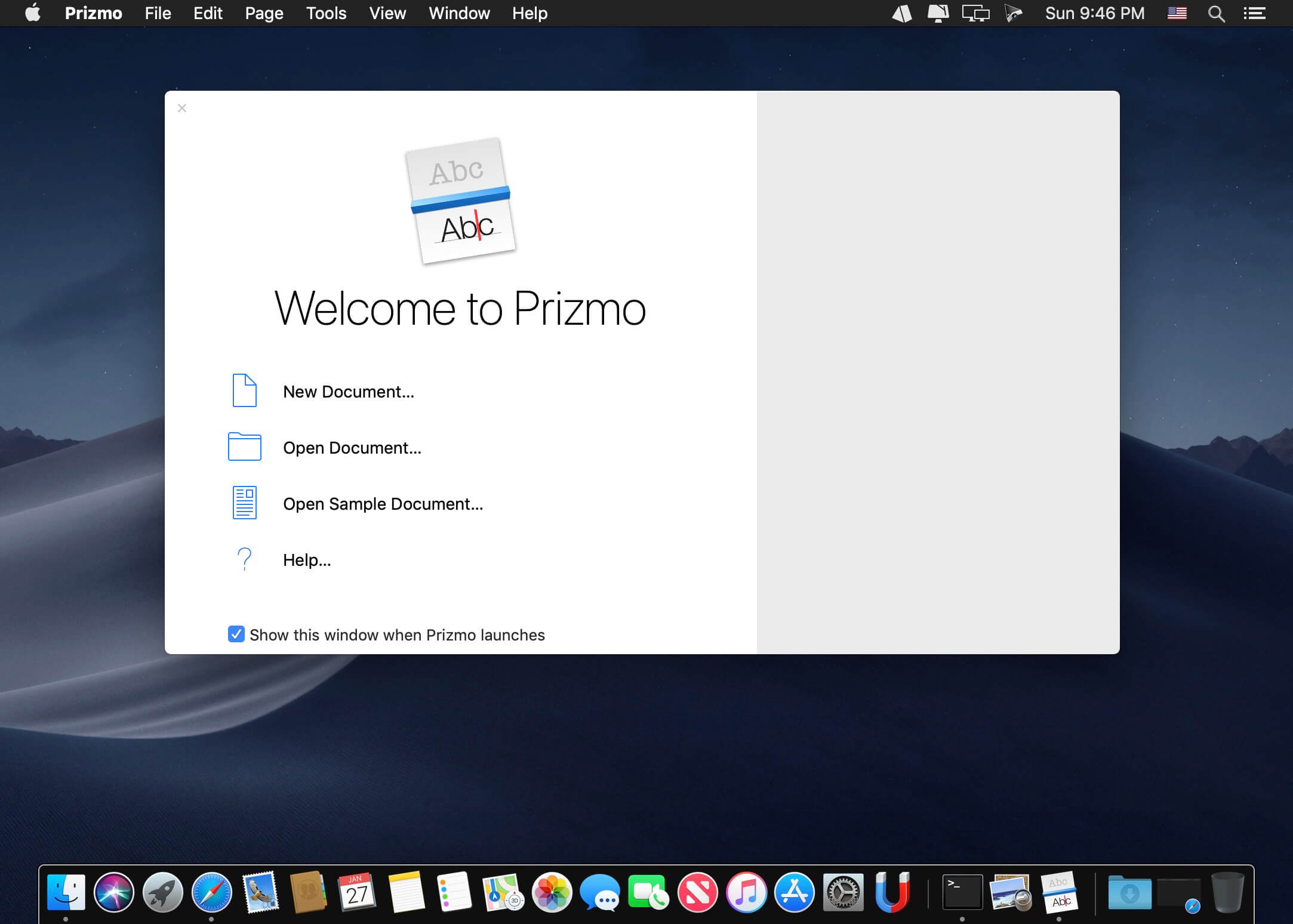
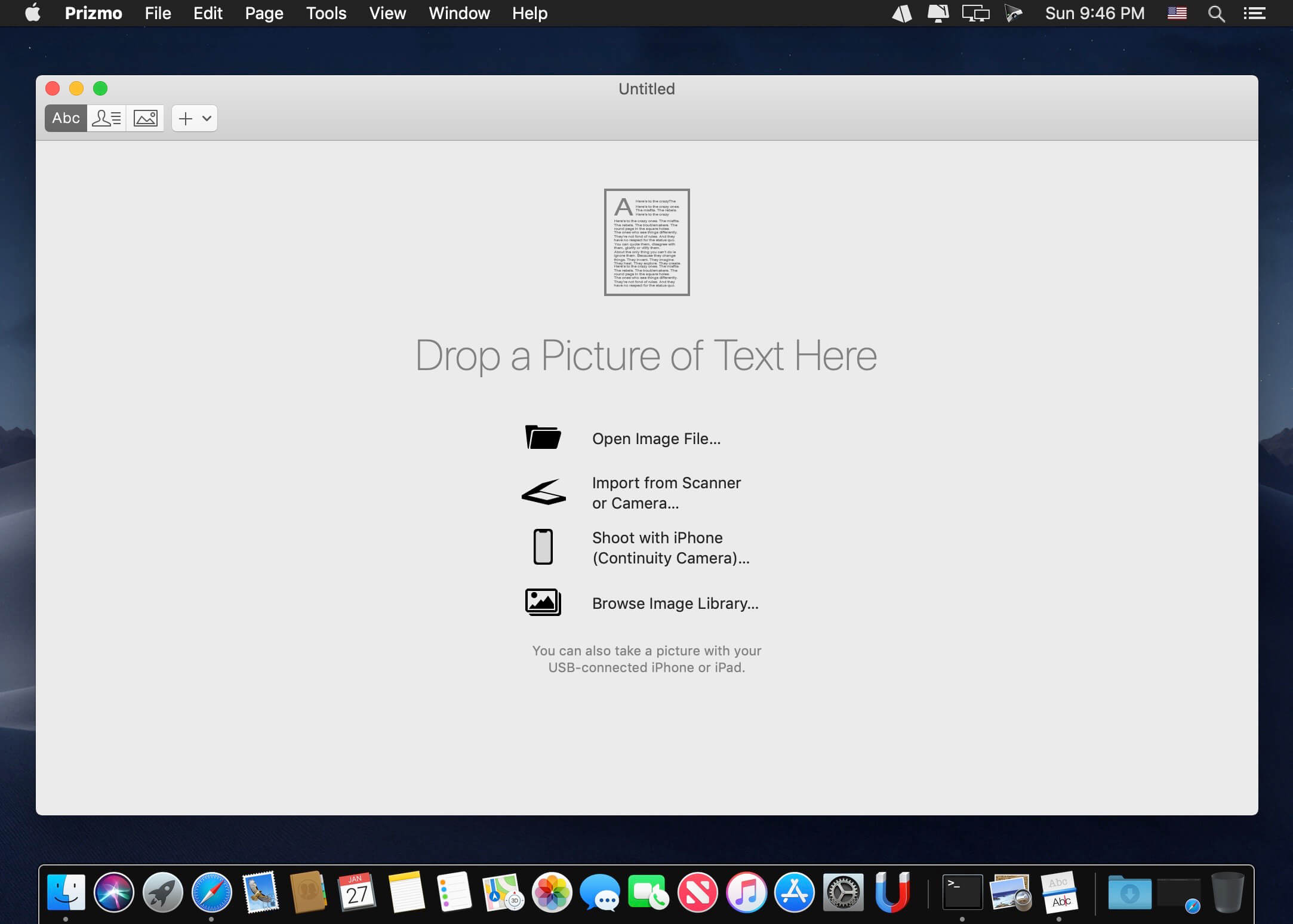
Using appropriate software solutions when scanning various types of documents can lead to a better user experience. Prizmo is a macOS application that helps you deal with the scanning process and also provides OCR (Optical Character Recognition) capabilities.
Compatible with various devices, and designed to help you grab and process screenshots with great ease
- Prizmo is able to communicate with all sort of scanning devices: compact or DSLR cameras (if your camera has a high resolution you can use it instead of a scanner), or scanners that are supported by your operating system.
- Prizmo is also able to capture and process screenshots: at launch, the application places a small icon in your status bar which you can use to activate the image capturing process. The image will be sent to the Prizmo main window where you can process it further.
Perspective and lens distortion correction and inbuilt Optical Character Recognition technology
- You can use Prizmo to extract the text contained in an image file via its OCR tool, but keep in mind that you need high resolution photos for better results.
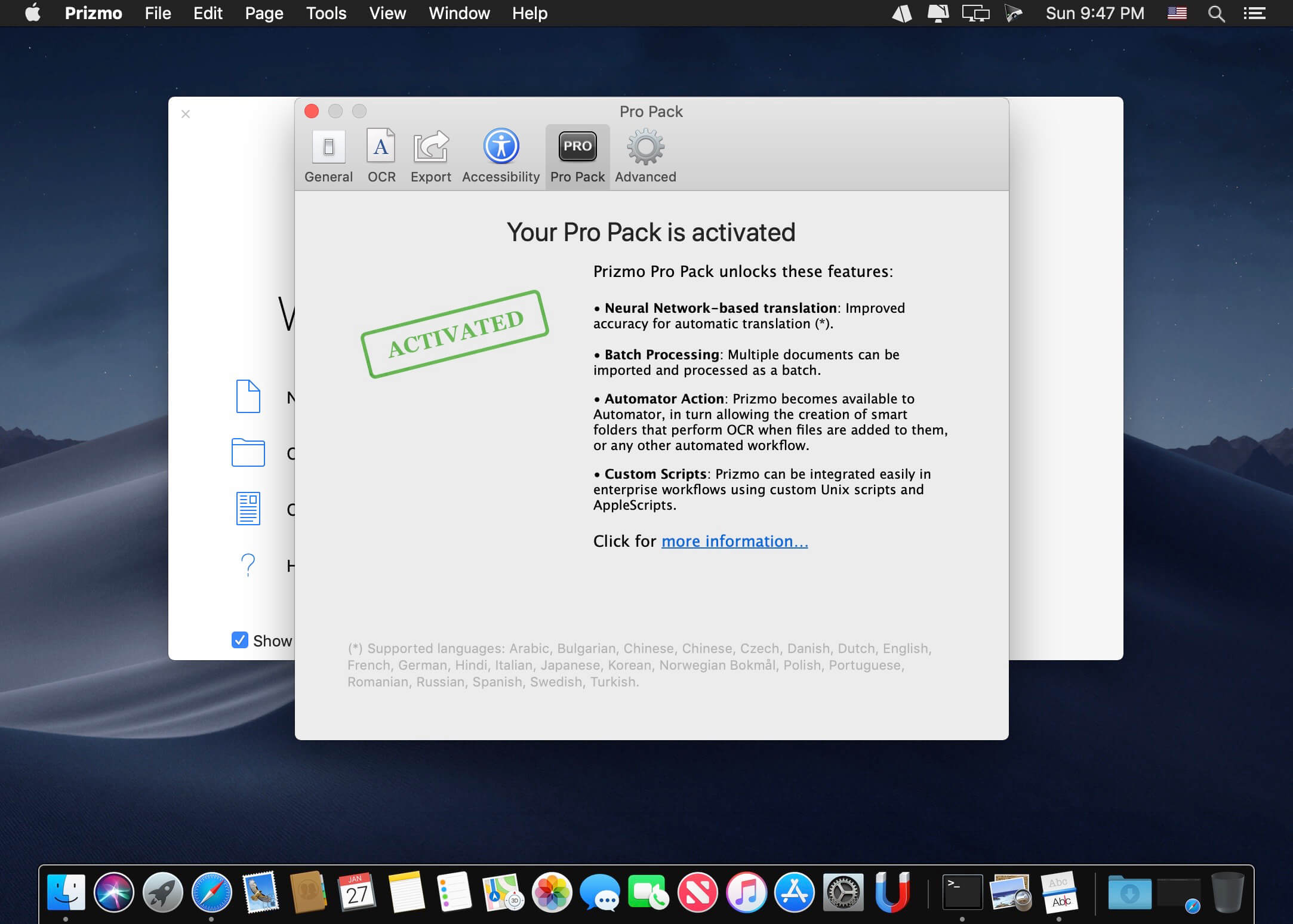
- By default, Prizmo includes support for 10 languages: English, French, German, Dutch, Italian, Spanish, Portuguese, Swedish, Danish and Norwegian. However, the app allows you to extend the languages library through individual downloads (over 30 optional languages are available).
- Even if you are using a camera to capture a snapshot of a document, Prizmo offers you the possibility to adjust the image to achieve the best quality possible. The application will use a grid to straighten the image and to eliminate the page curvature.
Powerful solution for managing scanned documents
- At the same time, Prizmo allows you to download calibration models for your camera and enables you to make manual adjustments. This way you can correct the lest distortion effects and capture better images.
- On the whole, the Prizmo app comes with an user friendly interface but also provides a collection of very efficient tools that can help you make the most out of your scanned documents. Moreover, thanks to the included image correction tools, you will be able to use your digital camera as a scanner without compromising on quality.
Version 5.0.2:
NEW FEATURES & ENHANCEMENTS
- Added an option to preserve original line breaks instead of reflowing text when performing OCR. This can be enabled globally for new documents or adjusted per page.
Frequently asked questions
How do I install the app?
Mount the image, drag the app into the "Applications" folder and launch it. If the system blocks the launch, allow it in "System Settings → Privacy & Security".
The app is damaged or won't launch
Reinstalling from a fresh image usually helps. Make sure your macOS version matches the one listed in the compatibility specs.
How do I update?
Download the new version from the site and install it over the current one — your settings will be preserved.
The download link doesn't work
Try a mirror or a download manager. For large files the browser often drops the connection.
How do I completely remove the app?
Use an uninstaller utility — it cleans up the service files that remain after moving the app to the trash.
Choose a download source
Prizmo 5.0.2 · 36.34 MB
Previous versions
Prizmo 5.0.2
Previous versions are available to registered users.