Retrobatch 2.3.1
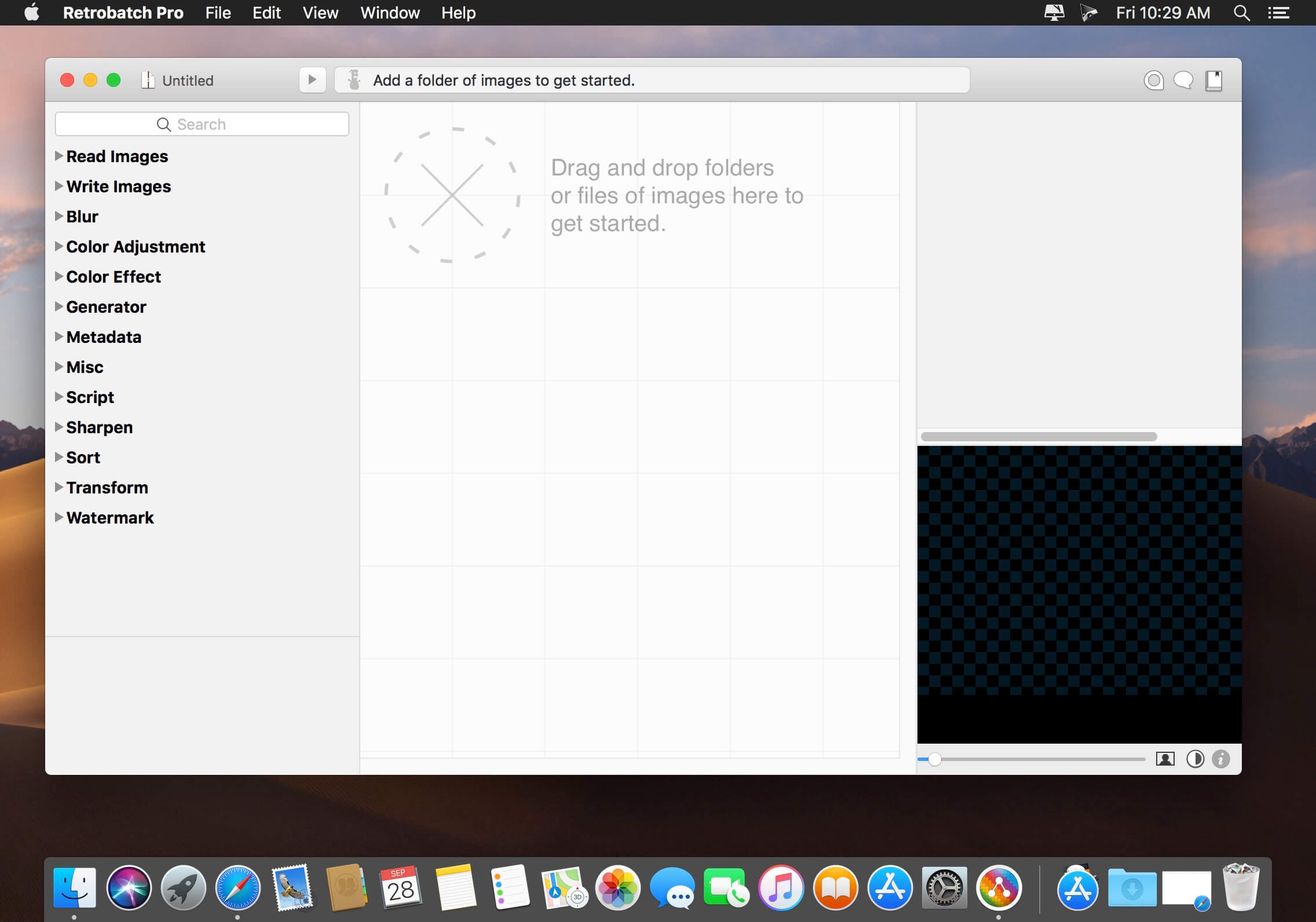
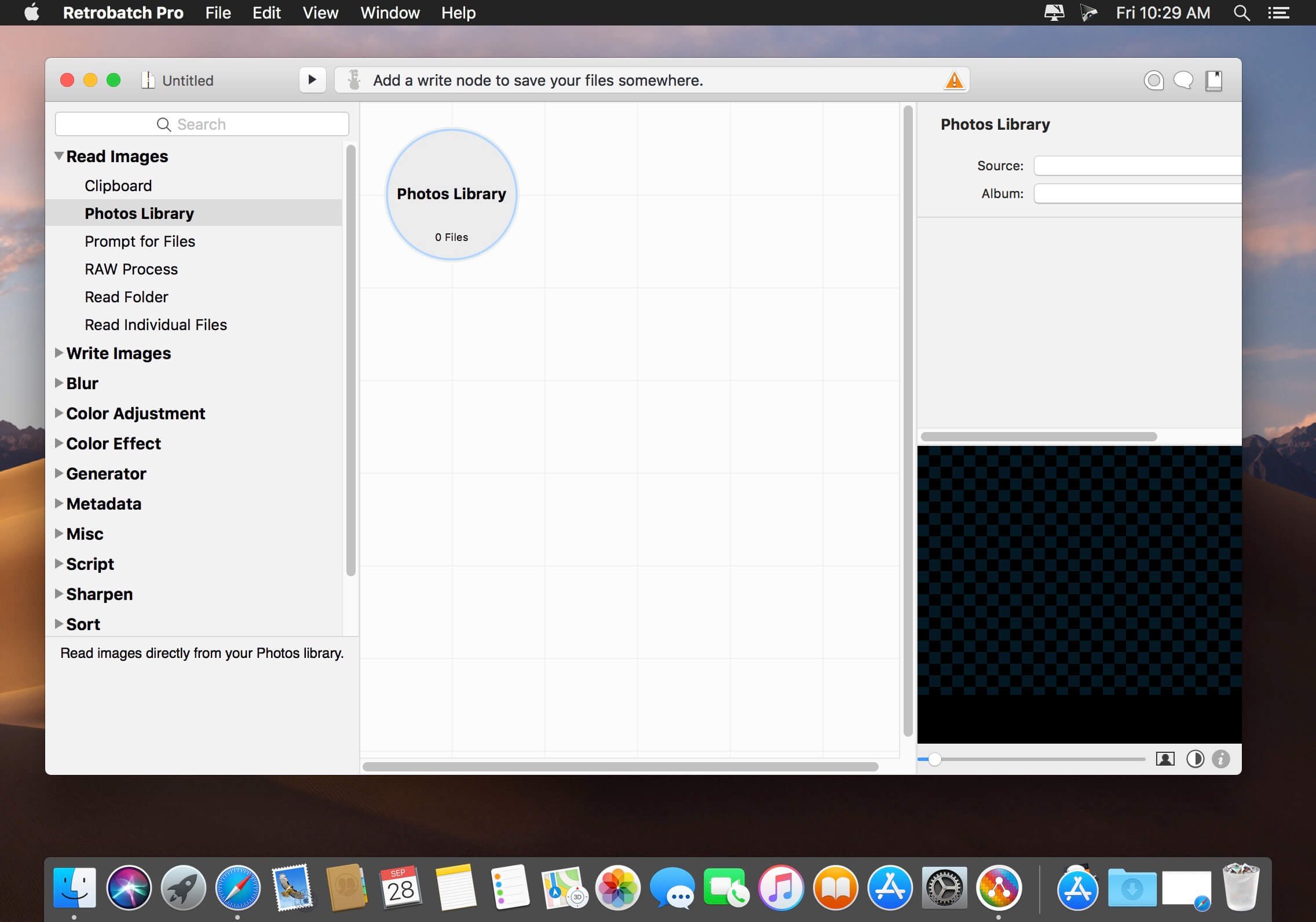

Flexible, super charged, batch image processing for your Mac. … A node based batch image processor means you can mix, match, and combine different operations together to make the perfect workflow. … Convert PSD files to HEIC, JPEG, PDF, PNG, or TIFF.
Flexible
A node based batch image processor means you can mix, match, and combine different operations together to make the perfect workflow.
Super Charged
A node for every operation, from changing DPI to rotation to Machine Learning to custom behaviors with AppleScript. Optimize your images for fast delivery over the Internet.
Batch
Process one image or thousands of images, with support for reading and writing common file formats, creating multiple inputs and multiple outputs.
Version 2.3.1:
Changes
- The “Delete Metadata” node will now always cause a re-encoding of TIFF and PNG images. This is necessary because there’s no clean way to delete all the metadata of these files without a re-encoding of the image. JPEG images will continue not to be re-encoded.
- The Get Selected Finder Images node will now check with the Finder every 10 seconds to see if the selected images have changed, which will, in turn, update the previews. You can also force an update by using the File ▸ Preflight menu (⌘K).
Fixes
- Fixed a problem where the Dither filter wouldn’t work correctly with gray profile images. Also added support for CMYK while I was in there.
- Fixed a problem where Retrobatch wouldn’t properly clean up disk files when converting to JPEG-XL.
- Fixed a problem where Retrobatch wouldn’t let you open up folders from the File ▸ Open… menu.
- Fixed a problem where “Keep original and modified dates” wouldn’t work if you had the “Write back to original images” option enabled in the Write node.
- No longer bugs you to pick a write folder for a Write node on open, when you have the “Write back to original images” option enabled.
Frequently asked questions
How do I install the app?
Mount the image, drag the app into the "Applications" folder and launch it. If the system blocks the launch, allow it in "System Settings → Privacy & Security".
The app is damaged or won't launch
Reinstalling from a fresh image usually helps. Make sure your macOS version matches the one listed in the compatibility specs.
How do I update?
Download the new version from the site and install it over the current one — your settings will be preserved.
The download link doesn't work
Try a mirror or a download manager. For large files the browser often drops the connection.
How do I completely remove the app?
Use an uninstaller utility — it cleans up the service files that remain after moving the app to the trash.





Choose a download source
Retrobatch 2.3.1 · 33.1 MB
Previous versions
Retrobatch 2.3.1
Previous versions are available to registered users.