World Clock Deluxe 4.20.1
See the best call time with world clock for Mac
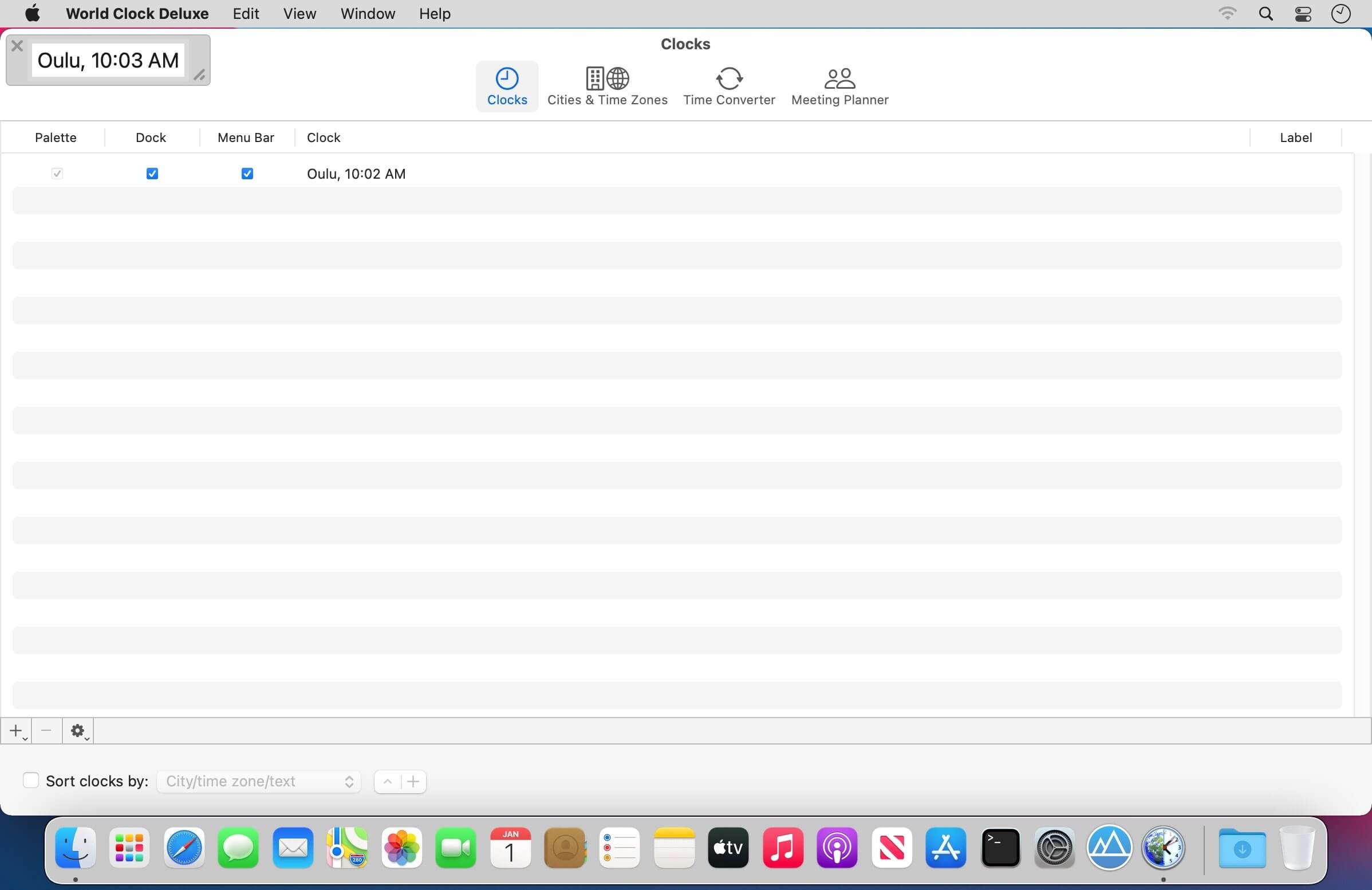
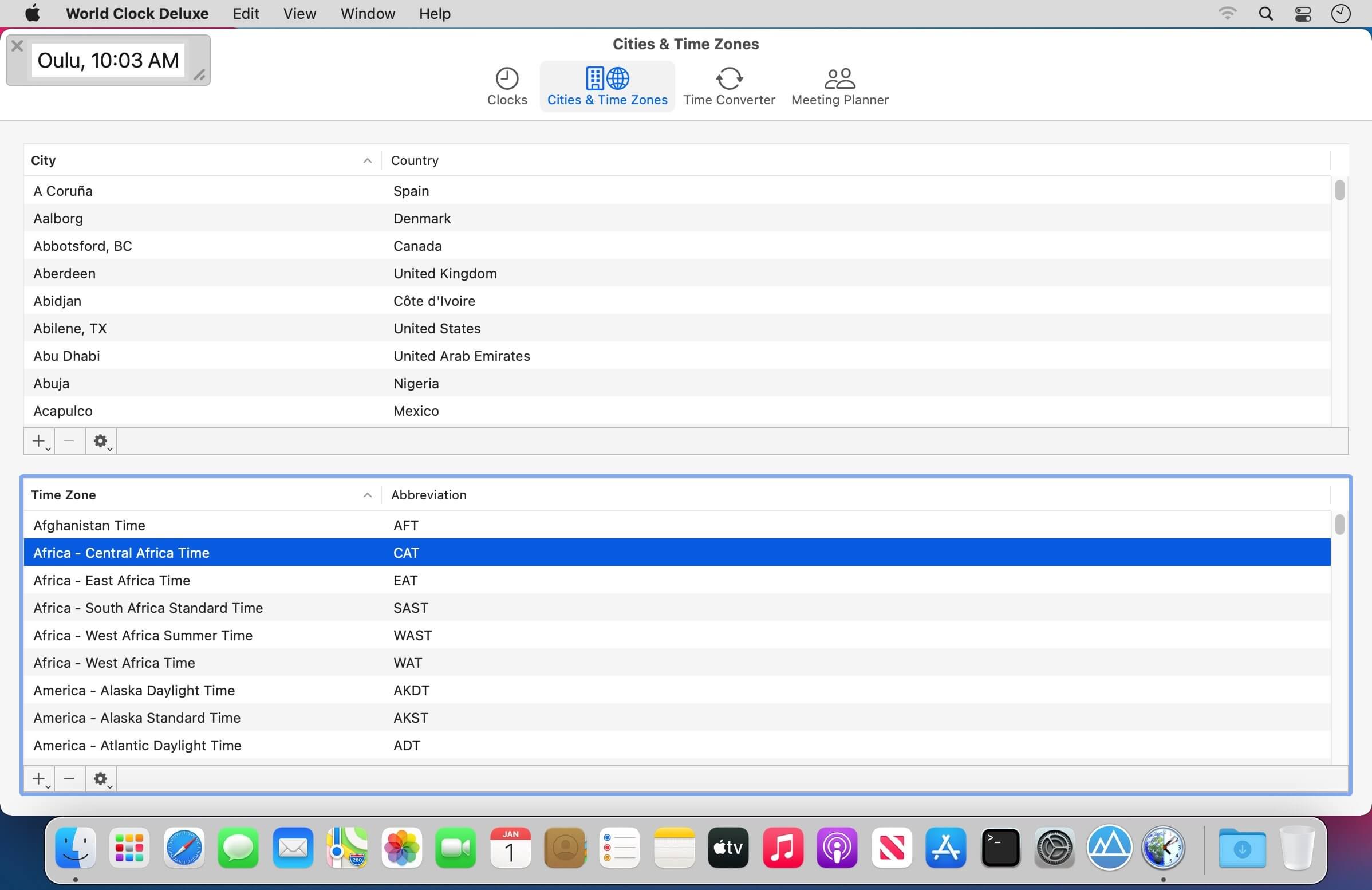
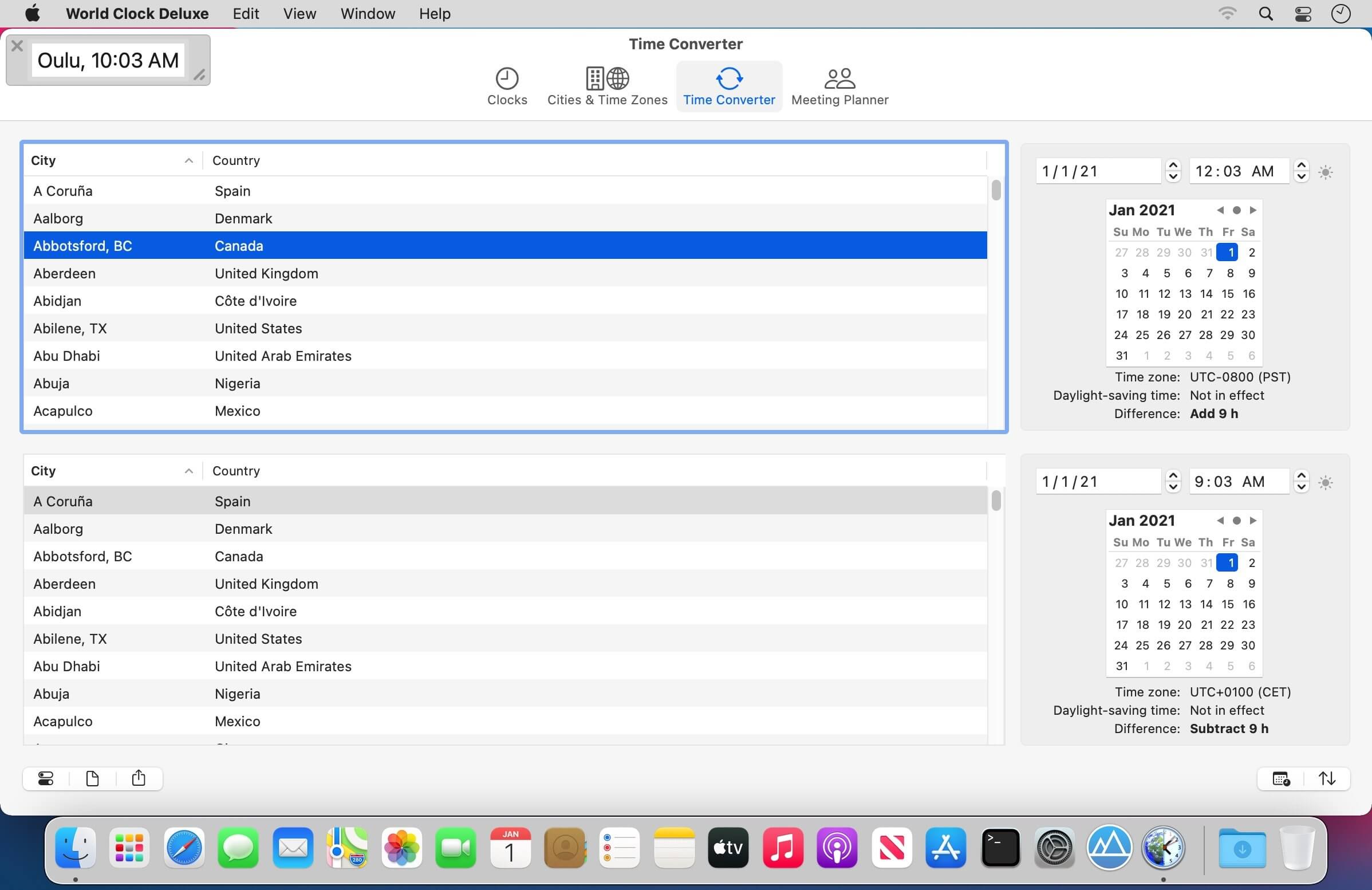
If you work with people abroad, have family in another country, or travel a lot, keeping track of time zones gets confusing fast. World Clock Deluxe puts multiple clocks on your Mac desktop, menu bar, and Dock, so you always know what time it is anywhere.
- Shows the time in over 1,600 cities and 200 time zones, including UTC and GMT
- Weekday, date, seconds, and the offset from your local time or UTC are all visible at a glance
- Pick a different date and time format for each clock, and add labels and colors to tell them apart
- Sort your clocks alphabetically, by time, longitude, or label
- Add cities and time zones that aren't already in the list, or edit the ones that are
- Get a heads up before daylight-saving time changes hit
- Work out the best time for a call across several time zones in seconds
Version 4.21
- The incompatibilities with macOS 27 Golden Gate have been solved.
- Daylight-saving time information for Alberta, Manitoba, and the Northwest Territories in Canada and for Morocco and Western Sahara has been updated. The two Canadian provinces and the territory abolished the switch to standard time and will observe daylight-saving time all year round. From now on, Alberta and the Northwest Territories will stay on Mountain Daylight Time or, equivalently, Central Standard Time (UTC-6), while Manitoba will stay on Central Daylight Time or, equivalently, Eastern Standard Time (UTC-5). Morocco and Western Sahara canceled daylight-saving time and moved to GMT at 2:00 AM on September 20, 2026.
- Minimum required system version is now macOS 12.
Frequently asked questions
How do I install the app?
Mount the image, drag the app into the "Applications" folder and launch it. If the system blocks the launch, allow it in "System Settings → Privacy & Security".
The app is damaged or won't launch
Reinstalling from a fresh image usually helps. Make sure your macOS version matches the one listed in the compatibility specs.
How do I update?
Download the new version from the site and install it over the current one — your settings will be preserved.
The download link doesn't work
Try a mirror or a download manager. For large files the browser often drops the connection.
How do I completely remove the app?
Use an uninstaller utility — it cleans up the service files that remain after moving the app to the trash.

Choose a download source
World Clock Deluxe 4.20.1 · 8 MB
Previous versions
World Clock Deluxe 4.20.1
Previous versions are available to registered users.