Shottr 1.9.1
Mac users are fortunate to have a capable and easy-to-use built-in screenshot tool. However, third-party apps can offer additional features more suitable for particular workflows.
Shottr is one alternative, designed mainly for professionals who need to be able to zoom in and analyze pixels, extract colors, make measurements, and insert annotations. Best used by graphic designers and developers, it can be a good choice for other users as well.
Lots of capture modes and annotation tools
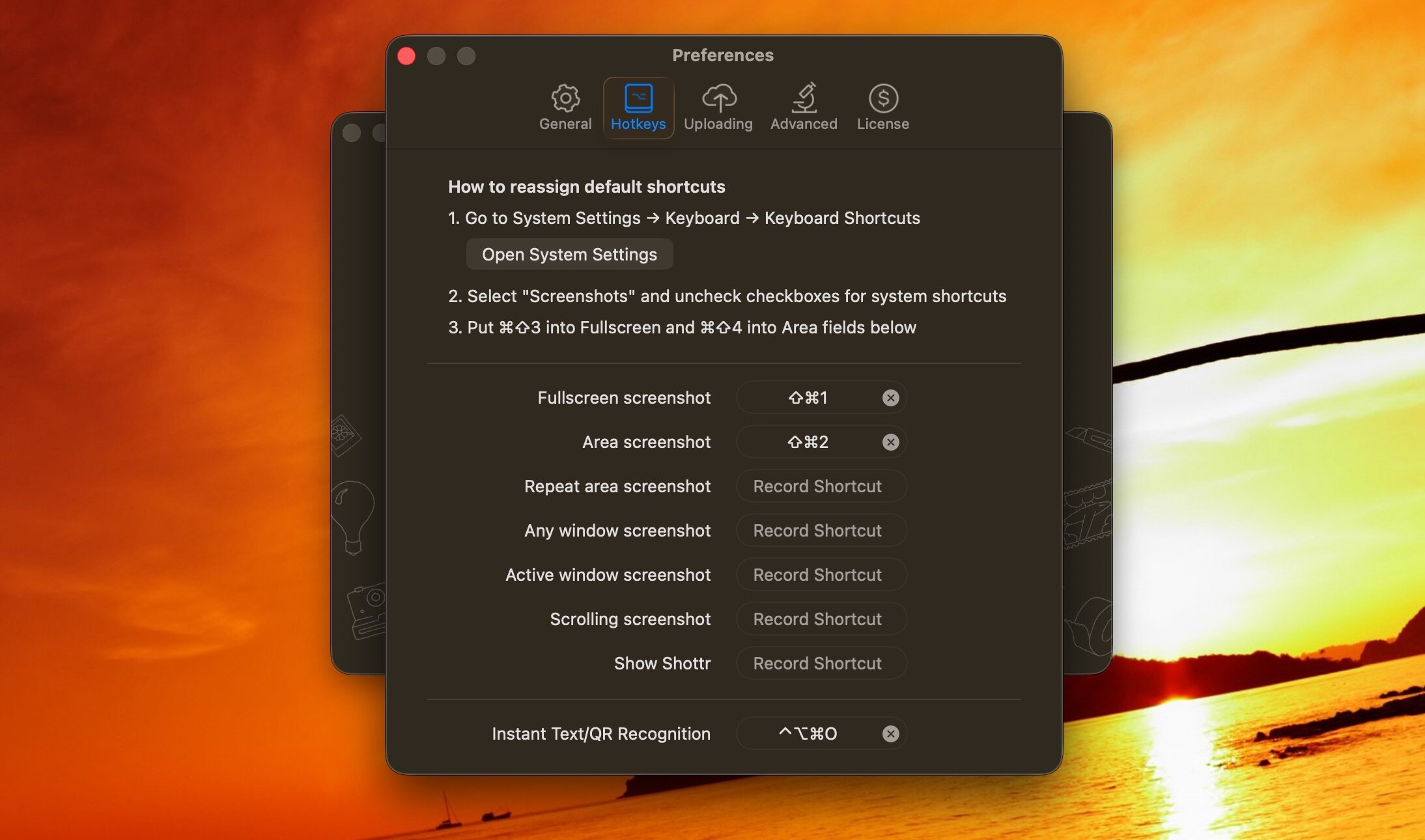
Shottr is a tiny app, written in Swift for the best performance. It is meant to be used with hotkeys, just like the built-in screenshot tool. It supports area, window, and scrolling screenshots, with customizable shortcuts.
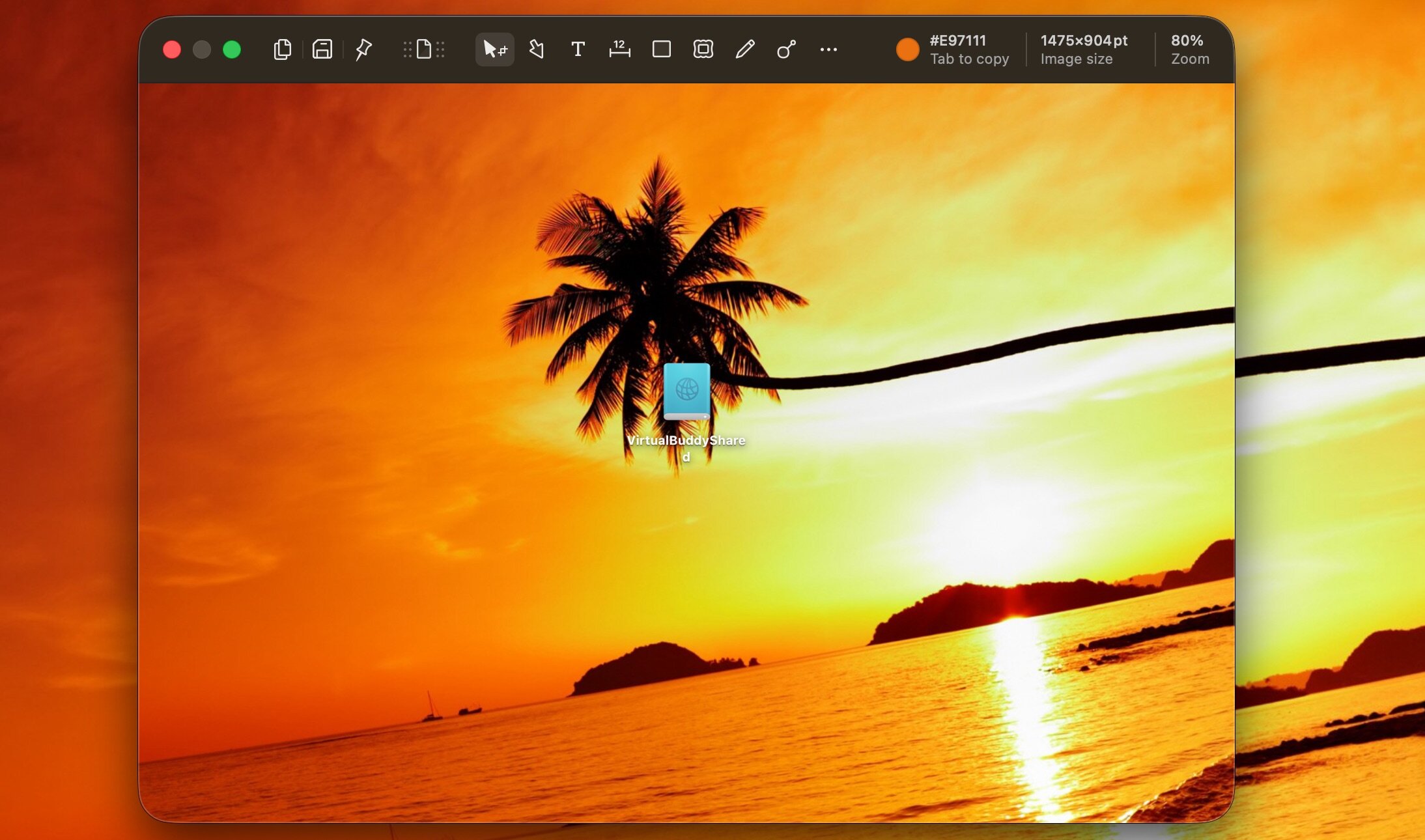
Once you have captured an image, it will be opened in the editor automatically. Here, you can edit the image in various ways, such as by burring or pixelating areas, as well as use the available markup tools to annotate your screenshot.
Color picker, screen ruler, and OCR
The app lets you zoom in far enough to analyze individual pixels. You can extract any pixel's color, grab text color, or get the average color of a selected area.
You can also easily measure the distance between various elements by pressing the arrow keys (up and down for vertical size, left and right for horizontal). This measurement can be added to the screenshot.
Lastly, Shottr comes with a built-in text recognition feature. All you have to do is select an area with unselectable text and press a hotkey — the app will send the processed text to the clipboard directly.
Can be a great alternative to the built-in capture utility
If you need a few more features than you get from the macOS capture tool, Shottr may be just the thing. It's not the best for quickly grabbing multiple images, as the editor is always opened after every capture, but if you need to process images further, it's worth a look.
What's New:
Shottr 1.9.1
Improvements:
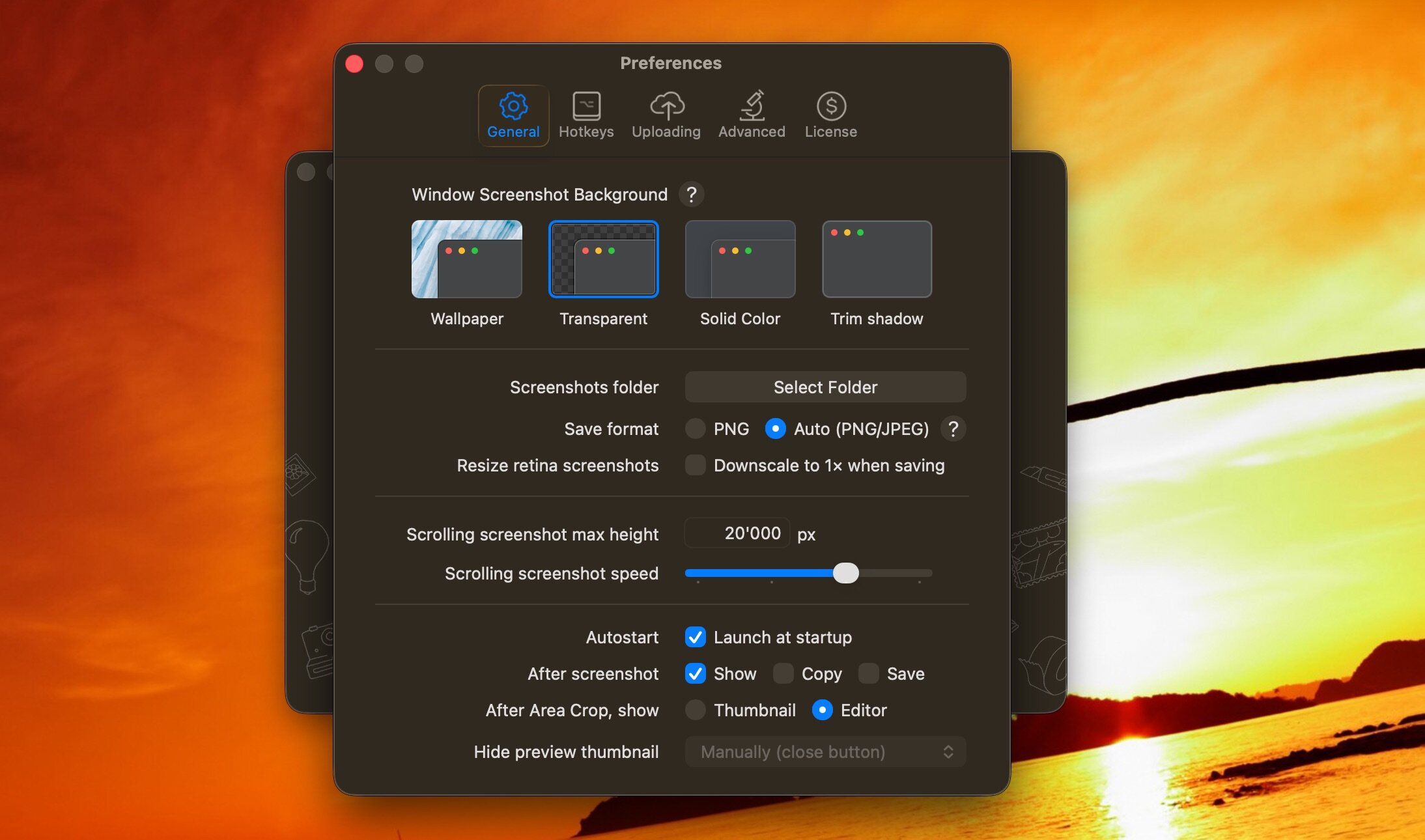
- Expanded support for third-party S3 services (Tencent, Yandex, Minio, etc).
- Print dialog now allows changing print orientation.
- Freehand tool: brought back an ability to draw a point with a single click.
- Aesthetic adjustments to both hand-drawn and classic rectangle styles.
Bug Fixes:
- Bug fix: the app used to show the editor along with the preview thumbnail when macOS failed to grant the permission to activate the app.
- Bug fix: S3 upload on the systems with non-gregorian calendar.
- Bug fix: app freezing on affected computers.
Screenshots:
- Title: Shottr 1.9.1
- Developer: Electric Endeavors
- Compatibility: macOS 10.15 or later
- Language: English
- Includes: K'ed by Antibiotics
- Size: 2.35 MB
- visit official website
Users of Guests are not allowed to comment this publication.