NanoClip 1.4.3

NanoClip is an app that combines three tools into a single menu bar: an advanced clipboard manager, a text snippet expander, and an automation builder (Flows). Everything is controlled via the keyboard using separate global hotkeys for each tool.
Features:
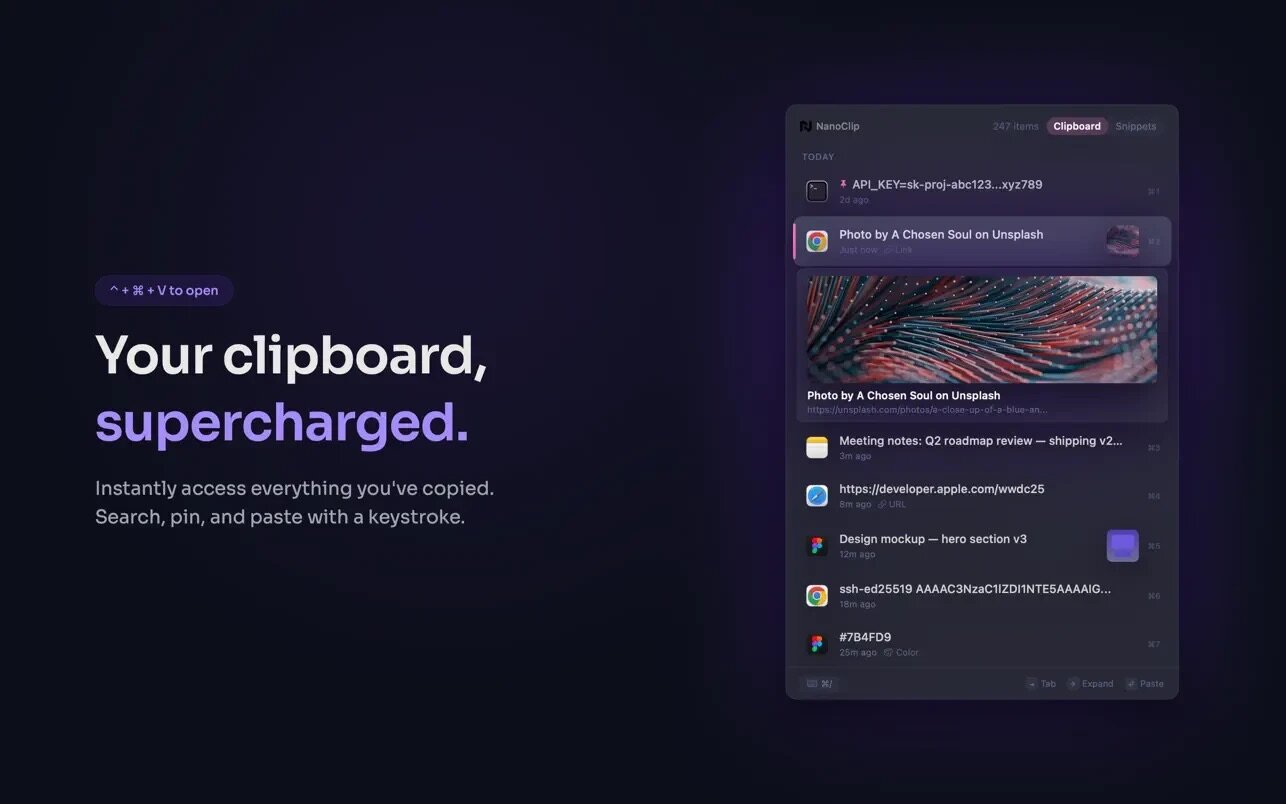
Clipboard with a “time machine”
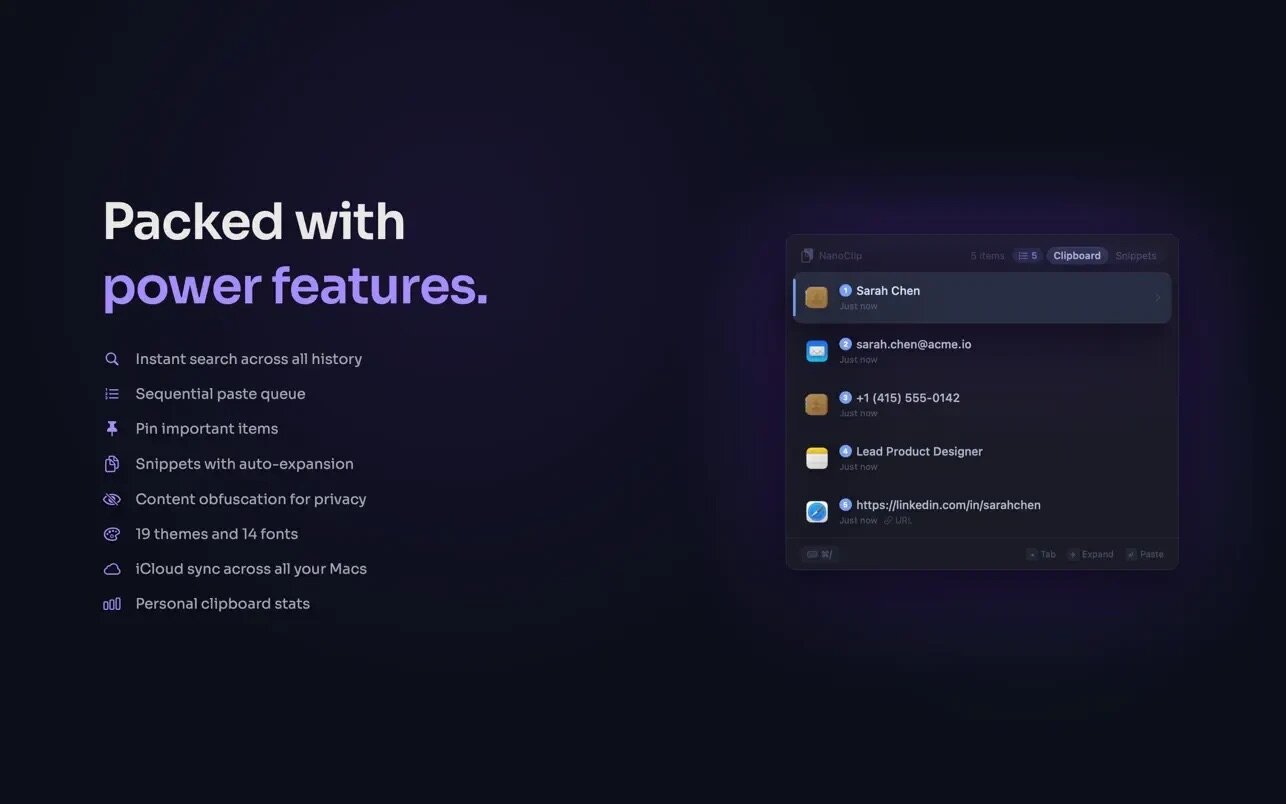
- History: saves everything you’ve copied—text, links, images, GIFs, code, colors. You can search, browse, and paste past items with a key.
- Edit before pasting (⌘E): correct a typo, update a value, then paste the modified version.
- Pinning: frequently used items stay at the top, even when you copy new ones.
- Insert Queue: Add multiple items to the queue and insert them sequentially—handy for filling out forms.
- Rich Previews: Headings, favicons, and OG images are displayed for links (even from secure sites).
- Hide sensitive info: Passwords, API keys, and personal data can be obfuscated—they remain in the history but are not visible.
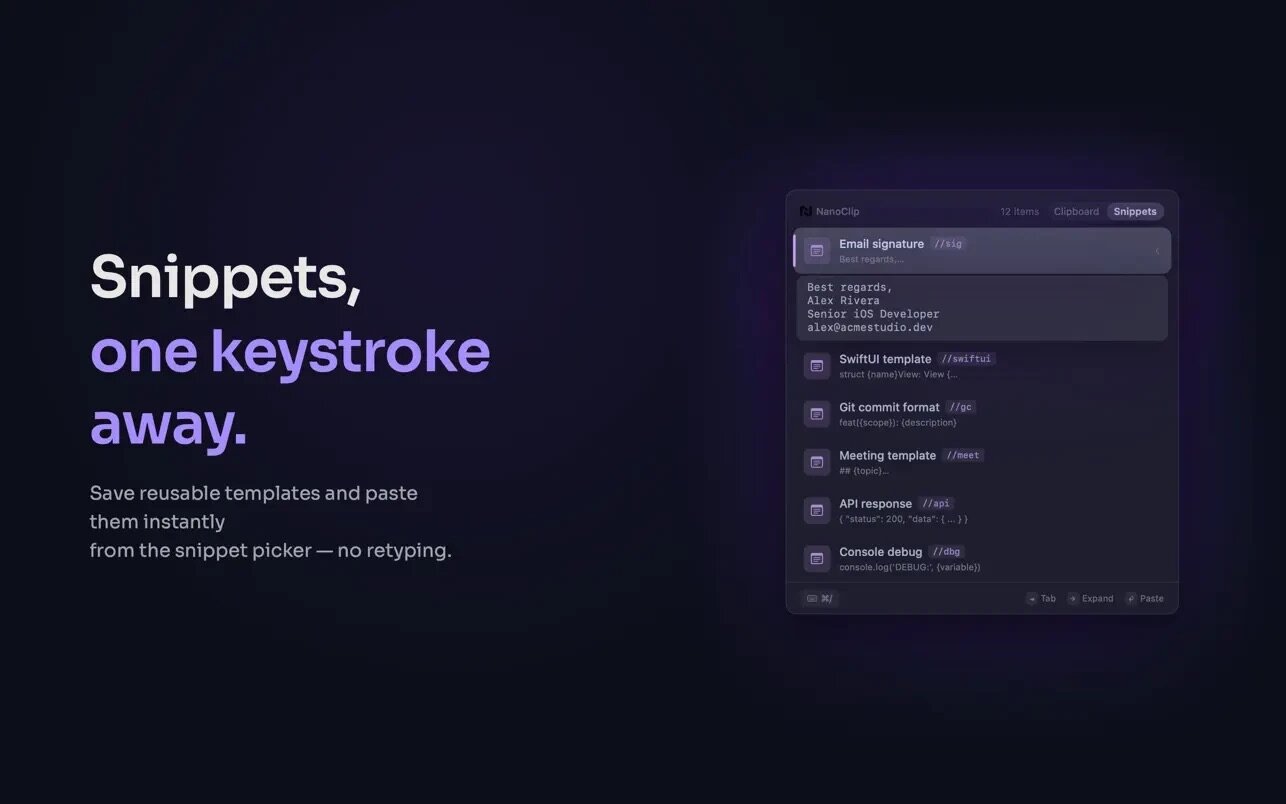
Snippets with Auto-Expansion
- Type a short keyword—NanoClip replaces it with the full text.
- Keywords: Assign @sig, @addr, or any other keyword—and type it in any app (Mail, Notion, Xcode, Terminal). The snippet will be inserted instantly.
- Dynamic placeholders: use {clipboard}, {date}, {time}, {cursor}—values will be filled in upon insertion.
- Fields to fill in: a snippet can prompt you for values (recipient’s name, task number, date) before insertion.
Flows — clipboard automation
Chains of steps (blocks) that transform copied content into the desired result. Over 30 built-in blocks are available across four categories:
- Text (15 blocks): case conversion, trimming, search and replace, string sorting, duplicate removal, JSON, extraction by regular expression, URL encoding, and more.
- Images (5 blocks): format conversion (PNG / JPEG / GIF), resizing, compression, rotation, OCR (text from images).
- URLs (5 blocks): remove tracking parameters, get page title, extract body text, download images, generate a QR code.
- AI (5 blocks): summarization, key points, rewriting (with tone selection), translation, and “Custom Request”—you save your instructions as a reusable block.
What's New:
Version 1.4.0:
- NanoClip now includes contextual Quick Actions for text, links, colors, JSON, and images.
- Quick Actions can be run instantly from the keyboard with Option+number shortcuts.
- Image Quick Actions include OCR, Compress, Resize, Convert to PNG, and Describe.
- New Al image flows let you generate, edit, upscale, and describe images from NanoClip.
- Clipboard history now has Smart Categories like Pinned, Links, Images, Files, Colors, Code, Secrets, and Al.
- Quick Action results now open in a redesigned results panel with cleaner layout and better readability.
Screenshots:
- Title: NanoClip 1.4.3
- Developer: NanoApps
- Compatibility: macOS 15.0 or later
- Language: English
- Includes: K'ed by EDiSO
- Size: 10.66 MB
- visit official website
Users of Guests are not allowed to comment this publication.