
Mirror for Any Device 1.0.4
ChengHao Wu
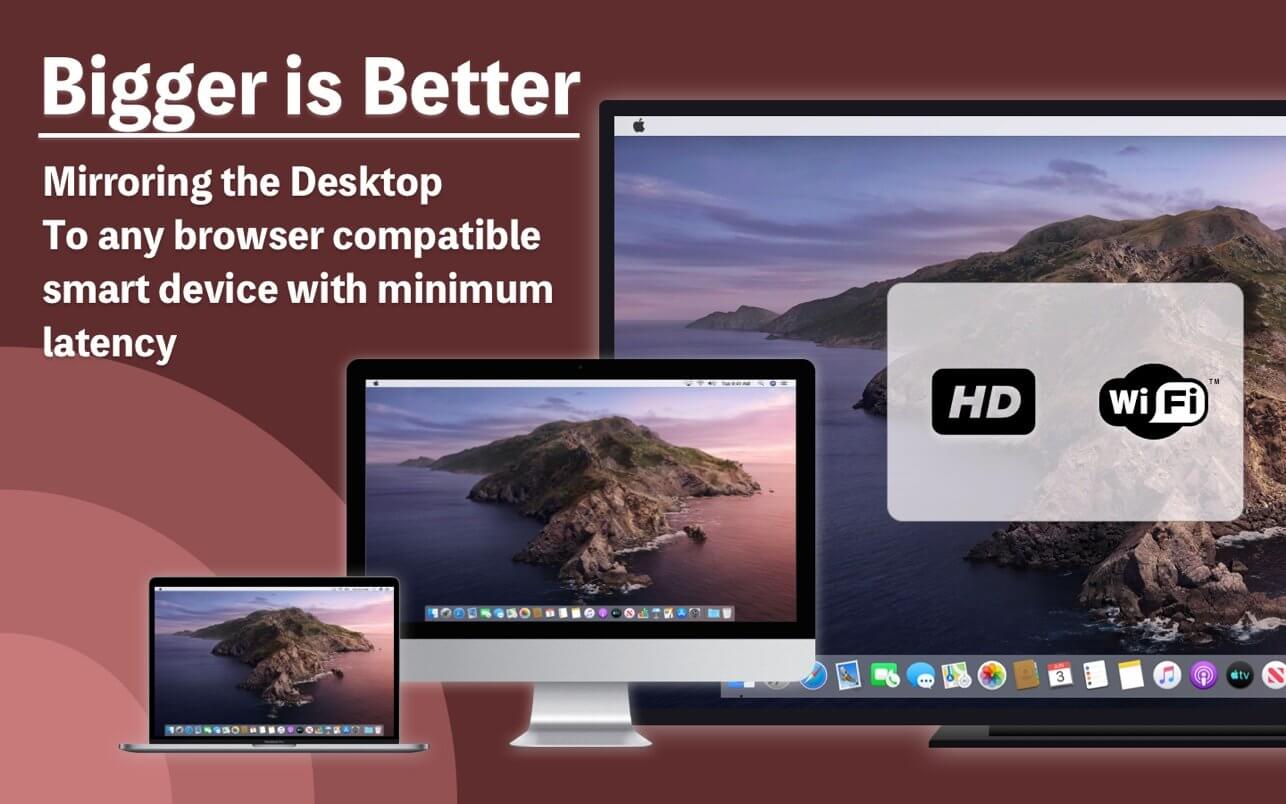

With Mirror - for any device, you can view live screen images on your Mac from a browser on any device!
Screen Mirroring
Use this option to put the screen of your Mac on any device - desktop,Laptop,mobile phone,smart TV …
Just use a web browser with smooth access to the local network, such as Safari, Chrome, Firefox, Edge... to view the clear, low latency Mac live screen!
Version 1.0.4
- Supports new Mac computers with Apple M1 chip.
Frequently asked questions
How do I install the app?
Mount the image, drag the app into the "Applications" folder and launch it. If the system blocks the launch, allow it in "System Settings → Privacy & Security".
The app is damaged or won't launch
Reinstalling from a fresh image usually helps. Make sure your macOS version matches the one listed in the compatibility specs.
How do I update?
Download the new version from the site and install it over the current one — your settings will be preserved.
The download link doesn't work
Try a mirror or a download manager. For large files the browser often drops the connection.
How do I completely remove the app?
Use an uninstaller utility — it cleans up the service files that remain after moving the app to the trash.
Information
Visitors in the group Guests cannot leave comments on this publication.
Choose a download source
Mirror for Any Device 1.0.4 · 11.96 MB