

OnyX 5.1.2 for macOS Golden Gate 27
Mac maintenance and macOS system tools for confident customization.
Screenshots
Click to enlarge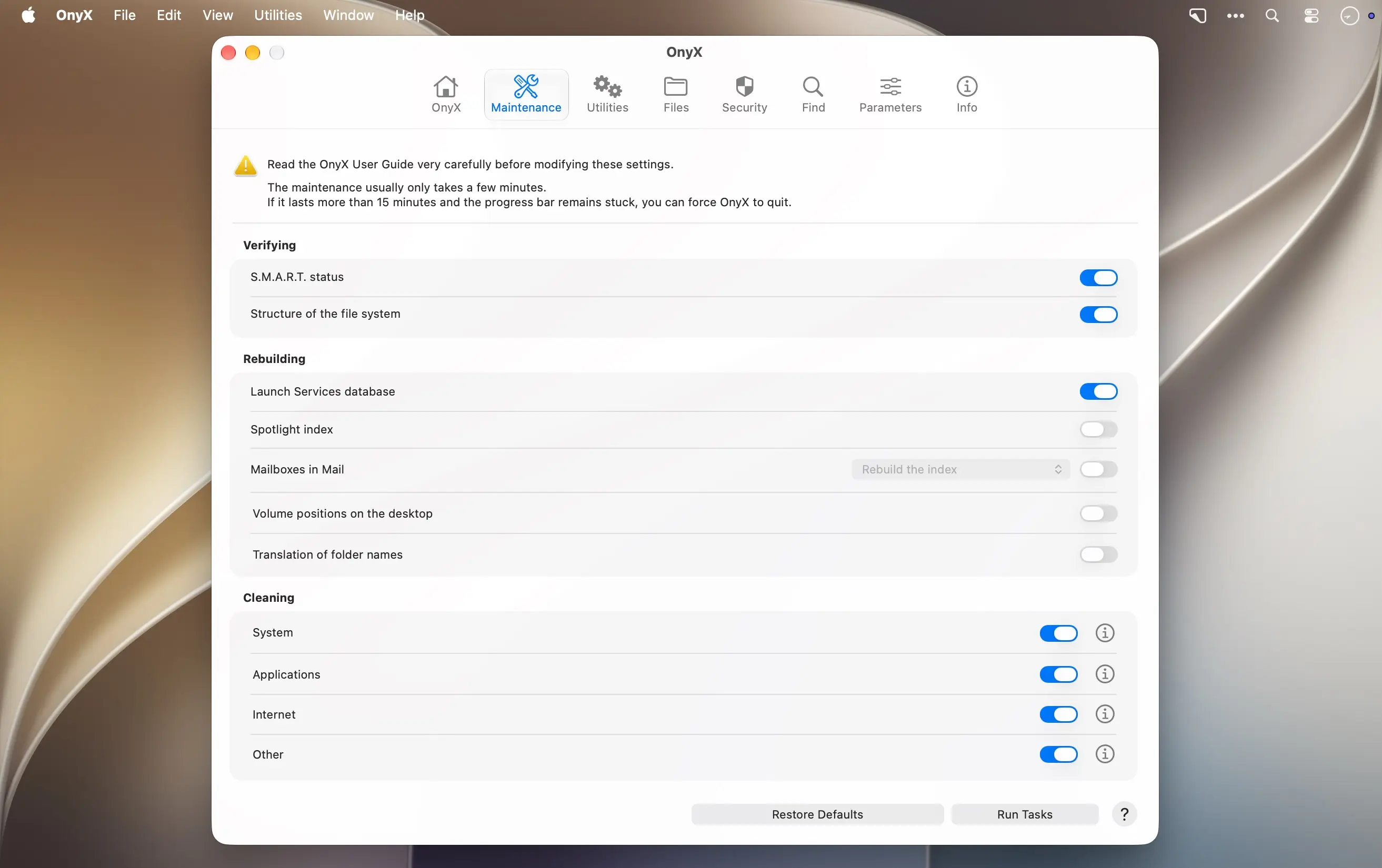
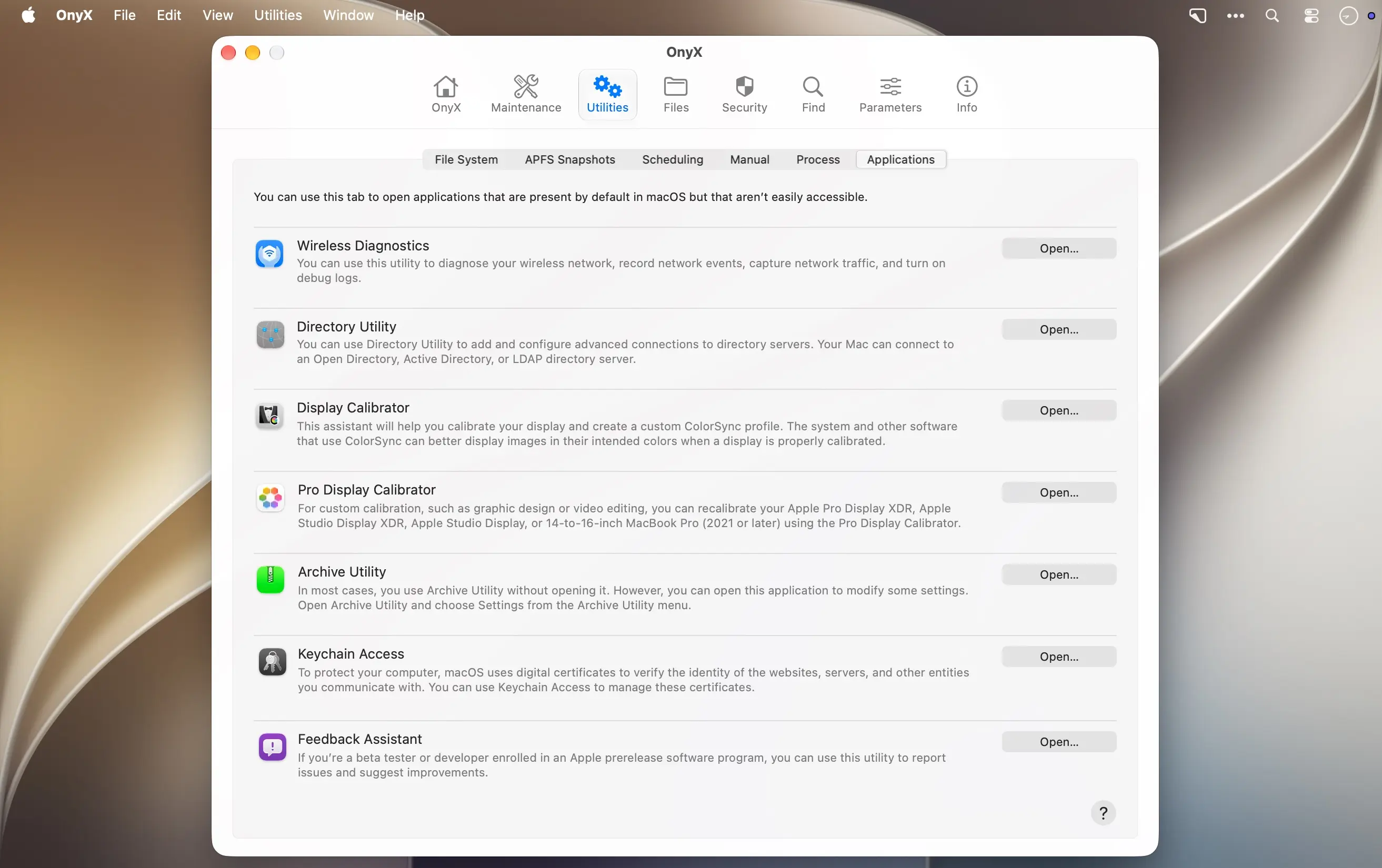
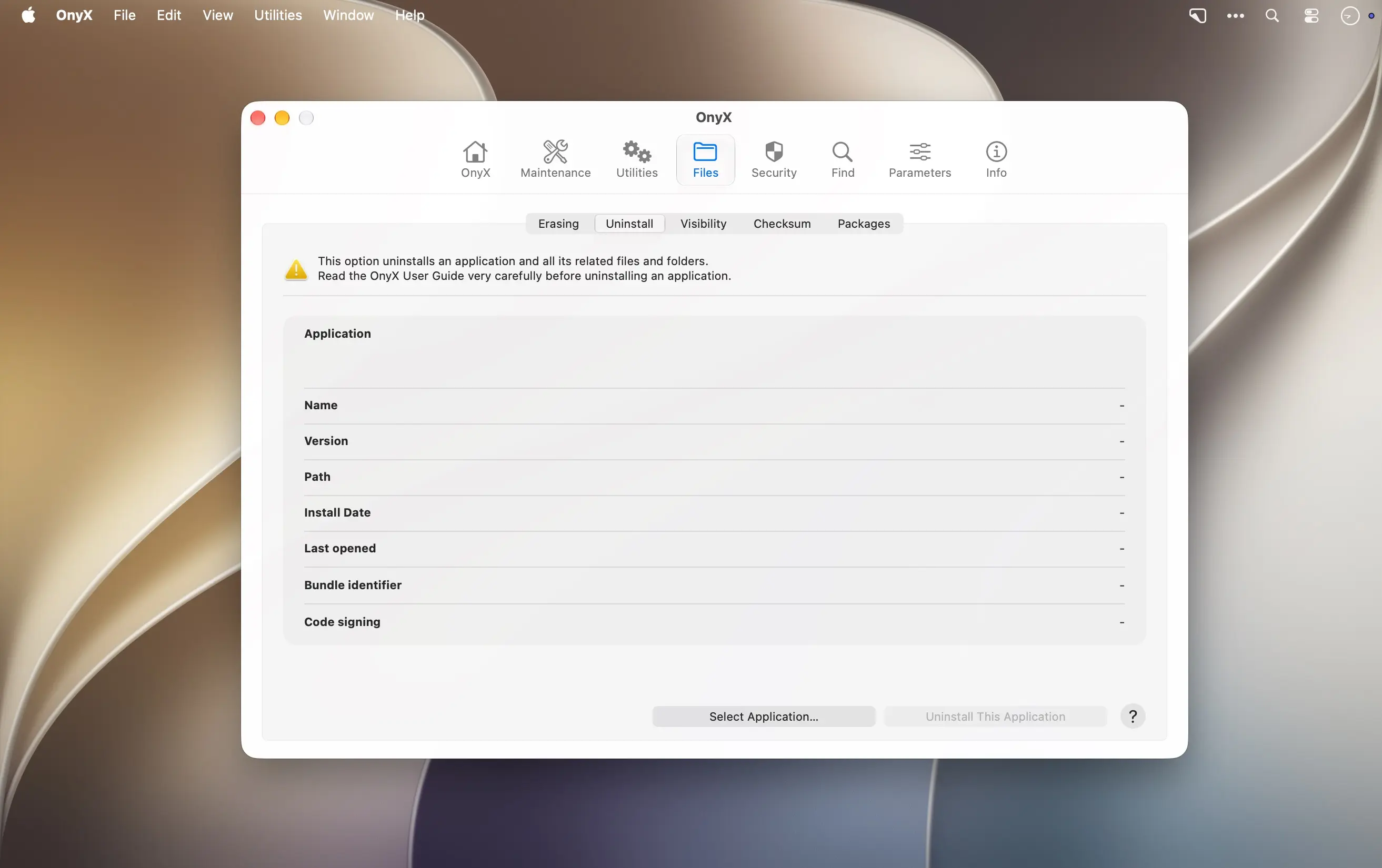
Keep your Mac in tune with OnyX for macOS Golden Gate 27
Maintain, customize, and troubleshoot your Mac with a versatile collection of advanced tools in one clear, intuitive app—without scripts or complex commands.
Powerful tools, made approachable
Use OnyX for routine maintenance, to investigate issues, or to tailor macOS to your preferences. Detailed documentation explains each feature and helps you use the tools with confidence.
- File system verification: Check your Mac’s file system.
- System database rebuilding: Rebuild Launch Services, Spotlight, and other system databases.
- Mailbox and file rebuilding: Rebuild mailboxes, volume information, and .DS_Store files.
- File cleanup: Remove unnecessary files from selected locations.
- Maintenance and power scheduling: Run maintenance scripts and schedule startup, shutdown, or sleep actions.
- File visibility controls: Show or hide files and folders.
- Checksums and secure erasure: Verify checksums and securely erase files.
- Package inspection: Inspect application packages.
- Search: Find files and content on your Mac.
- System and security settings: Customize security settings, system behaviors, and macOS and application preferences.
OnyX brings together features from the developer’s Maintenance, Deeper, and CalHash utilities in one lightweight application. Download OnyX for macOS Golden Gate 27 and keep practical Mac maintenance and customization tools close at hand.
Version 5.12:
• Issue corrected that occurred when deleting the browser history
• Issue corrected that sometimes occurred when deleting the applications
• Deleting the application caches improved
• Deleting the application logs improved
• Deleting the Recent Items improved
• Deleting the Junk Items improved
• Cleaning the internet files improved
• Application uninstaller optimized
• Deleting the downloaded screen savers improved
• Deleting the downloaded wallpapers for all users improved
• Added option to remove or keep the main application when uninstalling apps
• Added Thermal State in the Hardware pane of the Info toolbar item
• Reading information optimized
• Removed the option for the Dock's transparent icons for hidden applications (obsolete)
• Scheduling optimized
• Security pane improved
• Miscellaneous corrections and improvements made
Comments
No comments yet. Be the first.