

OnyX 5.0.3 for macOS Tahoe 26
OnyX — Maintenance and Customization for macOS
Screenshots
Click to enlarge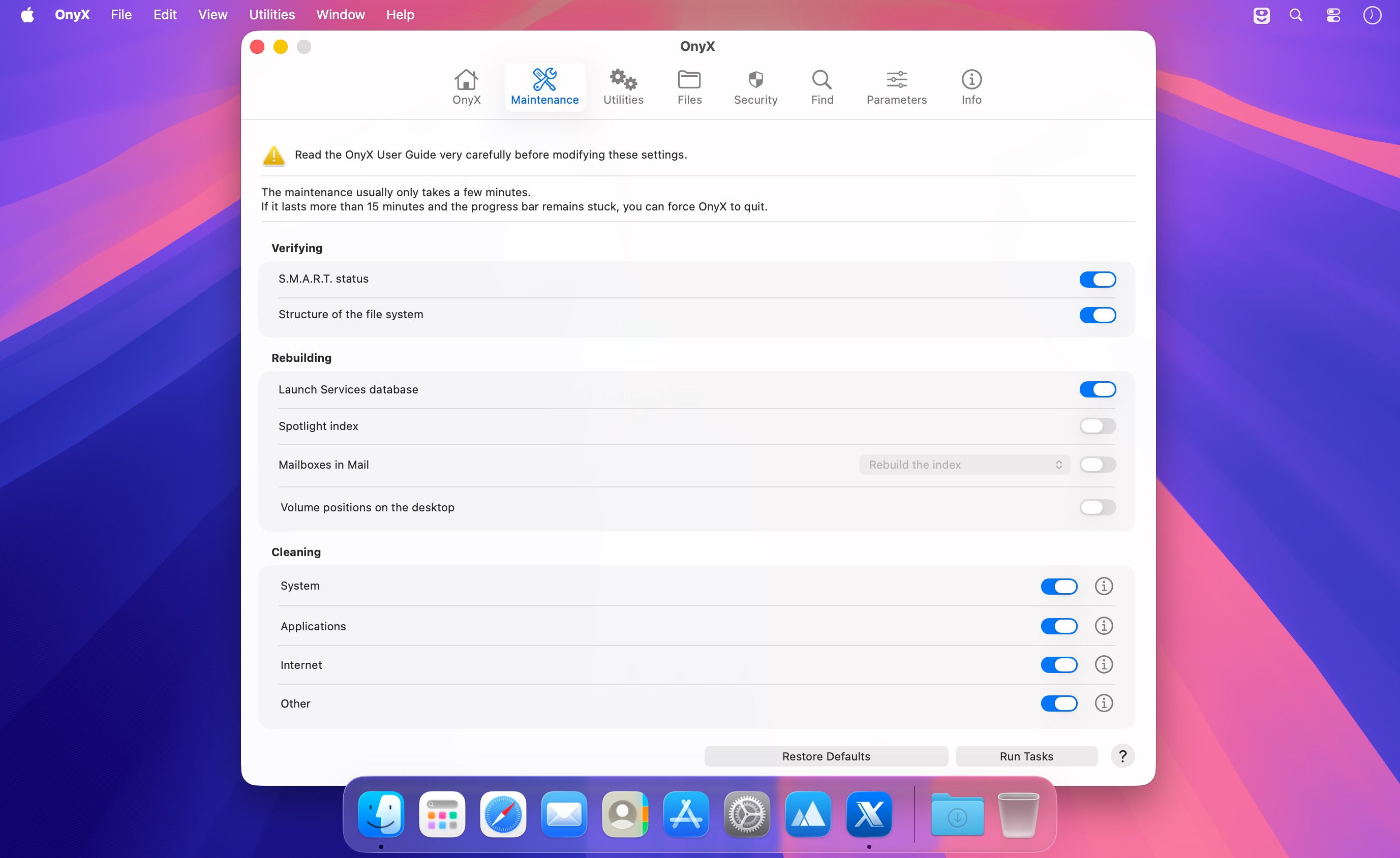
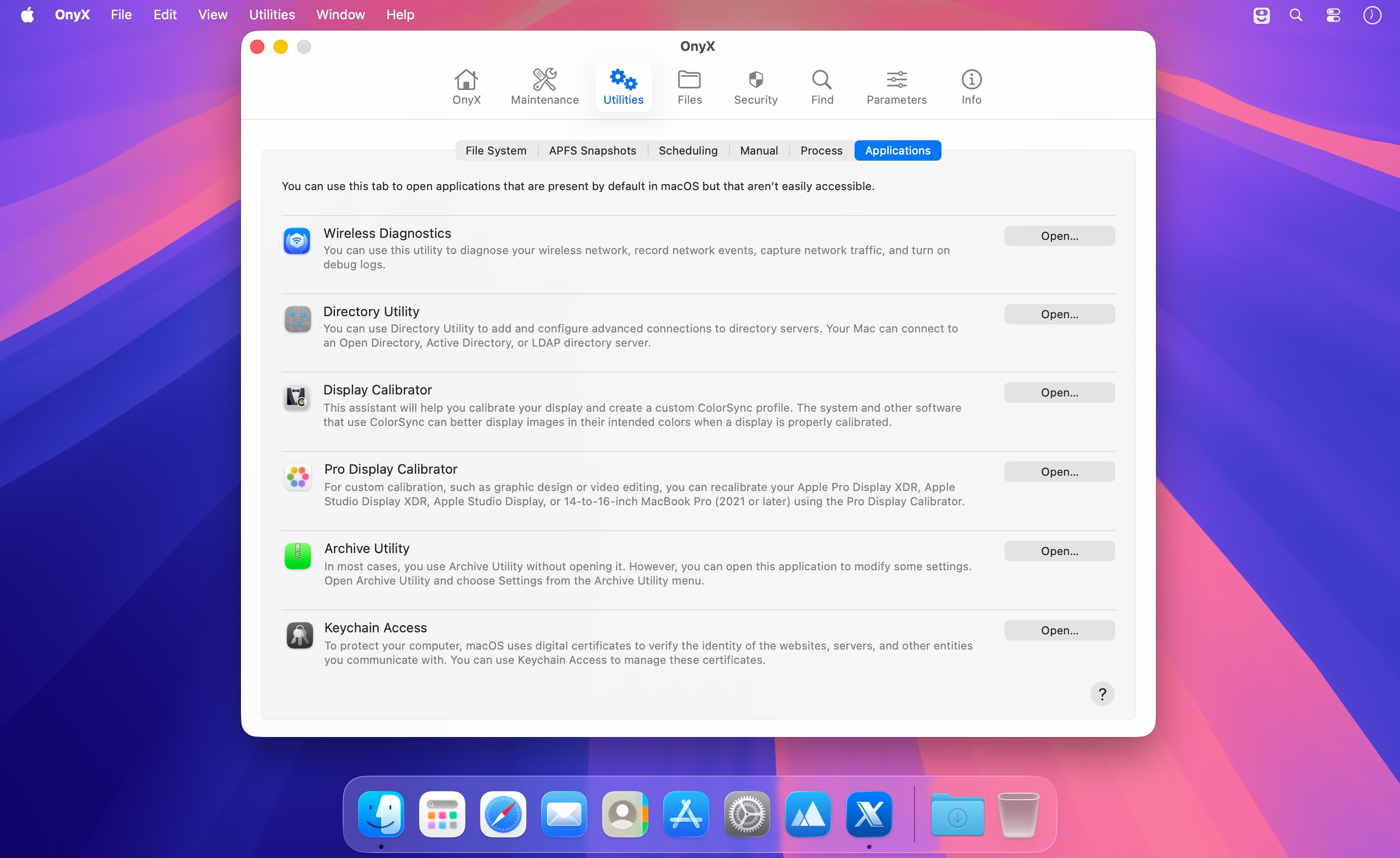
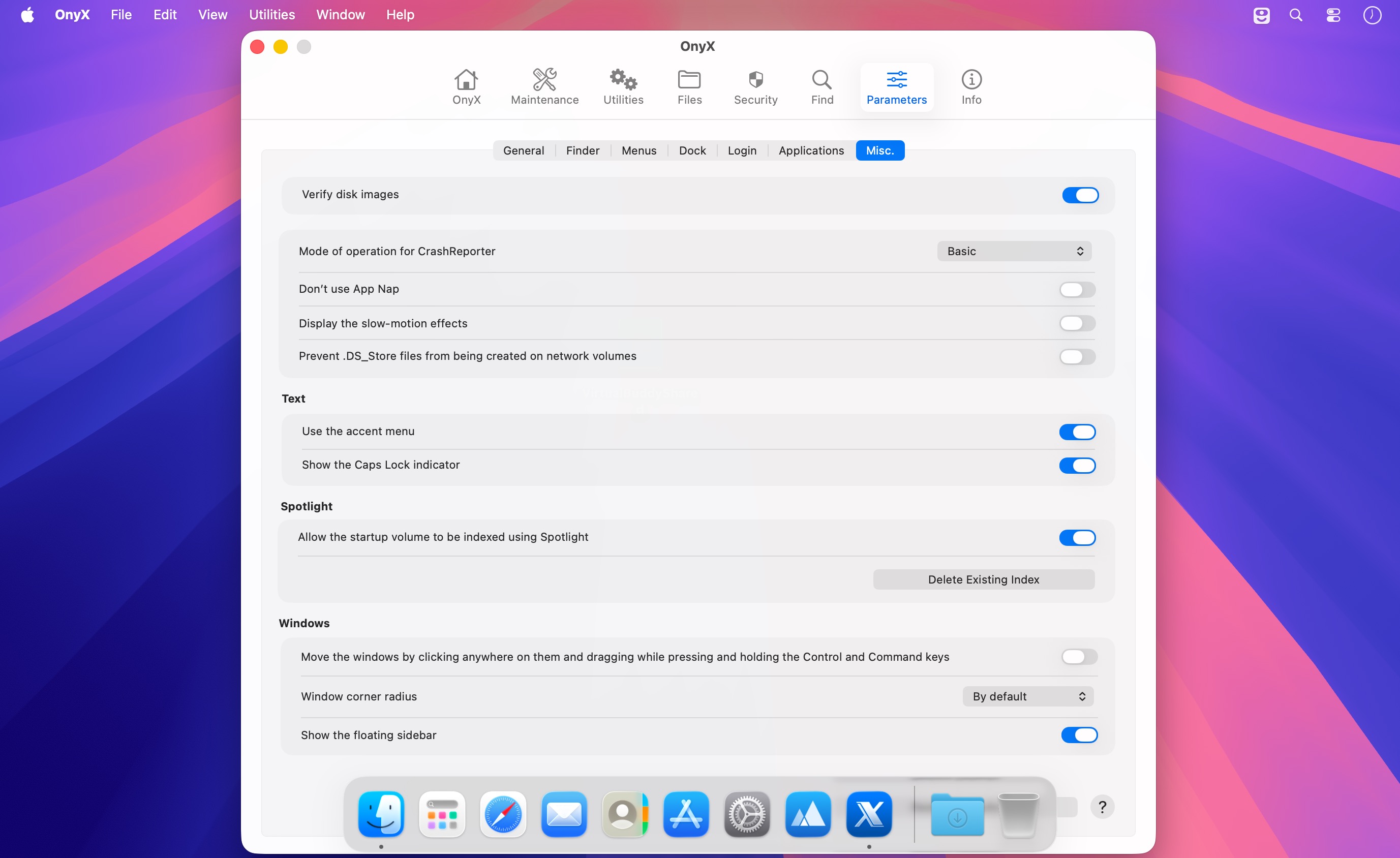
OnyX is an all-in-one utility for maintaining, customizing, and troubleshooting your Mac. It brings together a wide range of advanced tools in a clear, intuitive interface—no scripts or complex commands required.
Use OnyX to:
- Verify your file system
- Rebuild Launch Services, Spotlight, and other system databases
- Rebuild mailboxes, volume information, and .DS_Store files
- Remove unnecessary files from selected locations
- Run maintenance scripts and schedule startup, shutdown, or sleep actions
- Show or hide files and folders
- Verify checksums and securely erase files
- Inspect application packages
- Search for files and content on your Mac
- Customize security settings and system behaviors
- Adjust a variety of macOS and application preferences
OnyX incorporates features from the developer’s Maintenance, Deeper, and CalHash utilities, giving you a comprehensive collection of tools in one lightweight application.
Detailed documentation is included to explain each feature and help you use OnyX with confidence. Whether you’re performing routine maintenance, investigating a problem, or tailoring macOS to your preferences, OnyX puts powerful system tools within easy reach.
Version 5.0.3
- Security pane improved
- Issue corrected in the Info pane
- Issue corrected that occurred when uninstalling OnyX
- Deleting the Recent Items improved
- Deleting the caches improved
- Dock hidden functions improved
- Many parts of the code optimized
- Searching for and downloading an update optimized
- User Guide updated and improved
Comments
No comments yet. Be the first.
Information
Visitors in the group Guests cannot leave comments on this publication.