
MacCleanse 15.0.1
MacCleanse — Clean Up, Optimize, and Uninstall with Confidence
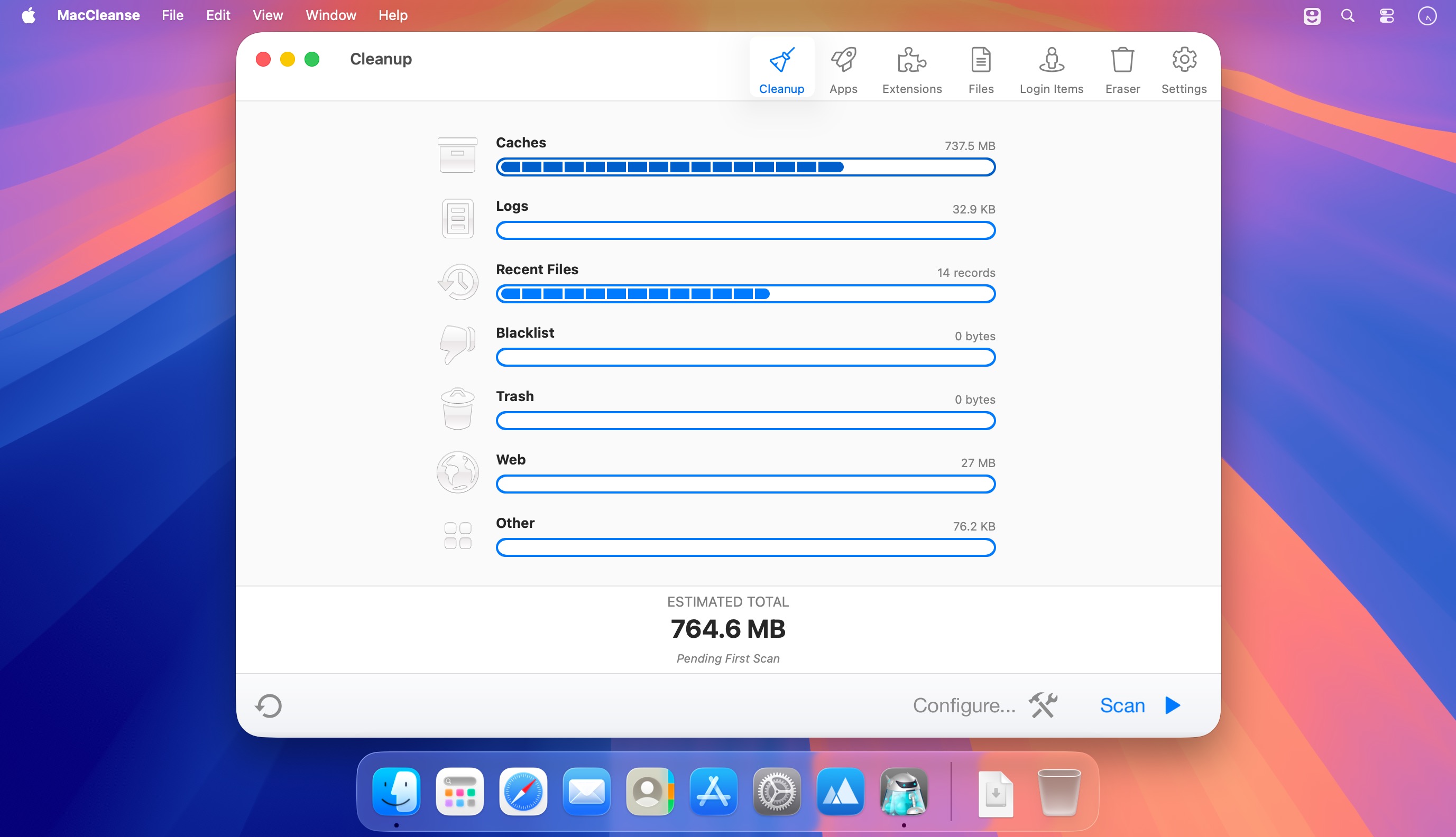
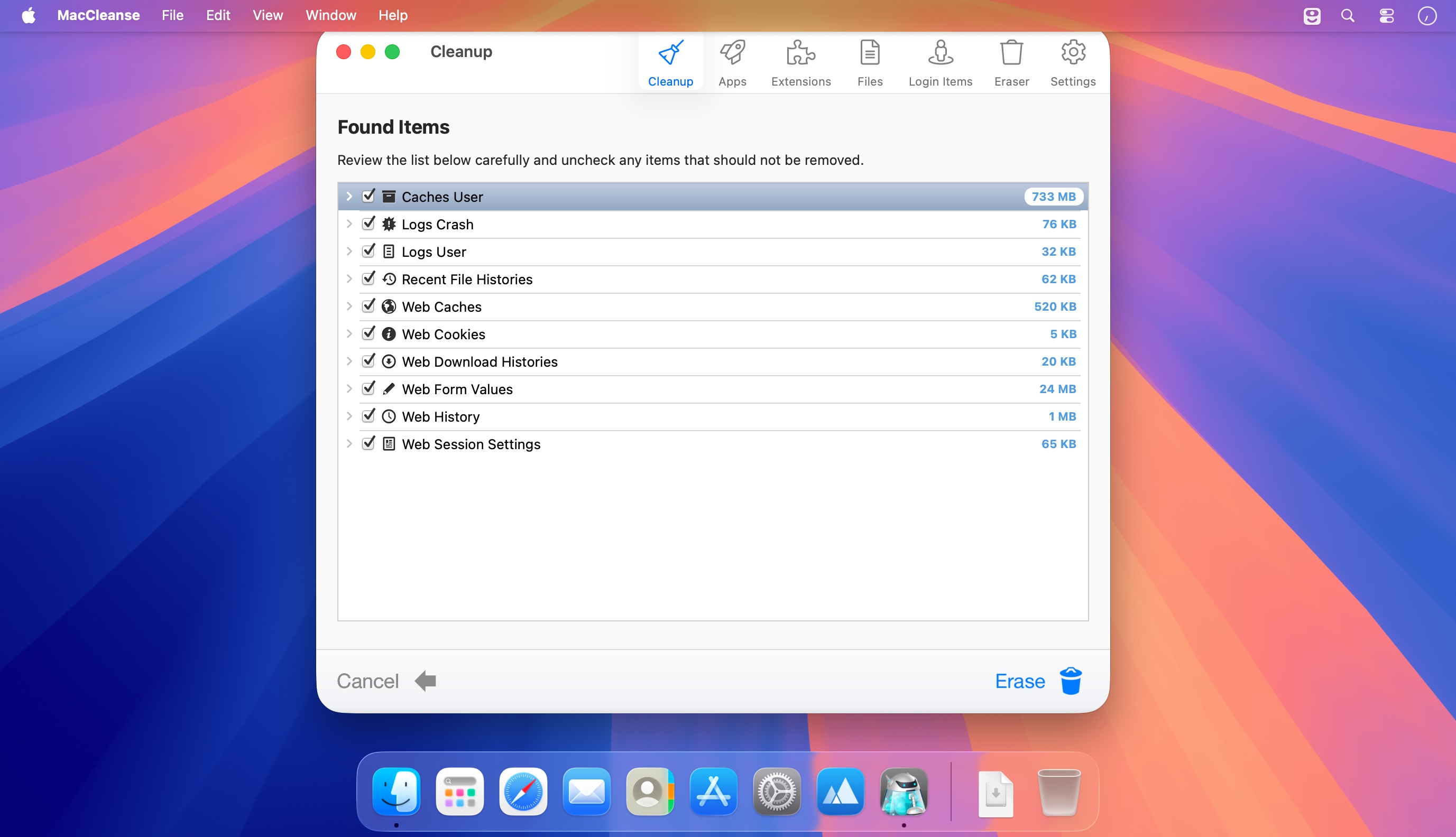
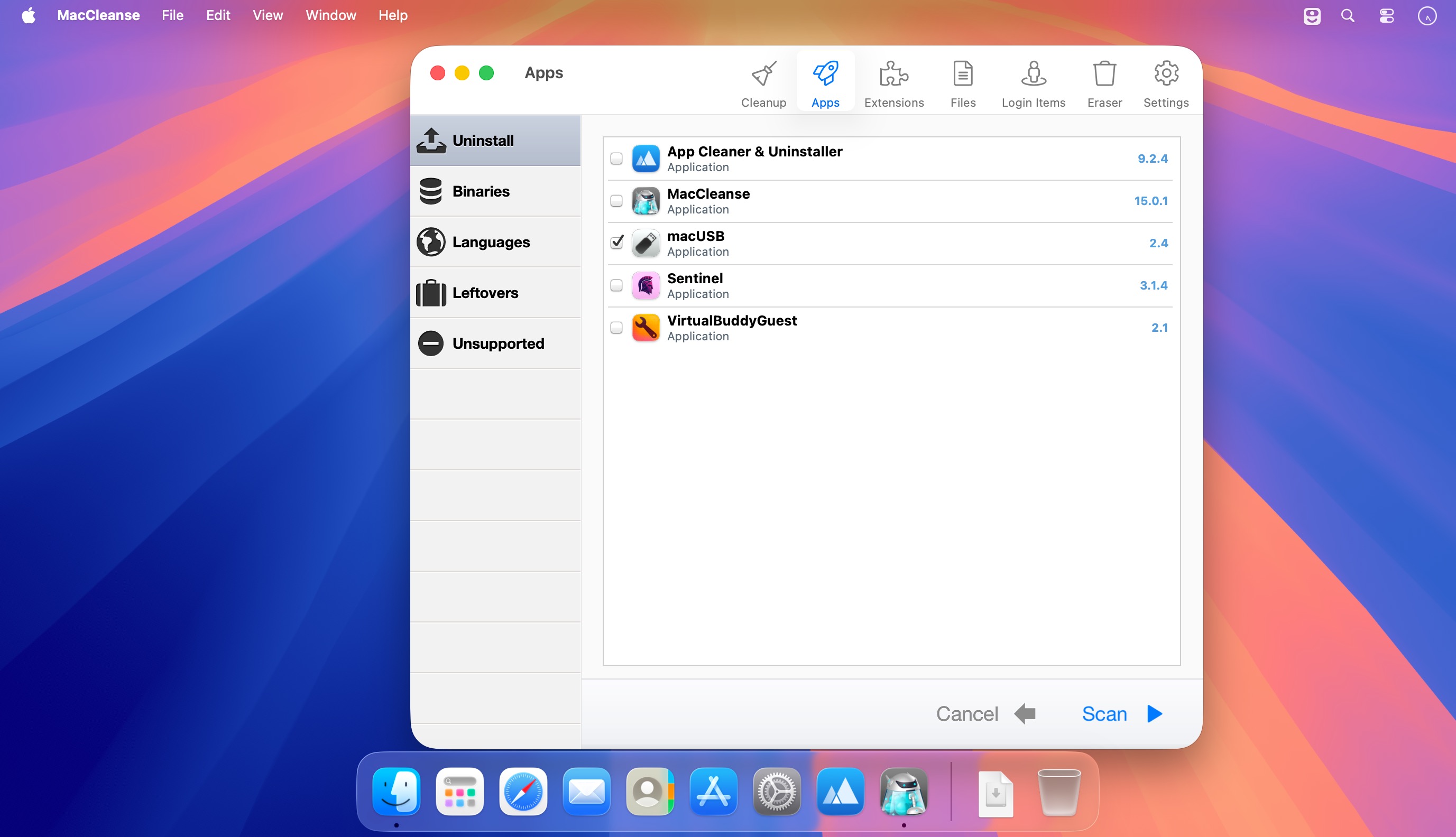
Reclaim valuable disk space and keep your Mac running smoothly with MacCleanse. Built from thousands of hours of research and development, MacCleanse searches deep within your system to find unnecessary files, forgotten leftovers, duplicate data, and other digital clutter.
Uninstall apps completely—not just by moving them to the Trash. MacCleanse removes associated caches, logs, preferences, plugins, and supporting files that can otherwise remain behind.
Clear web and app histories, manage resource-intensive extensions, and customize exactly what gets cleaned with detailed, easy-to-review scan results.
Powerful cleanup tools
- Archives: Find installation archives and downloaded packages you no longer need.
- Automation: Schedule cleanups to run automatically.
- Custom Configurations: Create personalized cleanup routines for specific types of files.
- Detailed Overview: Review everything selected for removal before cleaning.
- Detect Leftovers: Find files abandoned by improperly uninstalled apps.
- Ditch Duplicates: Locate and remove duplicate files taking up unnecessary space.
- Eraser: Permanently remove files with fast or more secure erasing options.
- Find Old Apps: Identify installed apps that may be incompatible with your Mac.
- Language Cleaner: Remove unused language files from supported apps.
- Large & Old: Discover files that are both large and rarely used.
- Manage Plugins: Disable unnecessary plugins, screen savers, login items, and more.
- Safe Cleanup: Automatically identify commonly removable files.
- Trim Apps: Remove legacy components designed for older systems.
- Uninstall Apps: Remove apps along with their caches, logs, preferences, and related files.
Take control of your Mac’s storage and remove clutter with MacCleanse.
Version 15.0:
Upgrade Notes
- This upgrade is free for users owning the current major version, an active subscription, Utility Package Pro, or a "lifetime license." No action is required other than downloading the new version from our web site and unlocking as normal with an e-mail address. For all other users, orders for the current version can be purchased on our web site.
Enhancement:
- macOS Golden Gate support.
Frequently asked questions
How do I install the app?
Mount the image, drag the app into the "Applications" folder and launch it. If the system blocks the launch, allow it in "System Settings → Privacy & Security".
The app is damaged or won't launch
Reinstalling from a fresh image usually helps. Make sure your macOS version matches the one listed in the compatibility specs.
How do I update?
Download the new version from the site and install it over the current one — your settings will be preserved.
The download link doesn't work
Try a mirror or a download manager. For large files the browser often drops the connection.
How do I completely remove the app?
Use an uninstaller utility — it cleans up the service files that remain after moving the app to the trash.



Choose a download source
MacCleanse 15.0.1 · 92.62 MB
Previous versions
MacCleanse 15.0.1
Previous versions are available to registered users.