CleanMyMac 5.6.1
CleanMyMac Mac cleaner, uninstaller, and malware remover
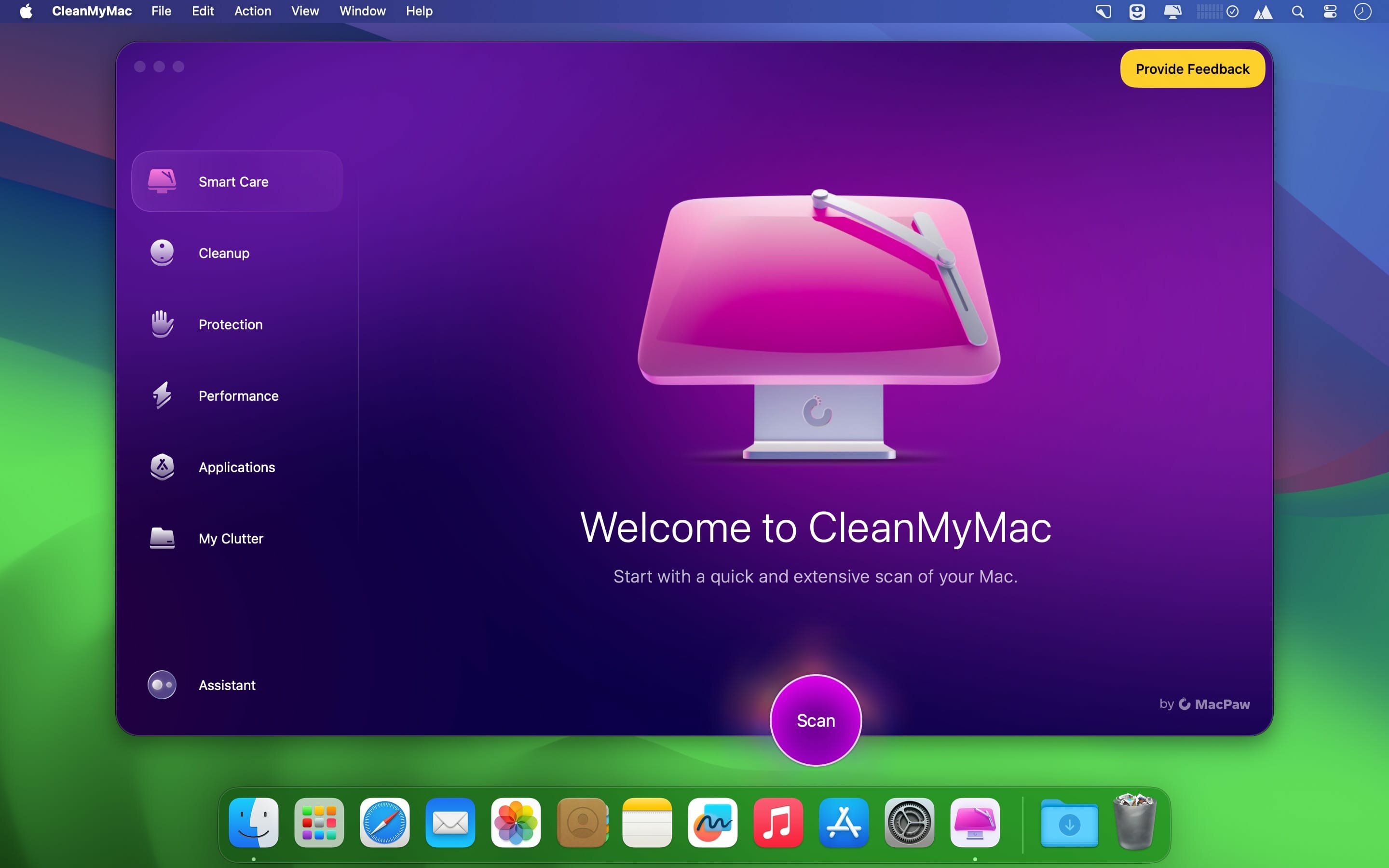
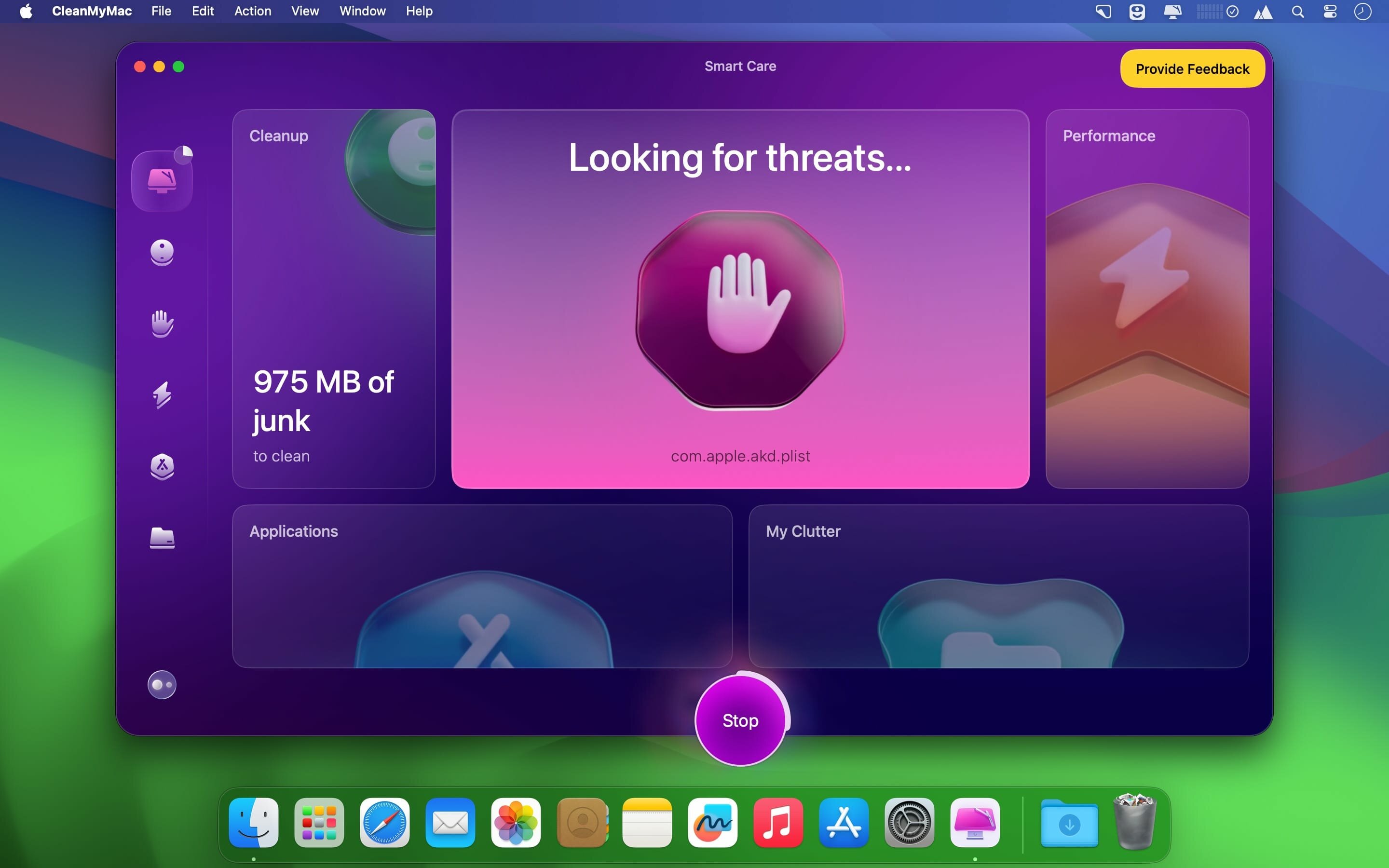
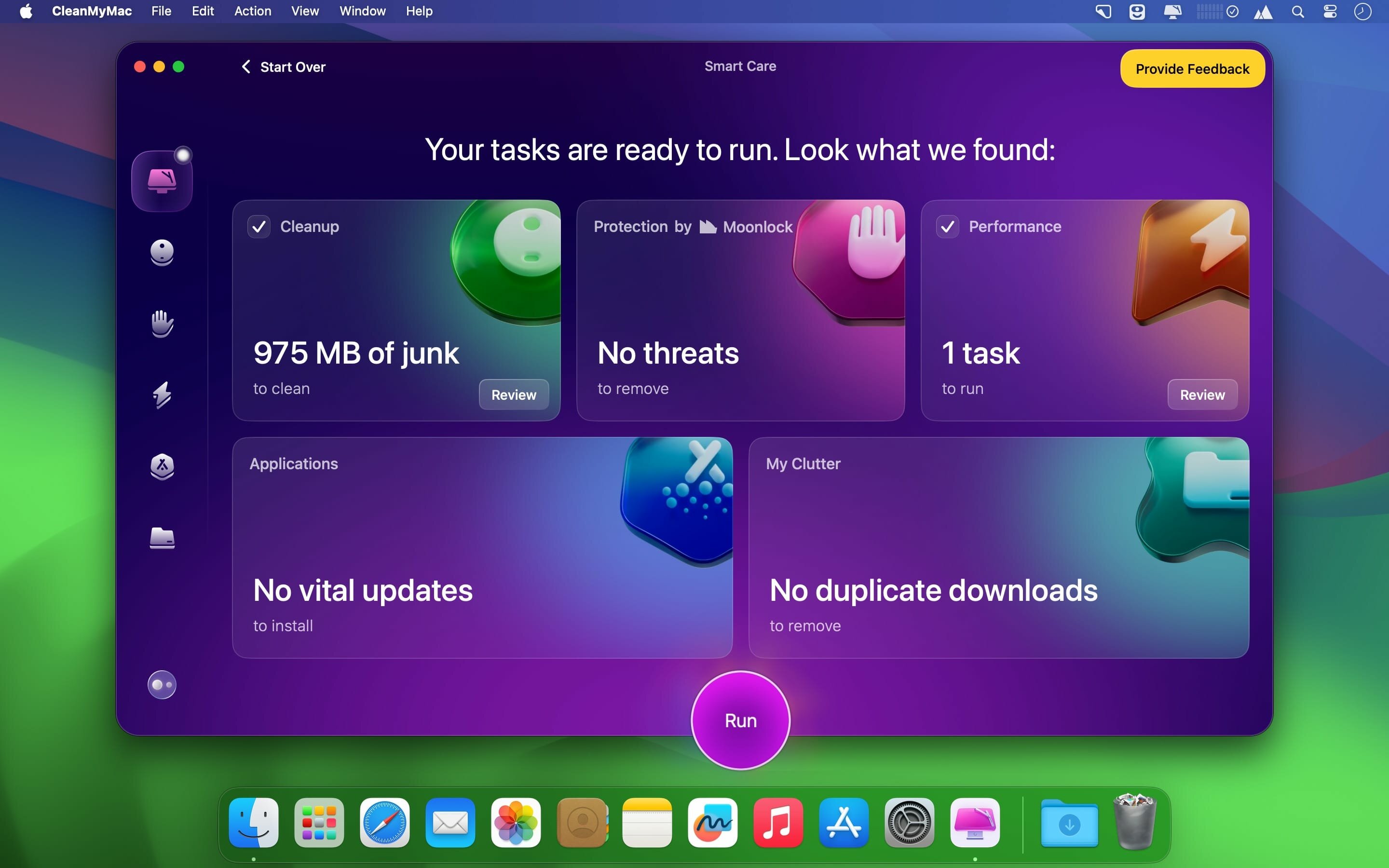
CleanMyMac is an all-in-one maintenance app that helps keep your Mac tidy, protected, and running smoothly. It finds unneeded files across macOS, checks for threats, and gives you tools to ease system load when your computer slows down. With its drag-and-drop, user-friendly interface, it suits anyone who wants to reclaim storage and manage apps without digging through system folders.
Features
- System junk cleanup — remove outdated caches, broken downloads, logs, and unused localizations
- App clutter removal — clear leftover files in iTunes, Mail, and Photos
- Large file finder — locate large and hidden files taking up space
- Malware protection — detect and remove malware, adware, and ransomware using a regularly updated database
- Speedup tools — free up RAM, run maintenance scripts, and manage Login Items, Launch Agents, and hung apps
- Complete Uninstaller — fully remove apps along with leftovers from previously deleted apps and widgets
- Updater — update all your installed software at once
- Secure file eraser — delete sensitive files quickly and securely
- Extension management — control widgets, plugins, and preference panes
- Trash and removable drive monitoring — uninstall trashed apps correctly and clean junk service files from external devices
Version 5.6.0:
Stay in the Loop with Notification Center
- There's a new way to stay up to date with CleanMyMac. Notification Center keeps useful updates and messages in one place, ready whenever you want to check them.
New
- Meet your new hub for CleanMyMac updates. Open Notification Center from the bell icon to find product news, offers, and other useful messages. They'll stay there, so you can check them when it suits you or come back to them later.
Fixed
- We've fixed a few known issues to make CleanMMac more stable and reliable.
Frequently asked questions
How do I install the app?
Mount the image, drag the app into the "Applications" folder and launch it. If the system blocks the launch, allow it in "System Settings → Privacy & Security".
The app is damaged or won't launch
Reinstalling from a fresh image usually helps. Make sure your macOS version matches the one listed in the compatibility specs.
How do I update?
Download the new version from the site and install it over the current one — your settings will be preserved.
The download link doesn't work
Try a mirror or a download manager. For large files the browser often drops the connection.
How do I completely remove the app?
Use an uninstaller utility — it cleans up the service files that remain after moving the app to the trash.



Choose a download source
CleanMyMac 5.6.1 · 159 MB
Previous versions
CleanMyMac 5.6.1
Previous versions are available to registered users.
Comments 1