

Multitouch 2.0.2
Custom Magic Trackpad gestures for your Mac
Screenshots
Click to enlarge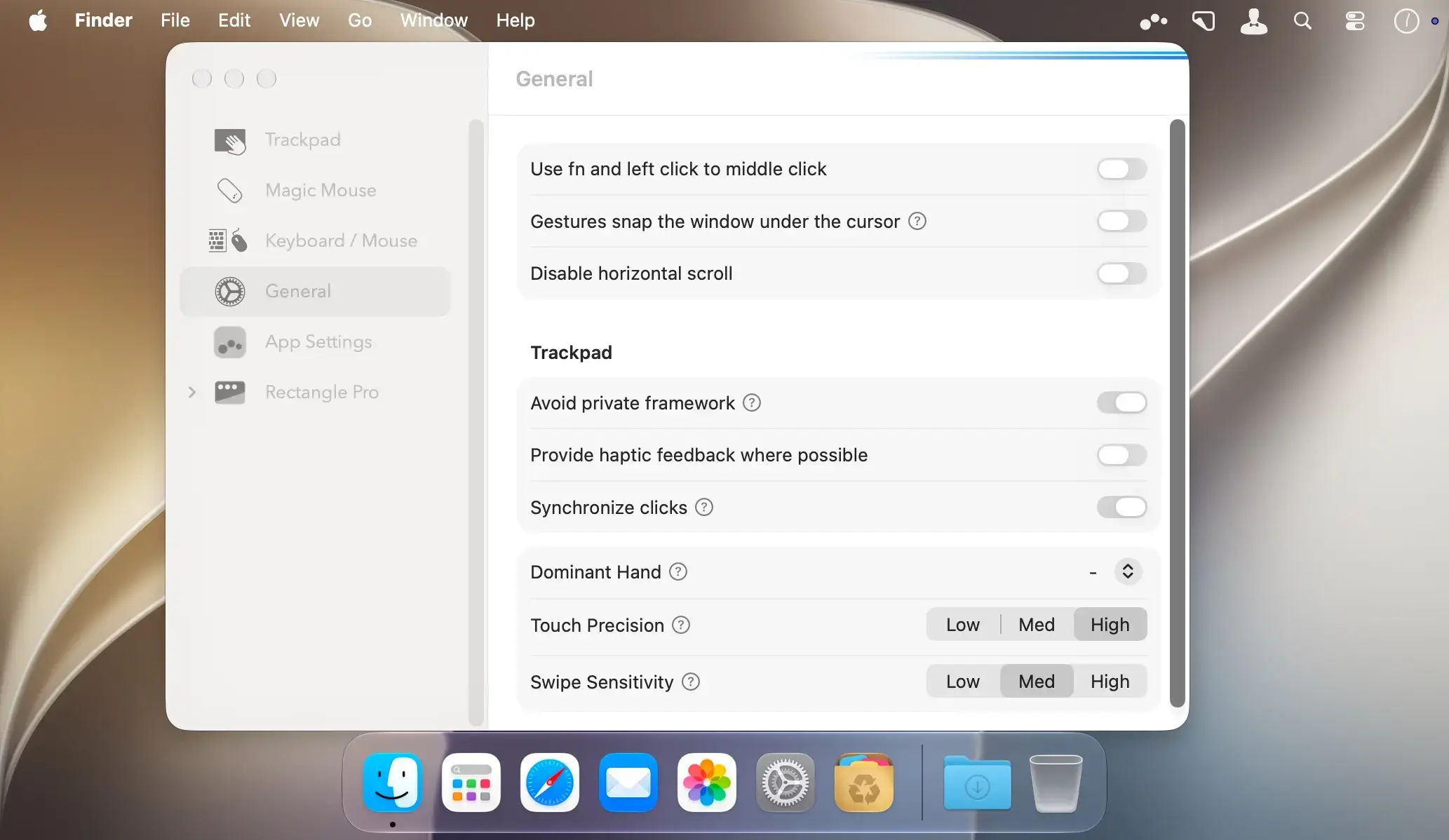
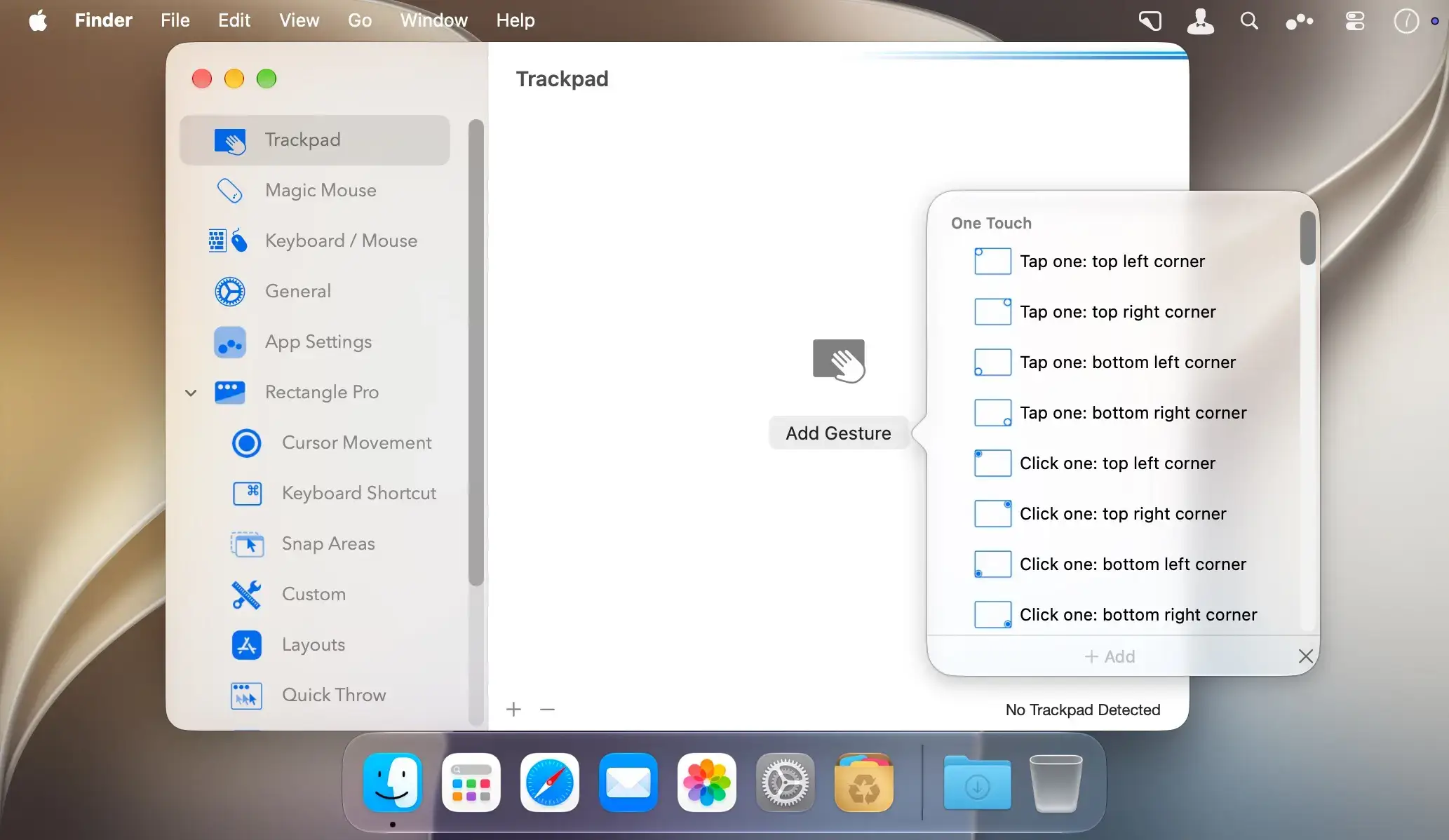
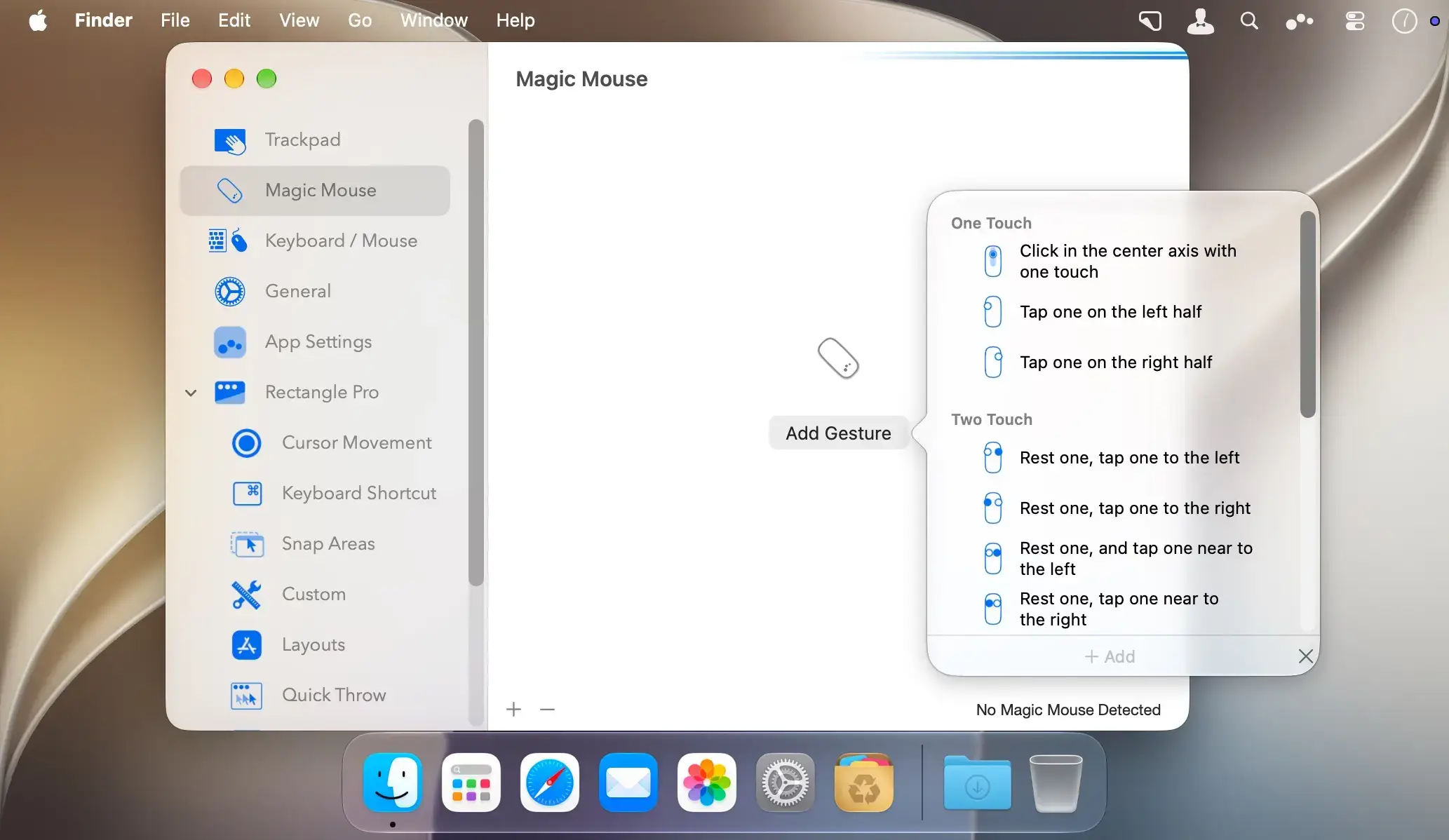
Multitouch 2 lets you tie a custom action to a specific Magic Trackpad or Magic Mouse gesture on your Mac. For example, a three-finger click can execute a paste, so common tasks take a single gesture.
Make gestures work for you
Use gestures to improve your workflow by executing keyboard shortcuts, controlling your browser's tabs, performing a middle mouse click, and much more.
Features
- Custom gesture actions: assign an action to a specific Magic Trackpad or Magic Mouse gesture.
- Keyboard shortcuts: execute a shortcut with a gesture.
- Browser tab control: manage your browser's tabs with gestures.
- Middle mouse click: perform a middle click with a gesture.
- One-time purchase: pay once and get free updates with a growing list of gestures and actions.
- Privacy: no user data is gathered from the app.
- No Accessibility privileges: runs without requiring Accessibility privileges.
NOTE *** You need to disable the System Integrity Protection (SIP) to perform the selected Application.
Version 2.0.2
- Ensure configurations that only exist in iCloud are present upon update.
v2.0:
- Multitouch now includes all of Rectangle Pro.
- Rectangle Pro settings can be imported into Multitouch.
- All of the settings in Multitouch can now be imported and exported, and synchronized over iCloud.
- The settings window has been updated.
- Several bug fixes are included.
Comments
No comments yet. Be the first.
Information
Visitors in the group Guests cannot leave comments on this publication.