
Proxyman 26.0.1
Proxyman: HTTP debugging proxy for traffic inspection and testing
Proxyman is a modern and intuitive HTTP Debugging Proxy app. Don't let cumbersome web debugging tools hold you back. With Proxyman's native macOS app, you can capture, inspect, and manipulate HTTP(s) traffic with ease.
Basic Features
- Inspect HTTP/HTTPS traffic in plain text
- SSL Proxying
- Proxying on iOS Devices, iOS Simulator and Android
- Export Requests/ Responses
- Content Filter
- Body Syntax Highlighting
- JSON/ Tree View Format
- Horizontal/Vertical Layout
- Finder Categorize
- Multiple Tabs
- Custom Previewer Tabs
- Custom Header Columns
- Highlight with Color & Add Comment
- MessagePack Body Previewer
- JSONPath Filter
- Customize Toolbar
SSL Proxying
Proxyman acts as a man-in-the-middle server that capture the traffic between your applications and SSL Web Server. With built-in macOS setup, so you can inspect your HTTP/HTTPS Request and Responses in plain text with just one click.
Multiple Filters
Narrow down your search with Proxyman's Multiple Filters. You can combine complex filtered criteria like Protocol, Content-Type, URL, Request Header, Response Header, Body, etc that find exact what you're looking for.
GraphQL Debugging
Easily debug GraphQL Request by defining a matching rule with a particular GraphQL QueryName. Works with Breakpoint, Map Local, Map Remote, and Scripting Tool.
Scripting Tool
Breakpoint, Map local GUI is so slow?
Try Scripting Tool: Use jаvascript code to manipulate the Request/Response with your own logic.
We provide a handful of Snippet Code, common Add-ons and JS Libraries to facilitate your debugging procedure and make it 100x faster.
Breakpoint Tool
Breakpoint Tool helps you to modify Requests/Responses Data on the fly without changing any client code. Supports URL, Headers, Body, Status Code, Raw Message, etc.
Map Local Tool
Map Local Tool allows developers to mock a Response with a local file. Boost development speed up by directly modifying the response with Status Code, Header, and Body without waiting for the backend.
Spot your bugs with ease
Quickly find the differences between requests/responses with built-in Diff Tool
Zero-Setup for Backend Developments
One-click to inspect HTTP(s) traffic from NodeJS, Ruby, and Python
Support Popular Network Libraries
- NodeJS - axios, fetch (v18+), node-fetch, got,https, and superagent.
- Ruby -http, net/http, net/https,httparty, and faraday.
- Python - request, aiohttp,http.client, urllib3, andhttpx.
- Other - cURL,httpie, ElectronJS.
Advanced Features
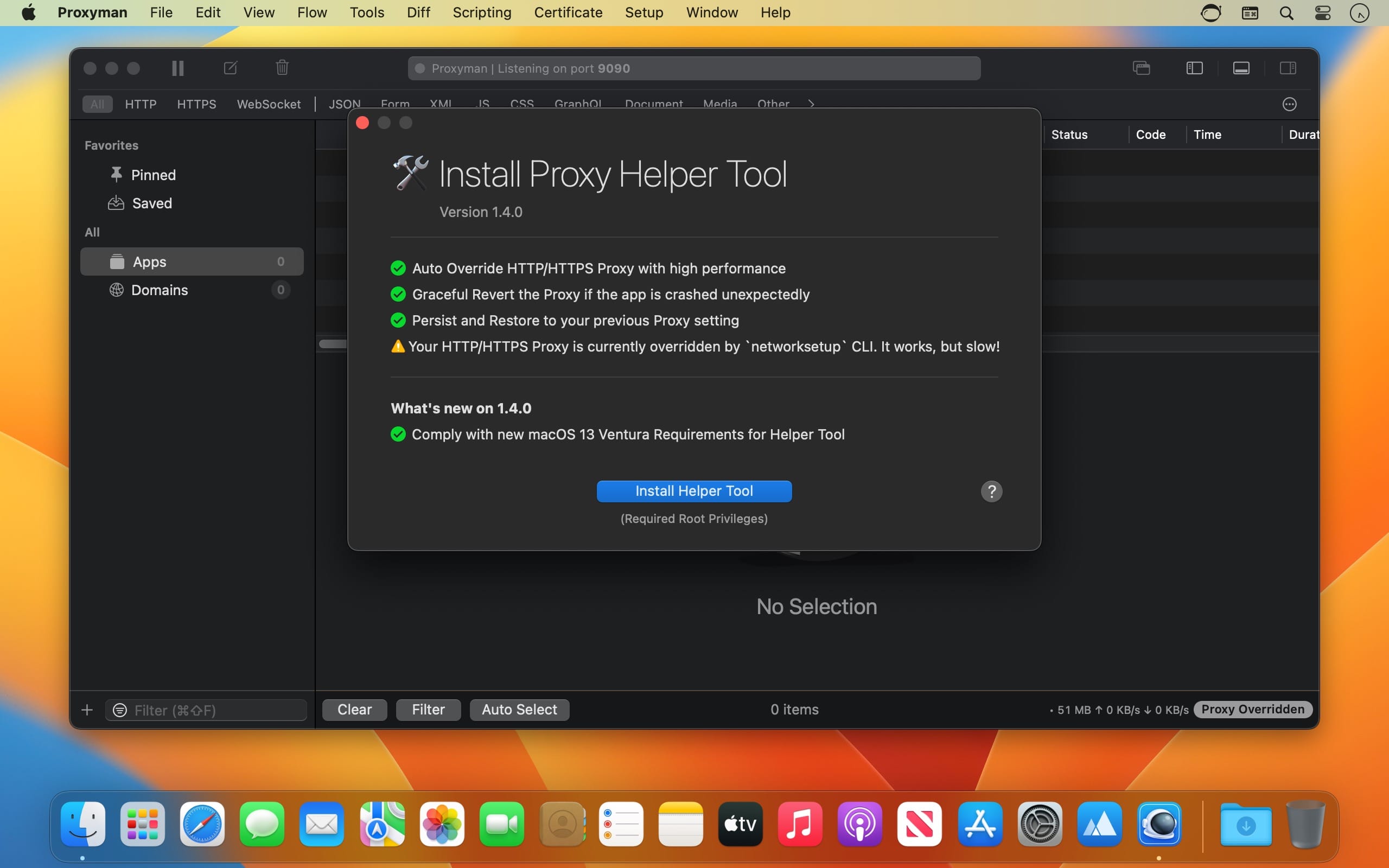
- Proxy Helper Tool
- Map Local (File/Directory)
- Map Remote
- Breakpoint
- No Caching
- Repeat Requests
- Compose Requests
- WebSocket Debugging
- Save Session
- Block List
- Allow List
- External Proxying (HTTP/HTTPS/SOCKS/PAC)
- Protobuf
- Import Charles Proxy files
- Custom Root & Client & Server Certificates
- Wildcard & Regex Matching Rules
- Scripting (ReWrite)
- JS Addons and Snippet Code
- Atlantis framework for iOS
- GraphQL Debugging
- Network Condition (Network Throttling)
- Multiple Filters
- Publish to Gist
- Reverse Proxy
- Code Generator
- Command Line
- Diff for Request/Response
- Access Control
- Automatic/Manual Setup
Version 26.0:
Features
- Support macOS 27 Golden Gate
- Proxyman can capture HTTP/2 traffic, work with all debugging tools, back-compatible with Map Local, Breakpoint, Scripting and Compose Tool
- Introduced the Split View: Compare two traffic views side by side with Split View in Proxyman Pro.
- Added a Connection Log tab to inspect DNS, TLS, and connection details.
- [Team Workspace] Sign in to Workspace with a code sent to your email.
- Choose when Proxyman clears old traffic to free memory, or run cleanup from the toolbar
Improvements
- Revamp the Tab View of Proxyman, make it lightweight and more responsive.
- Improve proxyman-cli and MCP for HTTP/2 support.
Bugs
- Fixed: Upload and download speeds shows wrong values.
- Fixed Scripting changing decimal number formats in JSON bodies.
- Fixed HTTP/2 connection logs, raw Breakpoint edits, requests without a body, and sidebar drag selection.
- Fixed missing gRPC-Web response headers, sidebar selection, and filtered tab loading.
- Fixed: The app status text is hard to read.
Frequently asked questions
How do I install the app?
Mount the image, drag the app into the "Applications" folder and launch it. If the system blocks the launch, allow it in "System Settings → Privacy & Security".
The app is damaged or won't launch
Reinstalling from a fresh image usually helps. Make sure your macOS version matches the one listed in the compatibility specs.
How do I update?
Download the new version from the site and install it over the current one — your settings will be preserved.
The download link doesn't work
Try a mirror or a download manager. For large files the browser often drops the connection.
How do I completely remove the app?
Use an uninstaller utility — it cleans up the service files that remain after moving the app to the trash.





Choose a download source
Proxyman 26.0.1 · 58.95 MB
Previous versions
Proxyman 26.0.1
Previous versions are available to registered users.