AppCleaner 3.7
Free Mac app uninstaller that removes caches and leftover files
Uninstall Mac apps completely, leftovers and all
When you delete an app the usual way, it almost always leaves files behind: preferences, caches and other data it created along the way. Over time, these add up and take up space. AppCleaner finds every associated file and removes it together with the app.
Just drag and drop
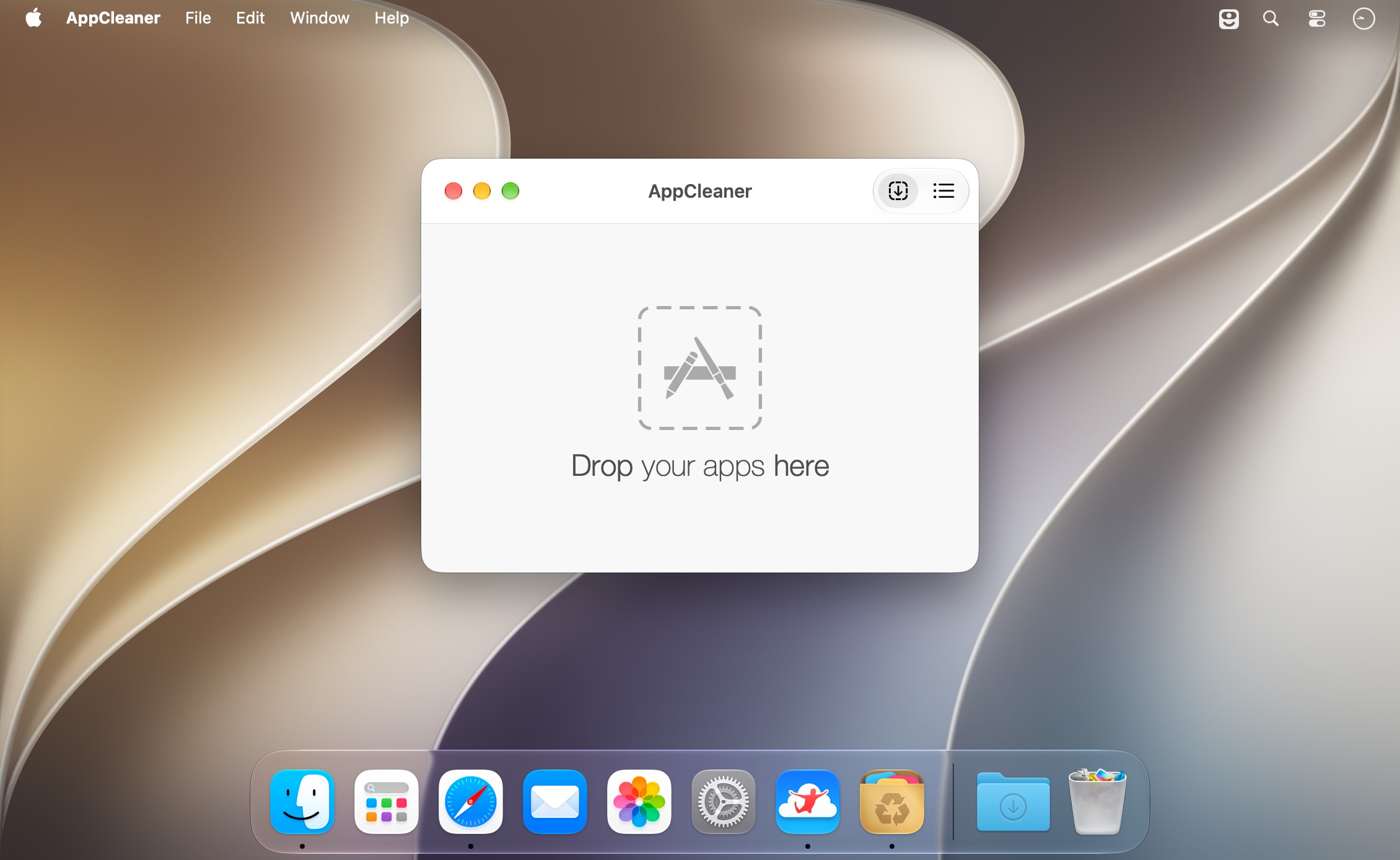
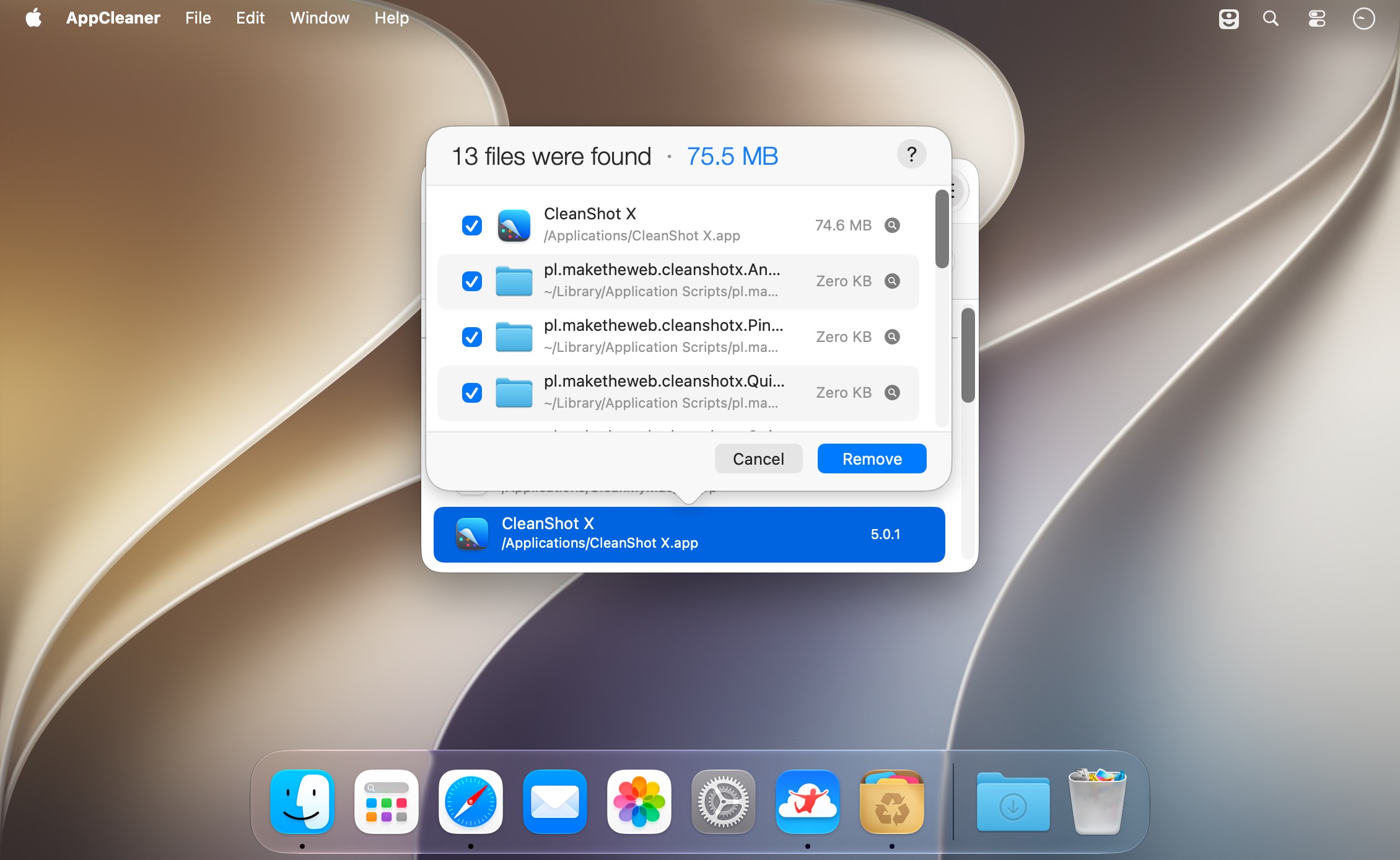
Drop an app onto the AppCleaner icon instead of the Trash. AppCleaner finds all related files stored outside the app's folder and lists them for you. All that's left is to confirm.
You stay in control
Preview files with Quick Look and reveal them in Finder. Items AppCleaner isn't sure about are left unticked, so nothing gets removed without your say.
Features
- Remove apps along with their preferences, caches and support files.
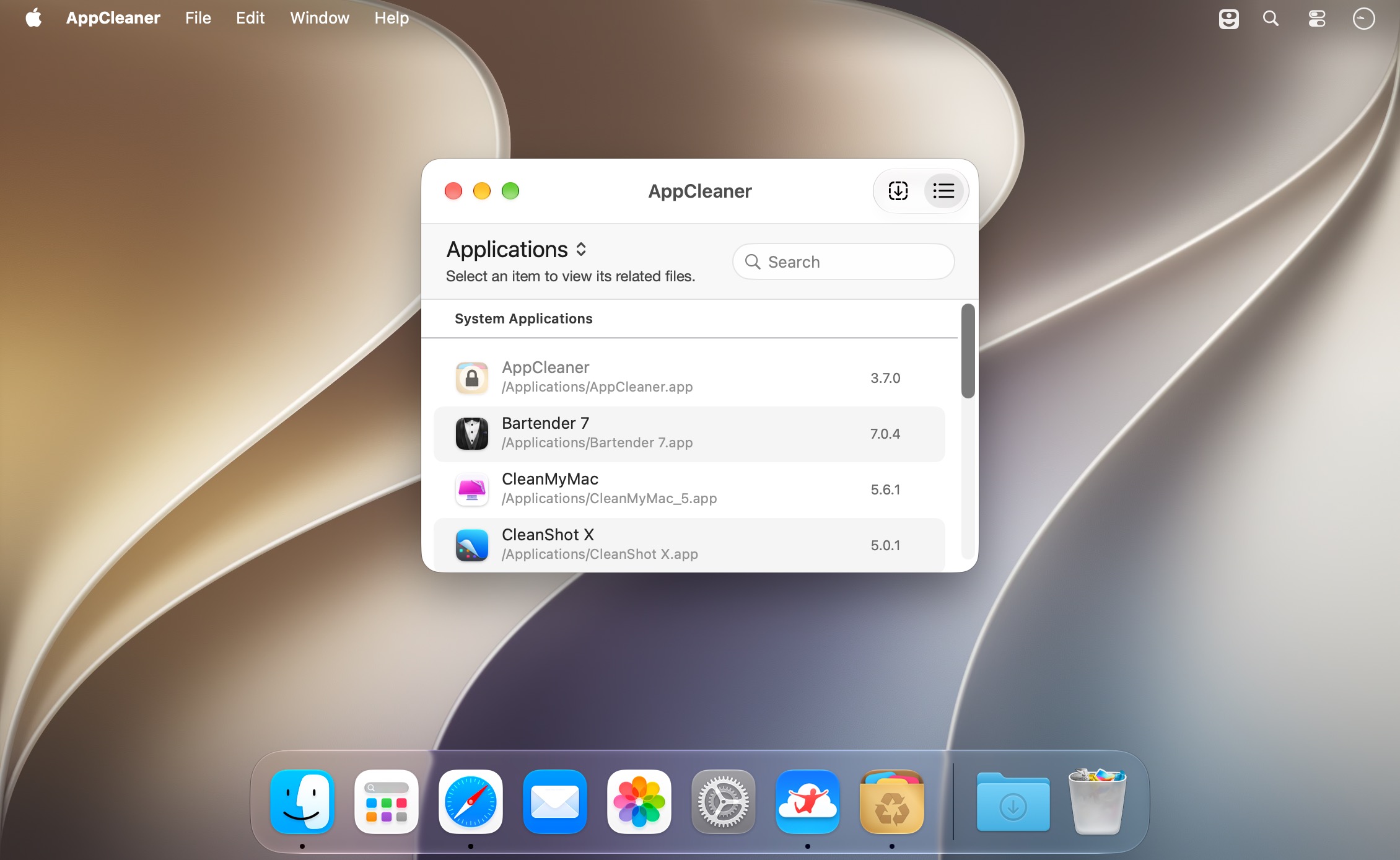
- Browse all installed apps, widgets and plugins, with search.
- Uninstall several apps at once.
- SmartDelete: move an app to the Trash, and AppCleaner automatically finds its leftovers and offers to remove them.
- Running apps are protected by default (you can turn this off).
- Protect specific apps so they're never touched, even during bulk cleanups.
- Quick Look previews and one-click reveal in Finder.
- Lightweight and unobtrusive, right at home on macOS.
- Completely free.
AppCleaner: when you delete an app, delete all of it.
Version 3.7.0
- Added support for macOS 27 (Golden Gate).
- Added a setting to choose the default view at launch.
- AppCleaner now prompts for Full Disk Access. Without it, some files may fail to be removed.
- Improved search for related files in "Application Scripts".
- The login item now uses the modern API and appears in System Settings.
- Various cosmetic and bug fixes.
Frequently asked questions
How do I install the app?
Mount the image, drag the app into the "Applications" folder and launch it. If the system blocks the launch, allow it in "System Settings → Privacy & Security".
The app is damaged or won't launch
Reinstalling from a fresh image usually helps. Make sure your macOS version matches the one listed in the compatibility specs.
How do I update?
Download the new version from the site and install it over the current one — your settings will be preserved.
The download link doesn't work
Try a mirror or a download manager. For large files the browser often drops the connection.
How do I completely remove the app?
Use an uninstaller utility — it cleans up the service files that remain after moving the app to the trash.


Choose a download source
AppCleaner 3.7 · 3.96 MB
Previous versions
AppCleaner 3.7
Previous versions are available to registered users.