
Keka 1.6.8
Keka – File Archiver to Compress and Extract on Mac
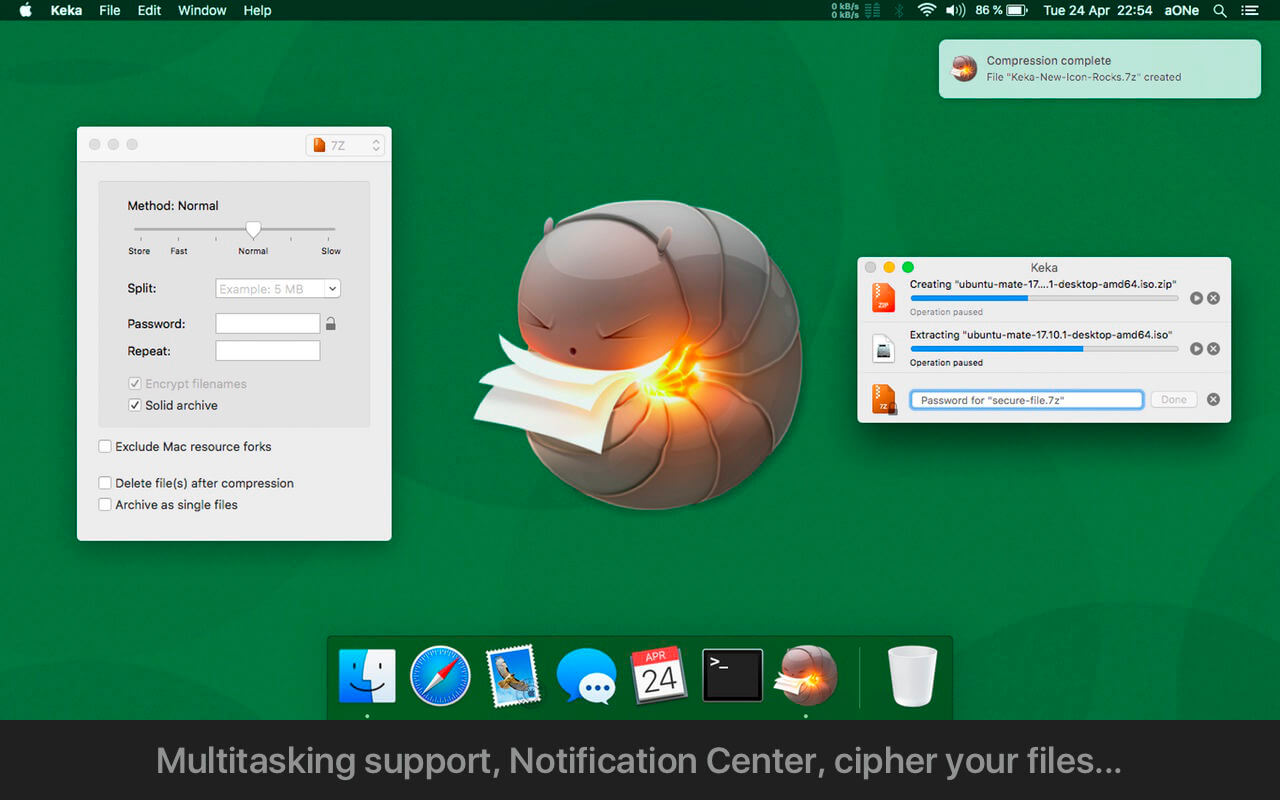
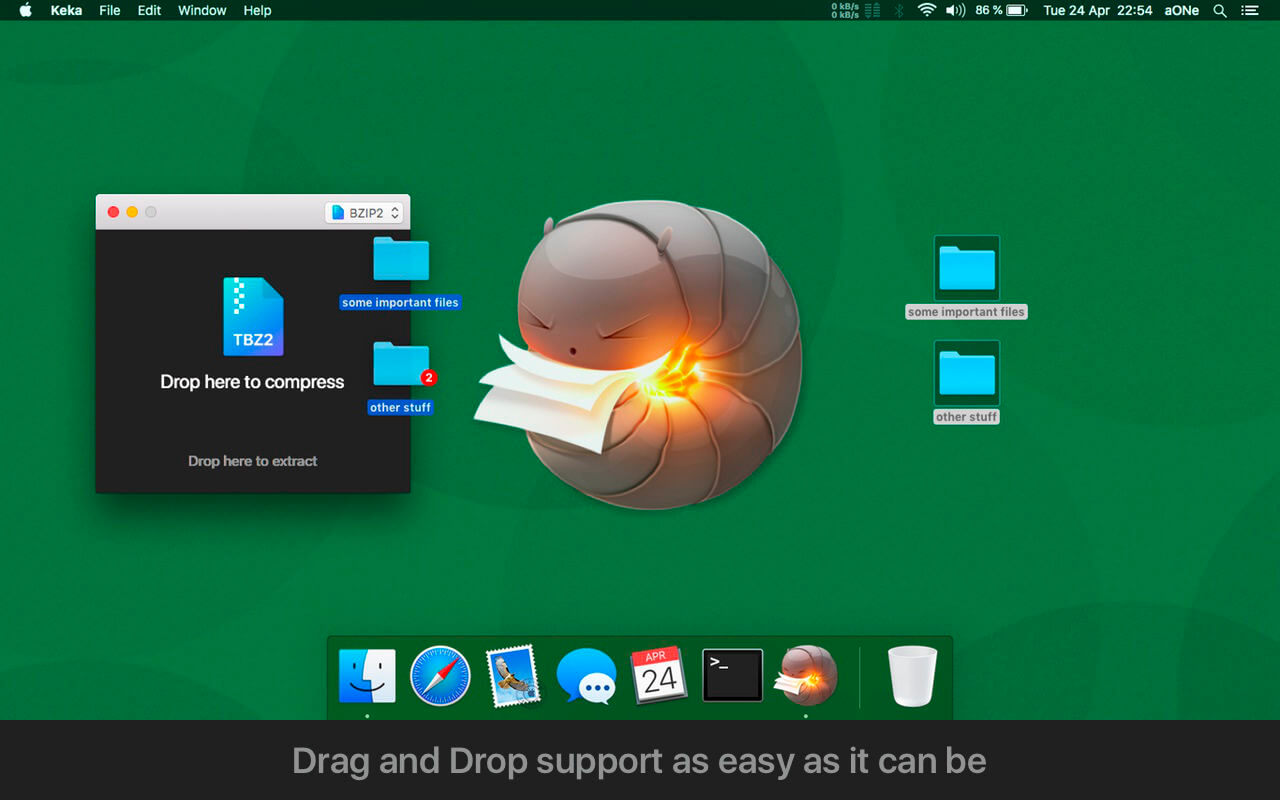
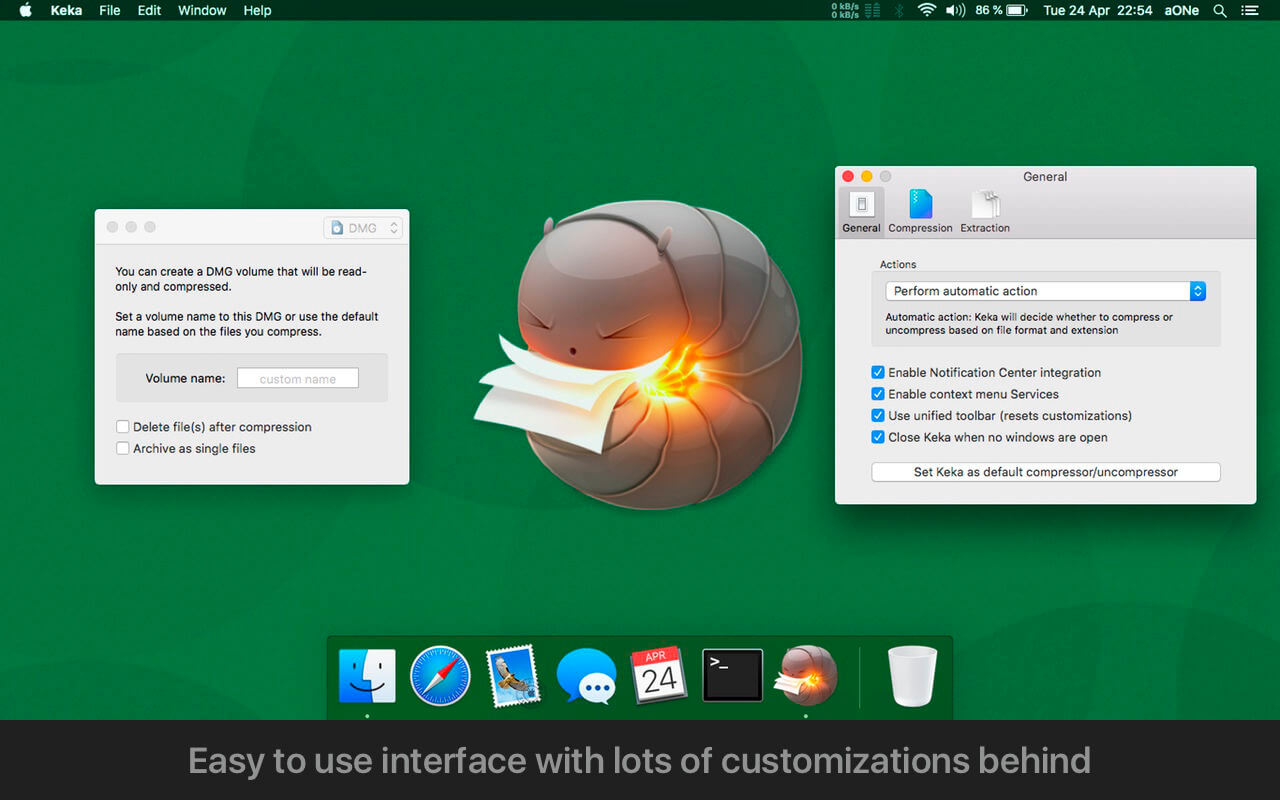
Keka is a full-featured file archiver for Mac designed to keep compression and extraction simple. It handles everyday archiving tasks along with extras like password protection and splitting large files into parts. It is a good fit for anyone who regularly sends, receives, or stores compressed files and wants a straightforward tool for the job.
Features
- Multiple compression formats — create 7Z, ZIP, TAR, GZIP, BZIP2, XZ, LZIP, and ISO archives
- Wide extraction support — open ZIP, 7Z, RAR, DMG, ISO, EXE, CAB, JAR, APK, IPA, and many more
- Password protection — secure your archives with a password
- File splitting — divide archives into smaller parts
- Multi-part archive extraction — extract archives split into several parts
- Drag-and-drop workflow — drop files onto the Keka icon in the Dock or the main window
- Double-click extraction — open compressed files with Keka directly from Finder
- Batch compression — compress as many files as you want at once
Version 1.6.8
- Fixed custom task counter in the Dock not differentiating active/total tasks in some cases
- Fixed password encoding detection in plain text
- Fixed non tarball ZSTD extraction with very small sizes
- Updated 7ZZ from 26.02 to 26.03
- Updated XZ from 5.8.3 to 5.8.4
- Updated UNRAR from 7.13 to 7.23
- Updated BSDTAR from 3.8.7 to 3.8.9
- Simplified Chinese translation updated
- Korean translation updated
- Czech translation updated
Frequently asked questions
How do I install the app?
Mount the image, drag the app into the "Applications" folder and launch it. If the system blocks the launch, allow it in "System Settings → Privacy & Security".
The app is damaged or won't launch
Reinstalling from a fresh image usually helps. Make sure your macOS version matches the one listed in the compatibility specs.
How do I update?
Download the new version from the site and install it over the current one — your settings will be preserved.
The download link doesn't work
Try a mirror or a download manager. For large files the browser often drops the connection.
How do I completely remove the app?
Use an uninstaller utility — it cleans up the service files that remain after moving the app to the trash.





Choose a download source
Keka 1.6.8 · 32.8 MB
Previous versions
Keka 1.6.8
Previous versions are available to registered users.
Comments 2