
WiFiSpoof 4.3.0
WiFiSpoof: Network Info & MAC Address Changer
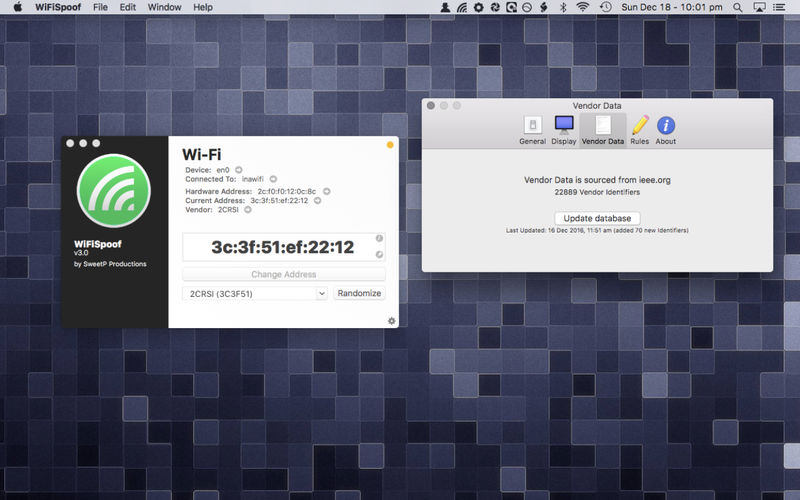
See the current state of your Mac's network devices at a glance. WiFiSpoof shows your interfaces, MAC addresses and live Wi-Fi connection details in one clean view, and lets you change your MAC address when you need to.
INSPECT YOUR NETWORK SETUP
- All available network interfaces in one list
- Current MAC address and the original hardware MAC address, side by side
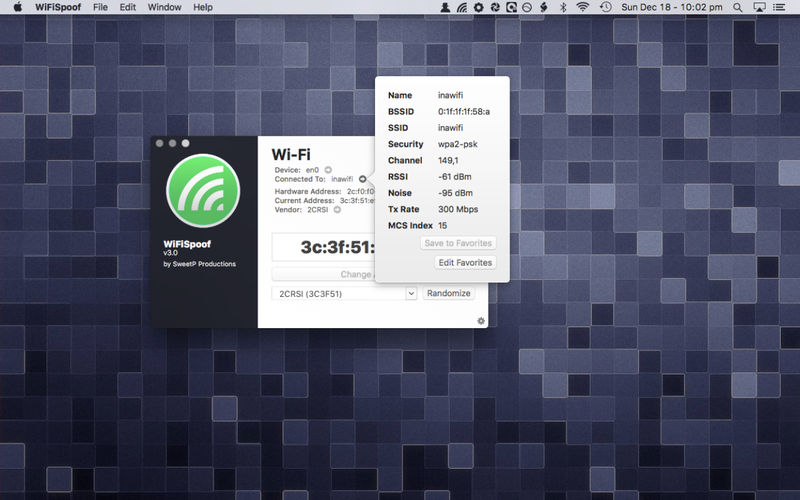
- Live Wi-Fi connection details: SSID, BSSID, security type, channel, RSSI, noise, Tx rate and MCS index
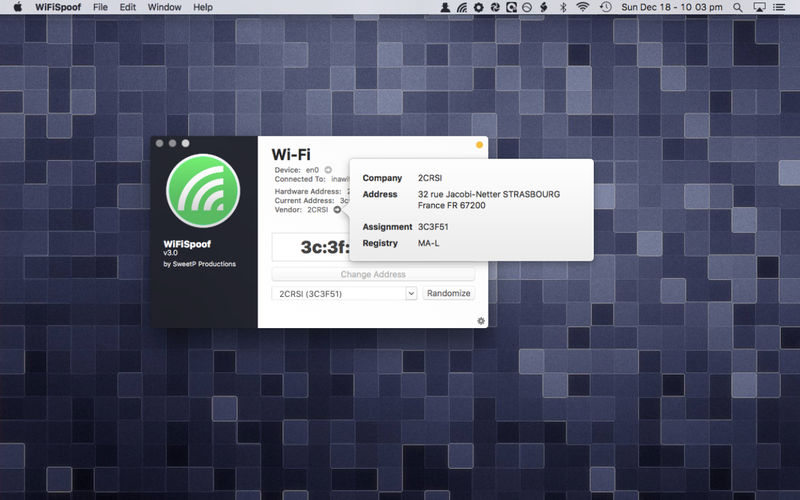
- Vendor information for your Wi-Fi card
MAC ADDRESS SPOOFING*
Change your Mac's MAC address directly from the app, for network testing, troubleshooting or extra privacy on public networks.
AUTOMATIC RULES FOR WI-FI CHANGES*
Set up advanced rules that trigger when your Wi-Fi connection changes, so WiFiSpoof can act automatically as you move between networks.
REVERSE OUI LOOKUP
Identify the manufacturer behind any MAC address using the built-in OUI database. Keep it current with a quick update from Preferences.
BUILT FOR
- Network and system administrators
- IT support and security professionals
- Developers testing network behavior
- Privacy-conscious users on shared or public Wi-Fi
*Some advanced features require installing a small helper app.
Version 4.3.0
- improved installation of helpertool
- helpertool will need to be reinstalled
- security improvements
- code modernization
Frequently asked questions
How do I install the app?
Mount the image, drag the app into the "Applications" folder and launch it. If the system blocks the launch, allow it in "System Settings → Privacy & Security".
The app is damaged or won't launch
Reinstalling from a fresh image usually helps. Make sure your macOS version matches the one listed in the compatibility specs.
How do I update?
Download the new version from the site and install it over the current one — your settings will be preserved.
The download link doesn't work
Try a mirror or a download manager. For large files the browser often drops the connection.
How do I completely remove the app?
Use an uninstaller utility — it cleans up the service files that remain after moving the app to the trash.





Choose a download source
WiFiSpoof 4.3.0 · 6.85 MB
Previous versions
WiFiSpoof 4.3.0
Previous versions are available to registered users.