App Cleaner & Uninstaller Pro 9.4.0
App Cleaner & Uninstaller — macOS app uninstaller for leftover files

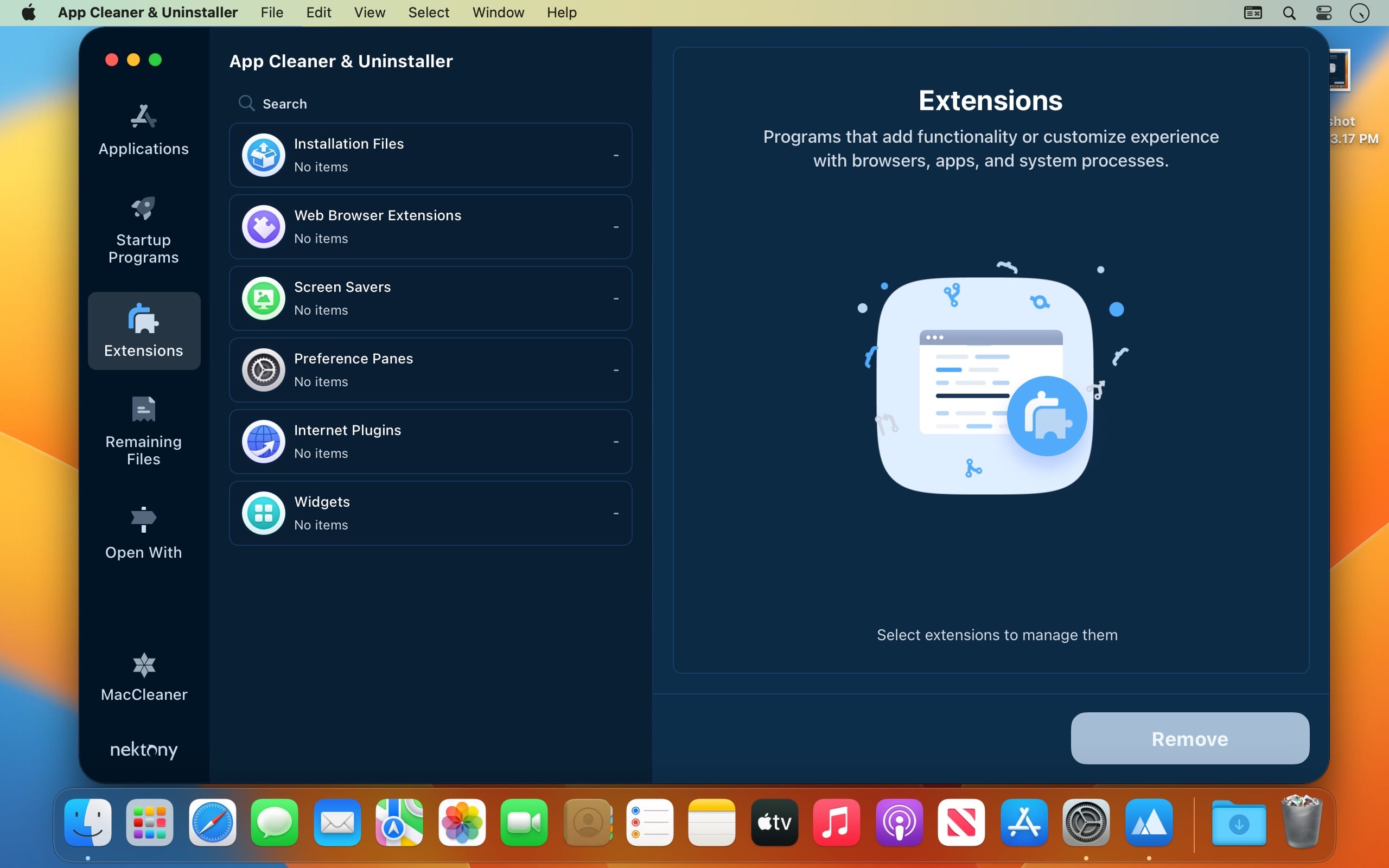
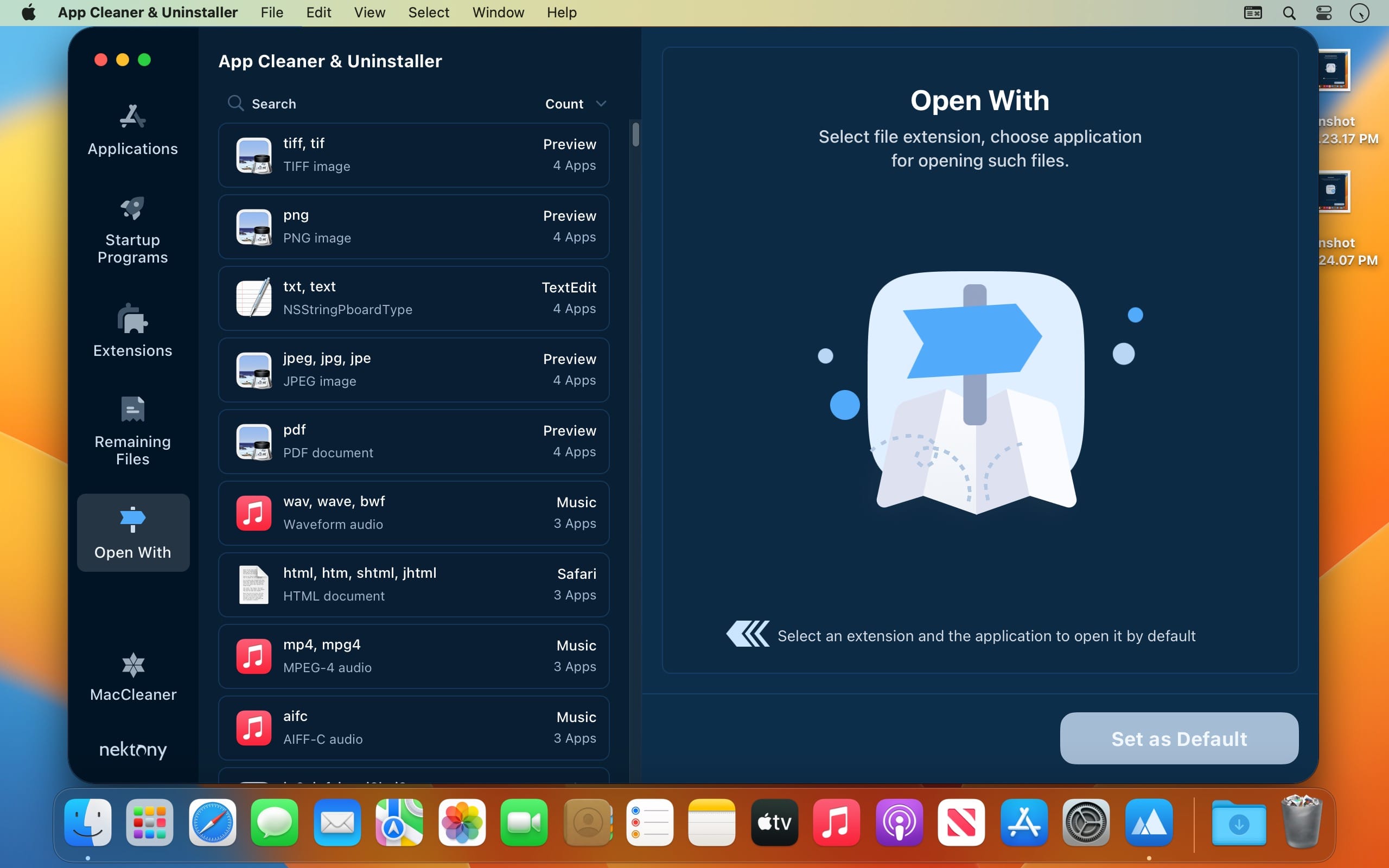
When you move macOS applications to the Trash, unfortunately, there might be resources files related to the installation that remain where they are, thus cluttering your storage space unnecessarily.
App Cleaner & Uninstaller is a minimalist yet efficient macOS app that can help you completely uninstall apps, reset app’s to first launch state by deleting the resources files, or detect all the unused items that have been left behind by previously removed apps.
Scan your Application and Home folder to detect all installed apps
Right off the bat, App Cleaner & Uninstaller starts the scanning process. Within the main window, you get to see the list of installed apps, and the list of leftover resources files organized in two different tabs.
Just select one of the available entries and see the list of related application support files, caches, preferences, or crash reports. Note that each item comes with a checkbox that you must tick if you want to mark it for removal.
Filter the results and quickly identify the old and large files
By default, App Cleaner & Uninstaller displays all apps and remains sorted by name, but you can choose to see only the old and large ones. This way you can readily identify the ones that take up considerable disk space even if you don’t use them and act in consequence.
If you are not confident about removing a particular app, it can open the container folder in a Finder window, so you can quickly review its utility.
App cleaner that does not interfere with utilities that are protected by administrator privileges
To sum up, this utility can identify all installed apps, together with the associated service files, such as preferences, logs, or cache files. You have the option to either uninstall the apps or only restore the first launch state by removing the resources files.
Worth mentioning is that App Cleaner & Uninstaller does not detect or provide support for dealing with apps or resources files that need administrator permission to be modified. As a result, the risk of deleting something vital by mistake is considerably reduced.
Version 9.4
- The app interface has been updated to enhance usability and user experience.
- Added localizations for the following languages: German, Spanish, French, Italian, Ukrainian, and Chinese.
Frequently asked questions
How do I install the app?
Mount the image, drag the app into the "Applications" folder and launch it. If the system blocks the launch, allow it in "System Settings → Privacy & Security".
The app is damaged or won't launch
Reinstalling from a fresh image usually helps. Make sure your macOS version matches the one listed in the compatibility specs.
How do I update?
Download the new version from the site and install it over the current one — your settings will be preserved.
The download link doesn't work
Try a mirror or a download manager. For large files the browser often drops the connection.
How do I completely remove the app?
Use an uninstaller utility — it cleans up the service files that remain after moving the app to the trash.




Choose a download source
App Cleaner & Uninstaller Pro 9.4.0 · 36.44 MB
Previous versions
App Cleaner & Uninstaller Pro 9.4.0
Previous versions are available to registered users.
Comments 2