
Ghost Buster Pro 6.2.0
Ghost Buster Pro app uninstaller cleanup tool for leftover files
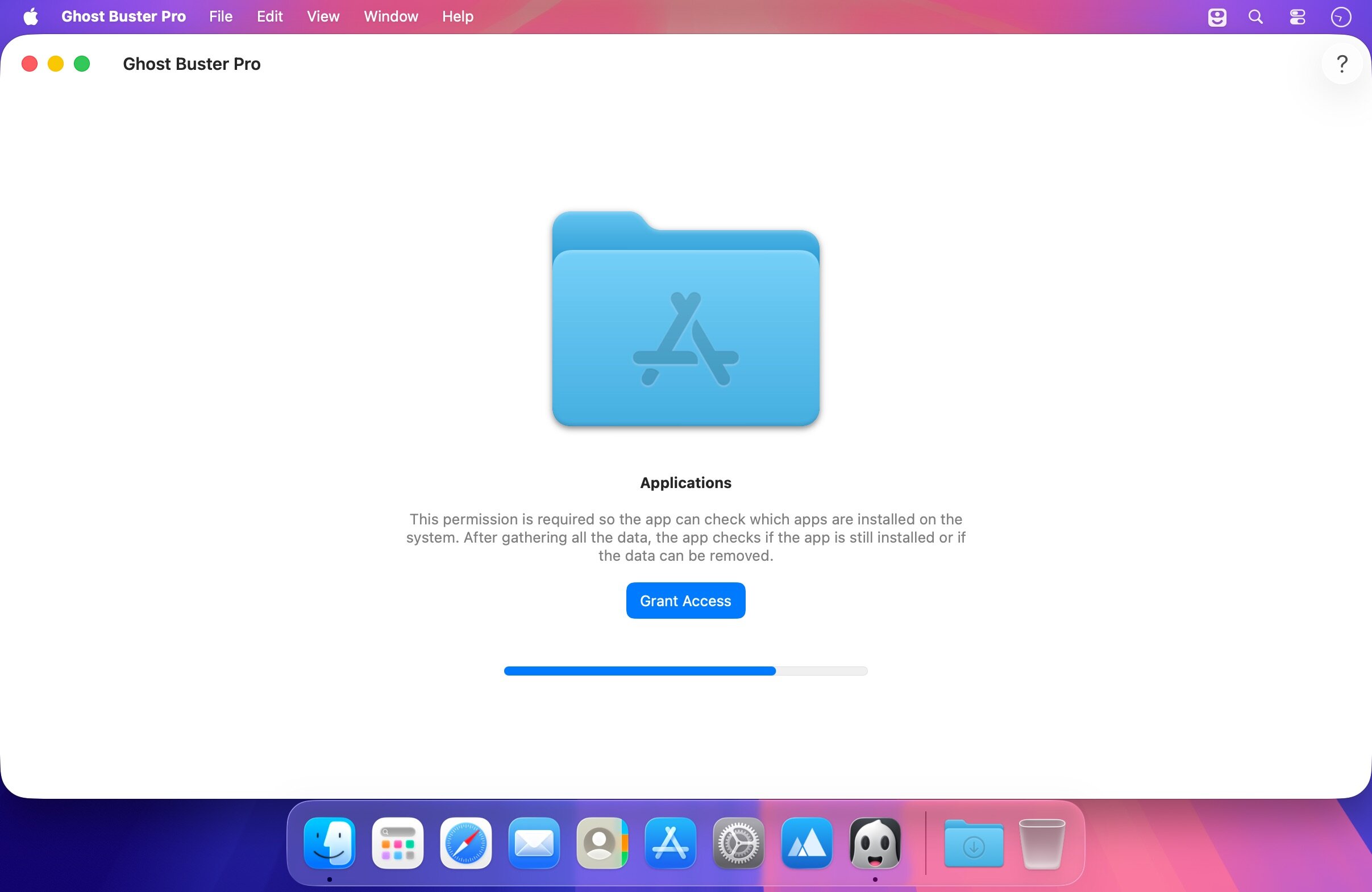
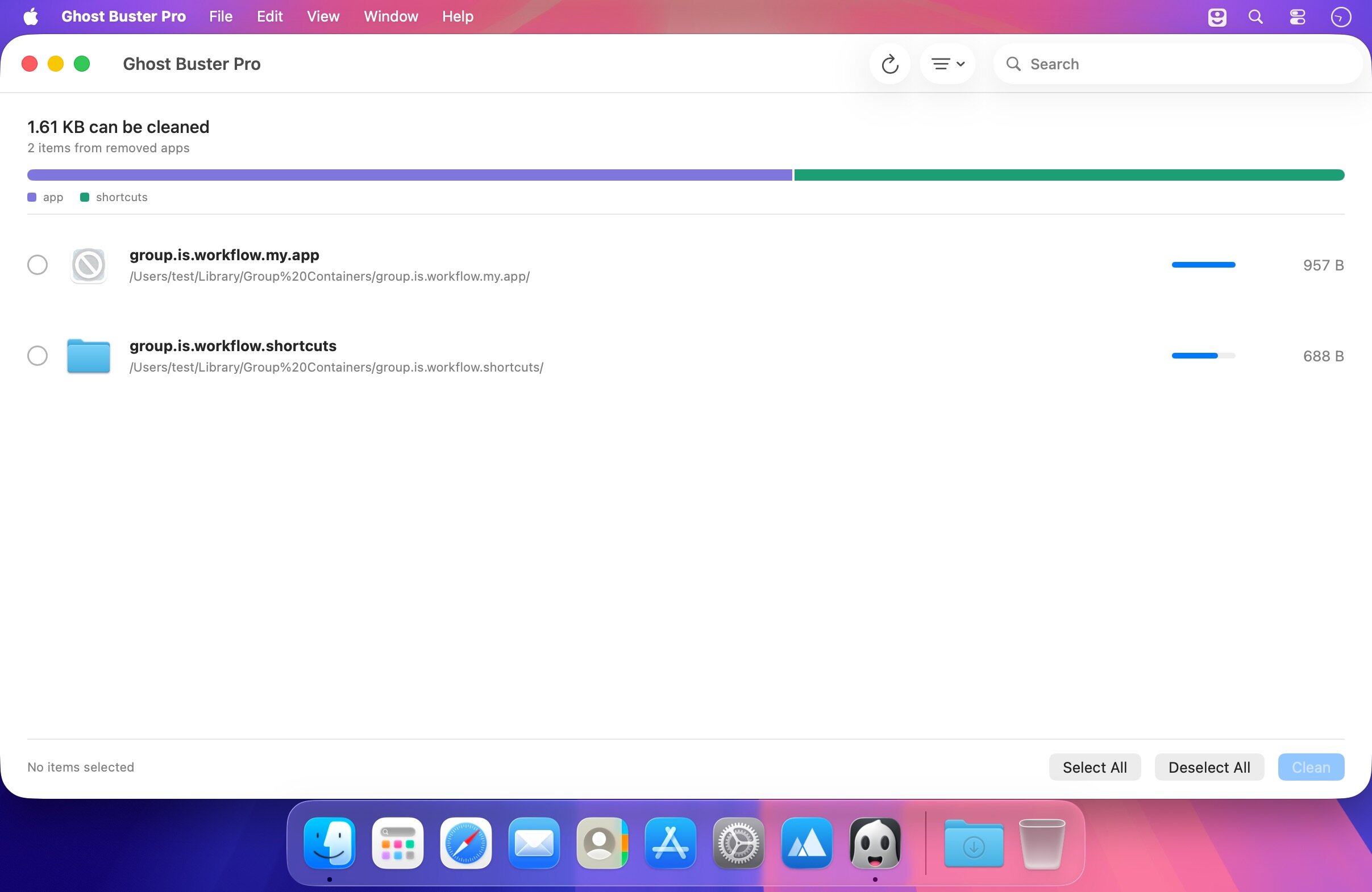
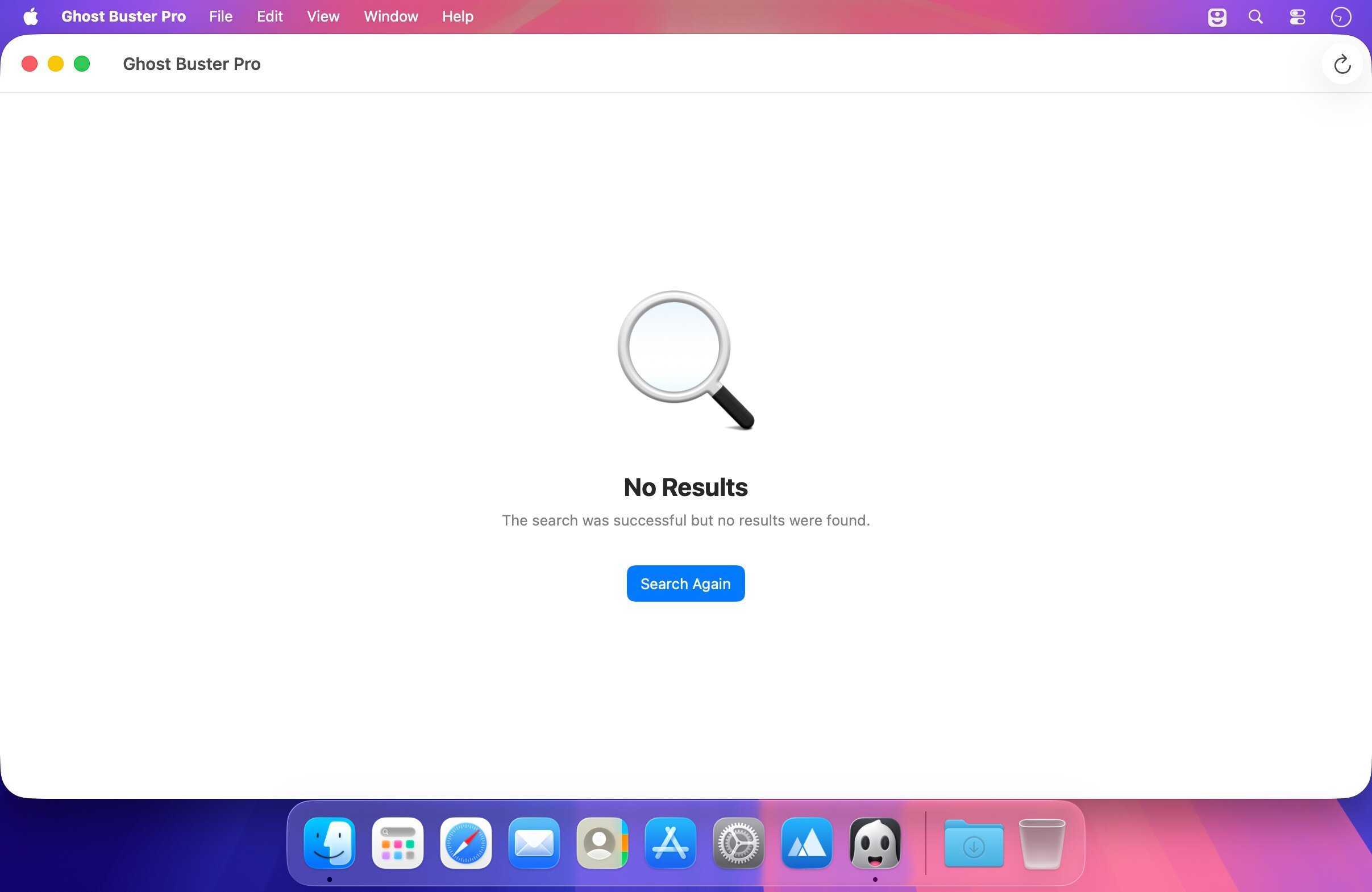
Ghost Buster Pro finds and deletes files from apps you've already uninstalled. The app is lightning fast and frees memory in no time.
Many apps are installed on a computer, but they usually only stay on your computer for a short time. Each app creates files, but deleting the app does not remove them.
This leads to a large number of files accumulating over time, which take up valuable storage space.
Ghost Buster Pro searches your computer for exactly such files and can also delete them directly if you wish.
Ghost Buster Pro offers the following features:
Fast Search
- Ghost Buster Pro quickly scans your computer for data from previously deleted apps. You can have them deleted with one click.
Extremely easy handling
- Ghost Buster Pro couldn't be simpler. The search is started immediately after the app is started. You can now delete files with just one click.
No automatic deletion
- Ghost Buster Pro does not delete any data without your consent. Choose for yourself which data is deleted and which you want to keep.
Version 6.2.0
- New app icon for macOS 27, designed by Hugo Santos.
Frequently asked questions
How do I install the app?
Mount the image, drag the app into the "Applications" folder and launch it. If the system blocks the launch, allow it in "System Settings → Privacy & Security".
The app is damaged or won't launch
Reinstalling from a fresh image usually helps. Make sure your macOS version matches the one listed in the compatibility specs.
How do I update?
Download the new version from the site and install it over the current one — your settings will be preserved.
The download link doesn't work
Try a mirror or a download manager. For large files the browser often drops the connection.
How do I completely remove the app?
Use an uninstaller utility — it cleans up the service files that remain after moving the app to the trash.





Choose a download source
Ghost Buster Pro 6.2.0 · 6.7 MB
Previous versions
Ghost Buster Pro 6.2.0
Previous versions are available to registered users.