
beQUIETsimple 3.45
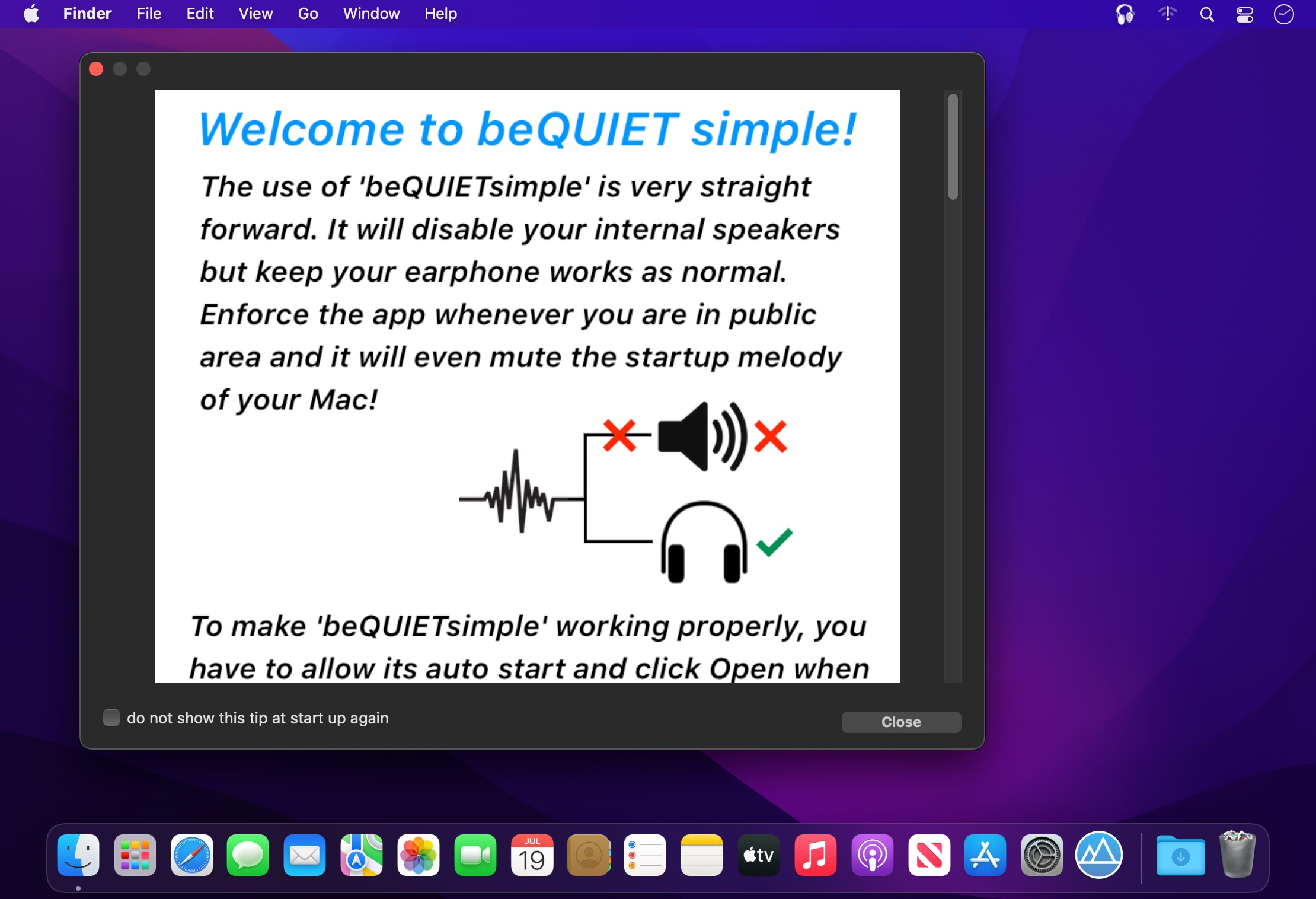
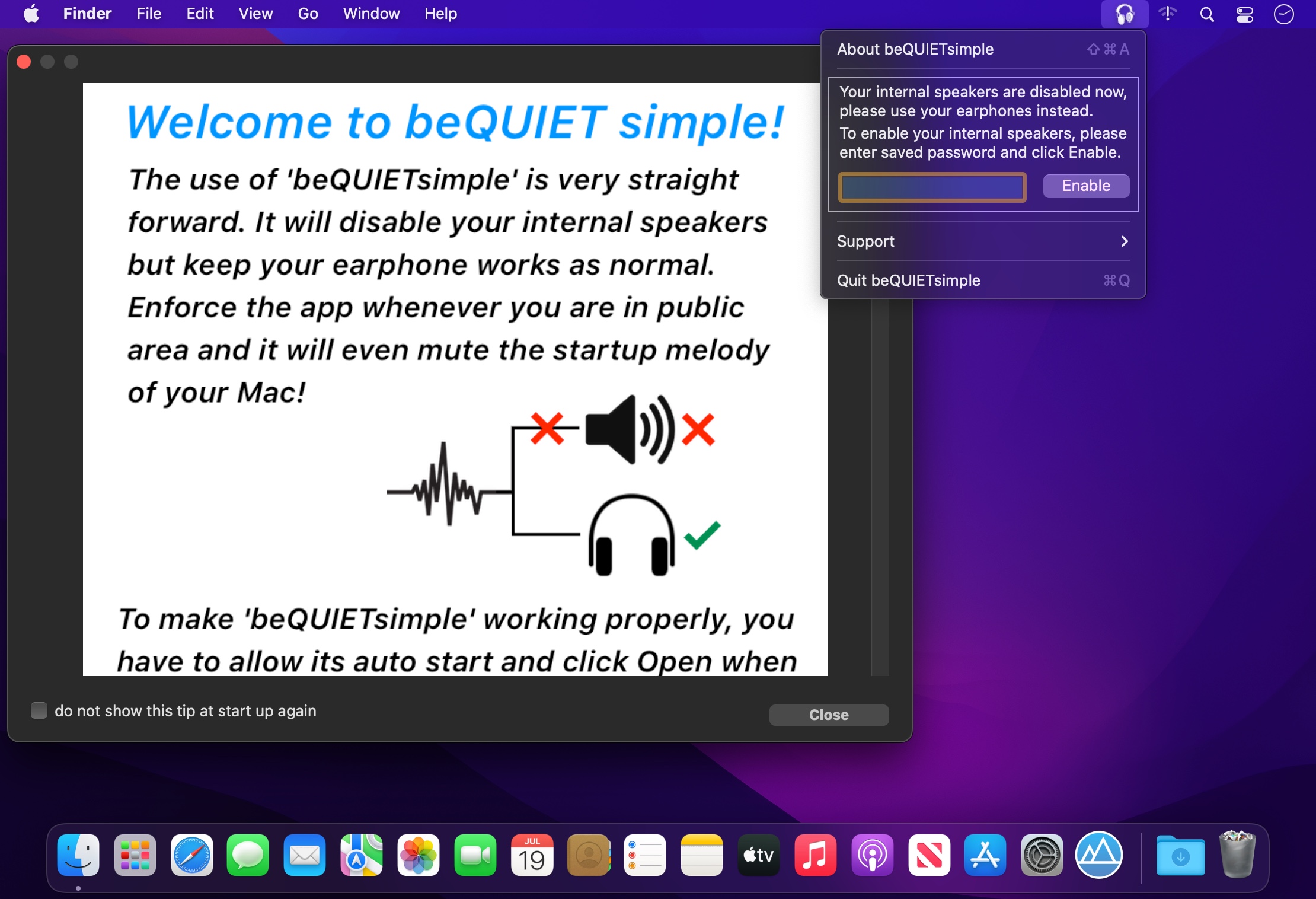
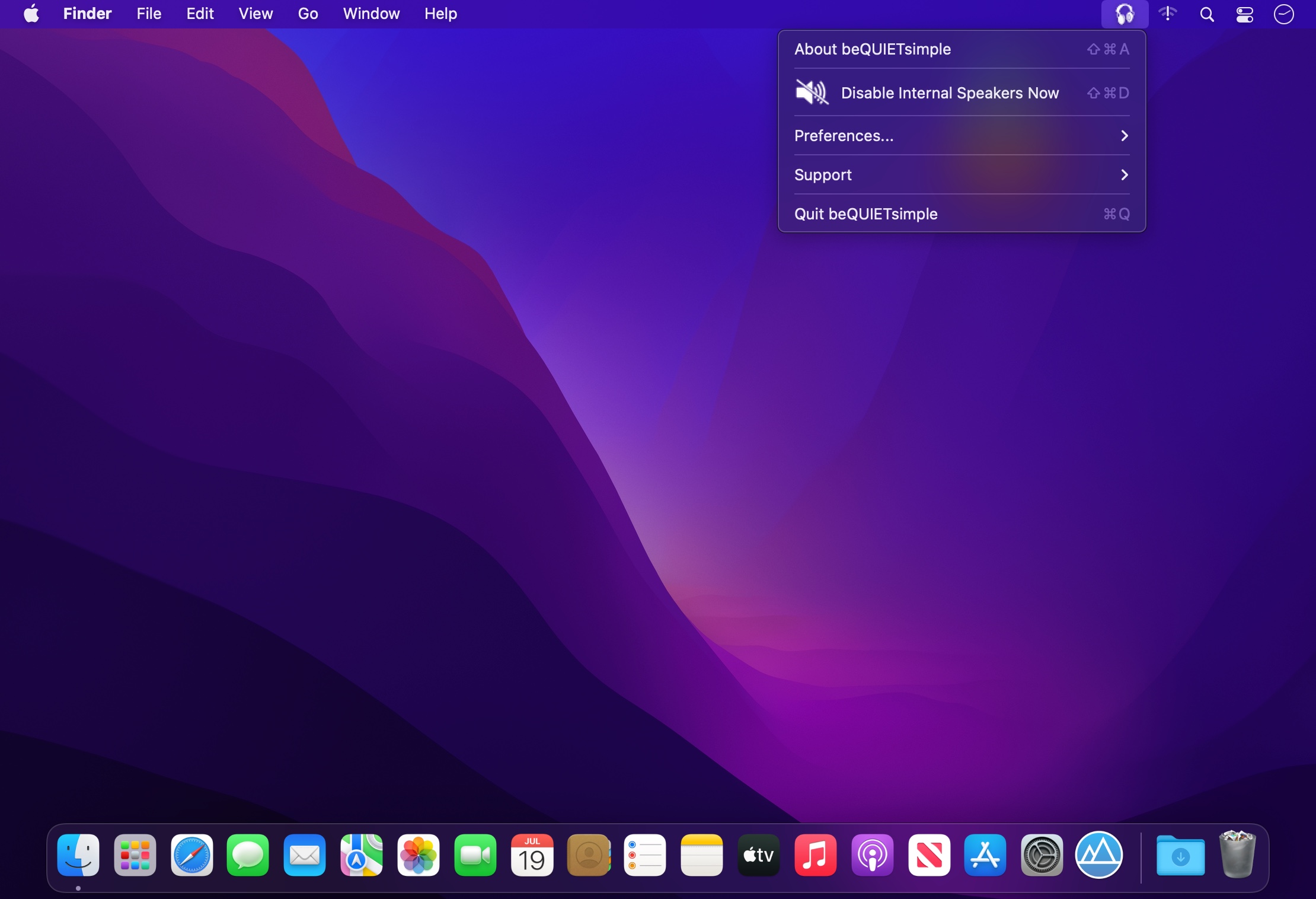
As long as beQUIET simple is running, your Mac's internal speakers are disabled.
Meanwhile, you may still listen through your headphone jack.
Simply to say, beQUIET simple only disable your internal speakers in any condition.
beQUIETsimple is designed for journalists, teachers, students, and other Mac users who would like to hear the sound but do not want to disturb others, such as in meetings, classrooms, courts, lectures, theaters, etc.
Benefiting from your Mac's high-end hardware design, beQUIETsimple guarantees that your speakers stay quiet and your headphones working no matter if you plug or unplug your headphones (the function that PC users can never dream about!)
This App is developed due to the request of a teacher who needed his computer lab to be quiet, but still, let the students enjoy the sound with their headphones.
Version v3.45
- performance improved for the latest macOS
- all deprecated functions rewritten
Frequently asked questions
How do I install the app?
Mount the image, drag the app into the "Applications" folder and launch it. If the system blocks the launch, allow it in "System Settings → Privacy & Security".
The app is damaged or won't launch
Reinstalling from a fresh image usually helps. Make sure your macOS version matches the one listed in the compatibility specs.
How do I update?
Download the new version from the site and install it over the current one — your settings will be preserved.
The download link doesn't work
Try a mirror or a download manager. For large files the browser often drops the connection.
How do I completely remove the app?
Use an uninstaller utility — it cleans up the service files that remain after moving the app to the trash.

Choose a download source
beQUIETsimple 3.45 · 3.51 MB