
Bongiovi Acoustics DPS 2.2.7.1


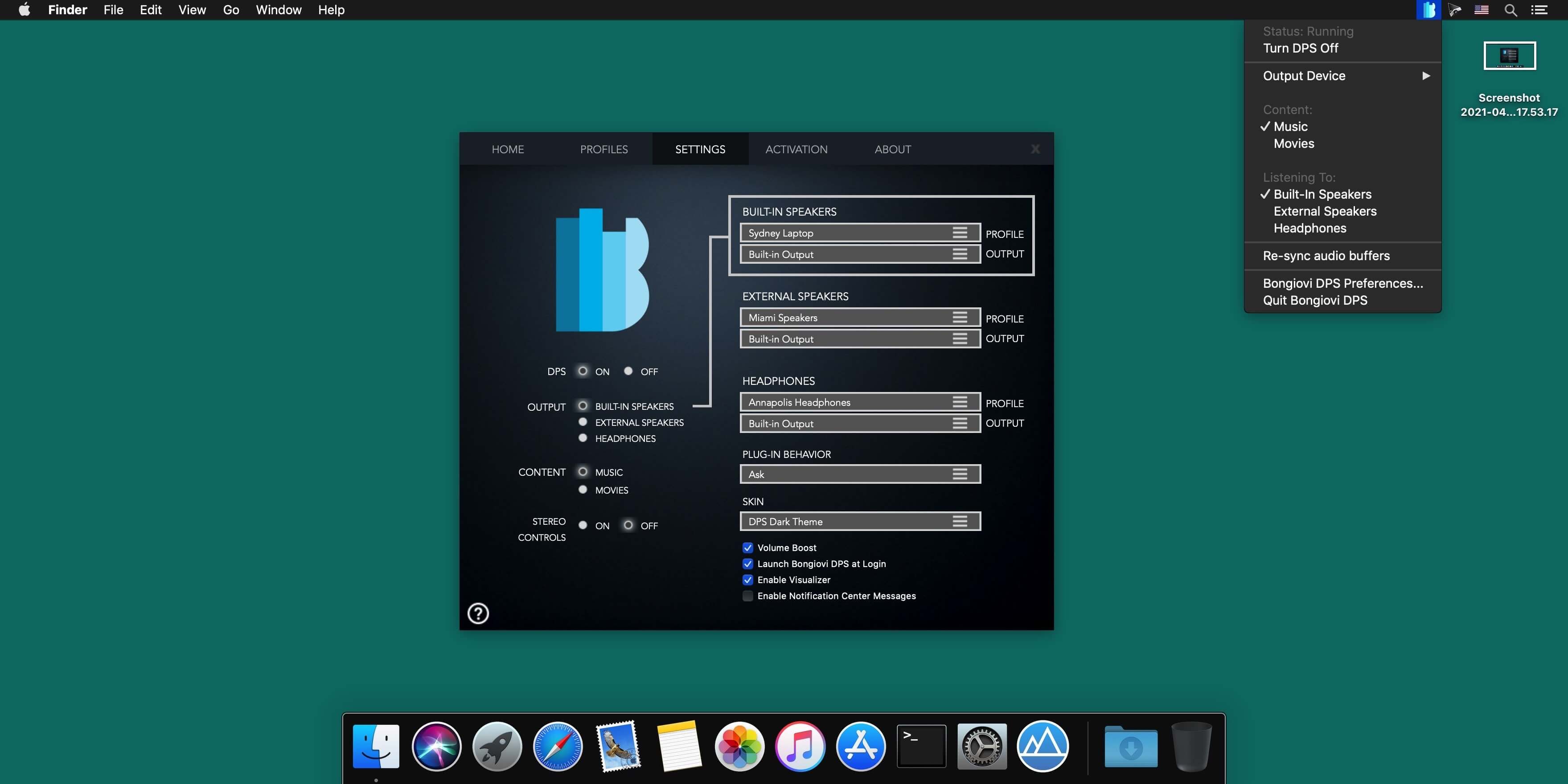
The way music should sound. With Bongiovi DPS installed, instantaneously correct, improve and optimize the sound of your Mac computer. With Digital Power Station DPS technology, you'll experience added depth, clarity, bass definition, presence and enhanced stereo field imaging via your laptop or desktop computer. Video games, apps, music and movies, videos, VOIP and video conferencing software like Google Voice™, Skype™ and Face-time™; will all come to life through the computer's on board speakers, external speakers or headphones.
Version 2.2.7.1:
- Release notes were unavailable when this listing was updated.
Frequently asked questions
How do I install the app?
Mount the image, drag the app into the "Applications" folder and launch it. If the system blocks the launch, allow it in "System Settings → Privacy & Security".
The app is damaged or won't launch
Reinstalling from a fresh image usually helps. Make sure your macOS version matches the one listed in the compatibility specs.
How do I update?
Download the new version from the site and install it over the current one — your settings will be preserved.
The download link doesn't work
Try a mirror or a download manager. For large files the browser often drops the connection.
How do I completely remove the app?
Use an uninstaller utility — it cleans up the service files that remain after moving the app to the trash.





Choose a download source
Bongiovi Acoustics DPS 2.2.7.1 · 28.1 MB
Previous versions
Bongiovi Acoustics DPS 2.2.7.1
Previous versions are available to registered users.