Fidelia 2.7.1 - player for high quality sound
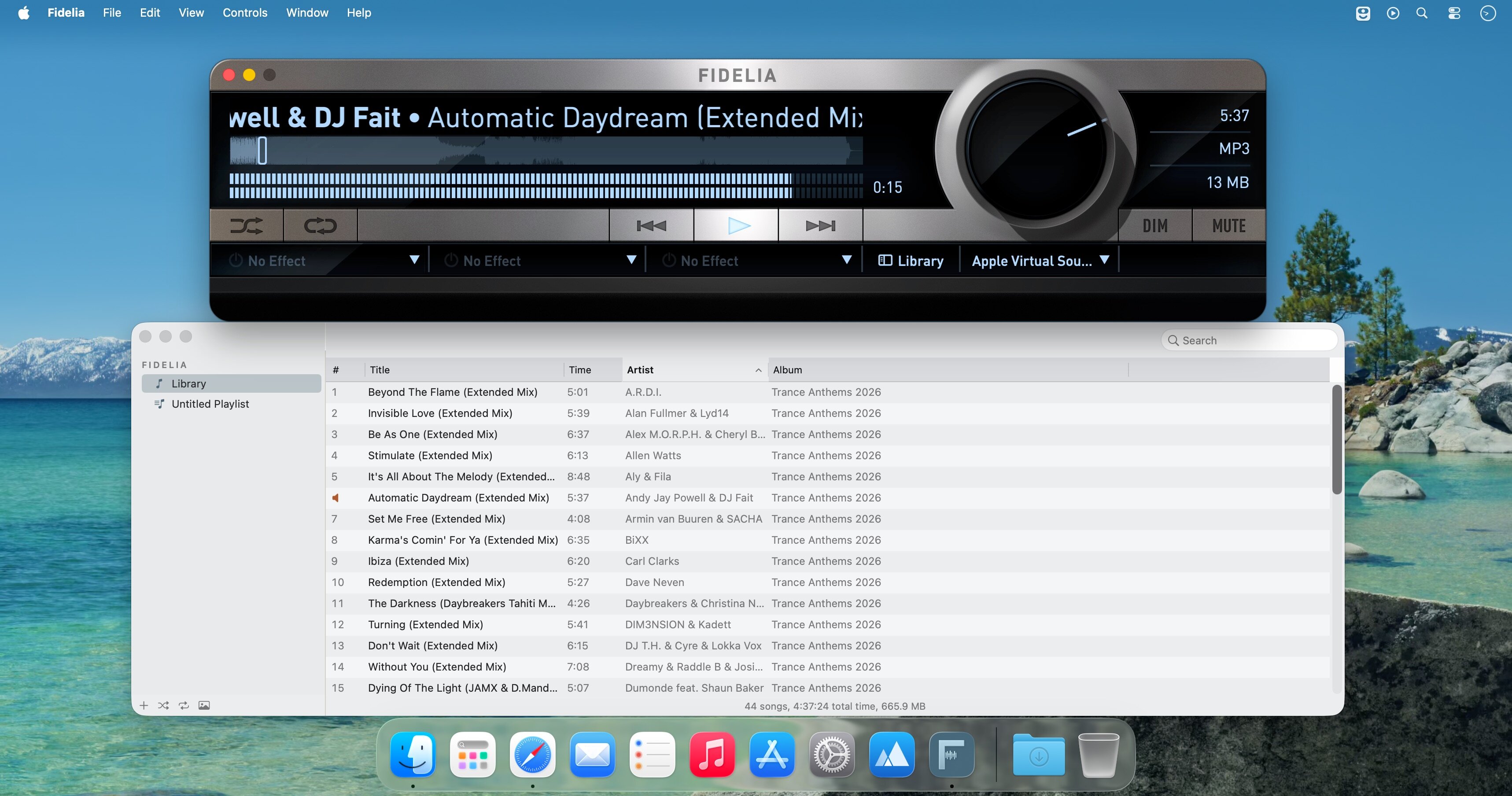
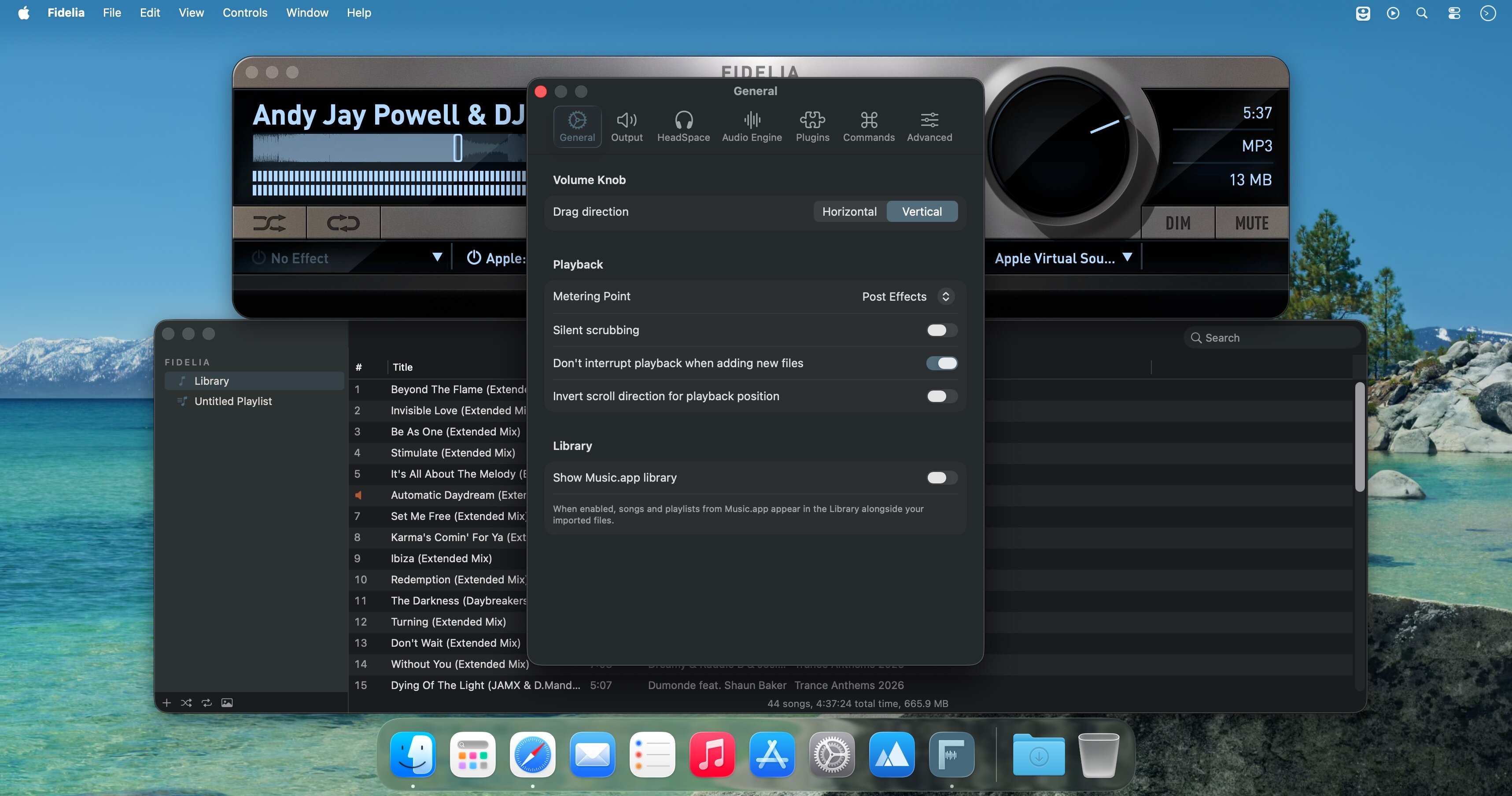
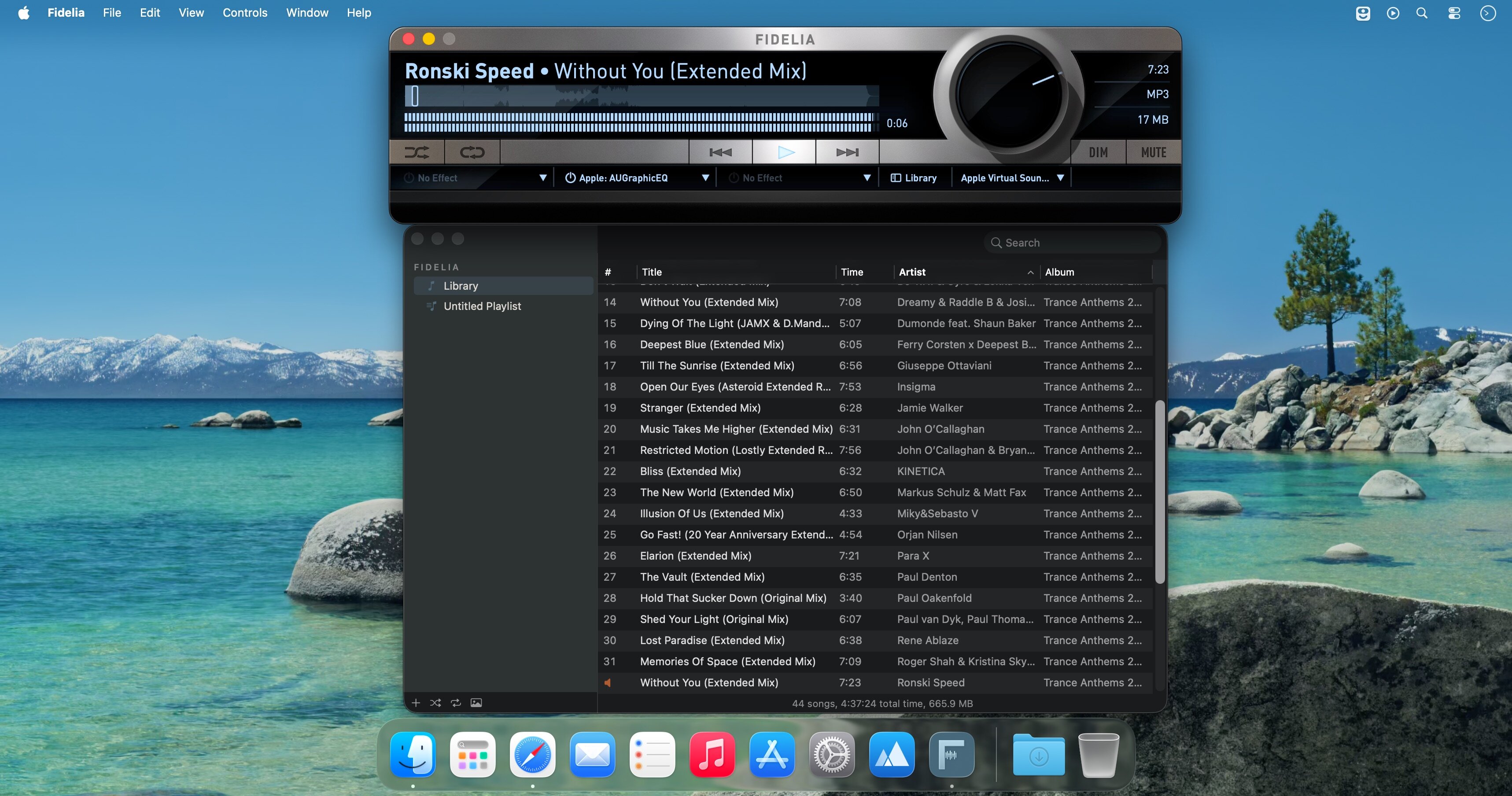
Fidelia is the audiophile music player for Mac. It plays your music the way it was recorded — with no compression, no quality loss, and no compromise. Version 2.0: Completely rebuilt. Mastering-grade DSP built in.
Fidelia 2.0 ships with three DSP processors that audio engineers pay hundreds of dollars for as standalone plugins — built into the player at no extra cost.
HeadSpace — Frequency-Dependent Headphone Processing
Headphones are unnatural. Your left ear should hear your right speaker, and vice versa — but with headphones, that doesn't happen. HeadSpace corrects this with frequency-dependent crossfeed modeled on real head acoustics: bass crosses at 90%, mids at 50%, highs at 15%. The result is a soundstage that sounds like speakers in a room, not two drivers against your ears.
Pro Dither — Psychoacoustic Noise Shaping
When audio is converted between bit depths, dithering determines whether the noise floor disappears or becomes audible. Fidelia uses a 9th-order psychoacoustic noise shaper tuned to ISO 226 equal-loudness contours — the same approach used by the dither processors licensed by Pro Tools and Logic. The noise floor drops below the threshold of hearing. This is mastering-grade dither, built in.
Reference Sample Rate Conversion
If your library is at 96 kHz and your DAC runs at 48 kHz, that conversion matters. Fidelia uses linear-phase resampling and minimum-phase engines, the same used by Reaper, Audacity, and professional mastering suites. Fidelia includes both engines, with five quality presets and fine-grained advanced controls.
Bit-Perfect & Exclusive Mode
In bit-perfect mode, source bits go directly to your DAC — no processing, no conversion. Exclusive mode locks the output device to Fidelia, bypassing the OS mixer entirely. Same behavior as dedicated audiophile hardware.
3 Audio Unit Plugin Slots
Load any Audio Unit plugin installed on your Mac into one of three effect slots. EQ, reverb, compression, spatial processors — anything. Enable, disable, and open plugin GUIs without leaving Fidelia. Preset state saves across sessions. No other standalone music player does this.
Built for Large Libraries
Version 2.0 adds batch artwork lookup. Select your untagged albums, choose Find Artwork Online, and Fidelia finds, downloads, and embeds the artwork for the entire selection. If you prefer, drag images onto the Now Playing panel to tag a whole album in one drop. For a large ripped library, that's hours of cleanup gone.
Everything Else
- Gapless playback rebuilt from the ground up — no gaps, no clicks at track boundaries
- Multi-channel output routing (up to 48 channels) for multi-output interfaces
- Format conversion to AIFF, WAV, FLAC, Apple Lossless, AAC, CAF
- DSD import (DSF → Apple Lossless 24/176.4 kHz) and Monkey's Audio (APE → Apple Lossless) — your whole library, in one place
- Music.app library sync
- 5 player sizes including Mini Player
- Fully customizable keyboard shortcuts
- Player-library window docking — the library snaps to the player and follows it
Supported Formats
- Lossless: WAV, AIFF, FLAC, Apple Lossless (ALAC), CAF
- DSD: DSF (imported and converted to Apple Lossless 24-bit/176.4 kHz)
- Lossy: MP3, AAC, OGG Vorbis, Opus
- Also supported: AC3, Sound Designer II, AU/SND, Wave64
APE files are converted to Apple Lossless at source sample rate and bit depth on import. DSD files (DSF) are converted to Apple Lossless 24-bit/176.4 kHz on import — audiophile-grade, lossless conversion.
Fidelia Remote — the iOS companion app for Fidelia — is free on the App Store.
Frequently asked questions
How do I install the app?
Mount the image, drag the app into the "Applications" folder and launch it. If the system blocks the launch, allow it in "System Settings → Privacy & Security".
The app is damaged or won't launch
Reinstalling from a fresh image usually helps. Make sure your macOS version matches the one listed in the compatibility specs.
How do I update?
Download the new version from the site and install it over the current one — your settings will be preserved.
The download link doesn't work
Try a mirror or a download manager. For large files the browser often drops the connection.
How do I completely remove the app?
Use an uninstaller utility — it cleans up the service files that remain after moving the app to the trash.


Choose a download source
Fidelia 2.7.1 - player for high quality sound · 18.37 MB
Previous versions
Fidelia 2.7.1 - player for high quality sound
Previous versions are available to registered users.
Comments 1