DeskFX Plus 3.16
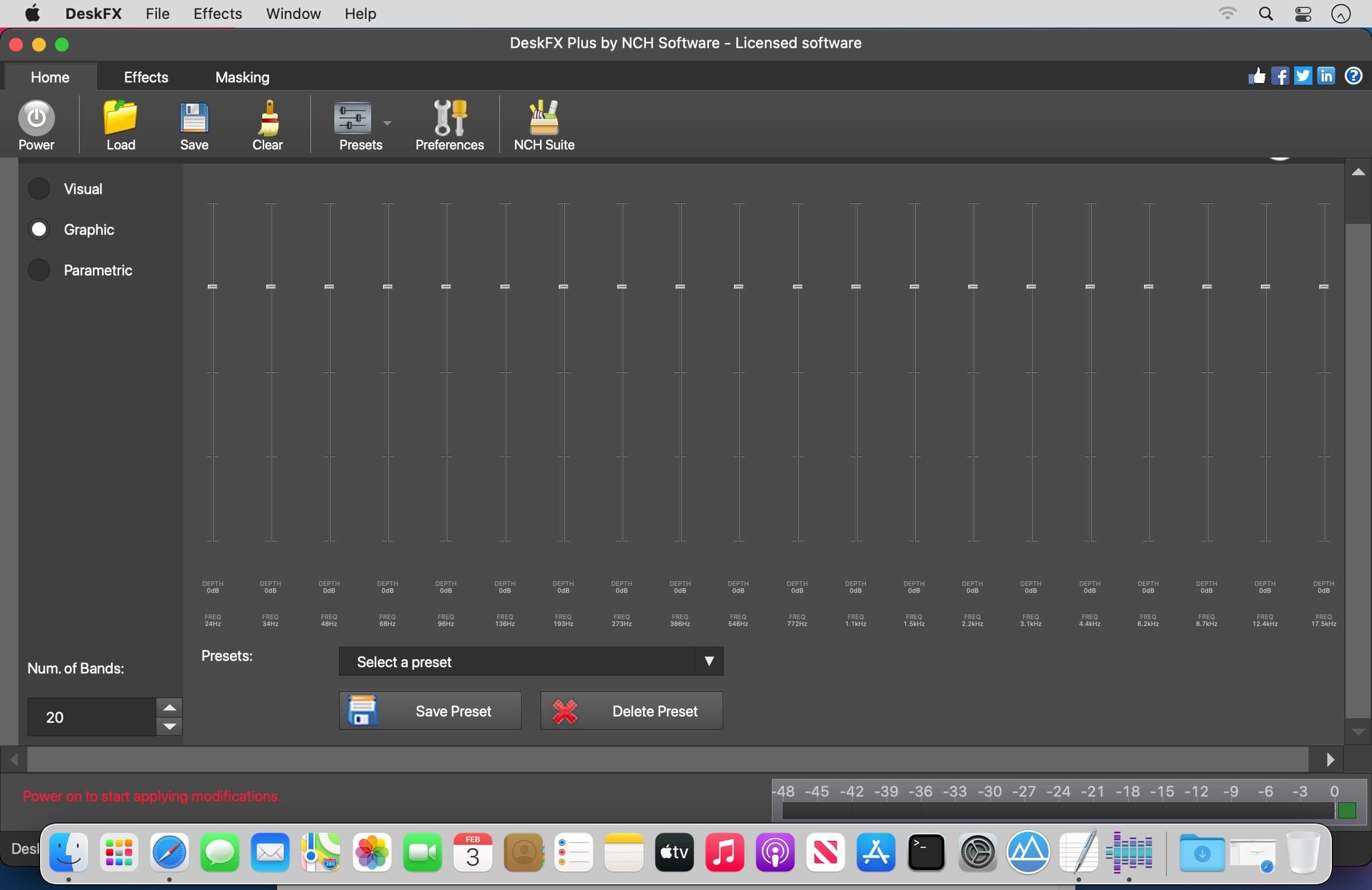
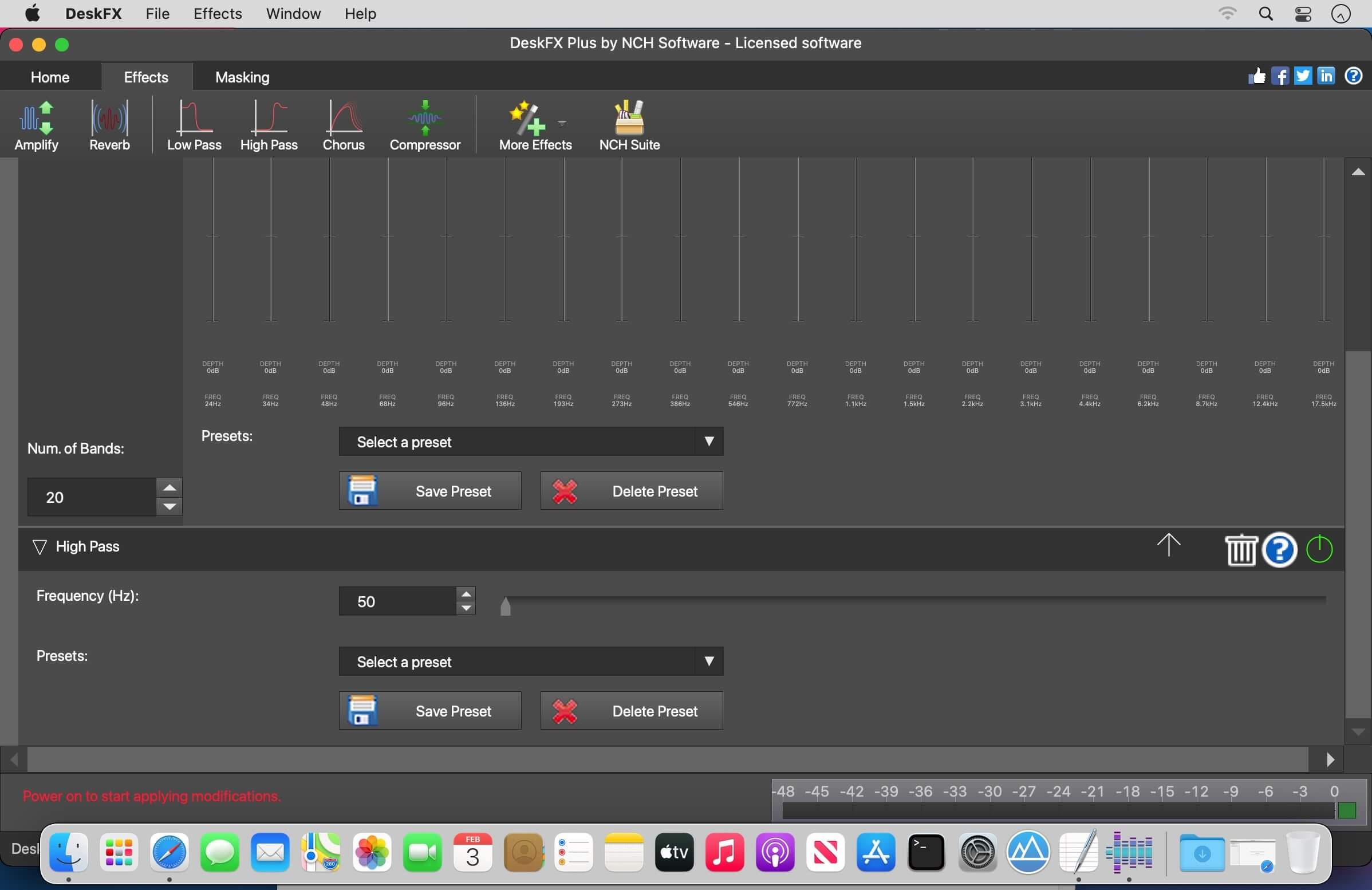
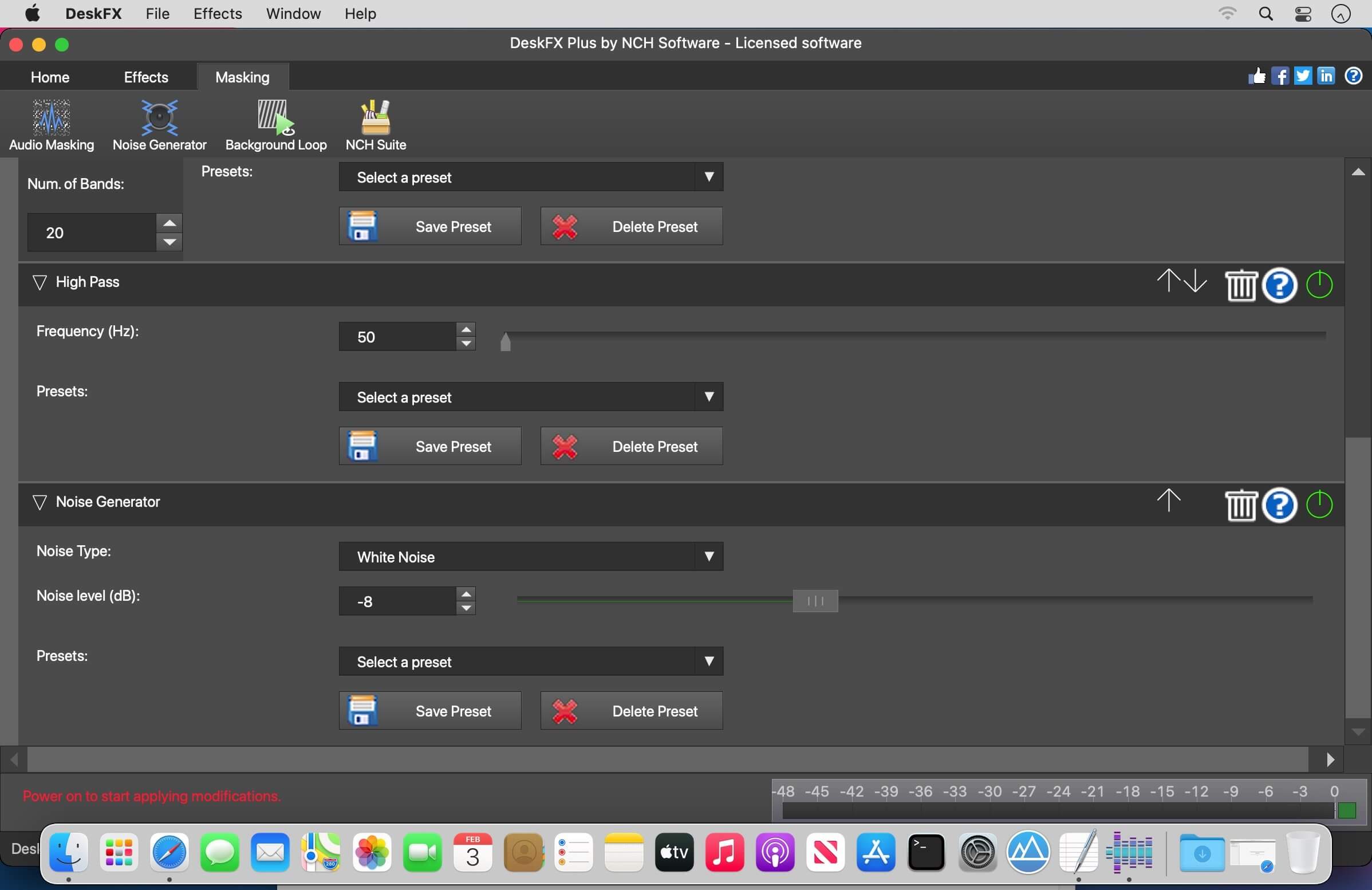
DeskFX audio enhancer software is designed for you to modify and enhance the music and audio played through your speakers and headphones, to provide you with the best possible sound experience.
Audio Enhancing Features
- Audio effects include equalize, amplify, reverb, chorus, wahwah, vibrato, tremolo and more
- Boost the bass on your music
- Switch between visual, graphic or parametric equalizer modes
- Create a sophisticated, customized, audio experience
- Adjust your sound to suit your listening environment
- Optimize and improve the music played through the speakers
- Power and flexibility to manipulate the audio on speakers
- Suppress unwanted noise with live low and high pass filters
- Apply an unlimited number of audio effects
- Layer effects to create your own unique sound
- Equalize the audio in your room for the perfect sound
- System-wide equalizer with up to 20 bands
- Low latency and CPU usage makes it suitable for live stream applications
- Intuitive interface makes it easy to customize effects
- Works with Spotify, Pandora, YouTube, streaming TV & movies, games and more
Frequently asked questions
How do I install the app?
Mount the image, drag the app into the "Applications" folder and launch it. If the system blocks the launch, allow it in "System Settings → Privacy & Security".
The app is damaged or won't launch
Reinstalling from a fresh image usually helps. Make sure your macOS version matches the one listed in the compatibility specs.
How do I update?
Download the new version from the site and install it over the current one — your settings will be preserved.
The download link doesn't work
Try a mirror or a download manager. For large files the browser often drops the connection.
How do I completely remove the app?
Use an uninstaller utility — it cleans up the service files that remain after moving the app to the trash.


Choose a download source
DeskFX Plus 3.16 · 2.72 MB