

Display Maestro 6.0.0
Mac display resolution control with precise bit-depth options
Screenshots
Click to enlarge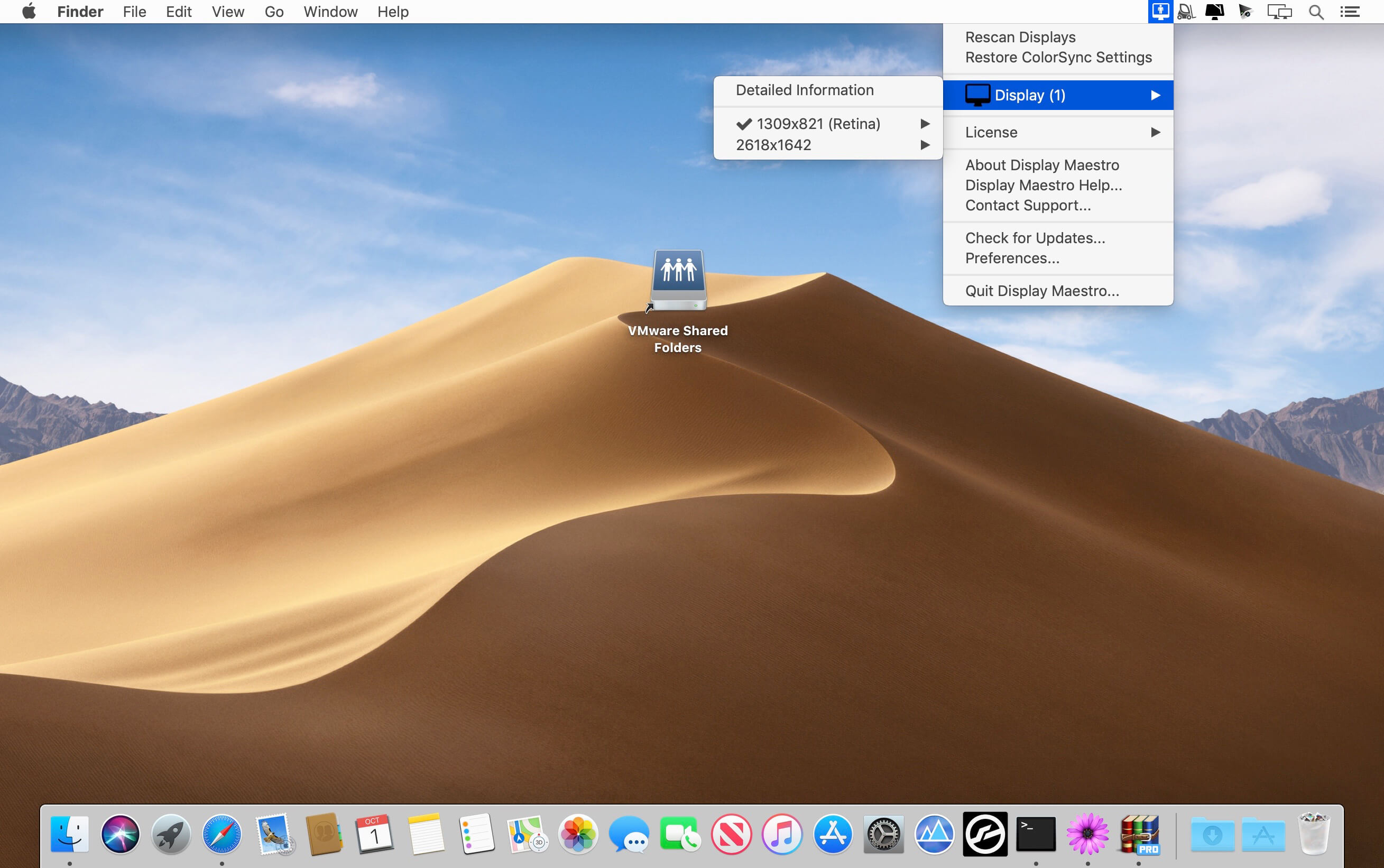

Display Maestro gives macOS users access to the resolutions and bit depths supported by an attached display and graphics card, through a traditional macOS-like menu. Select the display configuration you need, including options that may not be readily available through macOS’s more user-friendly approach.
More detail for precise display control
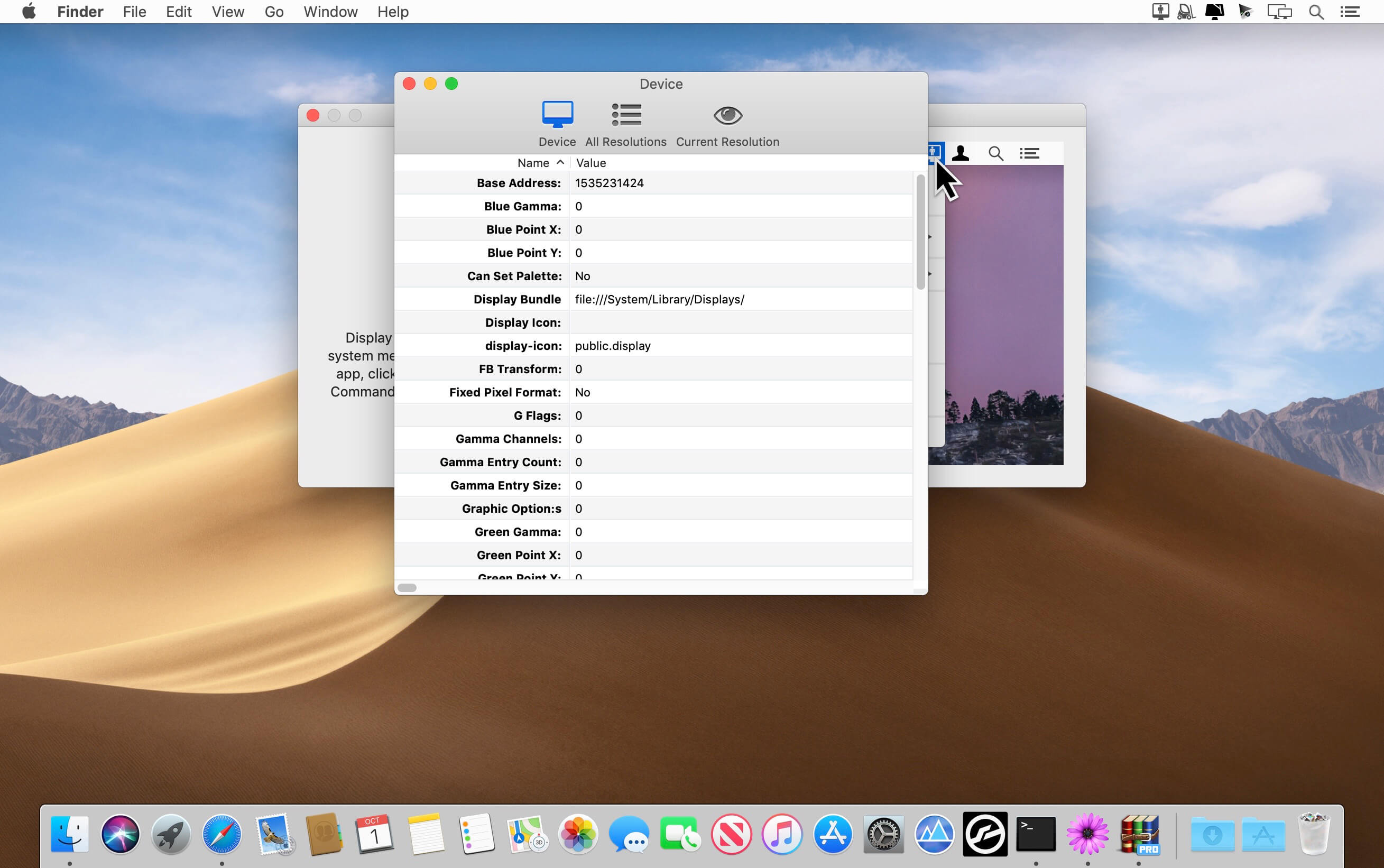
Display Maestro lets you inspect advanced resolution and device information, along with details about supported display features. This can help experienced users, including graphic designers and presenters, find the configuration they need.
- Resolution and bit-depth options: View the supported options for your graphics card and attached display. Some graphics cards may limit the available choices.
- Advanced display information: View details such as gamma configuration, RGB color points, scaling, refresh rate, screen dimensions, dots per inch, and Retina (HiDPI) status.
- Display feature information: Check details such as interlace mode, mirroring support, television mode, and whether the display is built-in or high-resolution capable.
- Legacy app support: Choose a precise configuration for older games and apps that may no longer set their required resolutions automatically.
- Resolution safety: If an unsafe resolution is selected, Display Maestro reverts to the last known safe resolution when it is not confirmed.
Choose the display configuration you need with Display Maestro.
Version 6.0:
Comments1
Information
Visitors in the group Guests cannot leave comments on this publication.