
Drive Scope 2.0.4
Mac SMART monitoring for early drive-failure warnings
Screenshots
Click to enlarge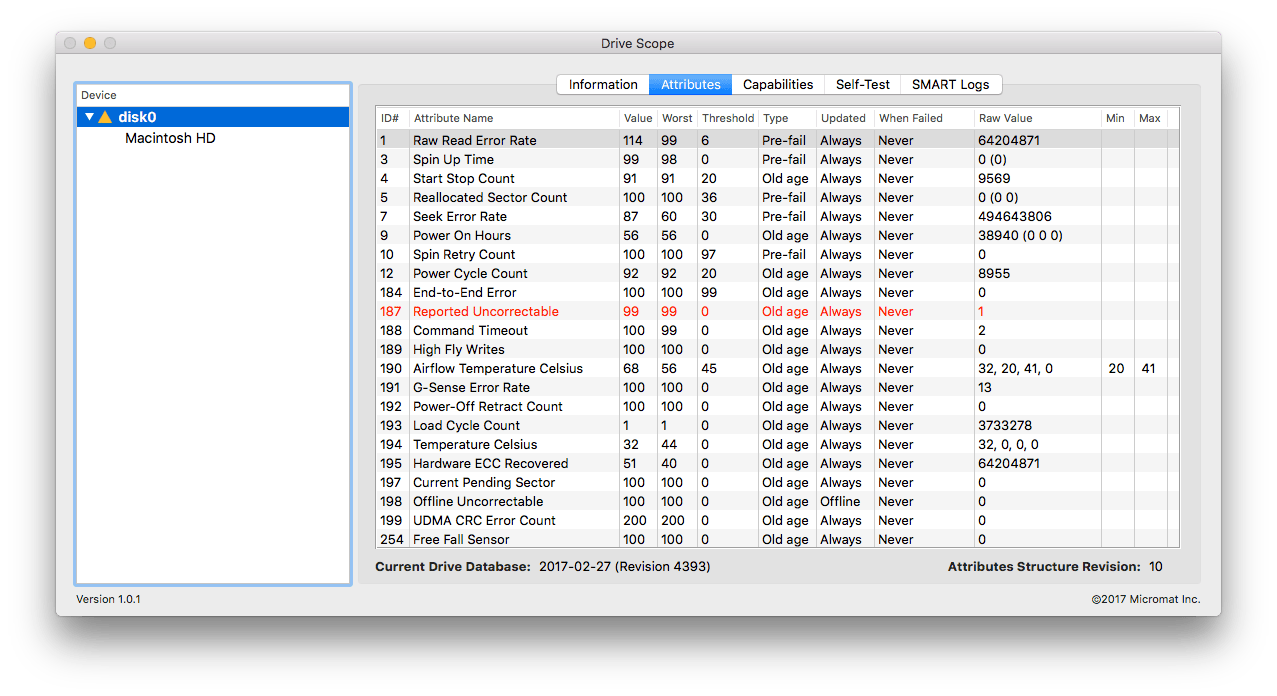
Drive Scope 2 monitors the SMART health data of supported drives connected to your Mac and can notify you when a drive shows signs of failure. Continuous background monitoring gives you an early warning and a chance to back up important files and data.
Drive health at a glance
Check the SMART status of supported drives from the menu bar, or add a Drive Scope widget. On macOS Sonoma, you can place the widget on your desktop. Drive Scope 2 can also show drive errors, when they occurred, and whether they may be temporary or indicate overall failure.
- Continuous SMART monitoring: Run background checks on supported drives and receive a notification if a drive starts to fail.
- Menu bar status: Check the SMART health of supported drives connected to your Mac.
- Drive health widget: Keep drive health status visible with a widget; macOS Sonoma users can add it to the desktop.
- Detailed SMART information: Review drive errors, when they occurred, and whether they may be temporary or indicate overall failure.
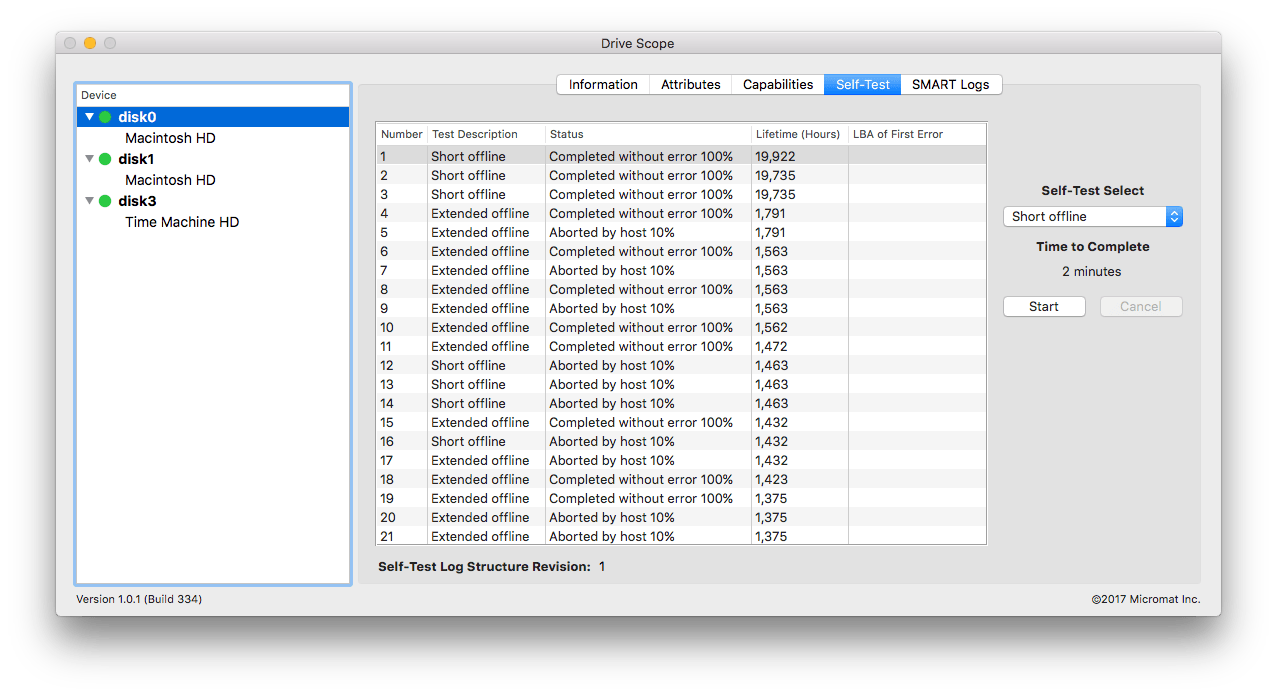
- Manual drive testing: Trigger a drive’s internal test to access up-to-date health information.
- SMART data for supported USB SSDs: The updated SAT SMART driver supports SMART health data access on Apple Silicon and Intel Macs.
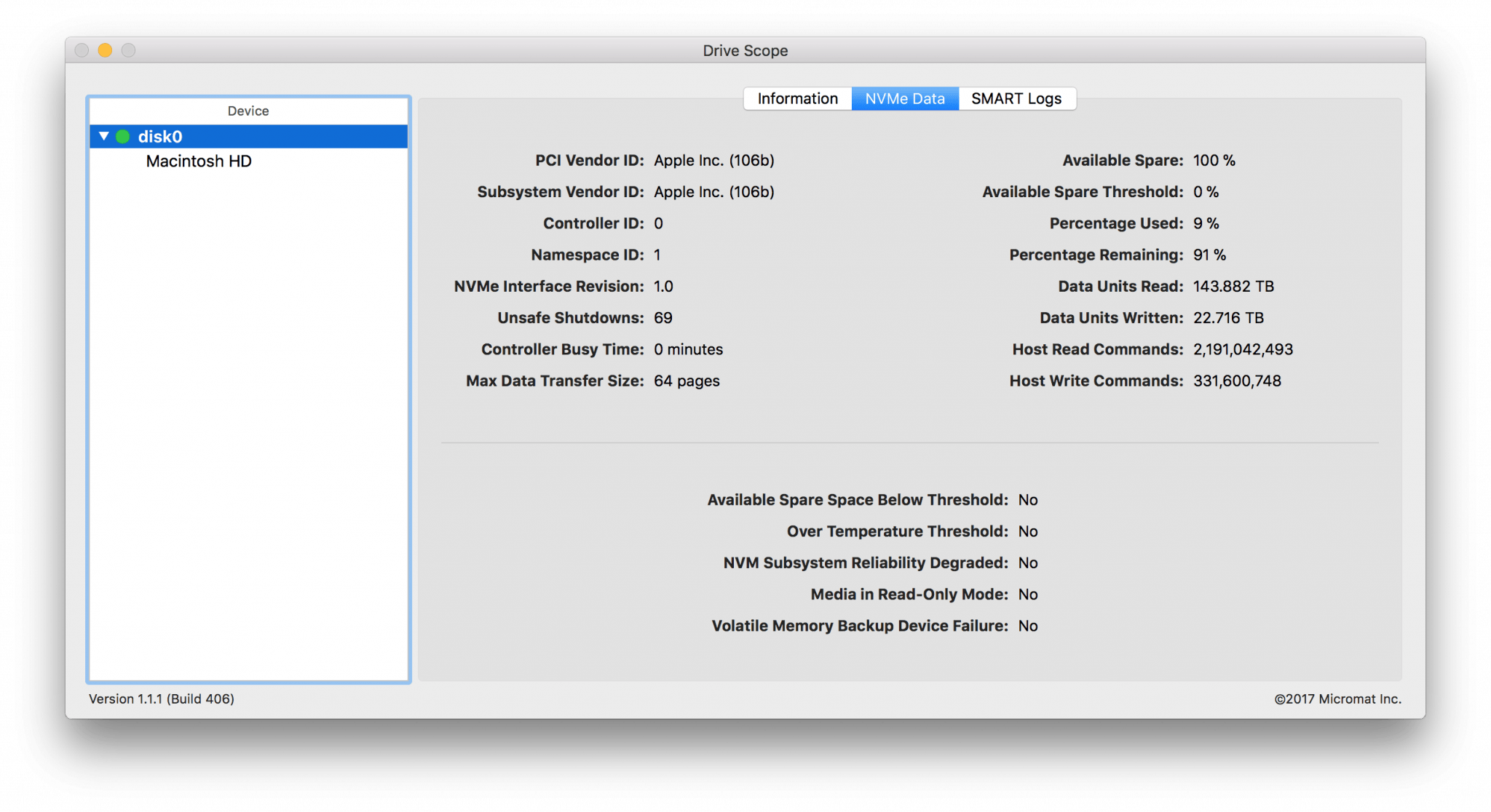
- NVMe drive health dаta: Read SMART data from NVMe drives used in newer Macs.
Enable continuous monitoring to keep an eye on your supported drives.
New in Drive Scope 2!
- Continuous Health Monitoring
Drive Scope 2 introduces continuous SMART health monitoring for all supported disks. Enabling monitoring starts a background process which keeps tabs on the health of your drives, and will notify you if a drive starts to fail. - Drive health at your fingertips
Along with continuous monitoring, you can check in on your drives from Drive Scope’s new menu bar item at any time. The menu provides at-a-glance access to the SMART health of all supported drives connected to your Mac. - Apple Silicon Support
Leave Rosetta behind. Drive Scope 2 now includes full Apple Silicon support. This includes an updated SAT SMART driver so that your Apple Silicon (and Intel) Mac can see SMART health data for supported USB connected SSDs*. - Glance for peace of mind
Even easier, add a Drive Scope widget to keep your Drives’ health status front-and-center. Sonoma users can add the widget to the Mac desktop to keep a constant eye on drive health.
Comments
No comments yet. Be the first.
Information
Visitors in the group Guests cannot leave comments on this publication.