
uBar 4.2.5
uBar: Customizable Mac Taskbar and Window Manager
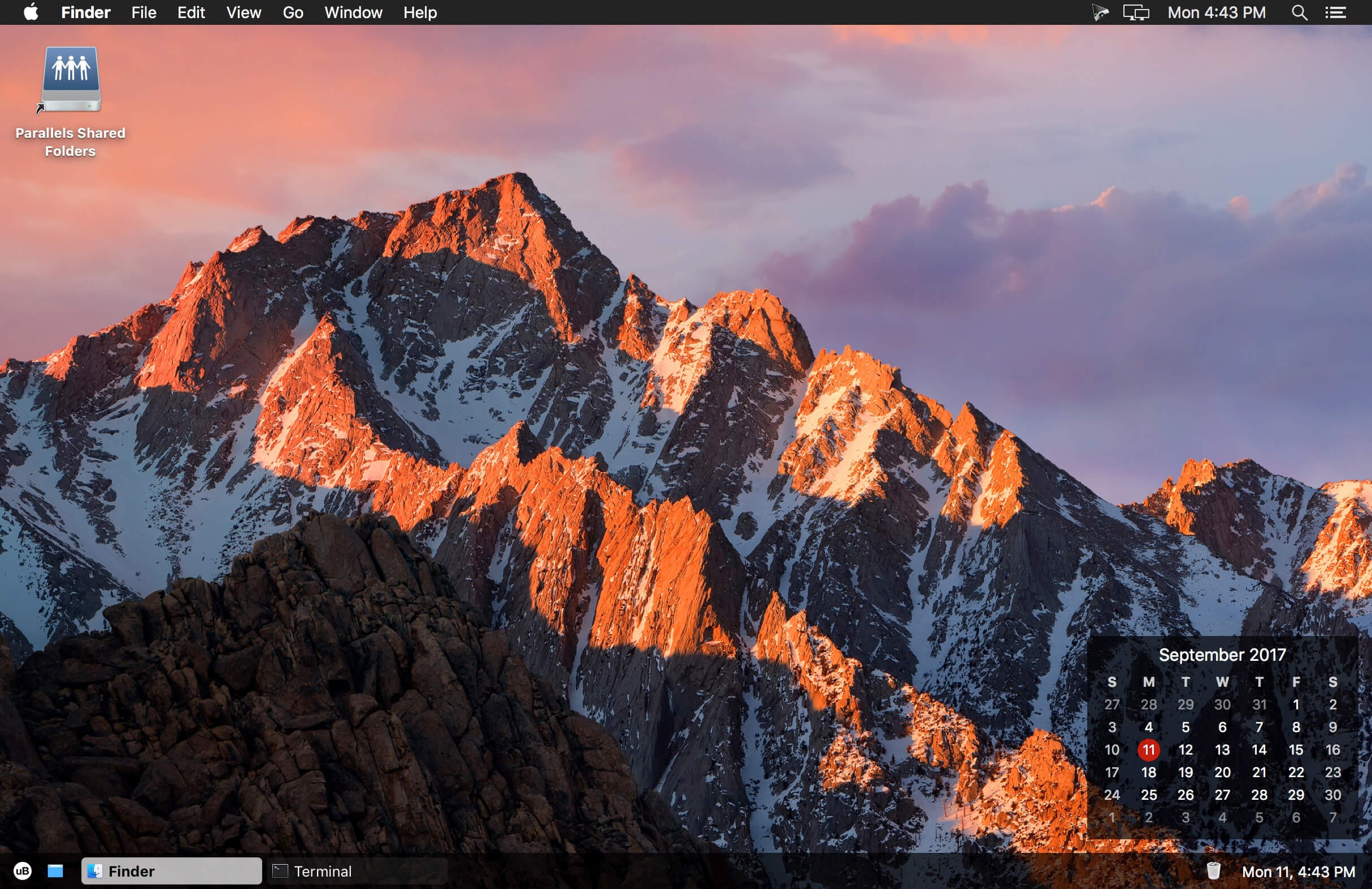
Make multitasking on your Mac feel more familiar with uBar, a customizable task bar designed for effortless window and application management.
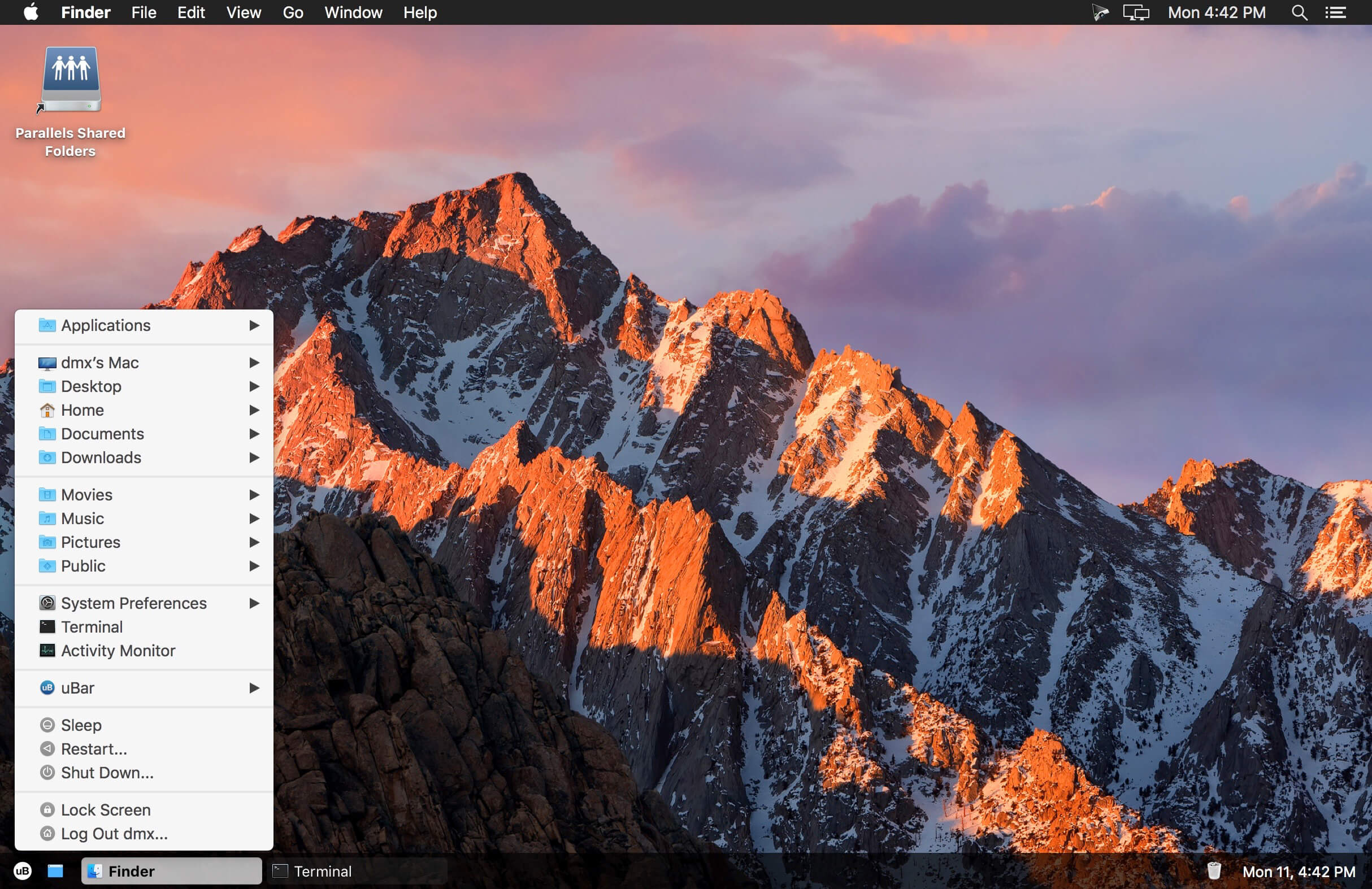
uBar works alongside the macOS Dock—or can replace it—giving you a clear overview of every open application and window on your desktop. Quickly switch between windows, access important folders, launch system utilities, and manage your Mac from one convenient location.
Features
- View all open applications and windows in one place
- See how many windows are open for each app
- Quickly switch between individual windows
- Access the desktop with a single click
- Open frequently used folders, including Applications, Documents, Downloads, and Movies
- Launch Terminal and Activity Monitor directly from the task bar
- Access system commands such as Sleep, Restart, and Shut Down
- Use uBar alongside the Dock or as an alternative to it
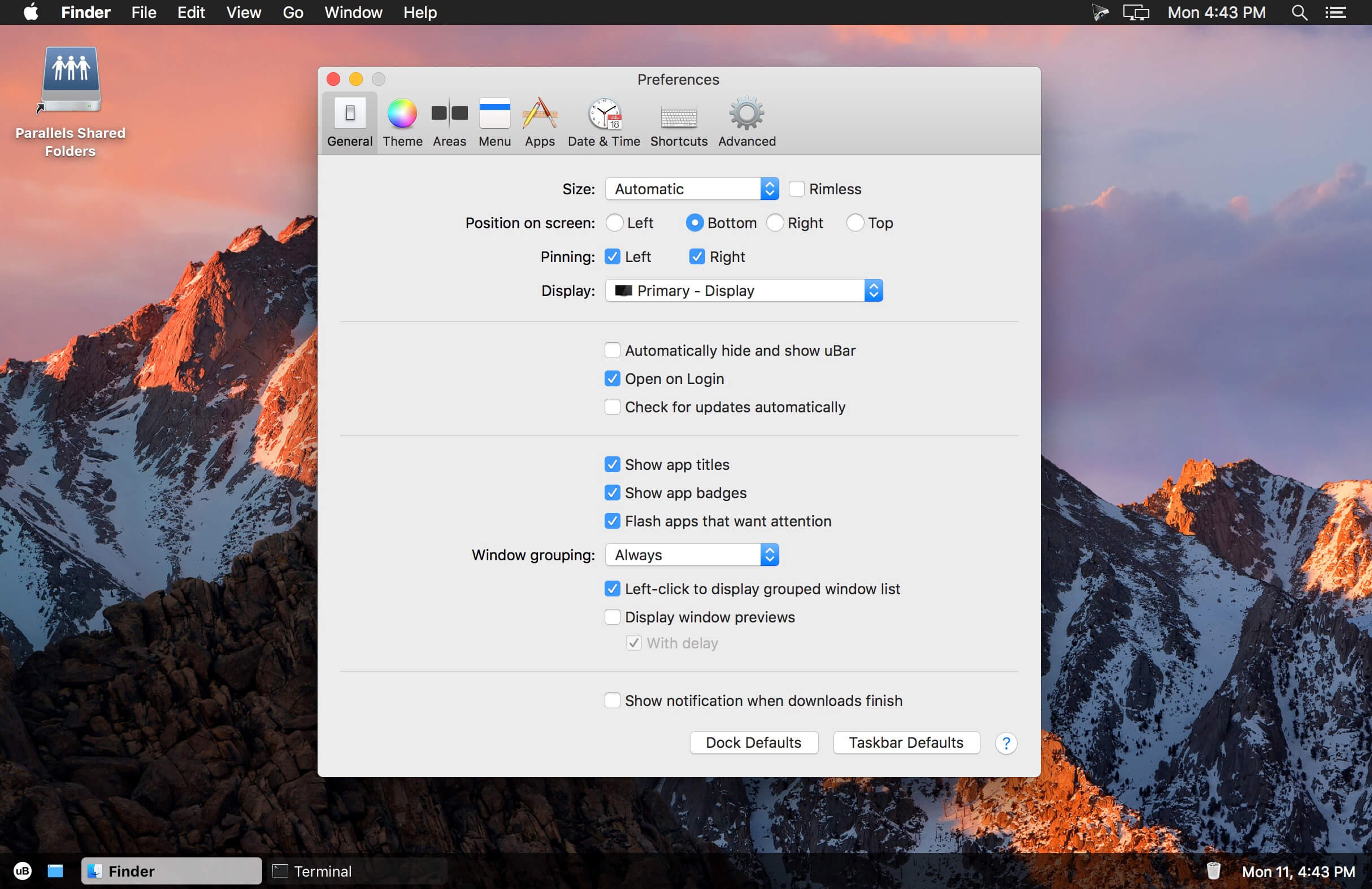
- Customize your desktop workflow with a familiar task bar experience
uBar is ideal for anyone moving from Windows to Mac—or for Mac users who want a faster, more organized way to manage open windows and applications.
Version 4.2.5
- Fixed: Severe CPU and memory leak when the uBar menu icon is set to the user account photo on macOS 26 (Reported by Yifeng)
- Fixed: Menu positions corrected for macOS Tahoe 26.0 (Reported by JHX)
Frequently asked questions
How do I install the app?
Mount the image, drag the app into the "Applications" folder and launch it. If the system blocks the launch, allow it in "System Settings → Privacy & Security".
The app is damaged or won't launch
Reinstalling from a fresh image usually helps. Make sure your macOS version matches the one listed in the compatibility specs.
How do I update?
Download the new version from the site and install it over the current one — your settings will be preserved.
The download link doesn't work
Try a mirror or a download manager. For large files the browser often drops the connection.
How do I completely remove the app?
Use an uninstaller utility — it cleans up the service files that remain after moving the app to the trash.
Choose a download source
uBar 4.2.5 · 8.24 MB
Previous versions
uBar 4.2.5
Previous versions are available to registered users.