Antivirus Zap Pro 4.2.1.0
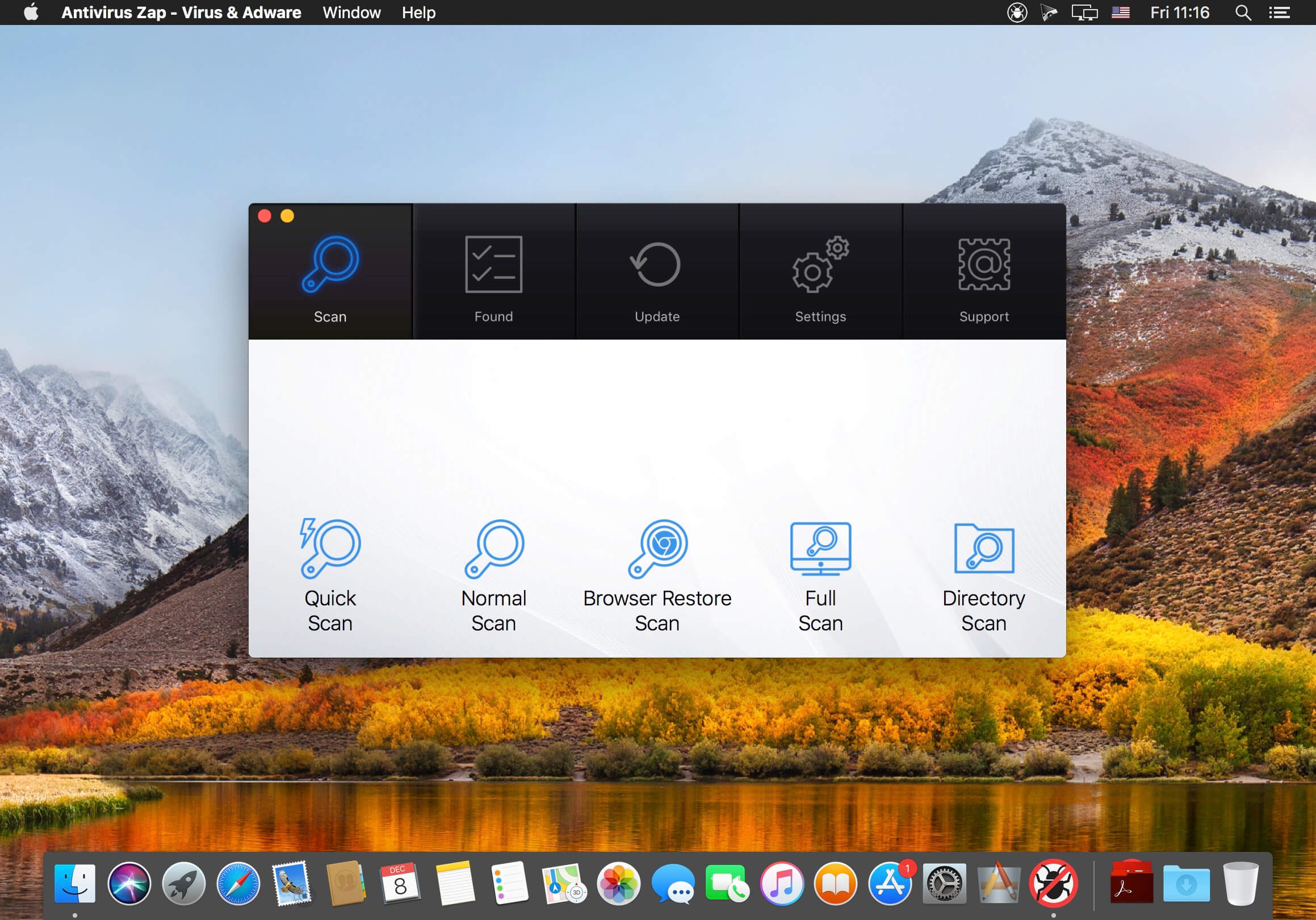
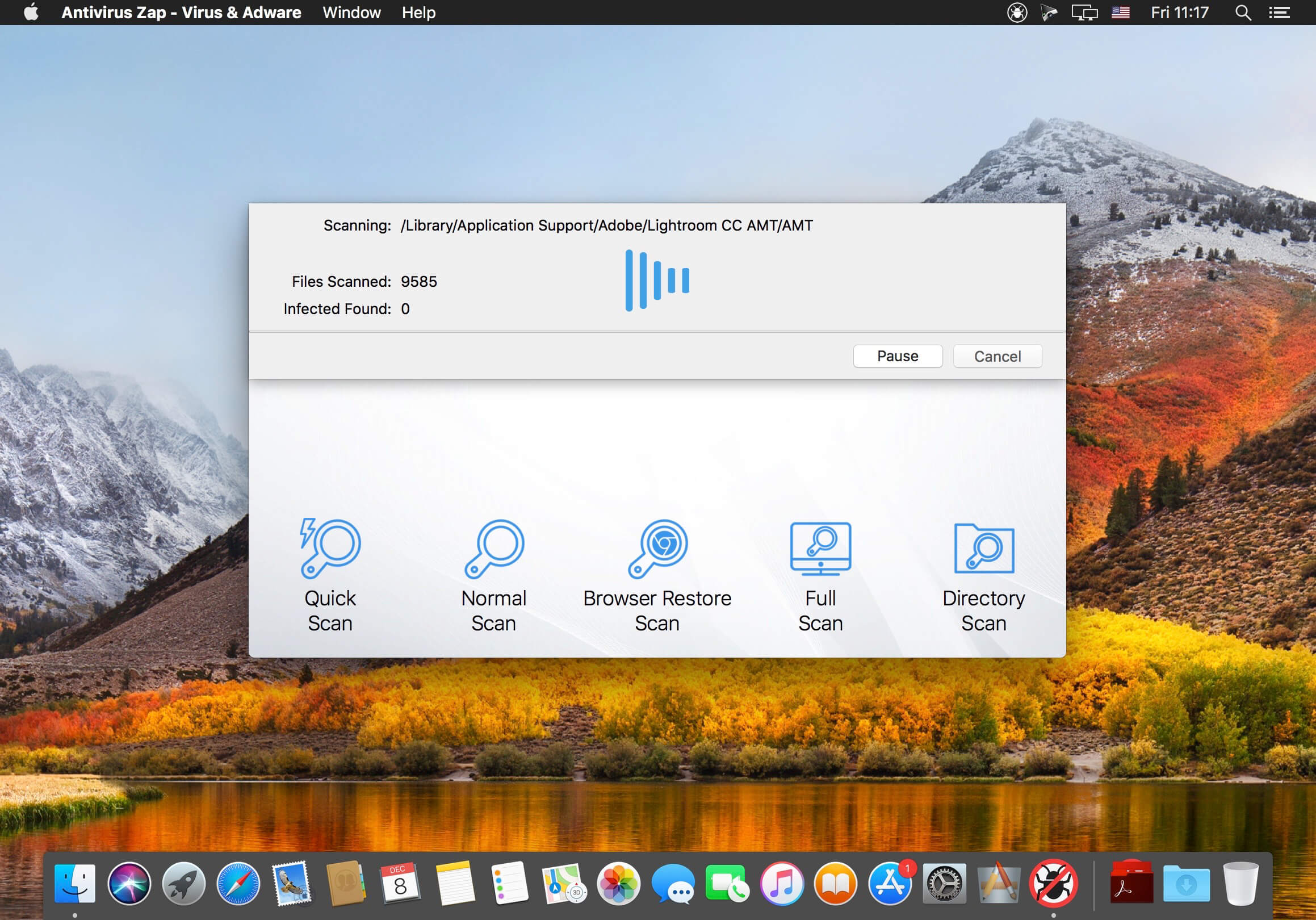
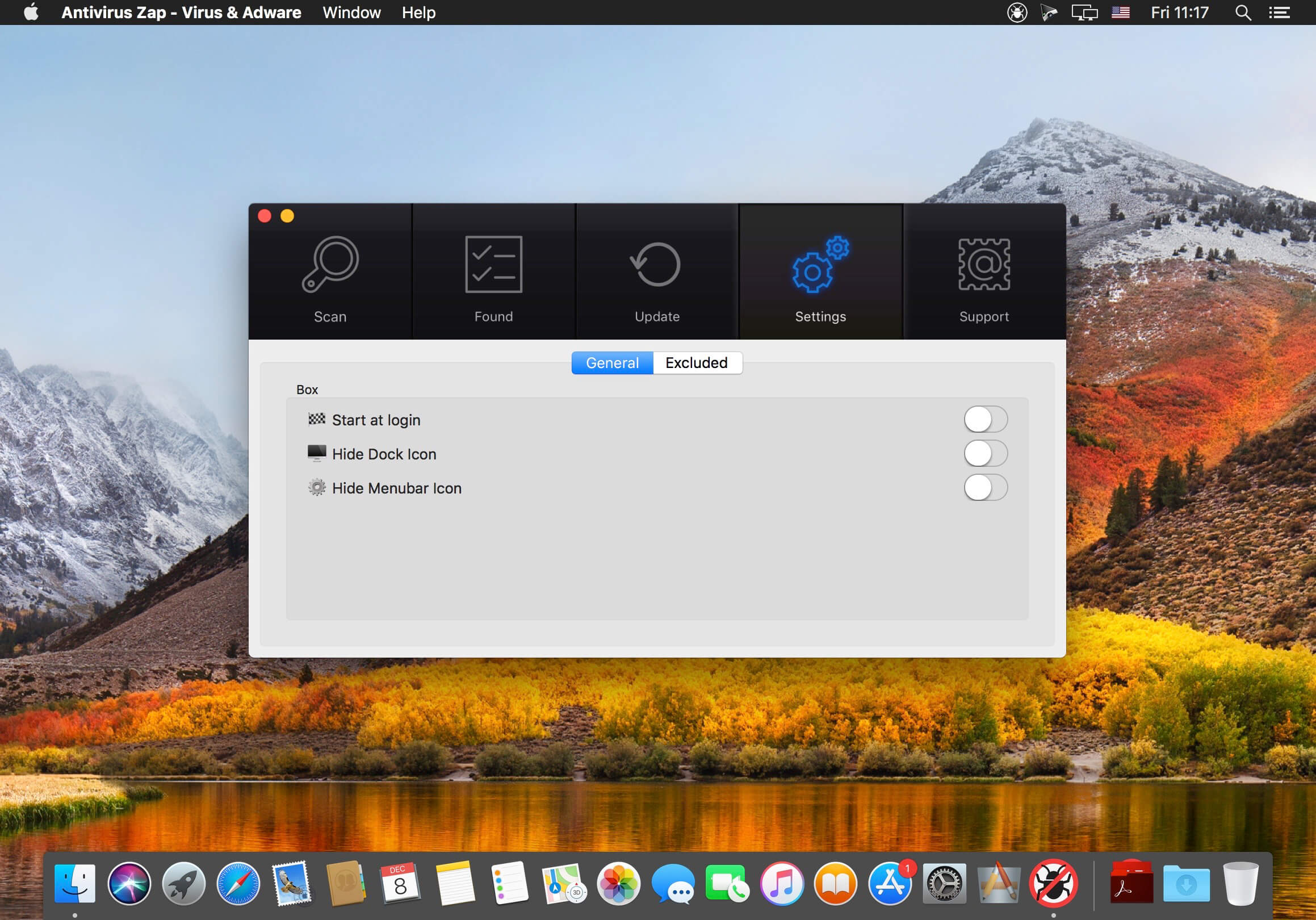
Antivirus Zap is a comprehensive solution that scans and removes malware and other malicious software from your Mac. It detects threats or suspicious files that are already on your Mac and protects you from being exposed in the future.
Features:
- Detects and Removes malware and viruses to safeguard your Mac
- Quick Scan:
- Checks the most likely locations for malware and adware
- Depending on the number of files, the scan takes about 5-15 minutes to complete
- Normal Scan:
- Checks an extended list of most likely locations including Applications, Downloads, Desktop, Mail Download etc. folders
- Depending on the number of files, the scan takes about an hour or more to complete
- Full scan:
- Comprehensive scan that checks the whole system.
- Depending on the number of files, it takes an hour or more to complete, ideal for an overnight scan
- Custom scan:
- Select any specific files or folders to scan
- Perfect for suspicious files, folders and USB drives
- Scan + Browser Restore:
- Same as the Quick Scan and also restores internet browsers by removing extensions, cookies and caches
- Depending on the number of files, the scan takes about 10-30 minutes to complete
- Scans all applications and processes currently in the memory
- Scans all programs that start automatically by the system
- Detects not only macOS but also Windows and Linux threats. You can scan Windows bootcamp, external and network drives for malware.
- Option to exclude certain file types which are unlikely to pose a threat such as image, movie and audio files
- Also searches for malware in archives (zip, pkg, etc.) and inside various types of files such as pdf, pkg, zip, etc.
- Easy to use user interface
- Daily database updates
Version 4.2.1.0:
- Release notes were unavailable when this listing was updated.
Frequently asked questions
How do I install the app?
Mount the image, drag the app into the "Applications" folder and launch it. If the system blocks the launch, allow it in "System Settings → Privacy & Security".
The app is damaged or won't launch
Reinstalling from a fresh image usually helps. Make sure your macOS version matches the one listed in the compatibility specs.
How do I update?
Download the new version from the site and install it over the current one — your settings will be preserved.
The download link doesn't work
Try a mirror or a download manager. For large files the browser often drops the connection.
How do I completely remove the app?
Use an uninstaller utility — it cleans up the service files that remain after moving the app to the trash.





Choose a download source
Antivirus Zap Pro 4.2.1.0 · 49.31 MB
Previous versions
Antivirus Zap Pro 4.2.1.0
Previous versions are available to registered users.