

LuLu 4.5.7
Free macOS firewall that blocks unknown outgoing connections
Screenshots
Click to enlarge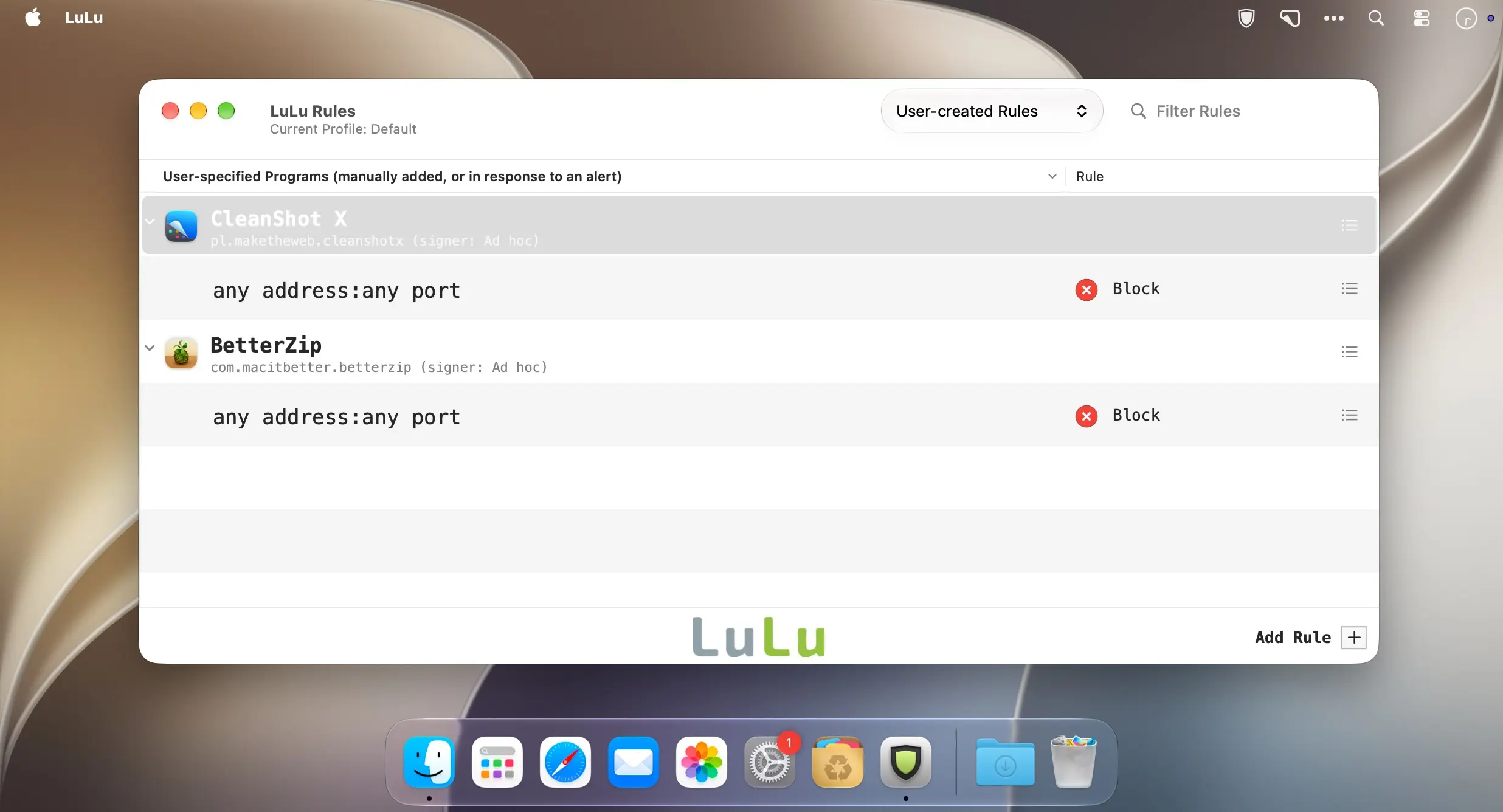
LuLu: The Free Firewall That Stops Your Mac From Oversharing
Every app on your Mac wants to talk to the internet. LuLu makes sure it asks you first.
The built-in macOS firewall only watches incoming connections, so outgoing traffic goes unchecked. That's exactly how telemetry, trackers and malware quietly send your data to remote servers.
LuLu closes that gap. Created by Patrick Wardle of Objective-See, one of the most respected names in Apple security research, LuLu is a free, open-source firewall that monitors outbound connections and blocks anything unknown until you decide what to do.
How It Works
When an unrecognized process tries to connect, LuLu shows an alert with the details:
- the process name, path and code-signing info;
- the destination IP address, domain and port;
- the process hierarchy, so you can see what actually triggered the connection.
Click Allow or Block, and LuLu remembers your choice. Rules can be permanent or temporary.
Key Features
- Outbound connection control, so nothing leaves your Mac without your approval.
- Flexible rules you can create, edit and delete for any app, address or port.
- Support for block lists of known malicious or unwanted domains.
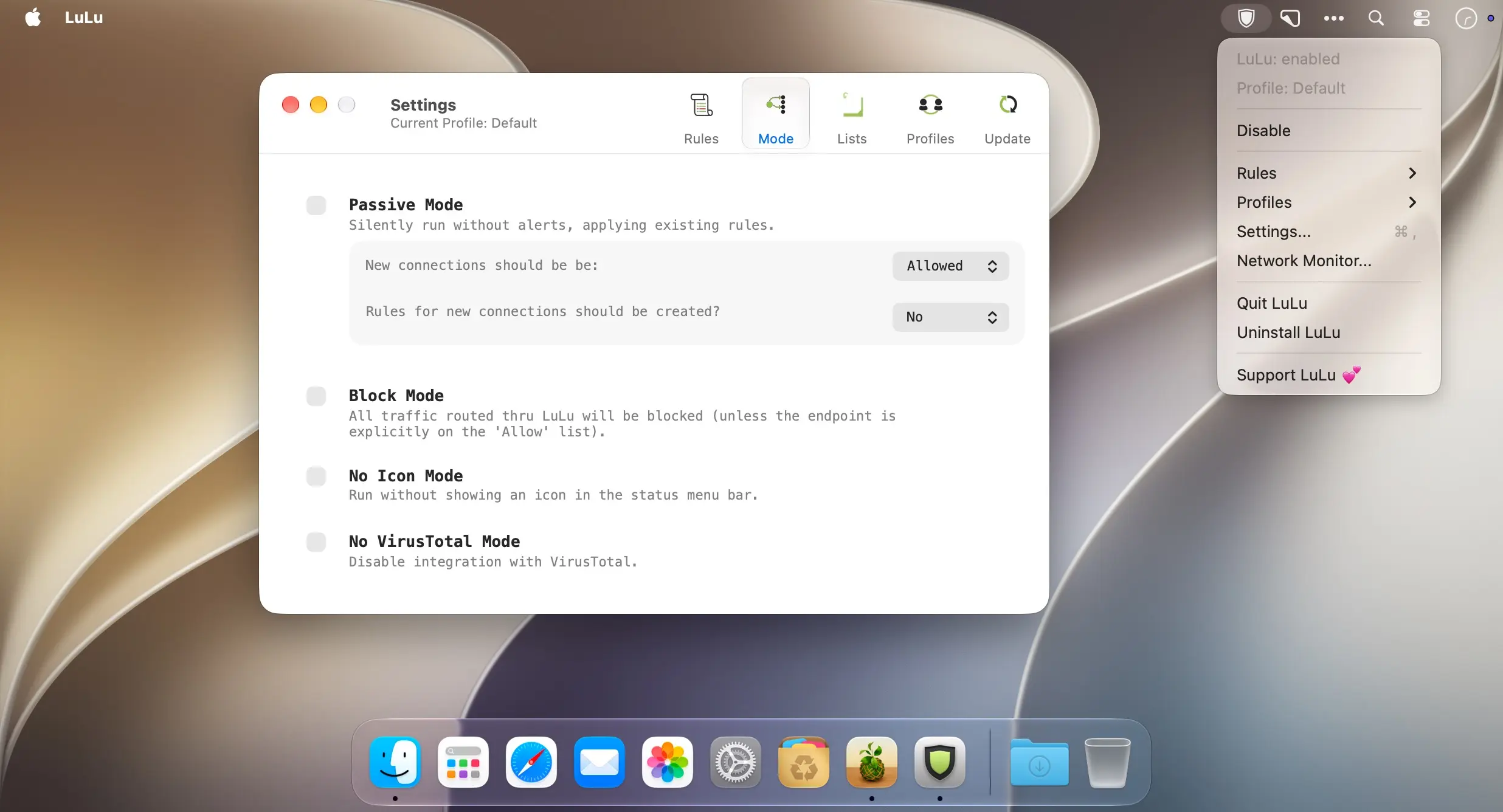
- Passive mode, which applies your rules silently with no pop-ups.
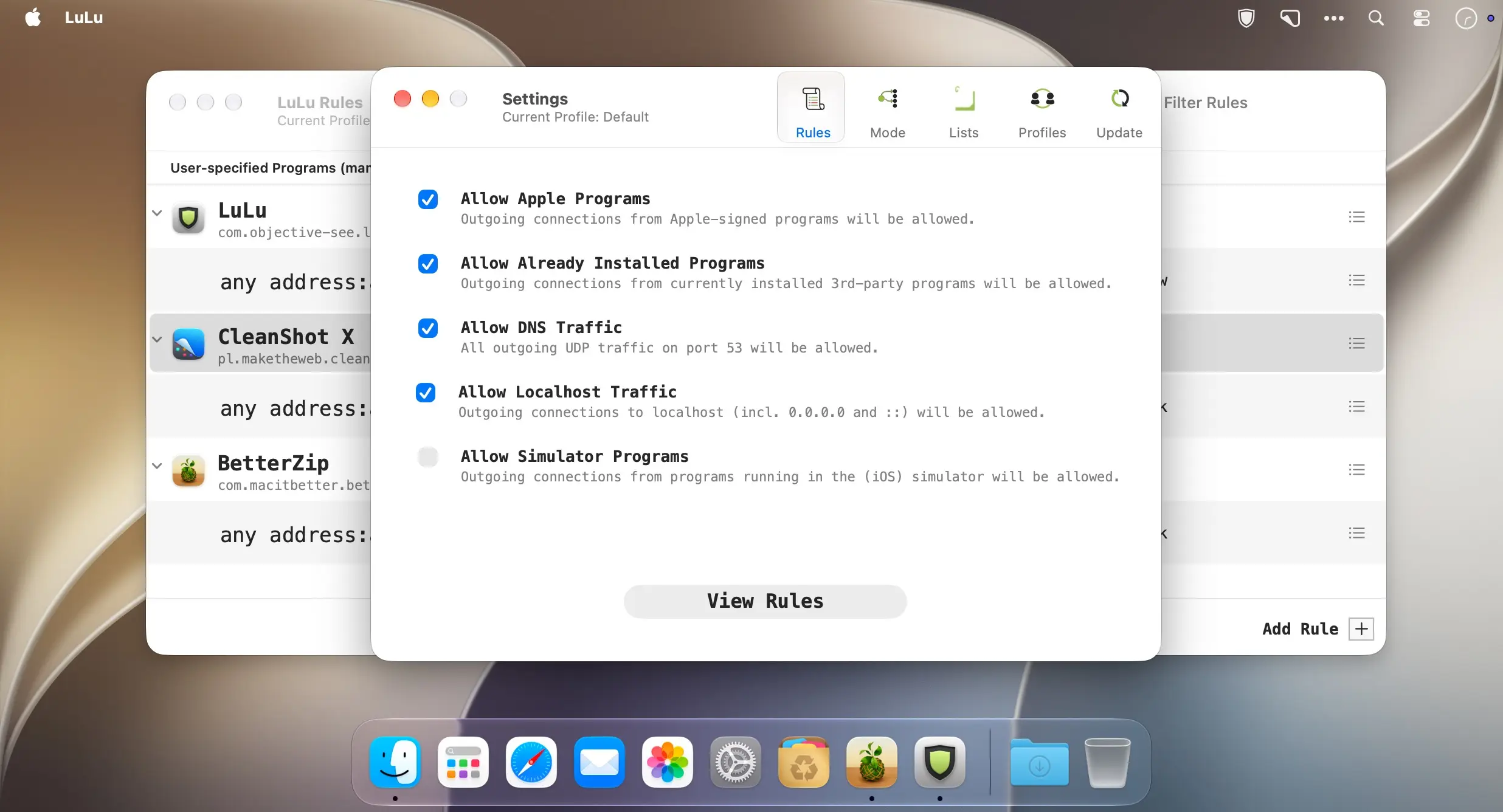
- Optional auto-allow for Apple and already installed software to cut down on alerts.
- Modern architecture built on Apple's Network Extension framework, with no legacy kernel extensions.
- Fully open source, with code on GitHub for anyone to audit.
Why LuLu
Commercial firewalls like Little Snitch are powerful, but they aren't free. LuLu handles the core job of stopping unwanted outgoing connections at no cost. There are no ads, no subscriptions and no data collection. It's lightweight and simple, and it stays out of your way.
Perfect For
- Privacy-conscious users who want to cut off telemetry and trackers.
- Security enthusiasts who want to know what their system is really doing.
- Developers and admins debugging app network activity.
- Everyday users who want an extra layer of protection against malware.
Your Mac, your rules. LuLu just makes sure they're enforced.
LuLu v4.5.7
New first-run experience
The welcome, permissions, configuration, and support screens have been rebuilt as native macOS views. The permissions screen now walks you through approving LuLu's system extension and network filter step by step, showing the status of each (and letting you retry if something fails).
One alert per process (#922)
A process that keeps reconnecting (e.g. a tool run hourly by launchd) no longer opens a new alert every time it runs. LuLu now shows a single alert and holds any later connections from that process until you respond; your answer is then applied to all of them.
Status bar popover
The first-run hint that points at LuLu's status bar icon now also closes when you click the icon.
Localizations
All user-facing strings, including the new first-run screens and a handful of older ones that had been missed, are now translated in all 13 supported languages.
Comments
No comments yet. Be the first.