
System Toolkit 6.3.0
Mac system monitor and disk cleaner in your menu bar
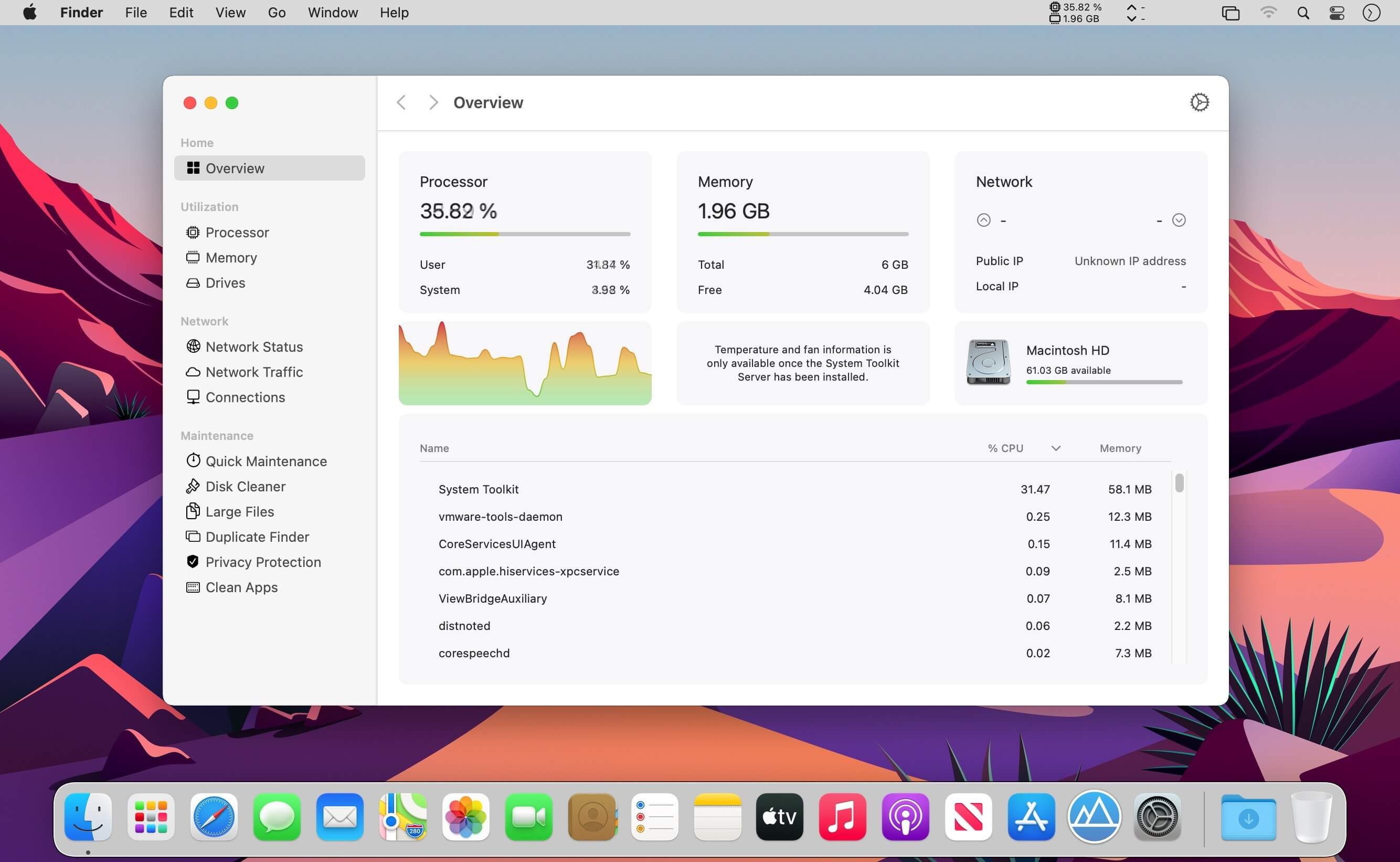

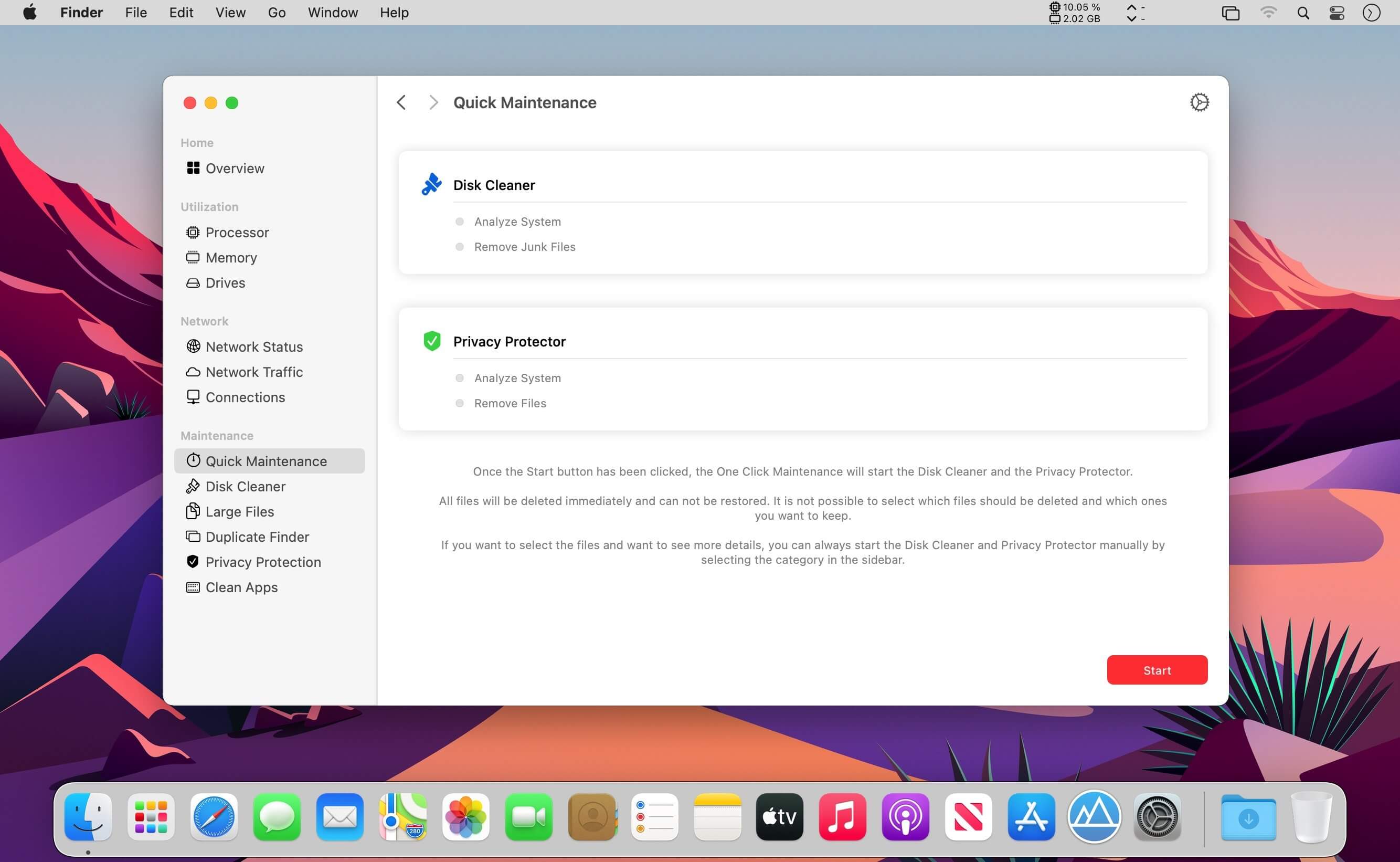
System Toolkit 6 shows you what your Mac is doing at a glance, and tidies it up whenever it needs it.
Processor, memory, network, and sensor stats live right in your menu bar, and the tools to free up disk space are just one click away.
Your Menu Bar, Your Way
Build your own menu bar strip from text, graph, and bar widgets, or start with a ready-made template. Show processor load, memory, network speed and traffic, drive speed, graphics card load, or sensor readings.
Everything in One Place
- Overview: processor, memory, network, drives, and your busiest processes on a single page
- Processor and memory: load over time, split into user and system, plus the processes using the most
- Drives: read and write speed and free space for every drive
- Graphics card: model, load, video memory, temperature, and power draw
- Network: upload and download speed, traffic today and this month, and history by week, month, and year
Sensors and Fans
Install the Monitoring Helper to see every temperature, voltage, and power sensor, check each fan's speed, and keep your favorites together.
Battery Status for All Your Devices
Check your Mac's battery health, cycle count, capacity, and charging power. See battery levels for Apple keyboards, mice, trackpads, AirPods, and Beats headphones right from the menu bar.
Info Panel
Keep the values you care about in a separate window that can float above everything else.
Free Up Space
- Quick Maintenance: clear caches and private data with a single click
- Disk Cleaner: find caches, crash reports, old app versions, mail attachments, and browser and messenger leftovers, then choose what to remove
- Large Files: track down files of 100 MB or more
- Duplicate Finder: spot identical copies and delete them right from the app
Protect Your Privacy
Remove history, cookies, downloads, and form data from Safari, Chrome, Firefox, Opera, Vivaldi, and Brave, along with recent items and Messages data.
Make It Yours
Choose from nine color themes for graphs and gauges.
System Toolkit 6: monitor your Mac, keep it clean.
Version 6.3.0
- New app icon for macOS 27, designed by Hugo Santos.
- The sidebar shows every page name in full on macOS 27.
- Sizes and speeds follow the number format and units of your language.
- "Continue" on the permissions screen now works when switching between the maintenance tools.
- Old app versions in the Disk Cleaner are listed for reference and can no longer be selected for removal.
- Privacy Protection only asks for access to the Safari folder when Safari data is selected.
- Corrected and completed labels in English and German.
- The Connections page has been removed, as macOS 27 no longer provides the list of open connections.
- System Toolkit now requires macOS 12 or later.
Frequently asked questions
How do I install the app?
Mount the image, drag the app into the "Applications" folder and launch it. If the system blocks the launch, allow it in "System Settings → Privacy & Security".
The app is damaged or won't launch
Reinstalling from a fresh image usually helps. Make sure your macOS version matches the one listed in the compatibility specs.
How do I update?
Download the new version from the site and install it over the current one — your settings will be preserved.
The download link doesn't work
Try a mirror or a download manager. For large files the browser often drops the connection.
How do I completely remove the app?
Use an uninstaller utility — it cleans up the service files that remain after moving the app to the trash.



Choose a download source
System Toolkit 6.3.0 · 10.83 MB
Previous versions
System Toolkit 6.3.0
Previous versions are available to registered users.