Adware Zap - Malware Cleaner 2.12.0
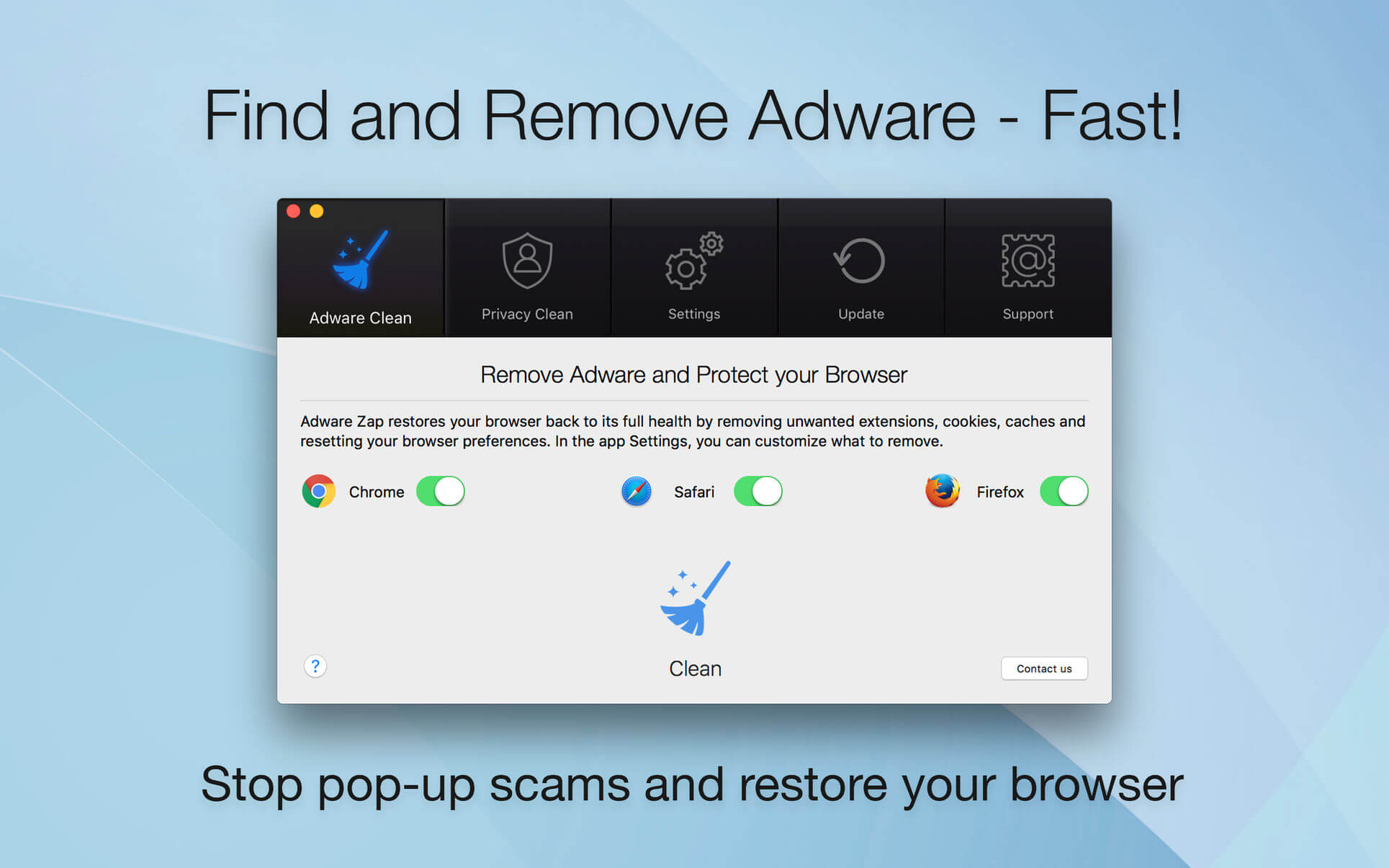
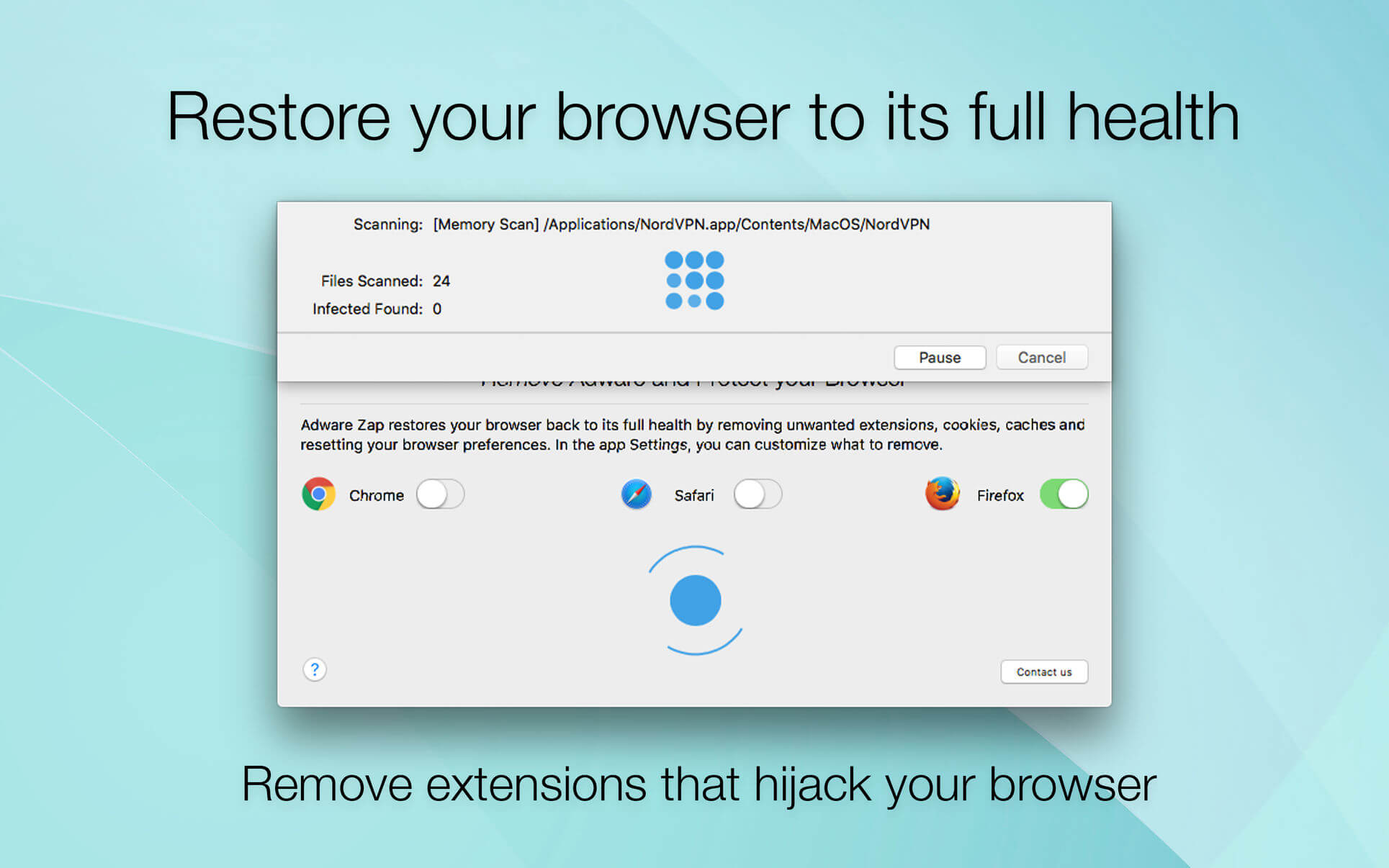
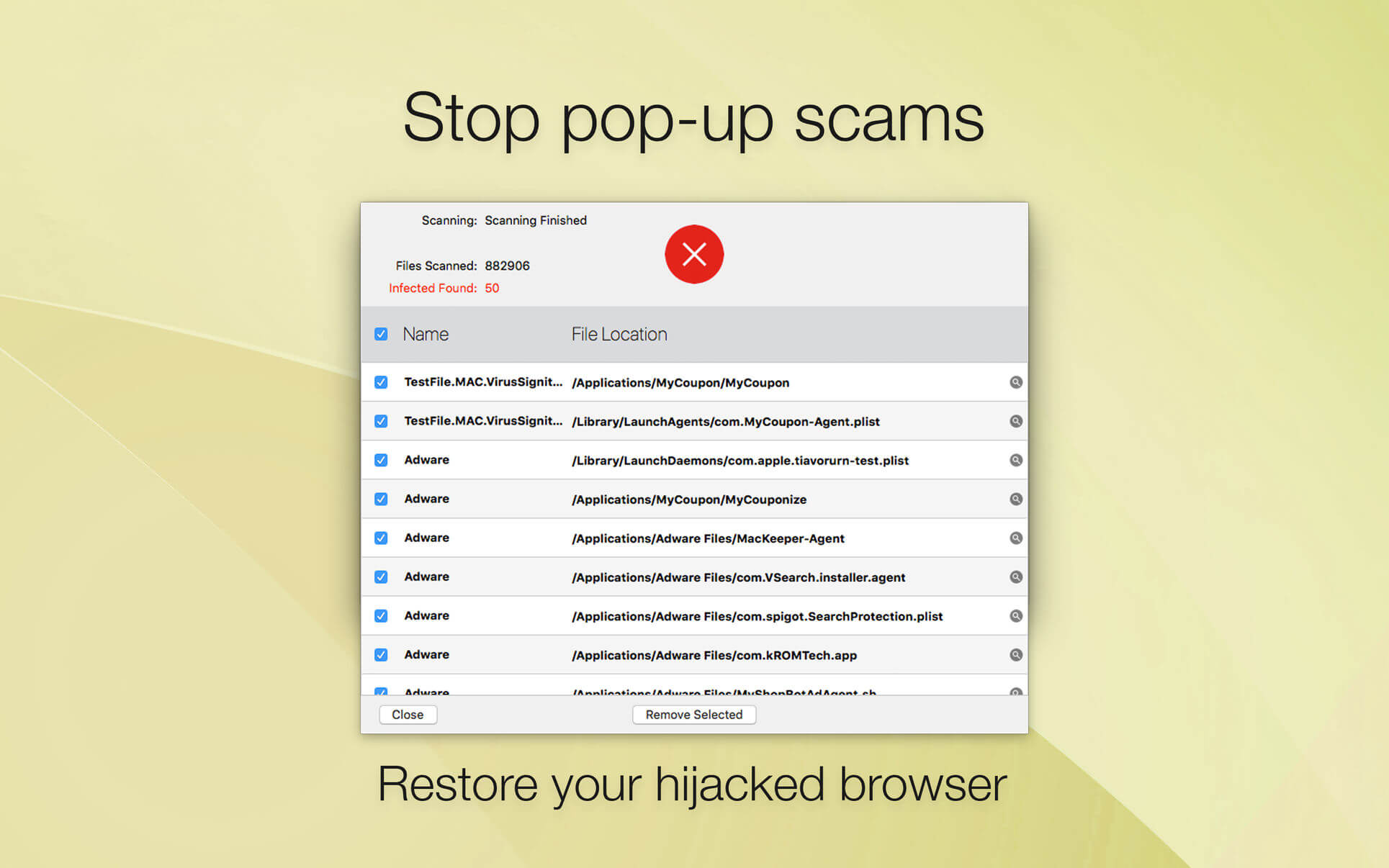
Adware Zap & Privacy Cleaner restores your browser back to its full health by removing unwanted extensions, cookies, caches and resetting your browser preferences. Adware Zap is your choice if:
- Browser displays constant pop-up advertisements about dubious products and scams even from respected websites
- Your browser is being hijacked and redirected to dubious websites
- Your browser is slow and often freezes
- You want to protect your privacy by removing sensitive files that were created during your browsing session
Privacy Cleaner function:
- remove sensitive files from selected internet browsers such as history, download list, cookies and stored databases.
- customise what to remove in the App Settings.
- option to run automatic clean up when the browser quits.
To fully restore your browser, all cookies, extensions and caches will be removed. By default, browser bookmarks and internet history are not removed, but in the App Settings you can customise what to remove.
To continue to use extensions you previously installed and want to keep, you will need to reinstall them.
Extensions often add useful features to browsers, but there are also many malicious extensions that can display pop-up advertisements, inject banner ads to every website you visit and collect your personal data. These extensions are often installed without the user's consent by software that was downloaded from the internet.
If new adware is not detected, please contact us directly for one-on-one support and with your help we can update our database to help you and others.
Version 2.12.0
- Improved adware detection rate and speed
- Bug fixes and performance improvements
Frequently asked questions
How do I install the app?
Mount the image, drag the app into the "Applications" folder and launch it. If the system blocks the launch, allow it in "System Settings → Privacy & Security".
The app is damaged or won't launch
Reinstalling from a fresh image usually helps. Make sure your macOS version matches the one listed in the compatibility specs.
How do I update?
Download the new version from the site and install it over the current one — your settings will be preserved.
The download link doesn't work
Try a mirror or a download manager. For large files the browser often drops the connection.
How do I completely remove the app?
Use an uninstaller utility — it cleans up the service files that remain after moving the app to the trash.


Choose a download source
Adware Zap - Malware Cleaner 2.12.0 · 46.94 MB
Previous versions
Adware Zap - Malware Cleaner 2.12.0
Previous versions are available to registered users.