
Little Snitch 6.5.0
Little Snitch network monitor and personal firewall for Mac
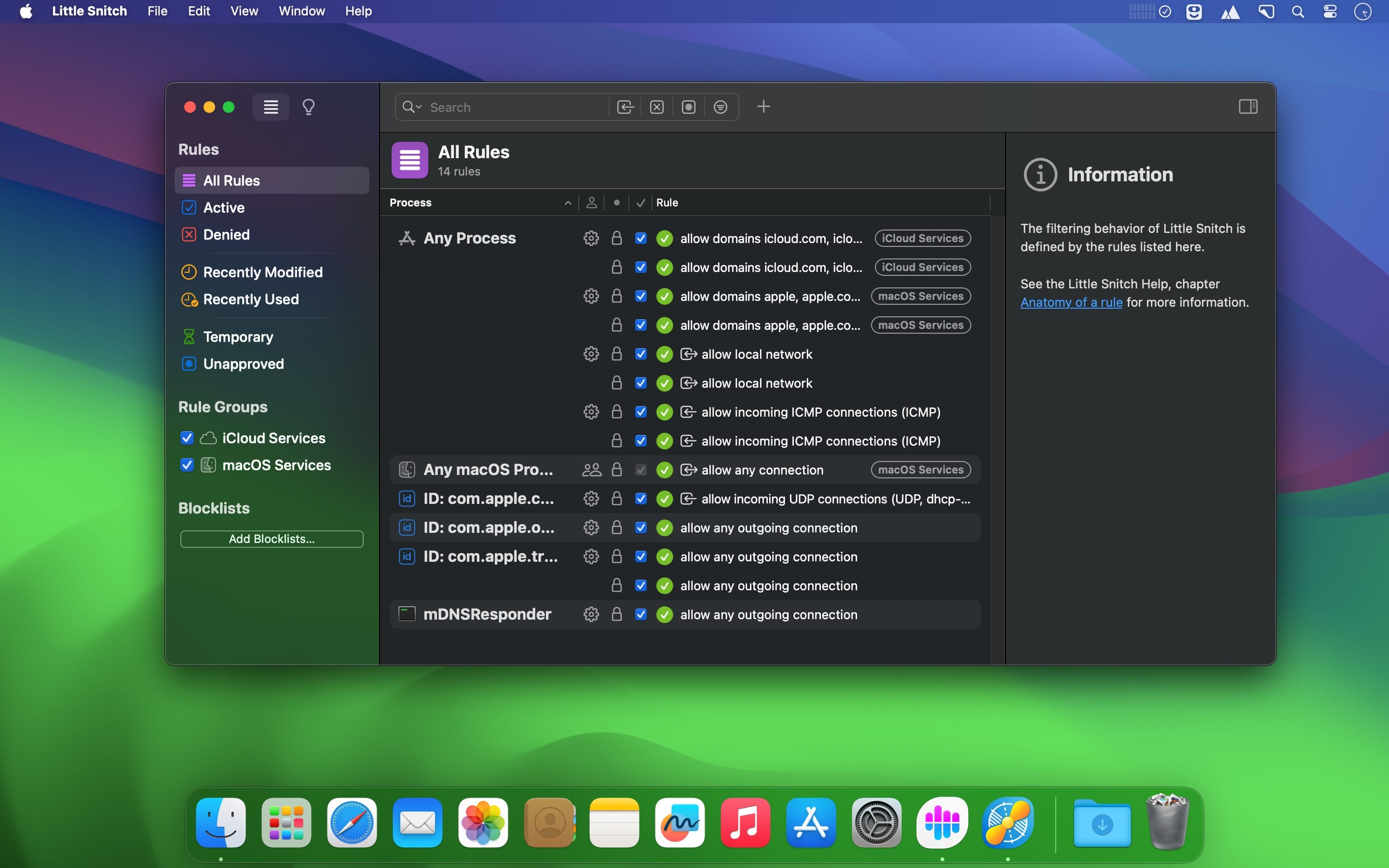
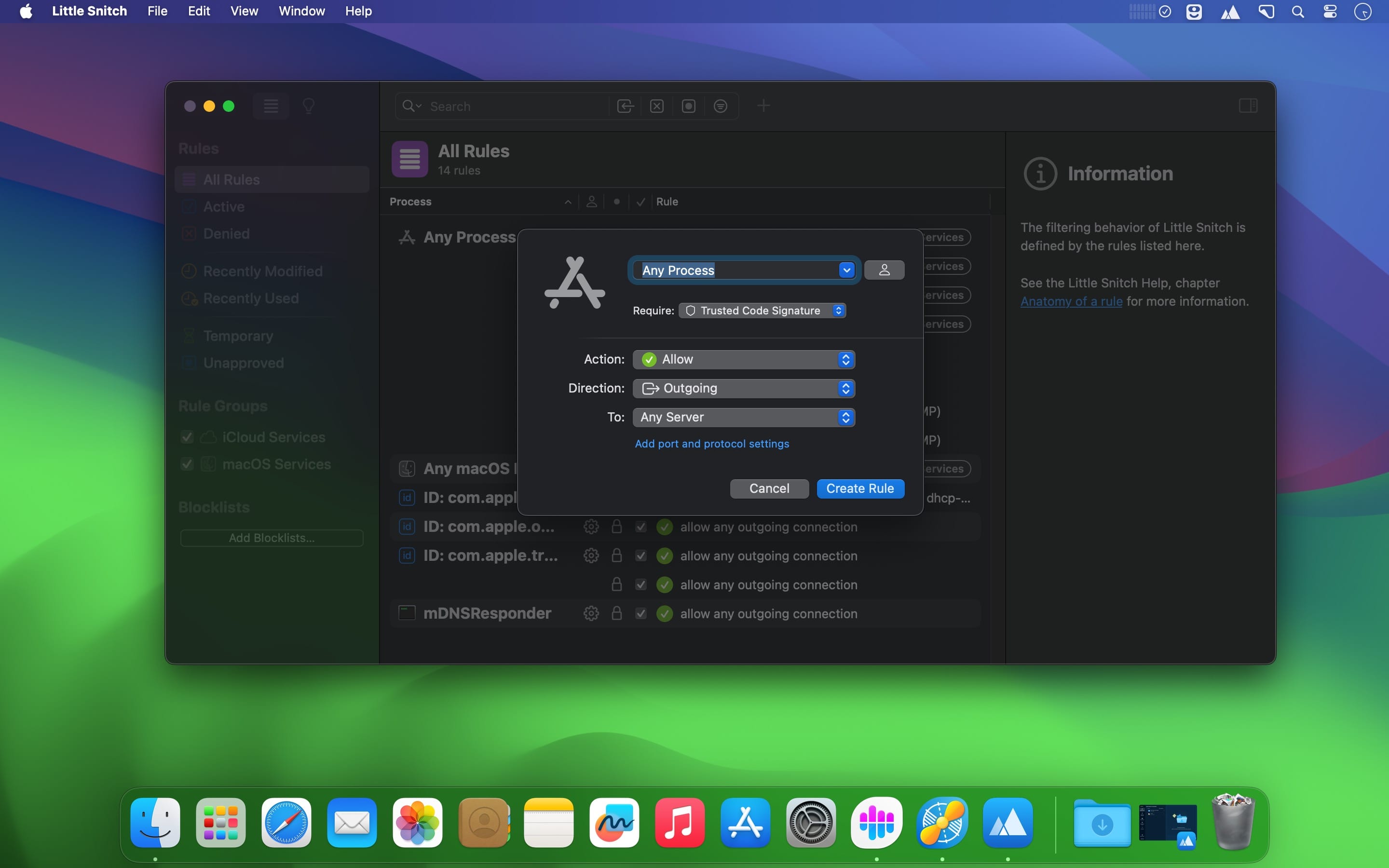
For more than 20 years, Little Snitch has been keeping a watchful eye on your privacy, letting you know whenever an app wants to connect to the Internet. It has become the number one Network Monitor and Personal Application Firewall for the Mac. The Little Snitch Network Monitor shows you where your Mac connects to on the Internet. You decide what you want to allow or deny.
Connection Alert
Whenever an app wants to connect to the Internet, Little Snitch shows a connection alert, so you can allow or deny the connection. No data is transmitted without your consent.
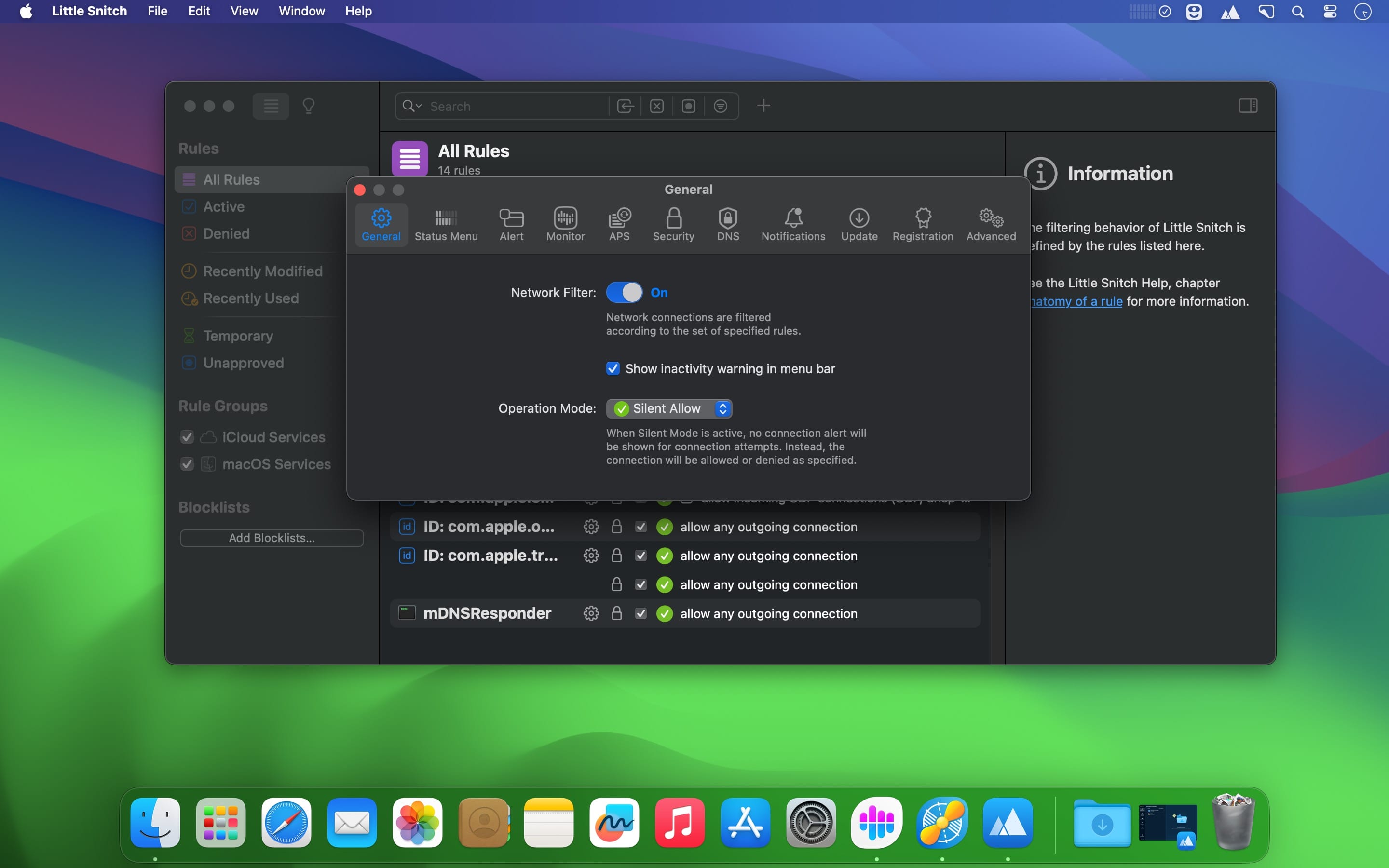
Silent Mode
With Silent Mode, new connections are automatically allowed at first. So you won’t get interrupted and you can make your final decision later at your leisure.
Unhide your Mac’s secret network activity with Little Snitch Network Monitor
- Track the Trackers - Track connections from your Mac to servers worldwide.
- Dive Deep - Discover details such data volumes, server locations or ports and protocols.
- Real-Time Insight - Analyze your Mac’s network activity in real time.
- Take Control - Allow or block connections with a single click.
Versatile Hierarchies
Group connections in different hierarchical arrangements, by app, domain or country and clearly see which apps are connected to whom and where.
Analyze like a Pro
The redesigned interactive traffic chart provides fascinating insights into your Mac’s current and past network activity. Discover communication patterns and unusual data transmissions over a period of up to twelve months.
Search Smarter
Find connections by app, hostname, country, city and more using versatile search tokens.
Essentials at a glance
The Little Snitch Control Center resides in the menu bar and shows the current network activity, recently denied connections, lets you control operation modes and more.
Blocklists. Easier than ever
Choose from a curated list of blocklists, organized by topics, and activate them with just a few clicks. Daily updates ensure that your blocklists are always on spot. With support for IP-based blocklists!
Built-in DNS Encryption
Keep your browsing activity private and secure. Anyone can see which websites you visit by spying on your DNS requests. But not with Little Snitch! Little Snitch encrypts your DNS requests and uses trusted DNS services such as Quad9 to keep your browsing private and secure. Requests are encrypted using DoH, DoT, or DoQ.
The sound of connections
Get acoustic notifications for selected network connections. Listen to your Mac connecting to particular servers, even when you’re not looking at the screen. Select from a fun variety of built-in notification sounds, some of which are modulated depending on the amount of data transmitted.
You decide what your Mac is allowed to do on the network
- Decide - Decide which apps connect where and limit access to specific servers, domains, ports, or protocols.
- Organize - Subscribe to rule groups, or create Profiles, and switch between them automatically.
- Tidy Up - See when rules become invalid, or redundant as being covered by other rules, and even get suggestions for new rules.
Rule Groups
Organize your rules in groups, either locally on your Mac or subscribed from a remote server, and switch them on or off with a single click.
Find everything. Easily
List all recently used rules, or show deny rules only by using the new quick filters build-in right into the search field.
Application Groups
Create rules that apply to all macOS or Simulator processes.
Version 6.5.0:
- IMPORTANT: Upgrade to this version before you upgrade to macOS 27 Golden Gate! Previous versions of Little Snitch are not compatible with macOS 27 Golden Gate and would break your internet connection after the macOS upgrade.
Improvements:
- Compatibility with macOS 27 Golden Gate.
- App bundle integrity monitoring. Little Snitch now monitors the integrity of its app bundle not only at app start (like before) but also while the app is running, presenting a warning dialog if an unexpected modification of its app components was detected.
- Clicking an already selected location in the map (which filters the connection list to show only connections to that country/region/city) now clears that selection to reset the location filter.
- Using the term “traffic volume” instead of “traffic amount”.
- Improved appearance of search fields in inactive windows.
- Added an experimental implementation of NAT64 (RFC 6052).
Bug Fixes:
- Fixed an issue that prevented expired temporary rules from appearing under Suggestions > Expired.
- Fixed a rare crash that could occur when searching for a process by exact match with an empty search string in the rules list.
- Little Snitch no longer uses hostnames for inbound connections.
- Improved and fixed various aspects of encrypted DNS.
- When a socket is closed for outbound traffic only, incoming bytes are now still accepted.
- Various other bug fixes and improvements under the hood.
Frequently asked questions
How do I install the app?
Mount the image, drag the app into the "Applications" folder and launch it. If the system blocks the launch, allow it in "System Settings → Privacy & Security".
The app is damaged or won't launch
Reinstalling from a fresh image usually helps. Make sure your macOS version matches the one listed in the compatibility specs.
How do I update?
Download the new version from the site and install it over the current one — your settings will be preserved.
The download link doesn't work
Try a mirror or a download manager. For large files the browser often drops the connection.
How do I completely remove the app?
Use an uninstaller utility — it cleans up the service files that remain after moving the app to the trash.





Choose a download source
Little Snitch 6.5.0 · 36.6 MB
Previous versions
Little Snitch 6.5.0
Previous versions are available to registered users.