USBclean 4.5.2
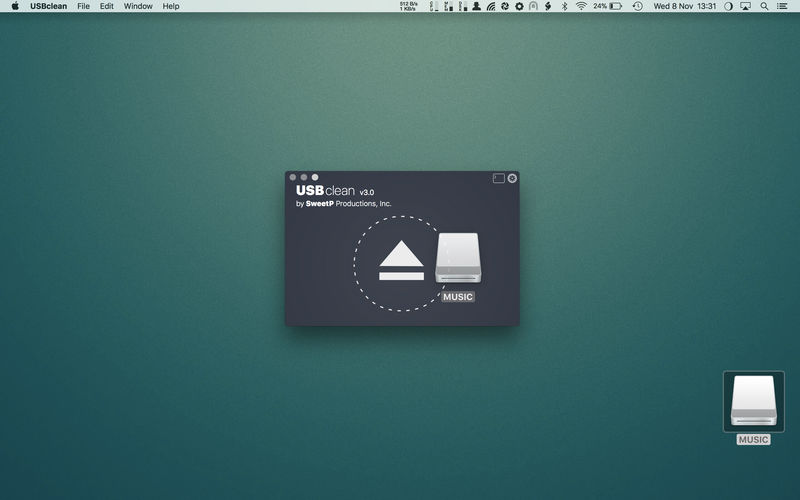
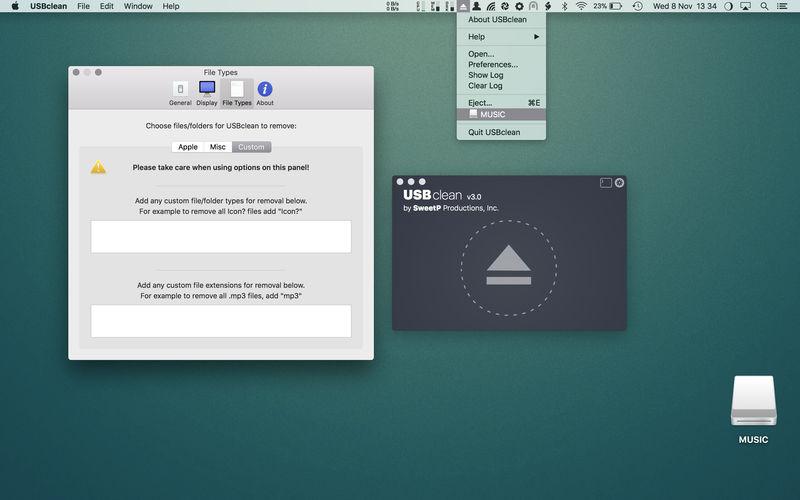
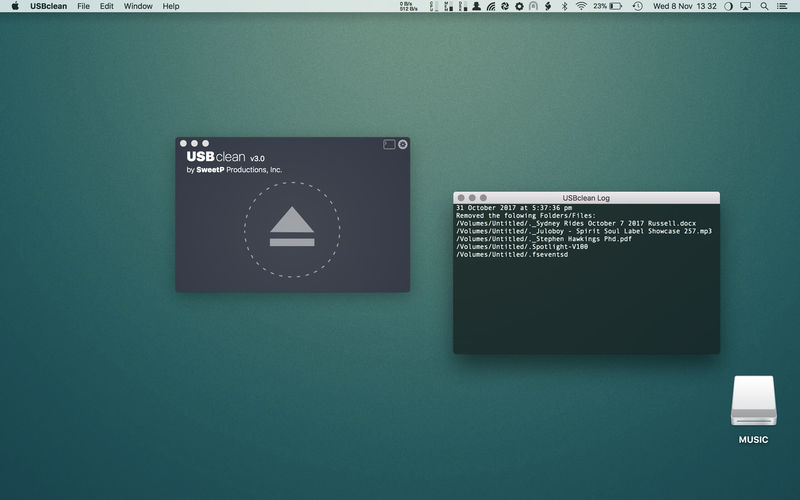
USBclean quickly and easily removes all those pesky junk and ghost files from your external Windows formatted USB drives. .DS_Store, Thumbs.db, .Spotlight, and trashes files take up precious space, and can cause issues on some devices. Remove them all quickly and easily with USBclean. Configure USBclean the way you want! Remove files by dragging your drive into the handy drop zone, from the system menubar, or by dropping straight onto the dock icon. You can easily configure USBclean to run only from the system menubar and open at login. It's a snap to auto quit after dropping your drive onto the dock icon. USBclean always ejects your drive after cleaning for your convenience.
USBclean is useful for:
- cleaning annoying files which don't play on your media devices.
- removal of Mac only files (useful when sharing USB drive with a friends PC).
- removal of Windows only files which take up useful space
- removing files of any number of (customizable) filetypes. [for instance, to quickly remove all m4a files from an external drive, go to the "File Types" preference-tab and quickly add "m4a" to the extensions field]
Note: Automatic eject is not available for all volume types.
USBclean 4.5
- added Global hotkey to open USBclean
- added Global hotkey to Eject
- added optional Finder Eject contextual menu (macOS 26.1+)
- improved menu layout
- window position is now correctly restored on relaunch
- Log view now remembers position
Frequently asked questions
How do I install the app?
Mount the image, drag the app into the "Applications" folder and launch it. If the system blocks the launch, allow it in "System Settings → Privacy & Security".
The app is damaged or won't launch
Reinstalling from a fresh image usually helps. Make sure your macOS version matches the one listed in the compatibility specs.
How do I update?
Download the new version from the site and install it over the current one — your settings will be preserved.
The download link doesn't work
Try a mirror or a download manager. For large files the browser often drops the connection.
How do I completely remove the app?
Use an uninstaller utility — it cleans up the service files that remain after moving the app to the trash.


Choose a download source
USBclean 4.5.2 · 5.64 MB
Previous versions
USBclean 4.5.2
Previous versions are available to registered users.